Stream overlay pack
Frostwave Frosted Glass Aurora Twitch Overlay Pack
Give your stream a glass-and-glow upgrade. Before you go live, a frosted 3D glass ring floats in an aurora night sky and fills with cold light as your countdown runs down. Chat, alerts, labels and your webcam all sit behind the same frosted glass, lit by a blue-violet-pink glow. It looks like it belongs on a broadcast desk, not a hobby setup.
- Twitch
- YouTube
- Kick
- StreamElements
- Streamlabs
- OBS Studio
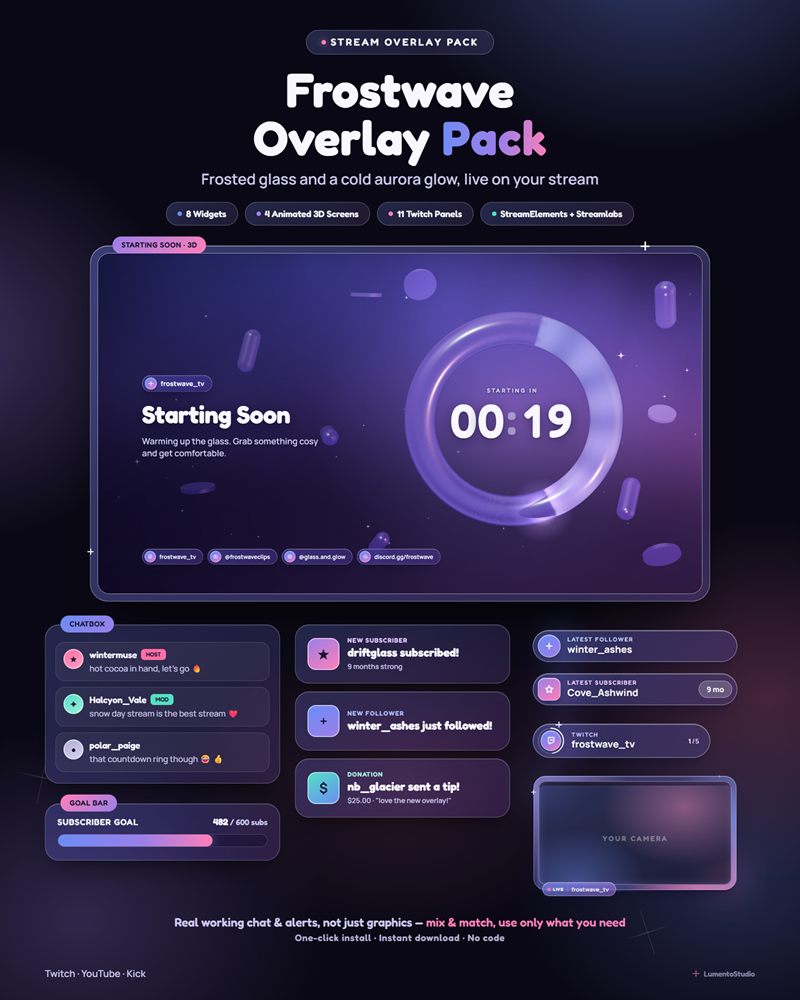

Live demo Simulated chat, alerts and goals, running exactly like on stream.
What's included
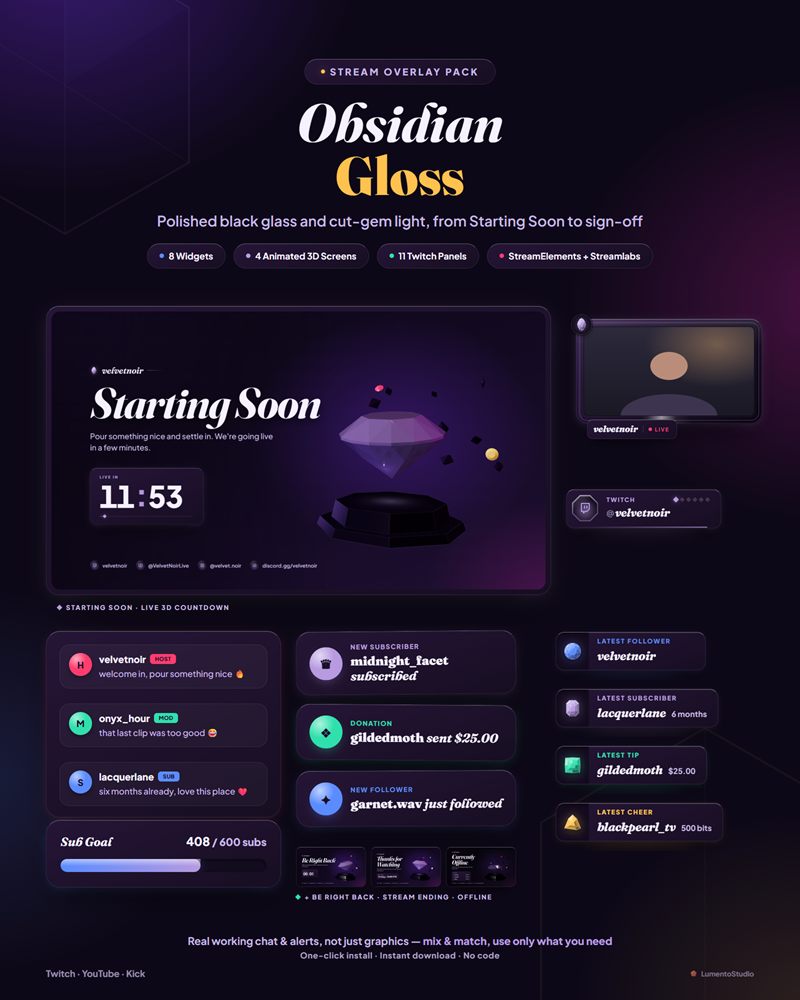
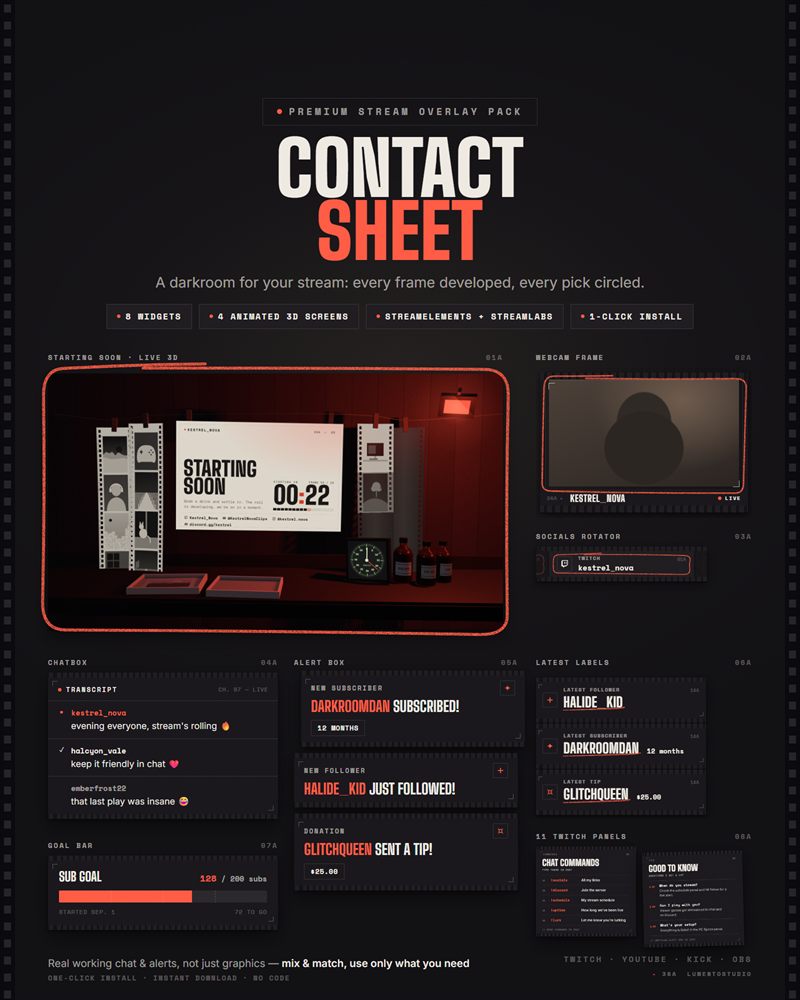
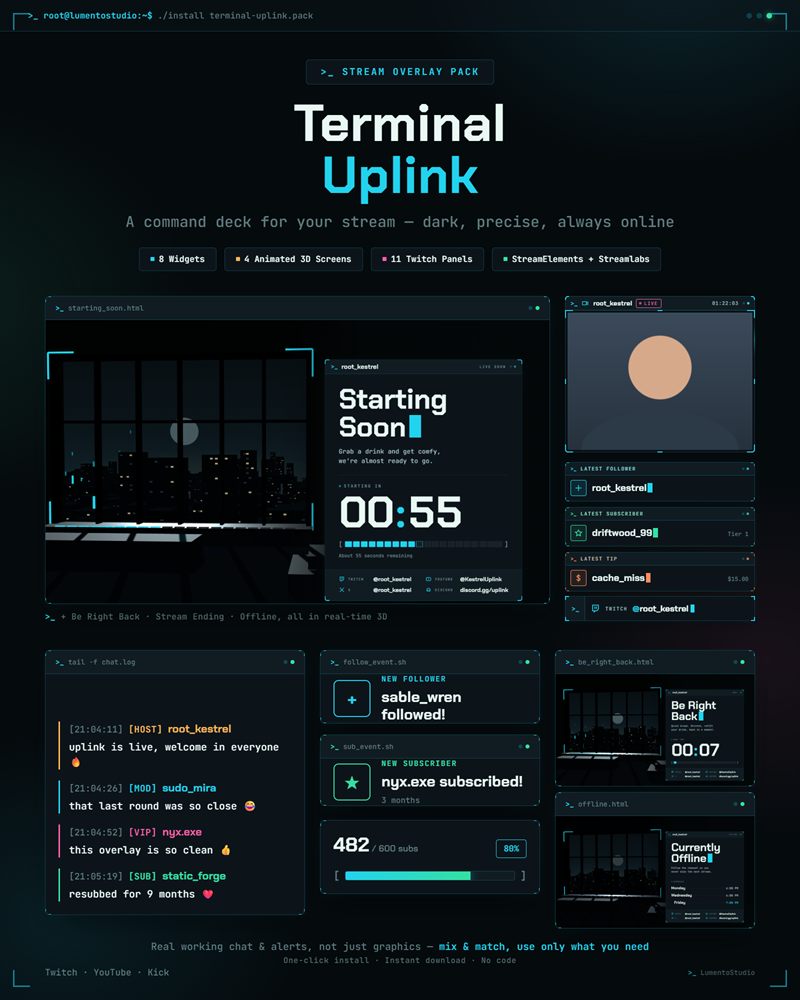
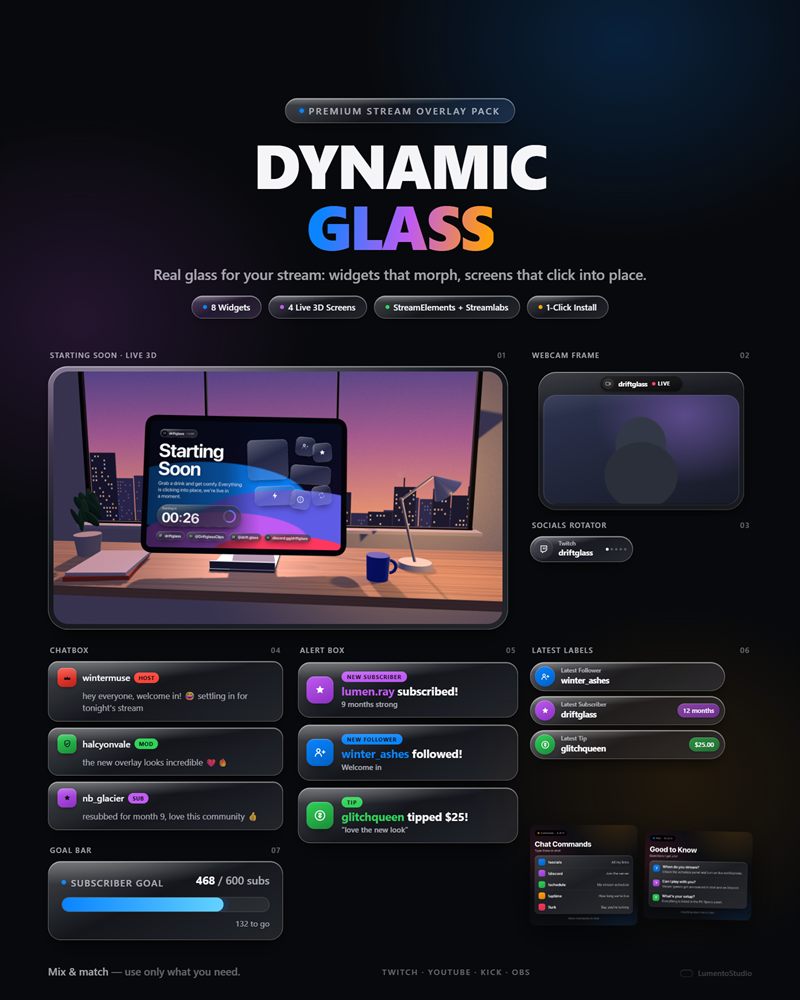
- StreamElements install link (full pack: Chatbox, Alert Box, Goal Bar, Countdown Timer, Event Rotator, Latest Labels, Socials Rotator, Webcam Frame — one click, one overlay)
- Streamlabs install link (the same 8 widgets, one Widget Theme)
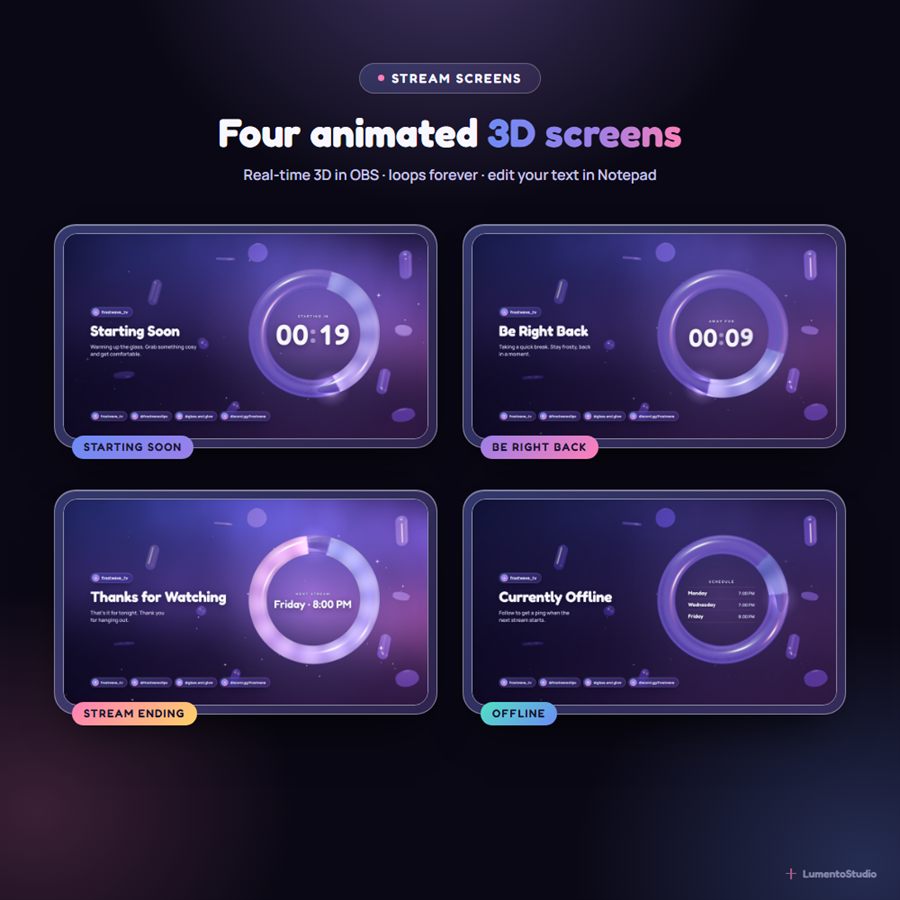
- 4 animated 3D stream screens — Starting Soon (live countdown), Be Right Back, Stream Ending, Offline — as OBS / Streamlabs Desktop Browser Sources, with one settings file you edit in Notepad
- Offline banner PNG (1920×1080) for Twitch
- 11 Twitch panels as PNGs — About, Schedule, Rules, Socials, Donate, Subscribe, Discord, Commands, Setup, FAQ + a blank one
- Now Playing widget (standalone file, add separately)
- Install Guide (PDF) — short, no code
Customize it
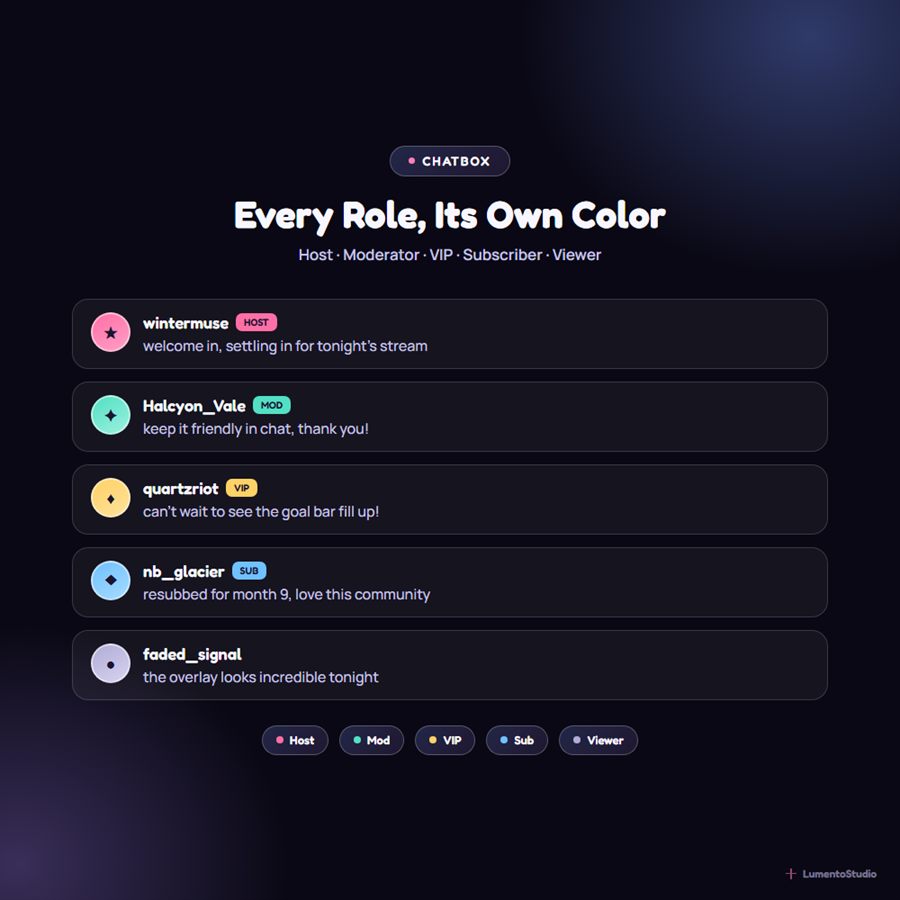
- Chatbox — max messages shown; header text and visibility toggle; Host, Moderator, VIP, Subscriber, and Viewer badge colors; the pack's 3 shared glass accent colors
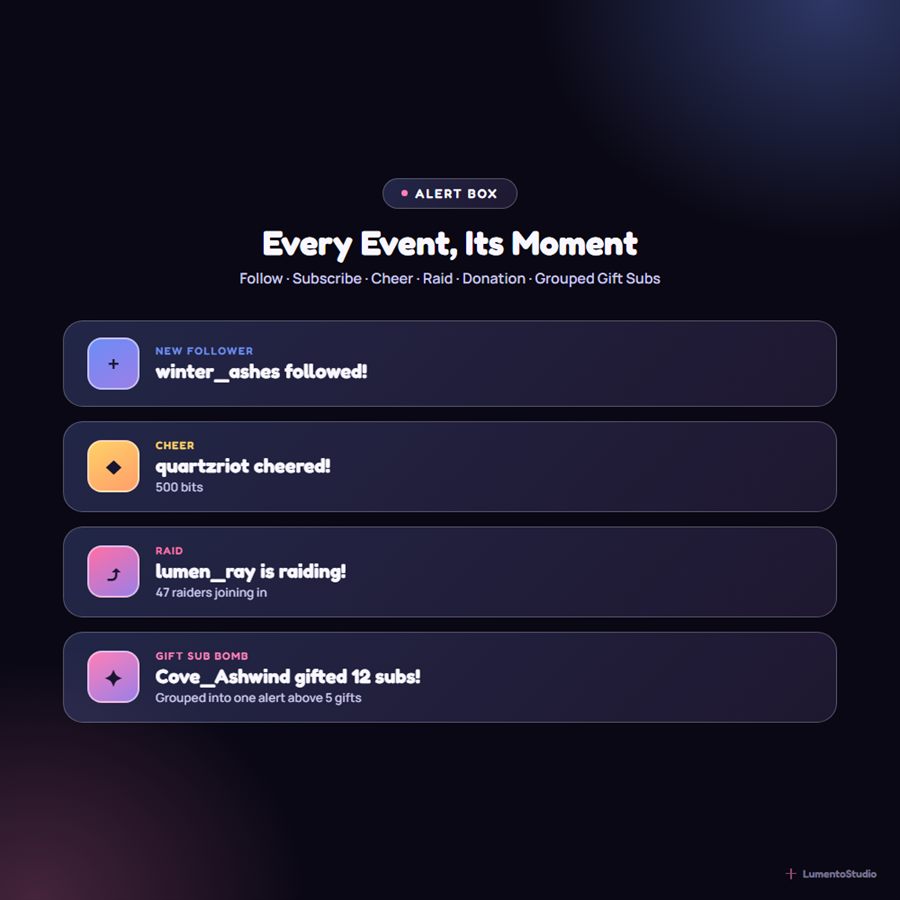
- Alert Box — display duration; gift-sub grouping threshold; separate colors for Follow, Subscribe, Cheer, Raid, and Tip; optional alert sound
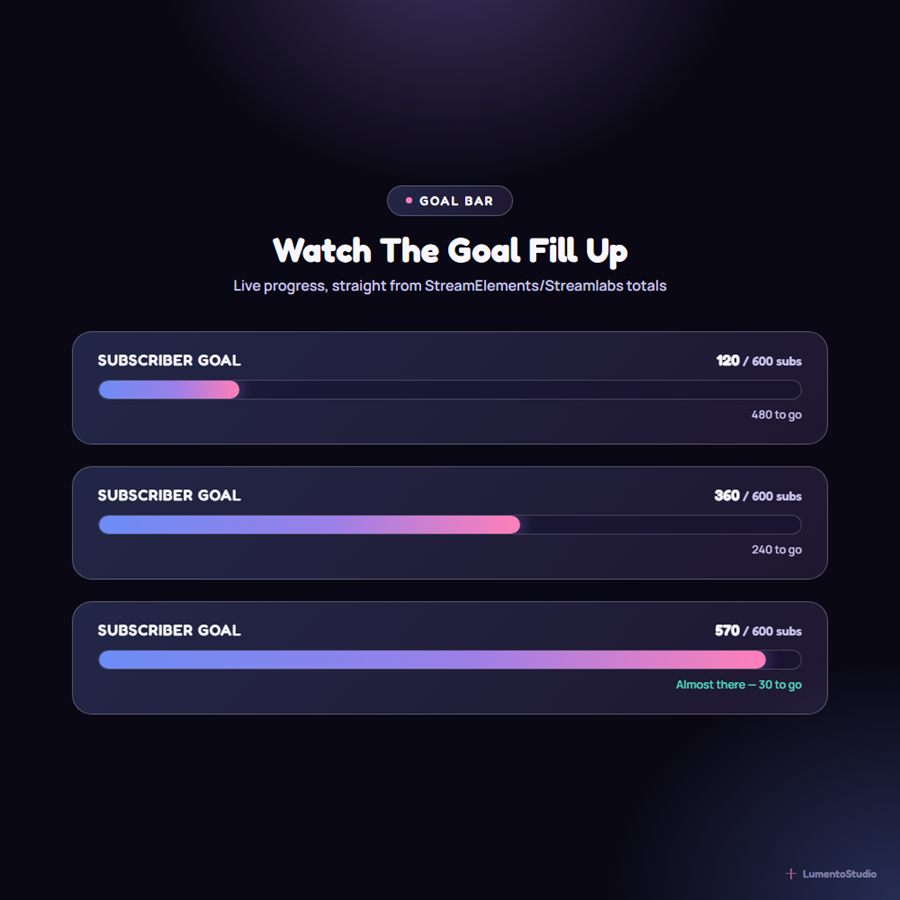
- Goal Bar — goal label text; count type (Followers or Subscribers); goal target number; custom "goal reached" message
- Countdown Timer — label text; target date/time OR countdown duration; loop-after-zero on/off; custom zero-state headline and subtext
- Event Rotator — seconds per event; custom idle message
- Latest Labels — what each label shows (Latest Follower, Subscriber, Tip or Cheer); show/hide the amount / months chip; text shown before the first event; badge colour
- Socials Rotator — up to 6 handles, a platform for each (Twitch, YouTube, Kick, X, Instagram, TikTok, Discord, Website); seconds each handle stays on screen; empty handles are skipped
- Webcam Frame — camera shape (16:9, 4:3 or 1:1); name tag text (or none); show/hide the LIVE dot
- Stream Screens (settings file) — your channel name; title and message for each screen; countdown in minutes or a fixed start time; the text shown at zero; next-stream line; up to 4 schedule lines; up to 4 socials; quality (high / low) and an optional 30 fps cap
Bring Frostwave to your stream
Instant digital download on Etsy. One-click install for StreamElements and Streamlabs.