Stream overlay pack
Riso Press Risograph Print Twitch Overlay Pack
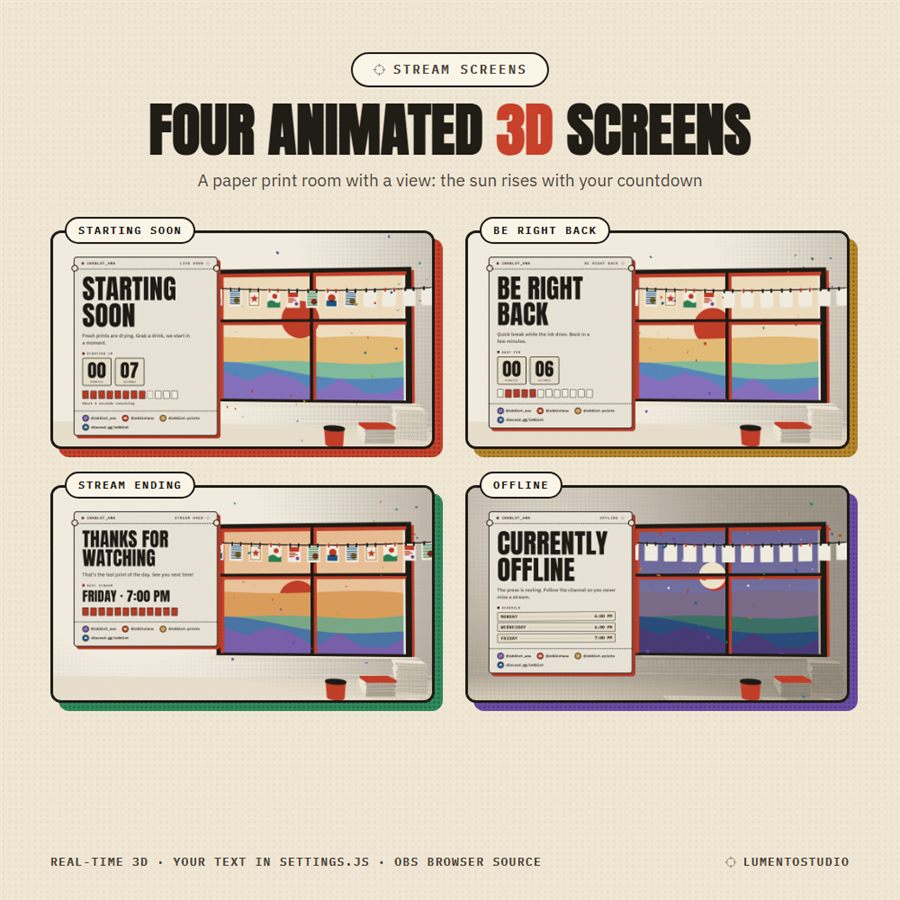
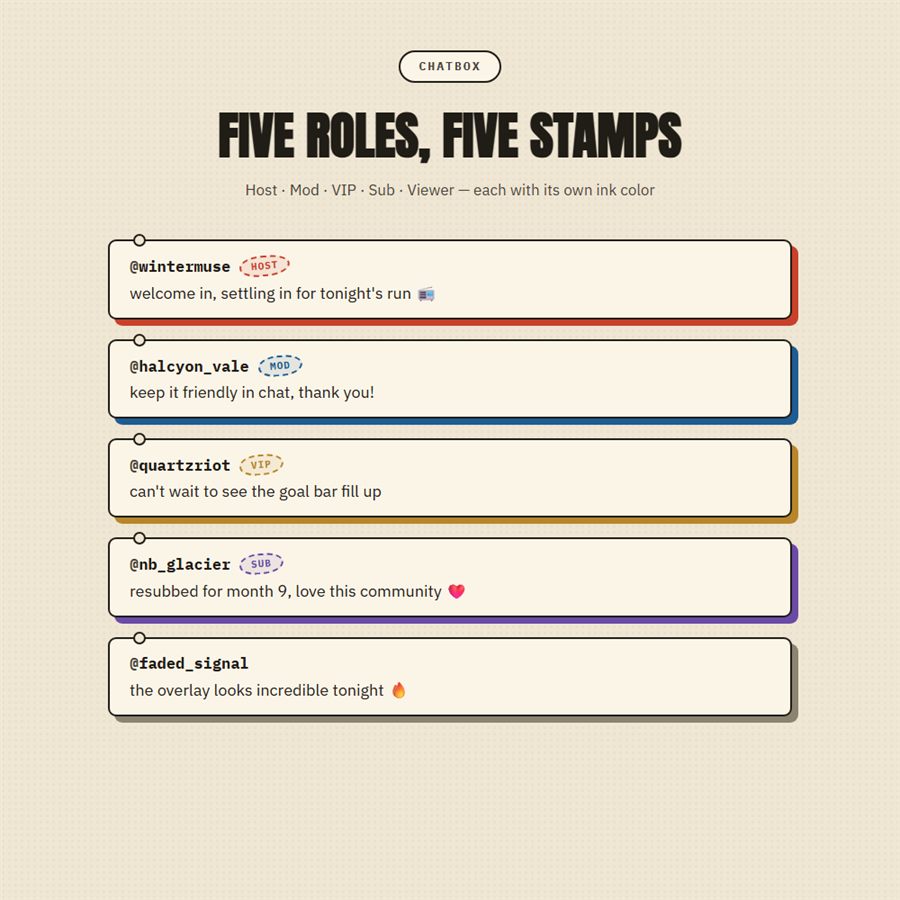
Warm paper, fresh ink and a sunrise in the window. Riso Press gives your stream the feel of a little print shop: chat messages on ticket-stub cards, alerts stamped with a seal, and every piece sitting on a bright spot-colour plate. While you get ready, a real-time 3D print room counts down with you: the sun rises over cut-paper hills and the prints on the drying line fill in one by one.
- Twitch
- YouTube
- Kick
- StreamElements
- Streamlabs
- OBS Studio
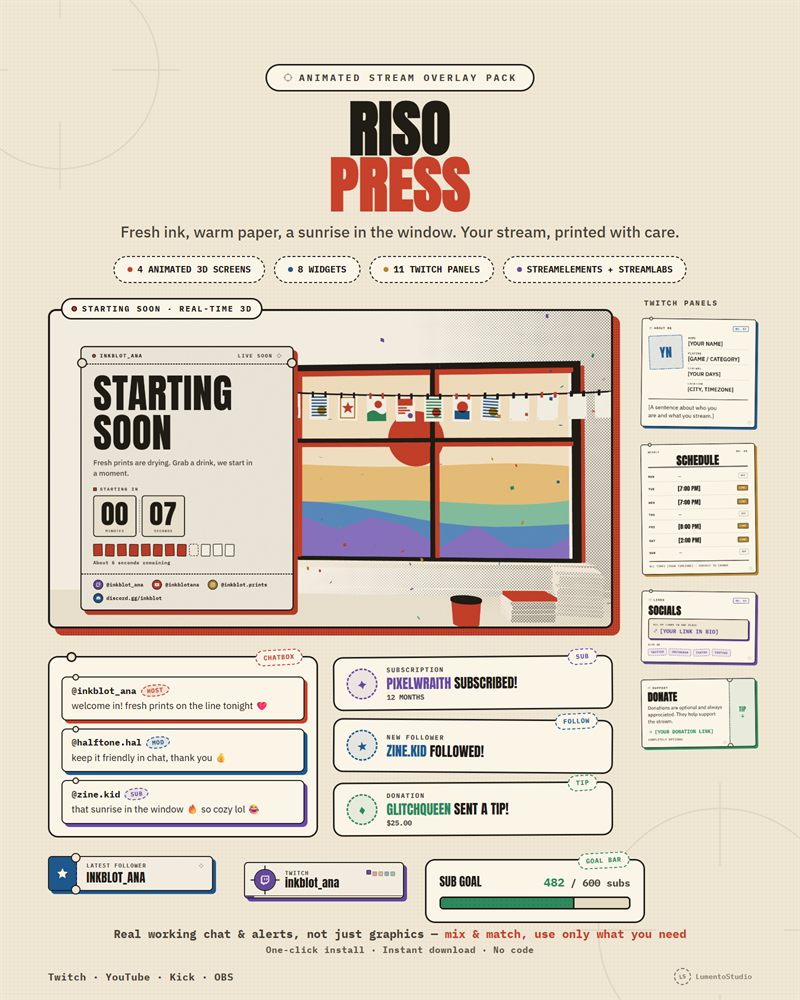

Live demo Simulated chat, alerts and goals, running exactly like on stream.
What's included
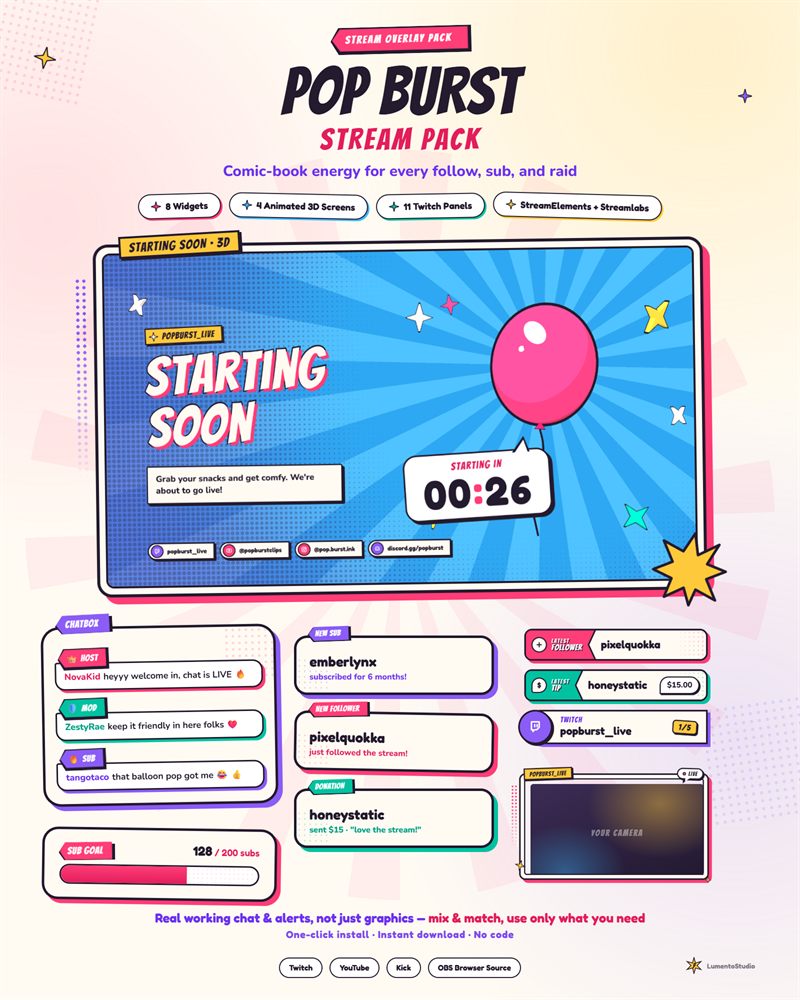
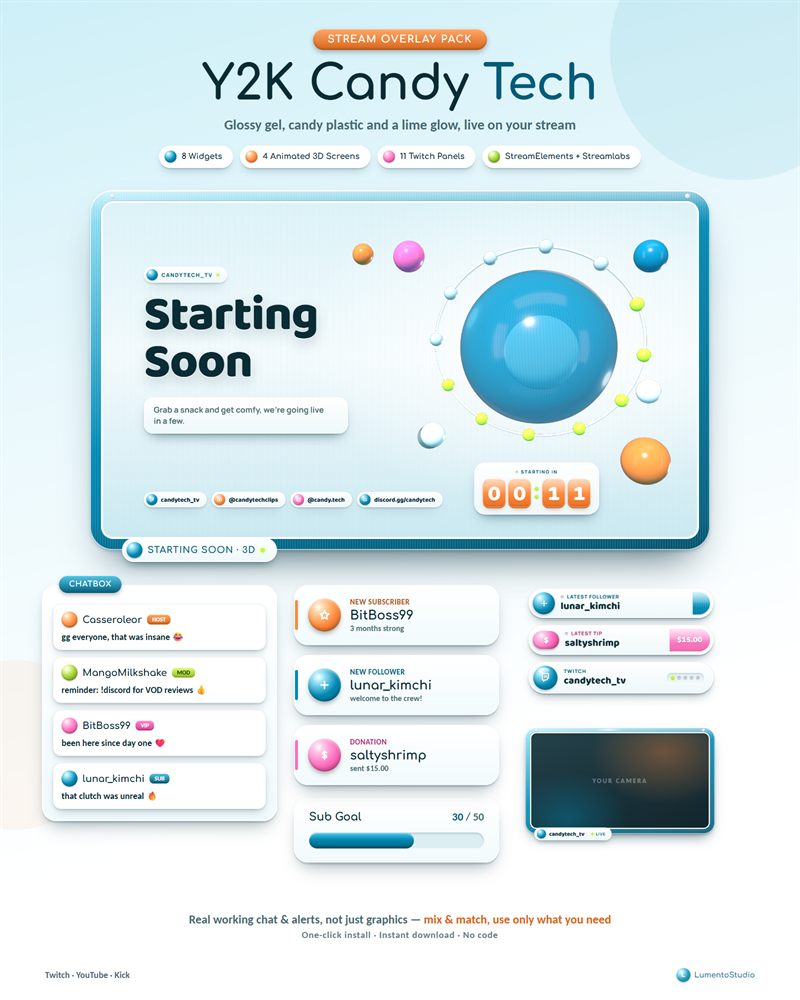
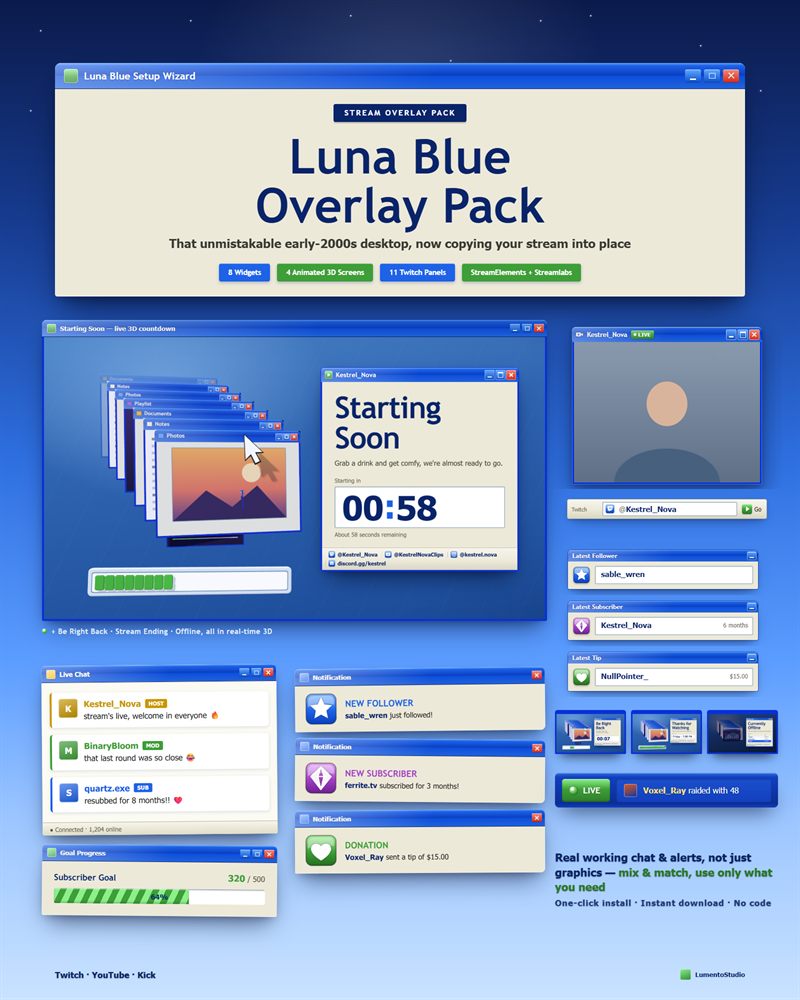
- StreamElements install link (one click, one overlay: Chatbox, Alert Box, Goal Bar, Countdown, Event Rotator, Latest Labels, Socials Rotator, Webcam Frame)
- Streamlabs install link (the same 8 widgets, one Widget Theme)
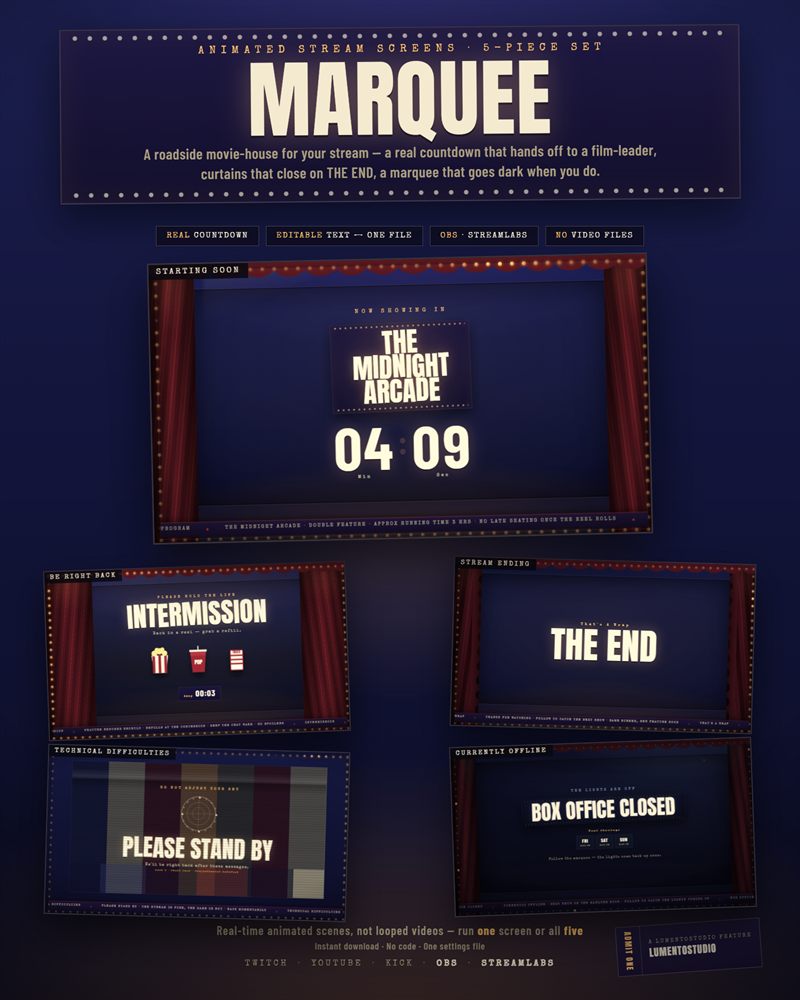
- 4 animated 3D stream screens: Starting Soon (live countdown), Be Right Back, Stream Ending, Offline (Browser Source files + settings file)
- Offline banner image for Twitch (PNG, 1920×1080)
- 11 Twitch panels (PNG, 640 px): About, Rules, Donate, Schedule, Socials, Subscribe, Discord, Commands, PC Specs, FAQ, Blank
- Now Playing widget (standalone file)
- Screenshot gallery + Install Guide (PDF)
Customize it
- Chatbox — stamp colour per role (Host, Mod, VIP, Sub, Viewer); masthead title and corner label text; show/hide the masthead; max messages shown
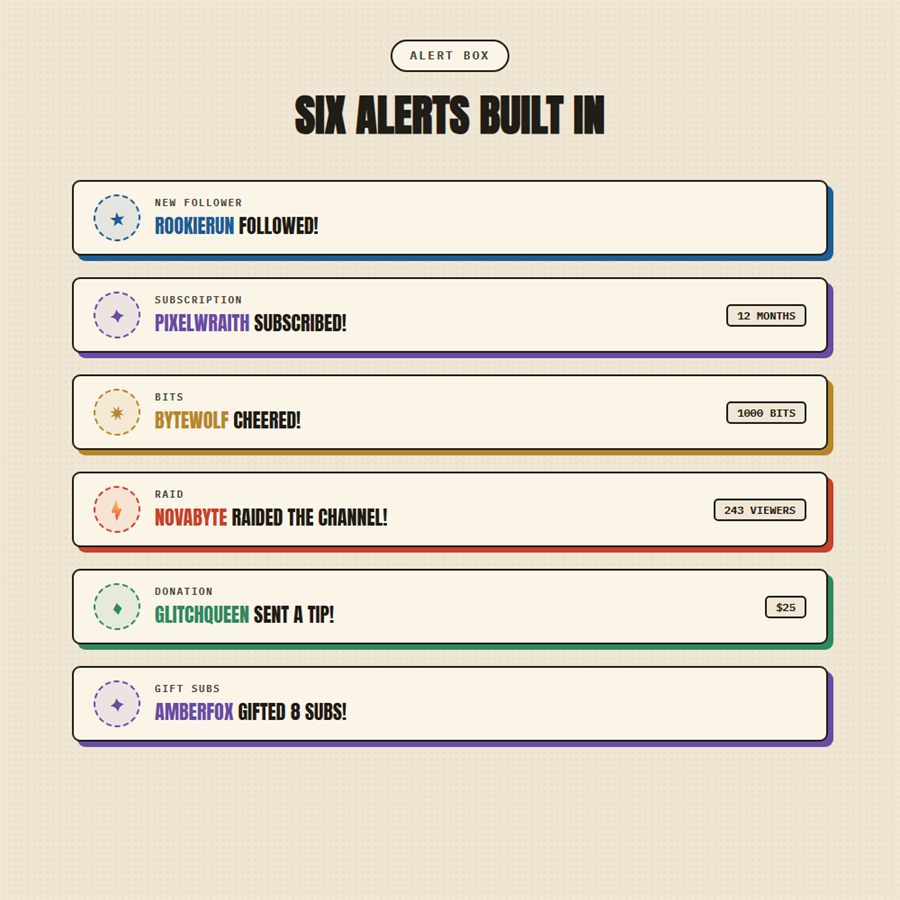
- Alert Box — colour per event (Follow, Subscribe, Cheer/Bits, Raid, Donation/Tip); seconds each alert stays on screen; gift-sub grouping threshold; optional alert sound (your own mp3 link)
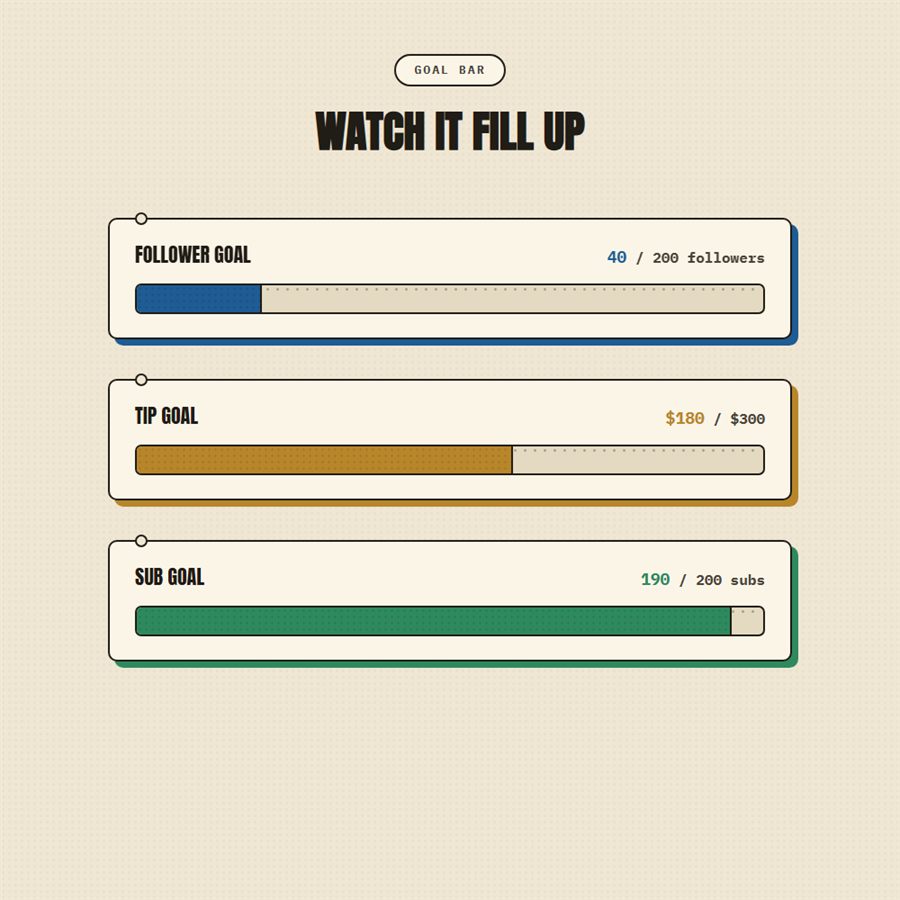
- Goal Bar — what counts toward the goal; goal title; target number; footer note; bar colour
- Countdown — label text; a target date/time or a duration in minutes; restart after reaching zero on/off; headline and subtext shown at zero
- Event Rotator — seconds each event stays; message shown when there are no recent events
- Latest Labels — which event it shows (Follower, Subscriber, Tip or Cheer); spot colour; show/hide the amount or months; text before the first event
- Socials Rotator — up to 6 handles, each with its platform (Twitch, YouTube, X, Instagram, TikTok, Discord, Kick); seconds per handle; empty handles are skipped
- Webcam Frame — camera shape (16:9, 4:3, 1:1); name tag (or none); LIVE light on/off; spot colour (Red, Blue, Gold, Violet, Mint, or cycle through all five); seconds between colour changes
- Stream screens (settings file, open in Notepad) — your name; spot colour (Red, Blue, Gold, Violet, Mint); title and message for each screen; countdown length in minutes or an exact start time; text shown at zero; next-stream line; schedule (up to 4 rows); up to 4 socials; quality (High/Low) and an optional 30 fps cap
Bring Riso Press to your stream
Instant digital download on Etsy. One-click install for StreamElements and Streamlabs.