Free widget
Bookshelf Goal Free Twitch Goal Bar
A cozy goal bar that fills a bookshelf. Every new follower slides another book onto the shelf, a mug of tea keeps up with your progress, and the lamp lights up when you reach the goal.
Free to use, forever. It works with StreamElements (one click) or as a plain OBS Browser Source with just your channel name.
- Twitch
- StreamElements
- OBS Studio
- Streamlabs Desktop
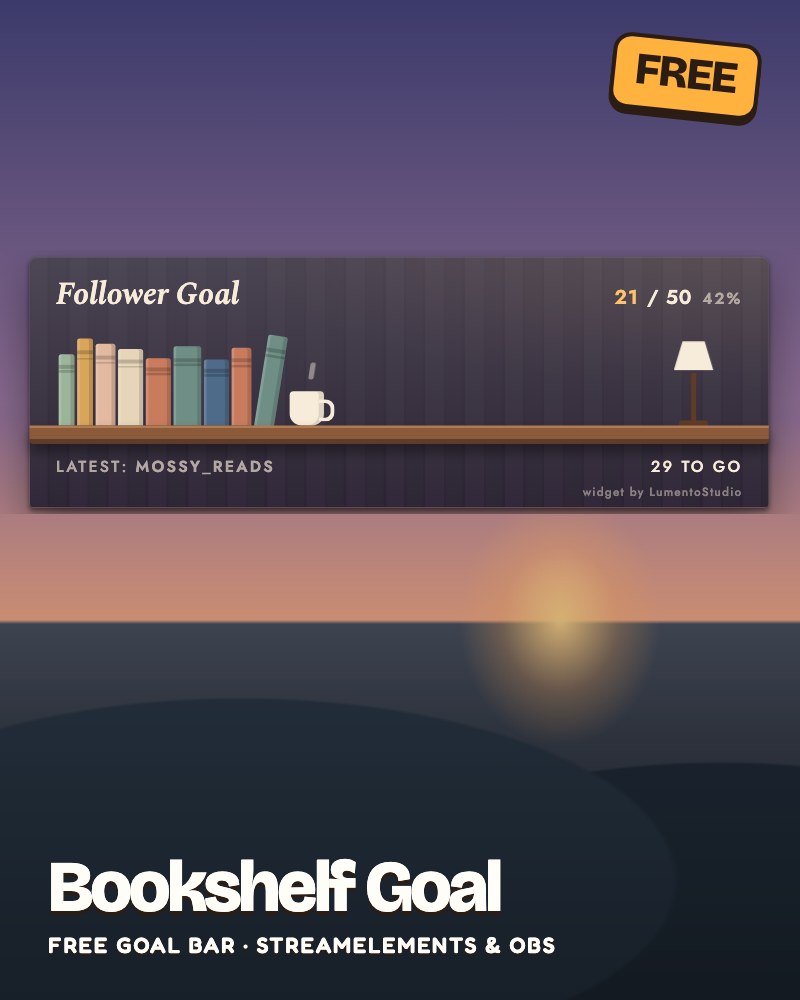
Live demo Sample followers, running exactly like on stream.
What it does
- Follower, sub, bits or tip goals
- Count this stream, this month or all time
- Shows the latest follower, sub or supporter
- Clear "Goal reached" moment: the lamp turns on
- Tips shown in your own currency
Make it yours
- Goal type and target
- Count this stream, this month or all time
- A head start added to the count
- Your own title
- Show or hide the latest name
- Wall and lamp colours
- Size
- The small credit line, on or off
Add it to your stream
Two ways, both free. Pick the one that fits your setup.
Easiest · StreamElements
One click, all settings
- Click the button and sign in with StreamElements.
- Bookshelf Goal lands in your overlays, ready to go.
- Copy the overlay link into an OBS or Streamlabs Desktop Browser Source.
Prefer to set it up by hand? Download the StreamElements code.
No login · OBS Browser Source
Just your channel name
Counts this stream's subs or bits straight from Twitch, no login needed. Follower and tip goals need the StreamElements version.
- In OBS: Sources, +, Browser.
- Paste the link as the URL. Width 620, height 200.
Or download the file and add it as a Local file (your settings are at the top; open it in Notepad).
Like it? Get the full pack
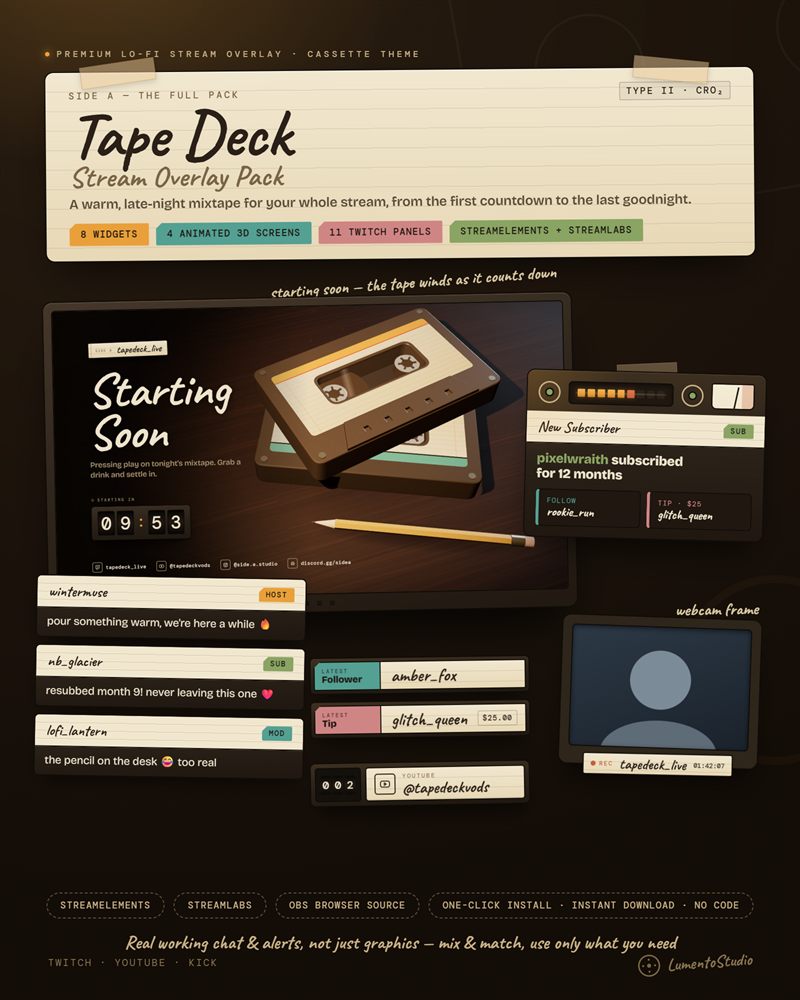
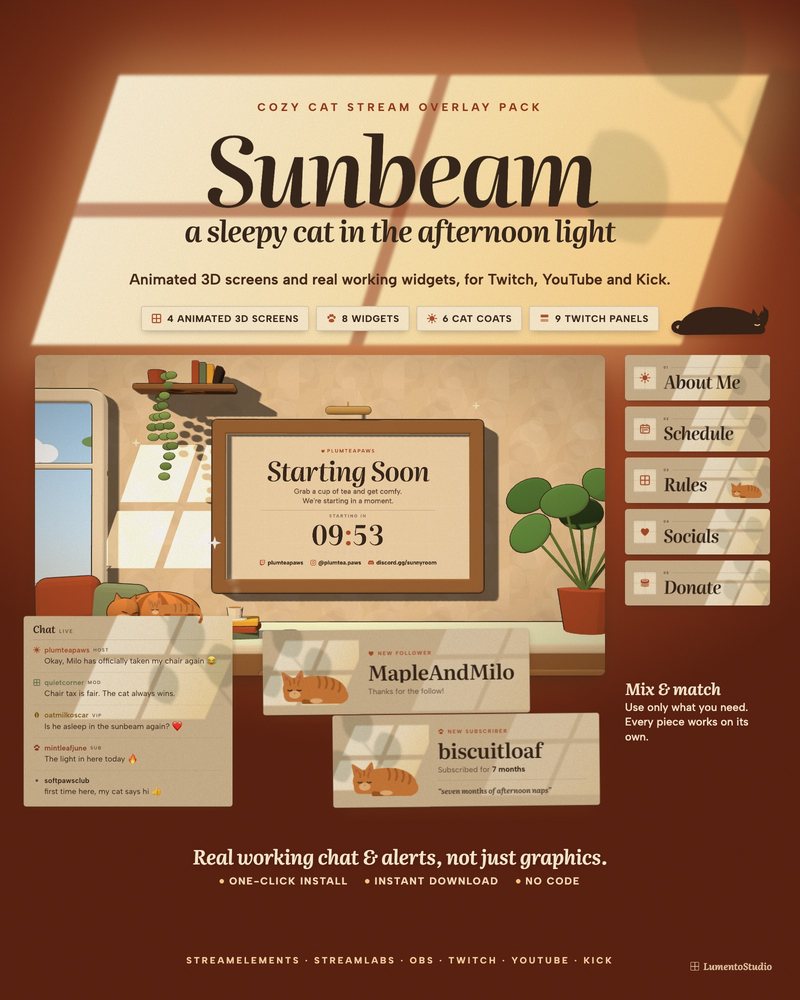
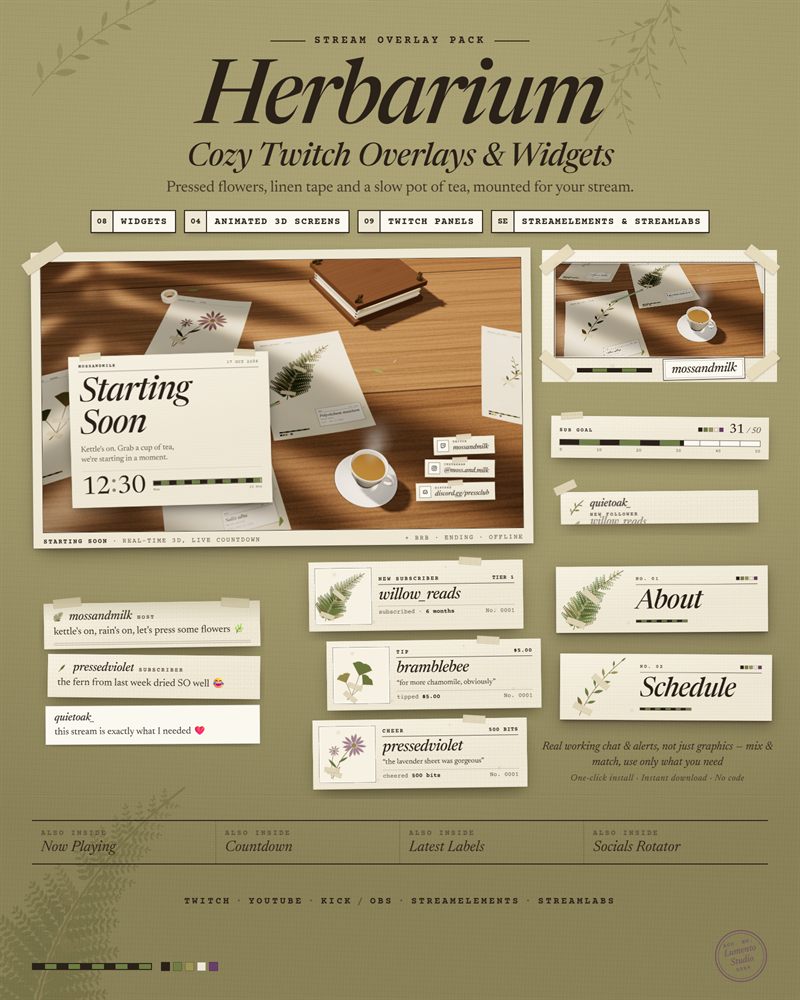
Bookshelf is one widget. The cozy packs below give you a matching chat, alerts, goal bar, webcam frame, animated stream screens and Twitch panels, all in one look.
Questions
Is it really free?
Yes. Use it on your stream for as long as you like, no account with us and no payment. It's our way of saying hi: if you like it, our full packs are on Etsy.
Can I remove the 'widget by LumentoStudio' credit?
Yes. It's a small line you can switch off in the settings. Leaving it on is a nice way to help us out, but it's up to you.
Does it work on YouTube and Kick?
The StreamElements version runs wherever you can use StreamElements in OBS or Streamlabs Desktop. The no-login Browser Source link reads Twitch chat, so it's for Twitch streams.
Do I need to know code?
No. Click Add to StreamElements, or paste one link into an OBS Browser Source. Nothing to copy into code editors.