
5 packs · 16 widgets
Pink & kawaii overlays
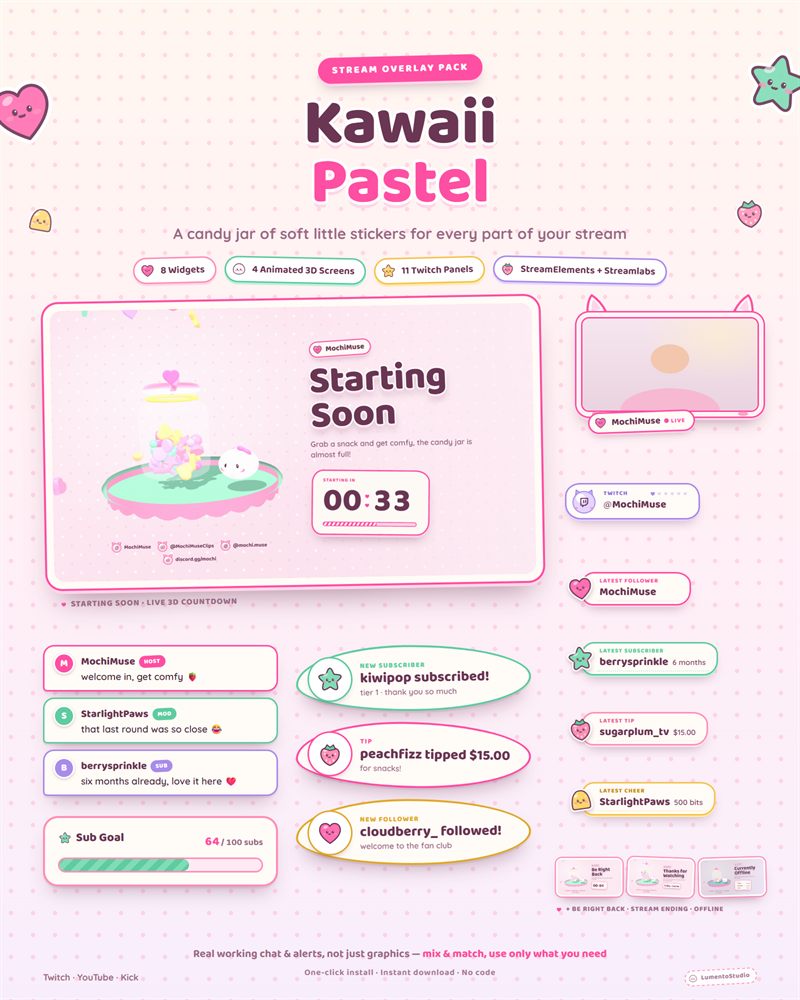
Soft pink, pastel and sweet without looking cheap. These overlays use real illustration and careful type instead of the usual bubblegum gradient, so your stream reads as cute and polished at the same time.
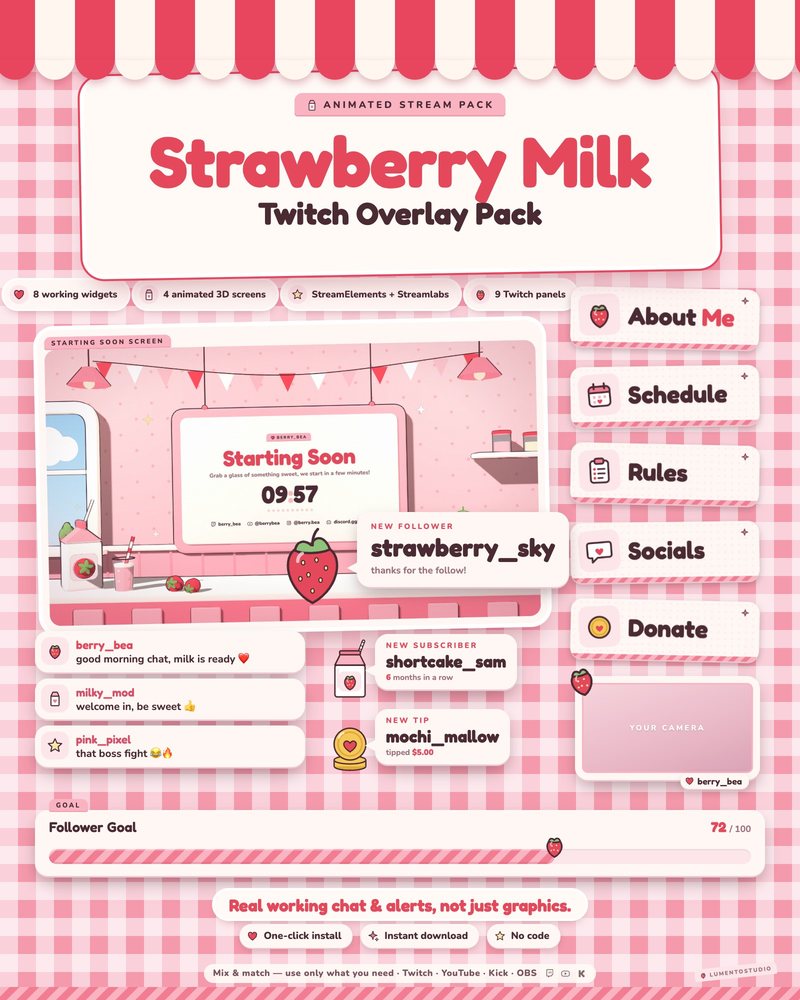
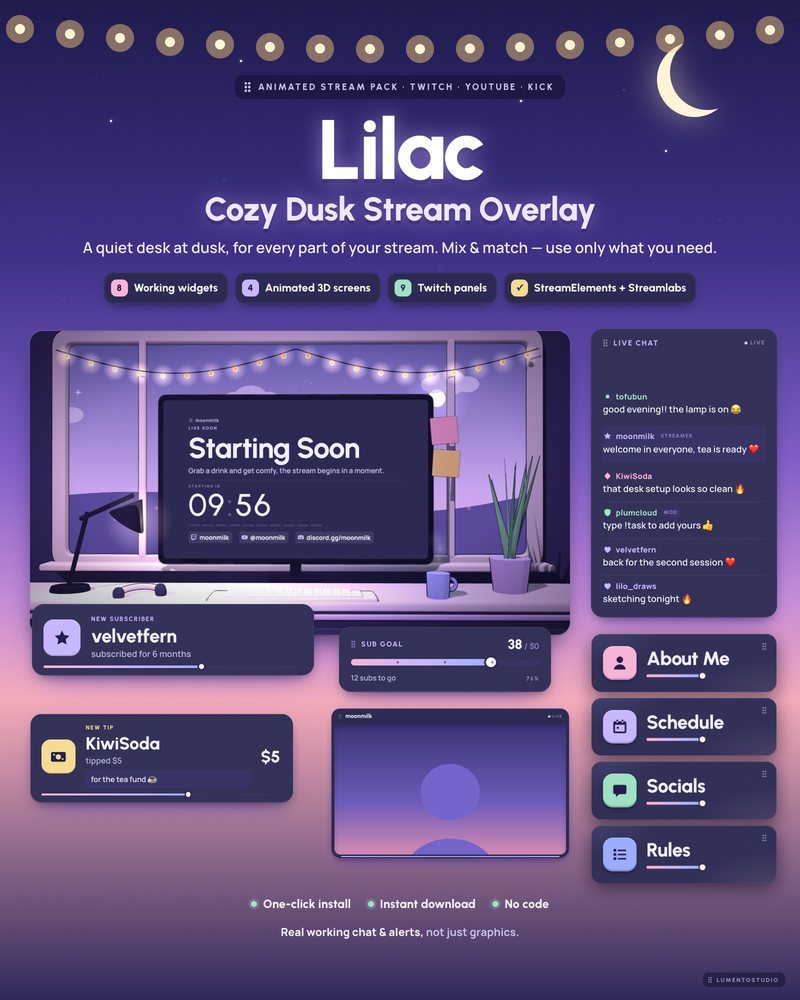
Kawaii Pastel and Strawberry Milk are complete pink stream packs, Lilac is the calmer purple cousin, and the single widgets add a cute leaderboard or a viewer loyalty card to any setup.
- Twitch · YouTube · Kick
- StreamElements & Streamlabs
- Instant download on Etsy
Overlay packs
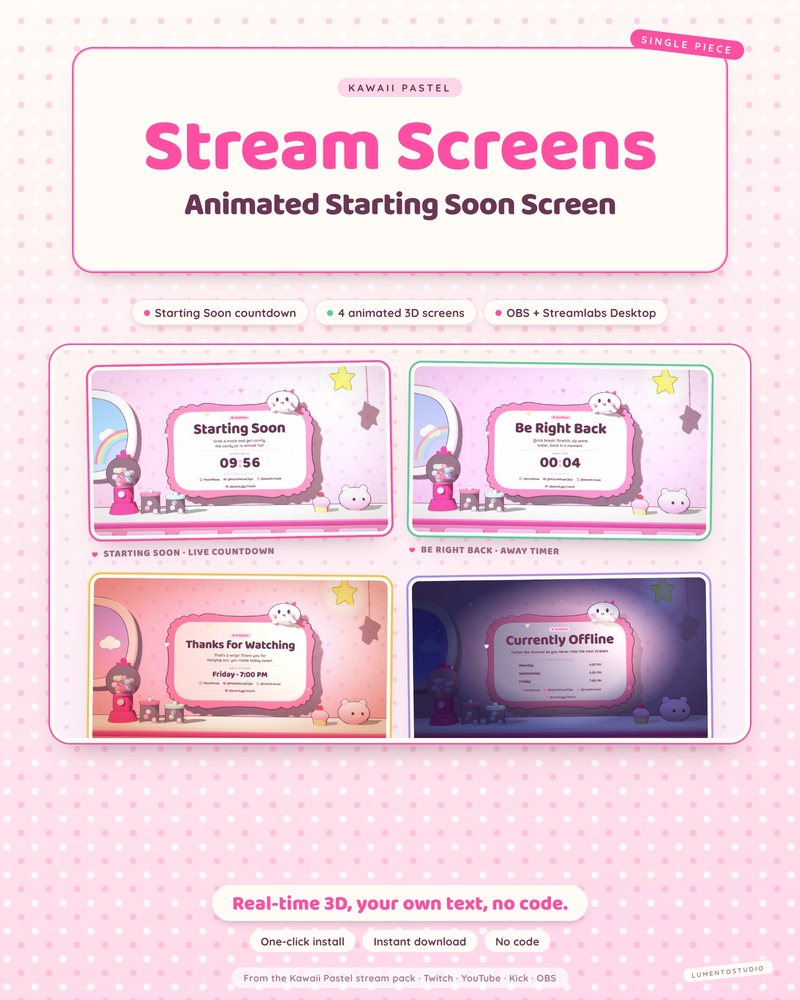
Single widgets in this style
Add one to any setup, or pair it with a pack above.
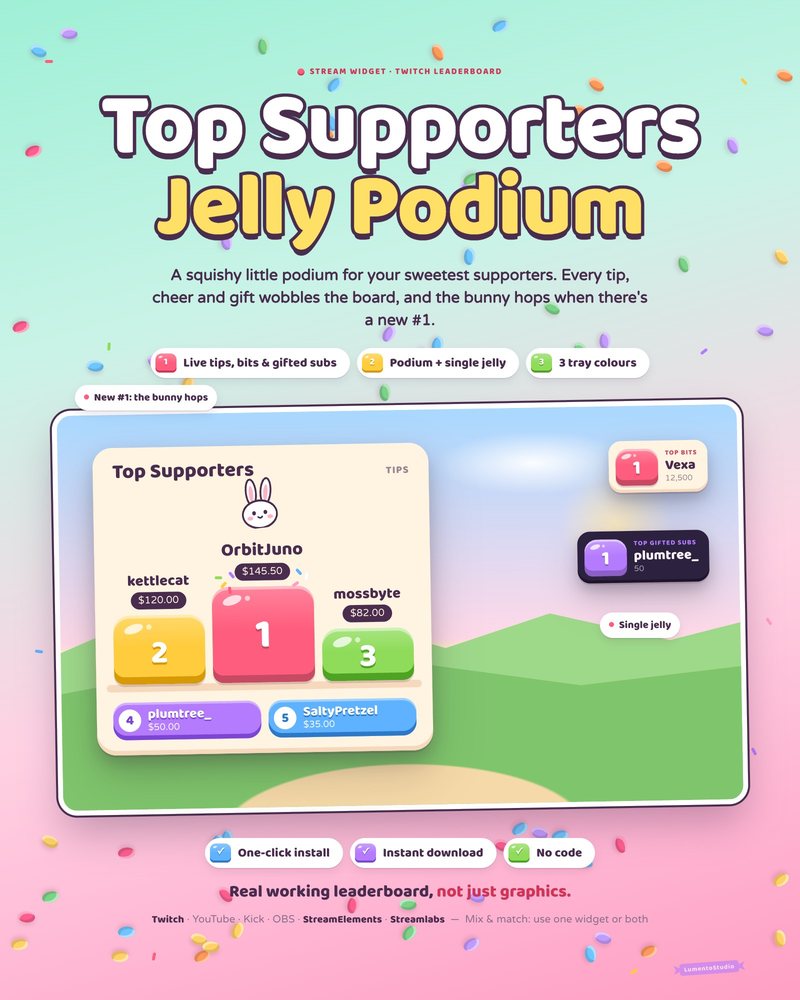
Jelly Podium
Cute Top Supporters Leaderboard
€5.00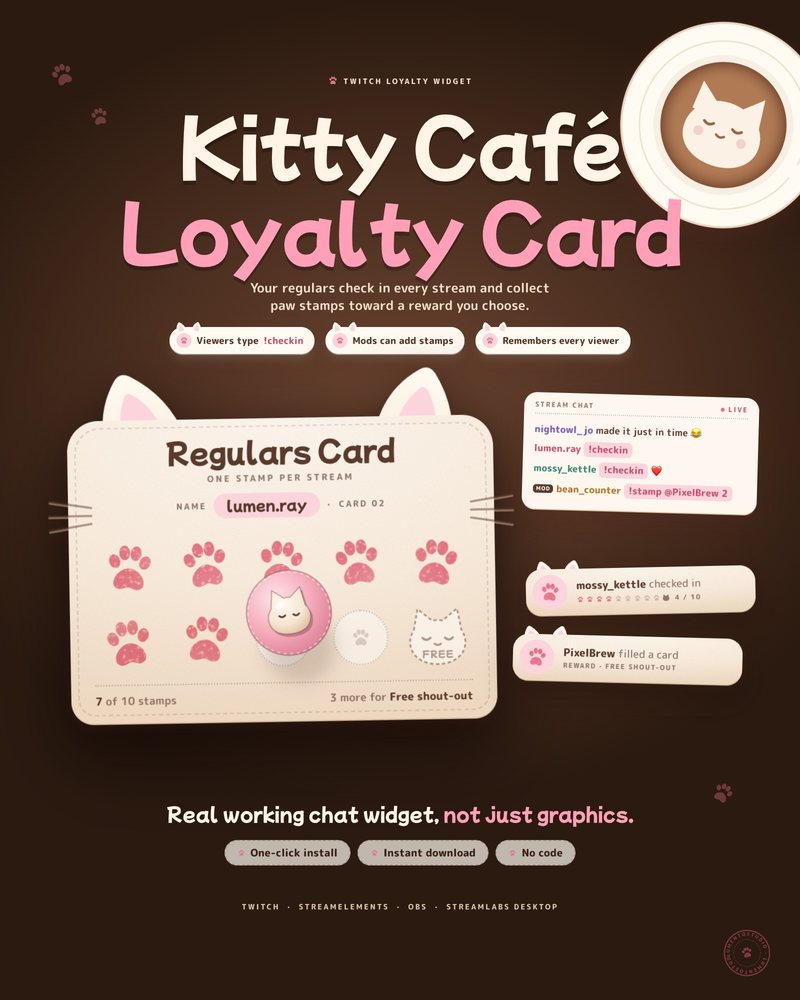
Kitty Café Loyalty Card
Viewer Check-In Punch Card
€4.00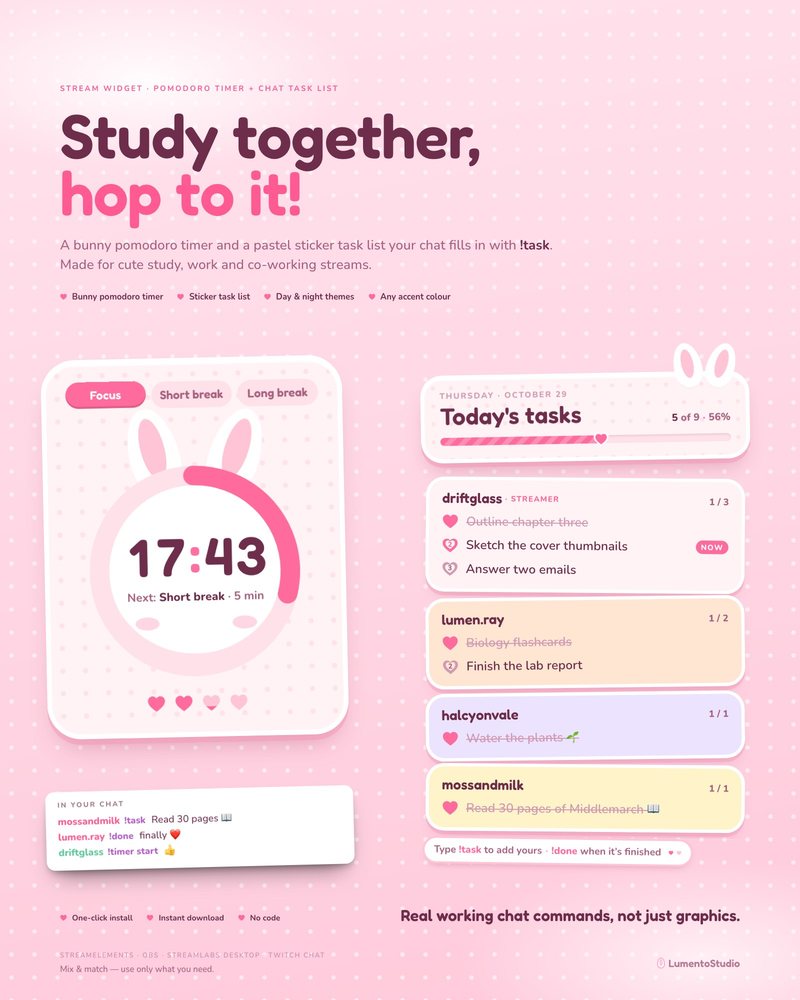
Bunny Pink Pomodoro
Pomodoro Timer + Chat Task List
€5.00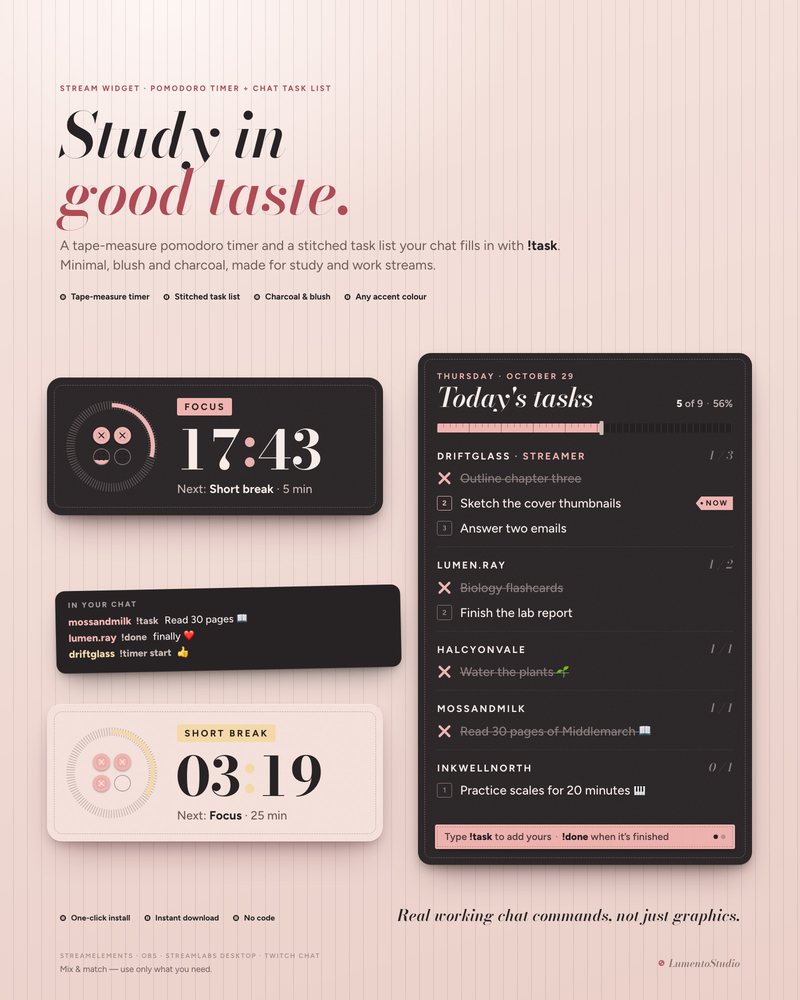
Atelier Pomodoro
Pomodoro Timer + Chat Task List
€5.00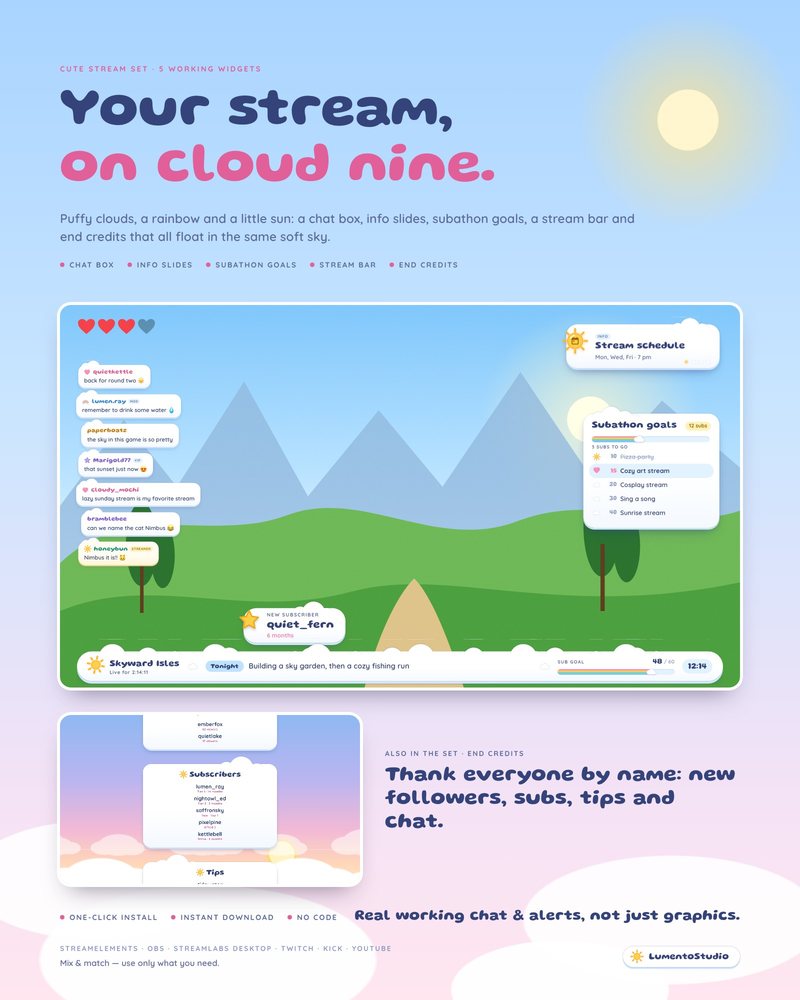
Cloud Nine
5 Cute Stream Widgets
€8.00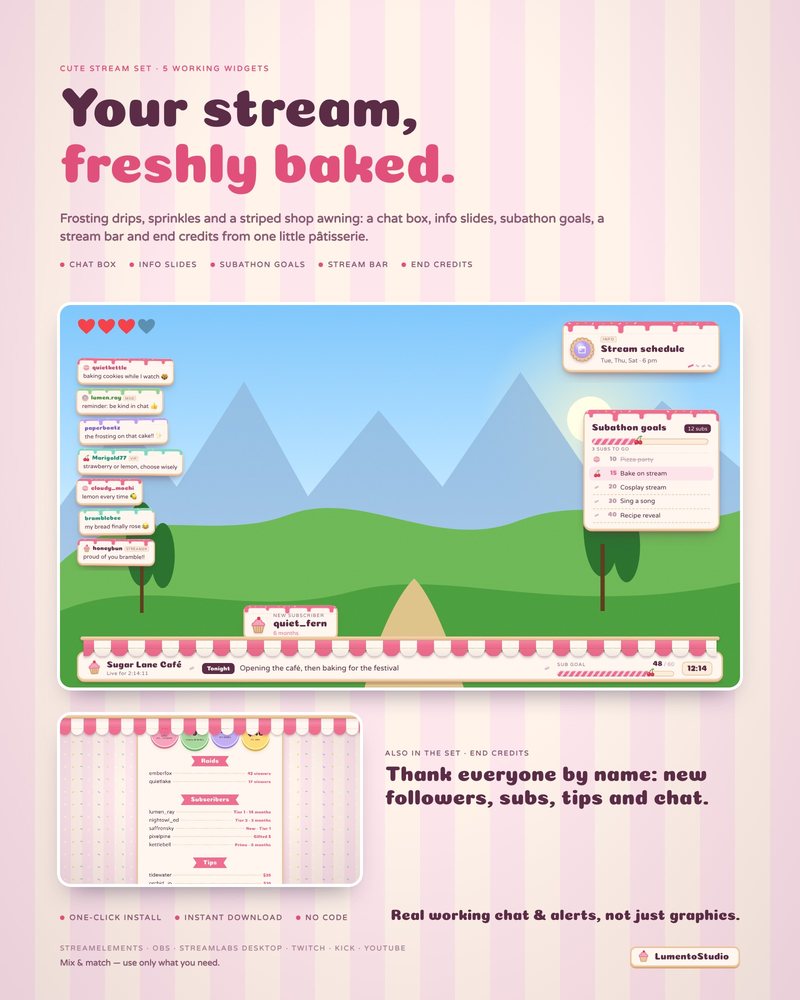
Little Bakery
5 Cute Stream Widgets
€8.00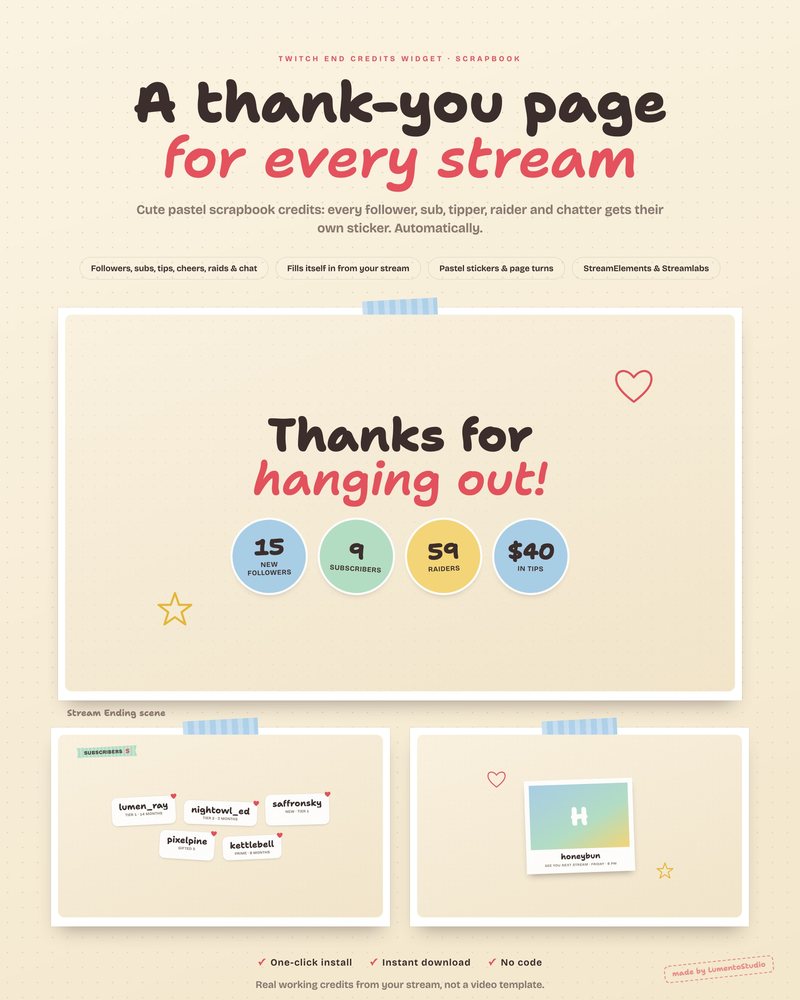
Scrapbook End Credits
Animated Stream End Credits
€5.00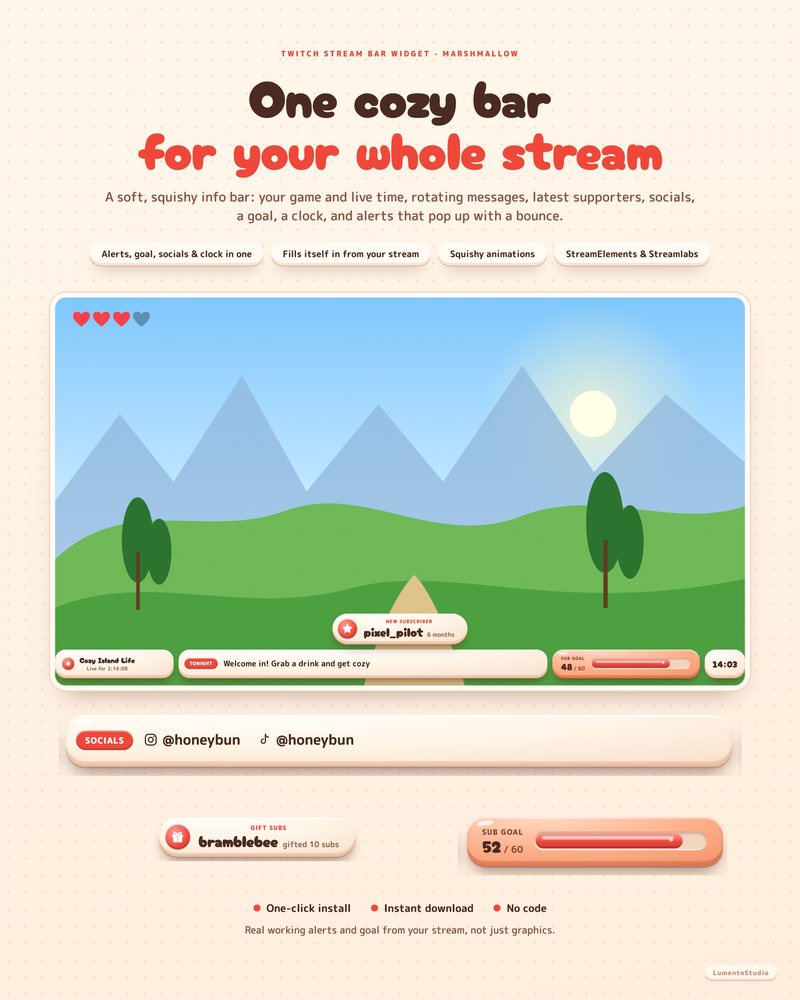
Marshmallow Stream Bar
All-in-One Stream Bar
€5.00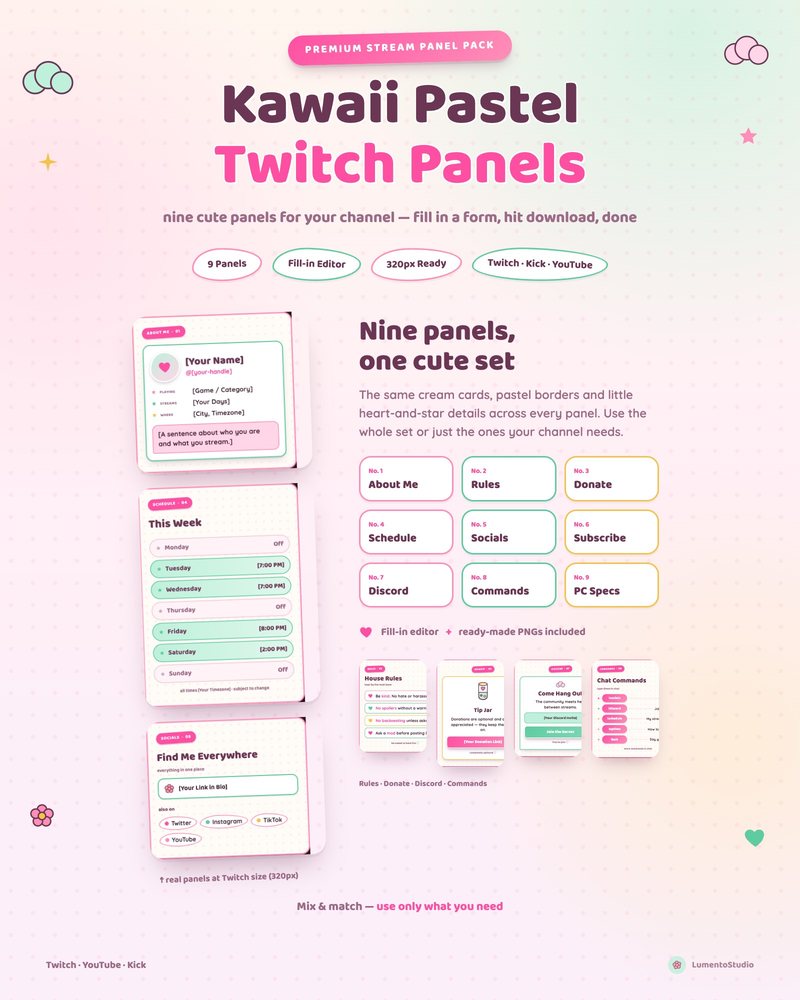
Kawaii Pastel Panels
Cute Pastel Twitch Panels
€3.00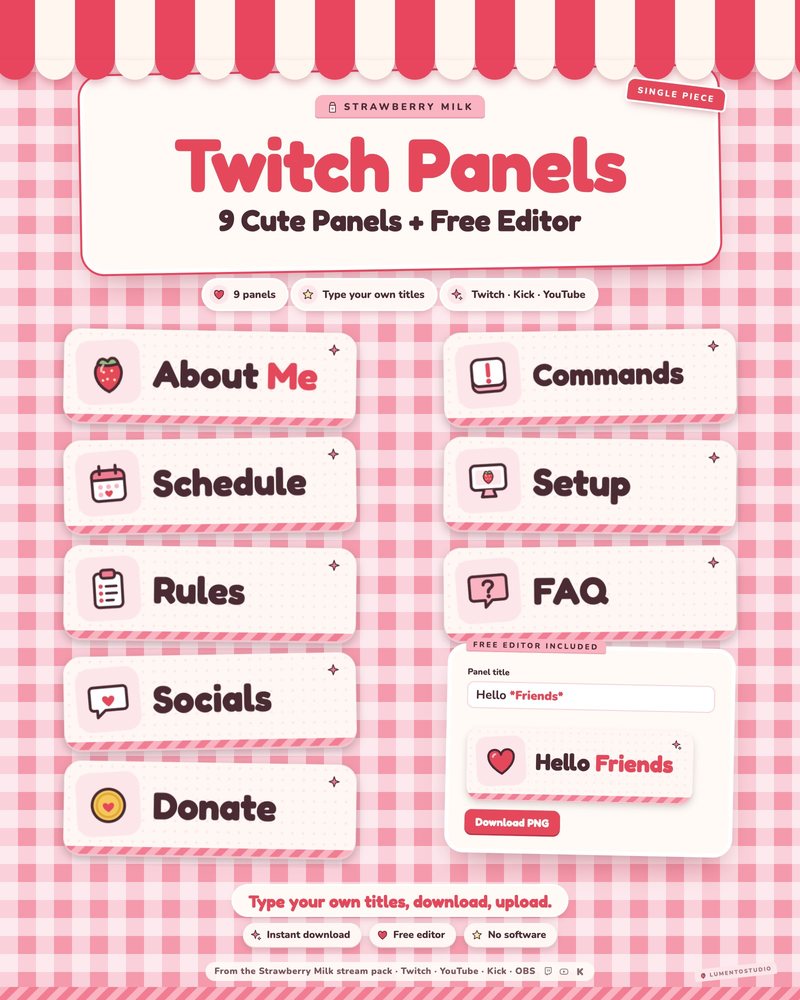
Strawberry Milk Panels
Pink Strawberry Kawaii Twitch Panels
€3.00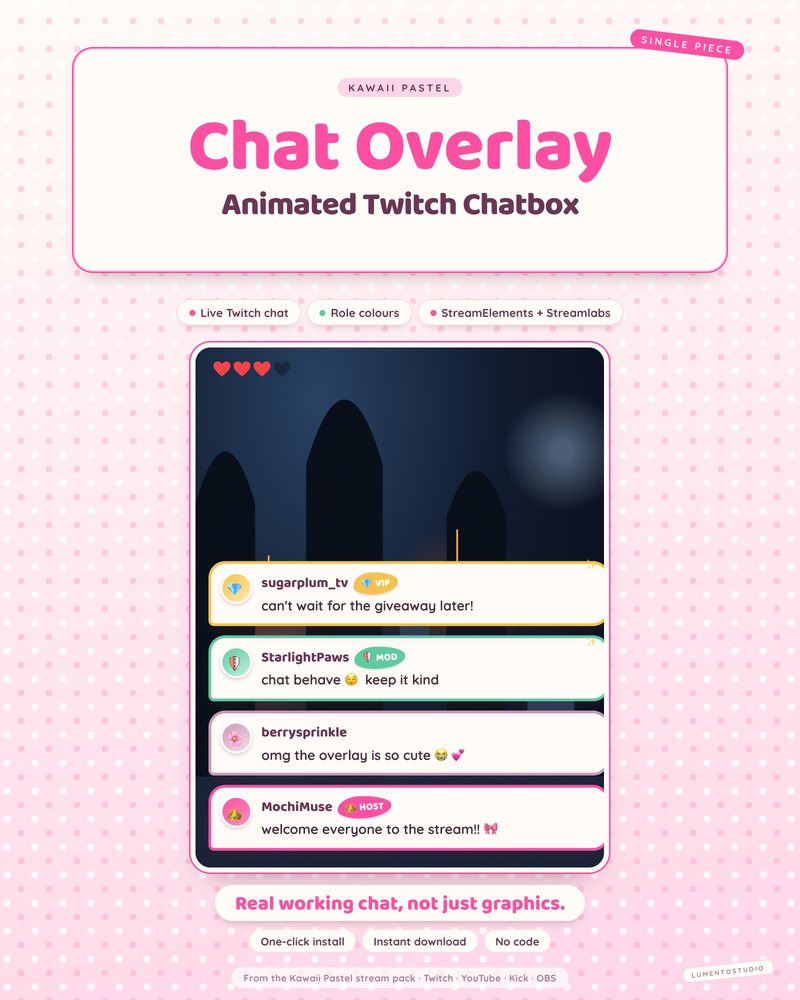
Kawaii Pastel Chatbox
Cute Pastel Chatbox
€3.00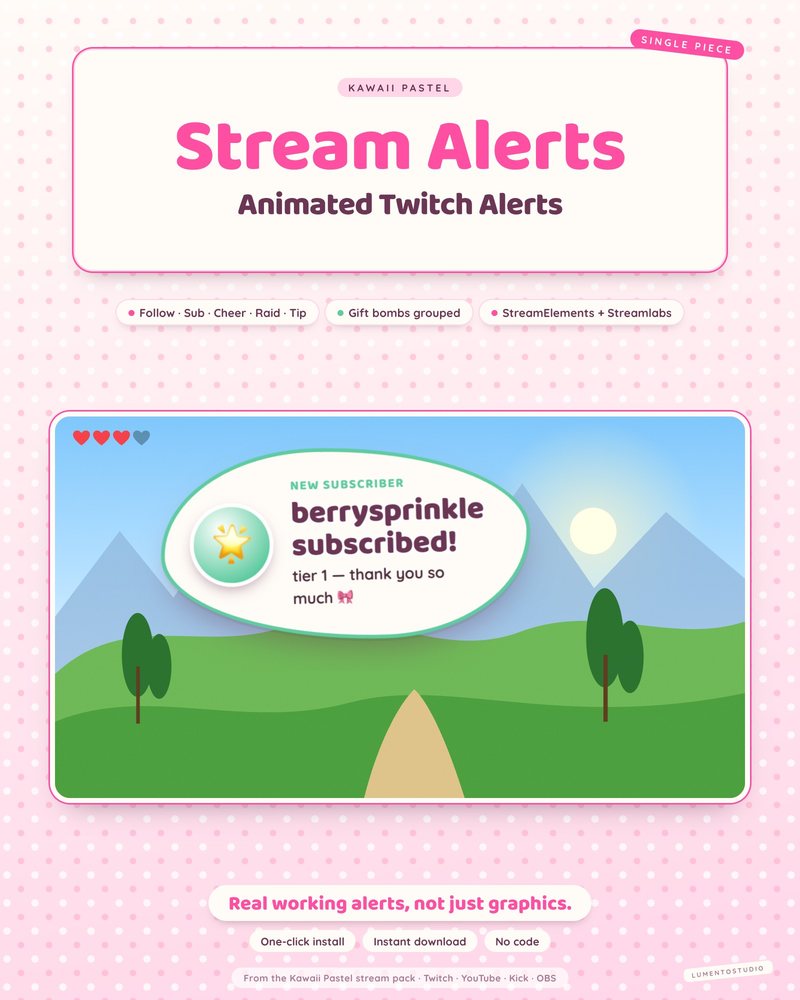
Kawaii Pastel Alert Box
Cute Pastel Alert Box
€3.00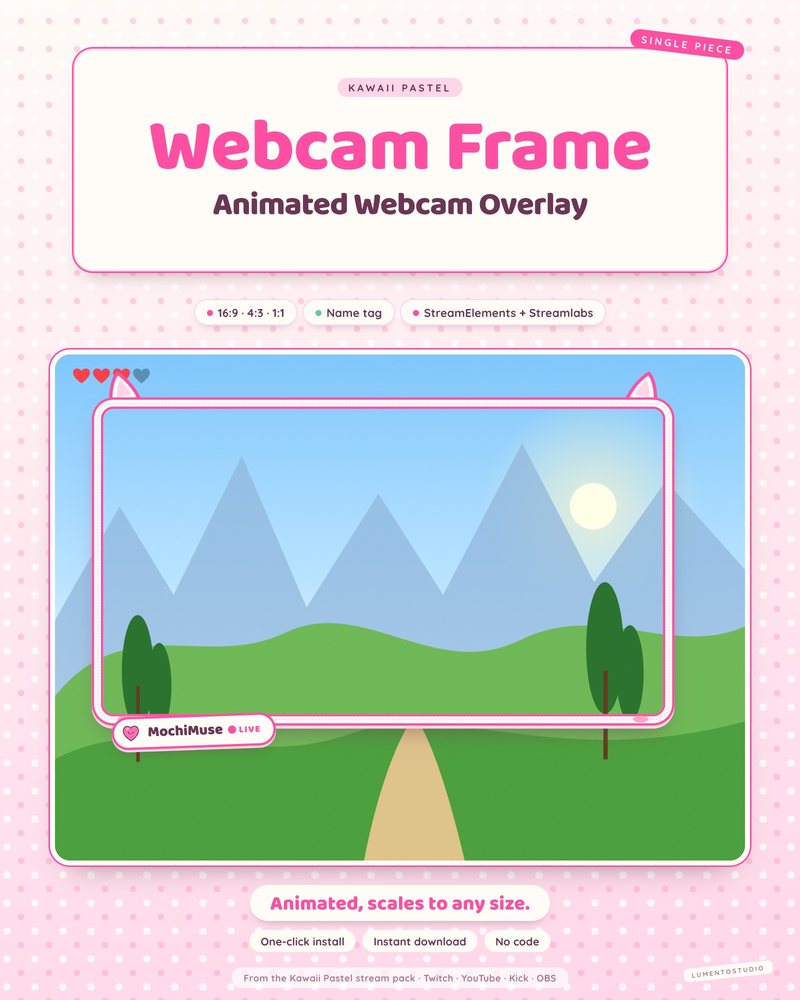
Kawaii Pastel Webcam Frame
Cute Pastel Webcam Frame
€2.50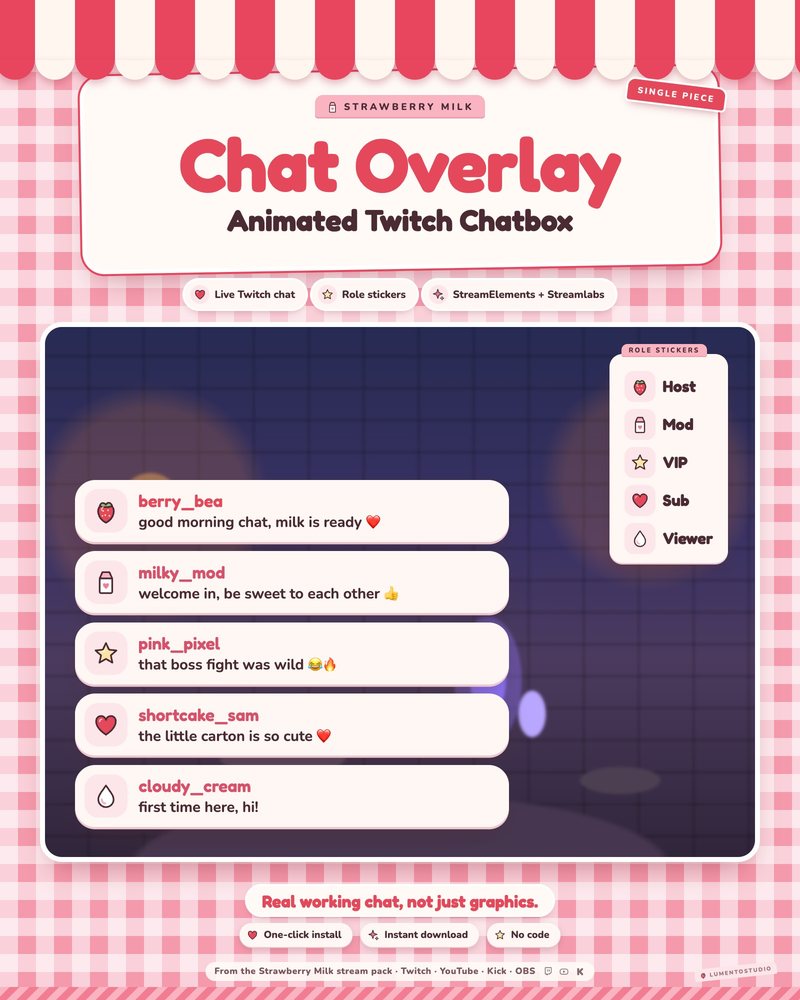
Strawberry Milk Chatbox
Pink Strawberry Kawaii Chatbox
€3.00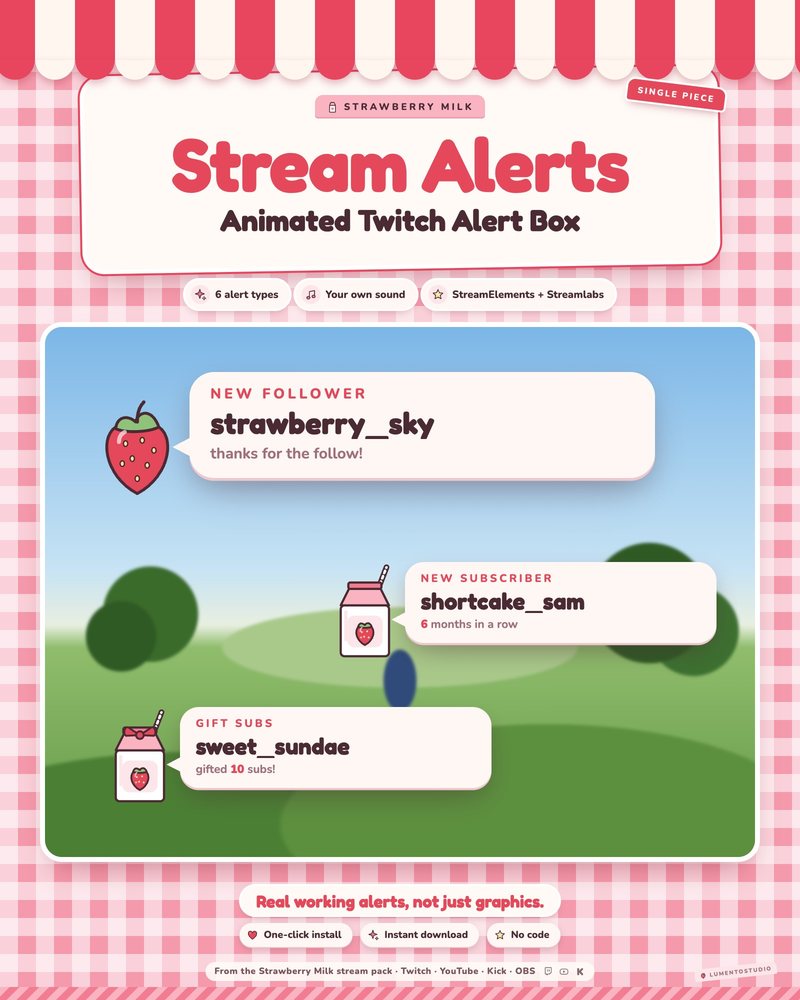
Strawberry Milk Alert Box
Pink Strawberry Kawaii Alert Box
€3.00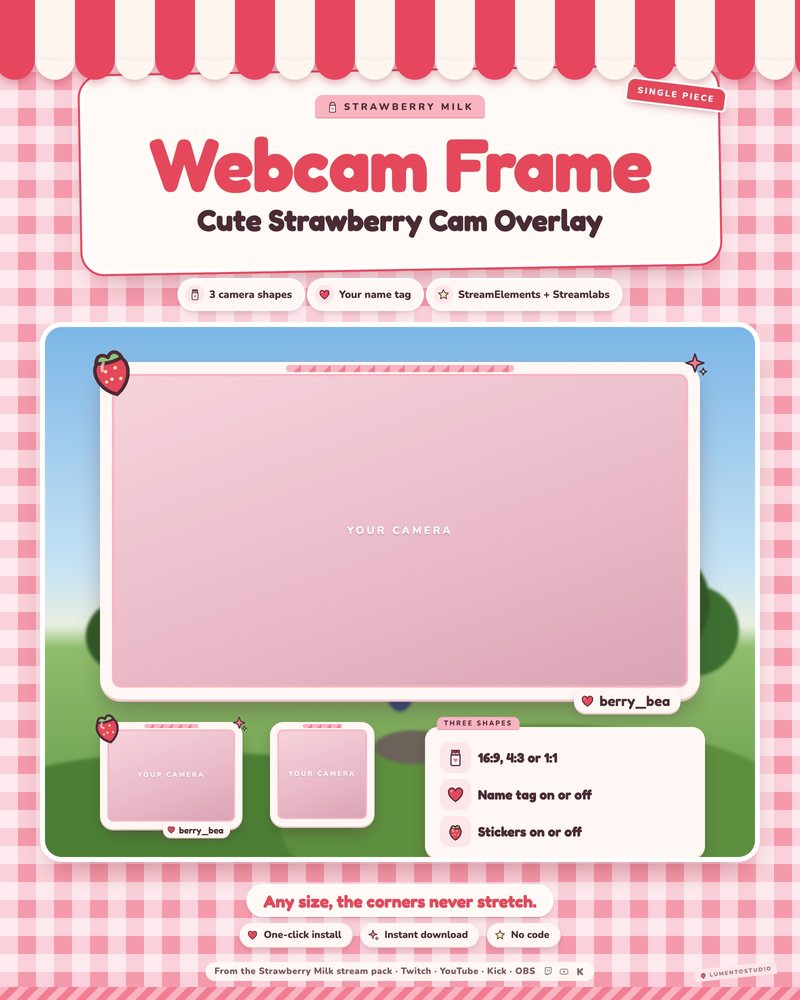
Strawberry Milk Webcam Frame
Pink Strawberry Kawaii Webcam Frame
€2.50Questions
Are pink overlays readable on a busy game?
Yes. Every widget sits on a solid card with a clear outline, so text stays readable over bright or dark gameplay.
Can I change the pink to another color?
Each pack has its own options, listed on its page. Some let you pick accent colors; the overall palette is part of the design.
Do these work for VTubers?
Yes. The webcam frames work around a camera or a VTuber model, and every widget can be moved around your avatar.
Set it up
Short, plain guides for getting overlays on stream.
How to add a chat overlay to OBS
Create a chat box widget in StreamElements or Streamlabs, copy its URL, and add it to OBS as a Browser source (around…
GuideHow to add StreamElements alerts to OBS
In StreamElements, open (or create) an overlay with an Alert Box widget, click the link icon to copy the overlay URL…
GuideHow to add a webcam frame in OBS
Add your camera as a Video Capture Device, add the frame as a Browser or Image source, and drag the frame above the…