
6 products
Animated stream screens
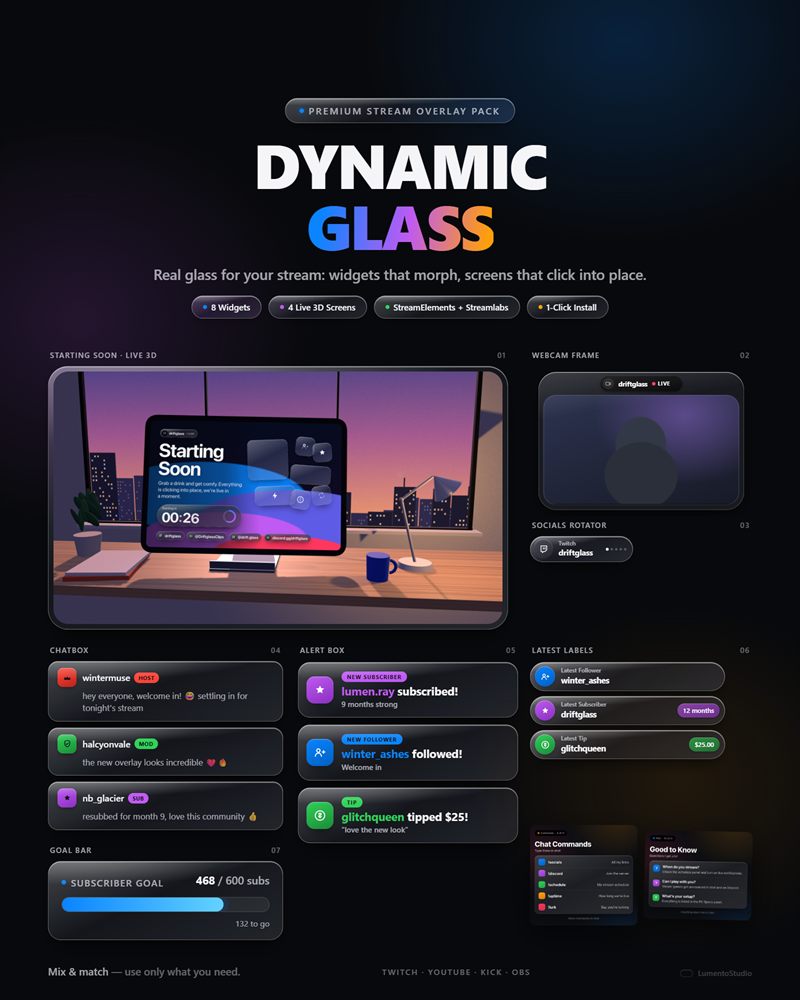
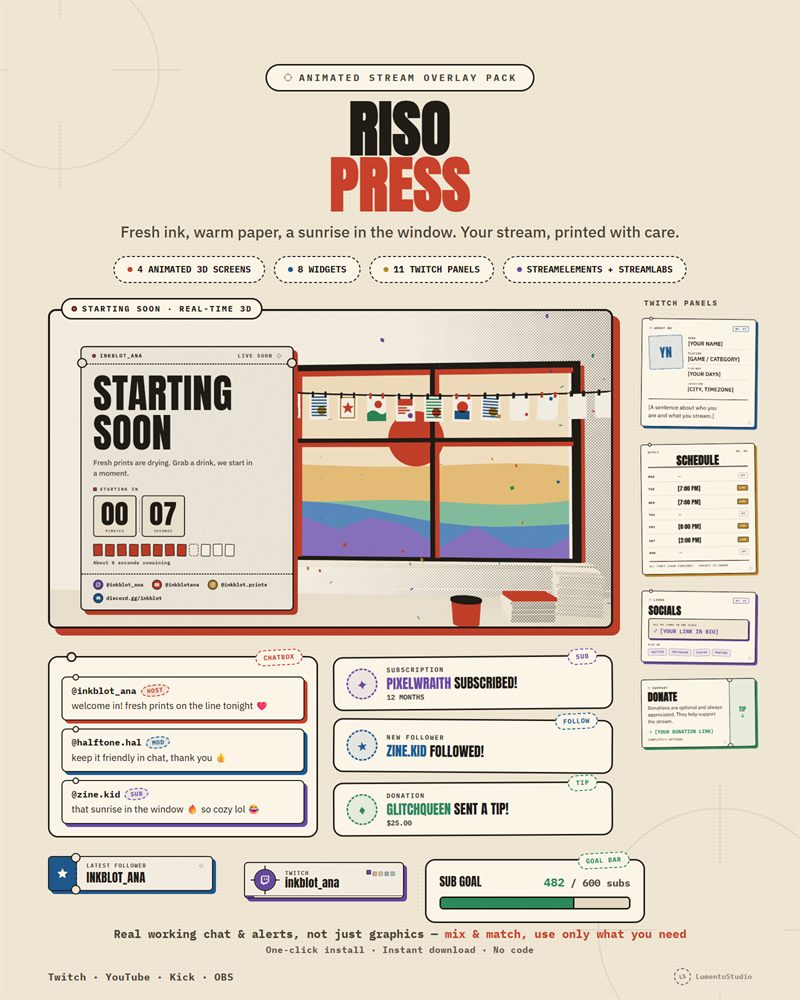
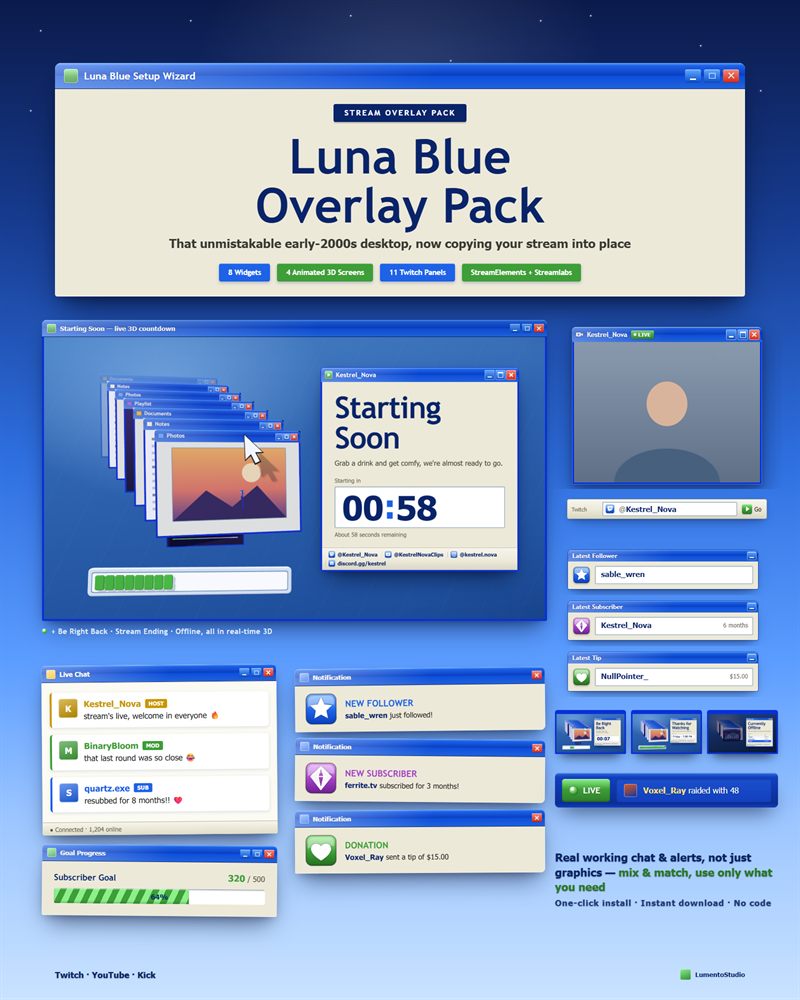
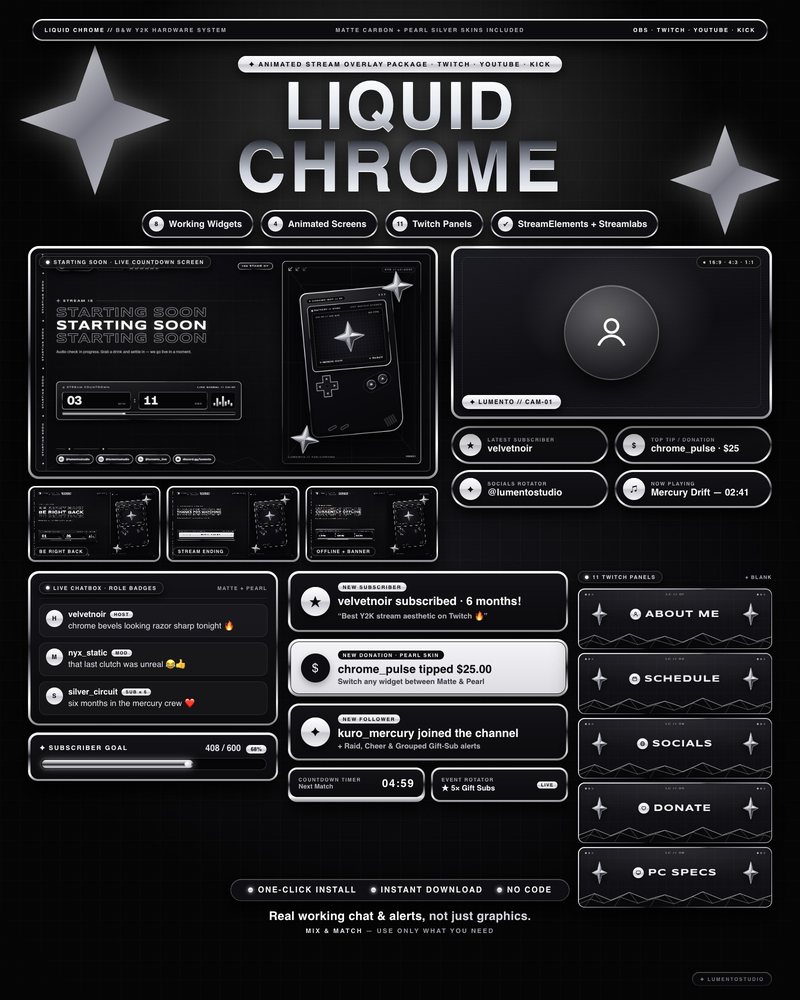
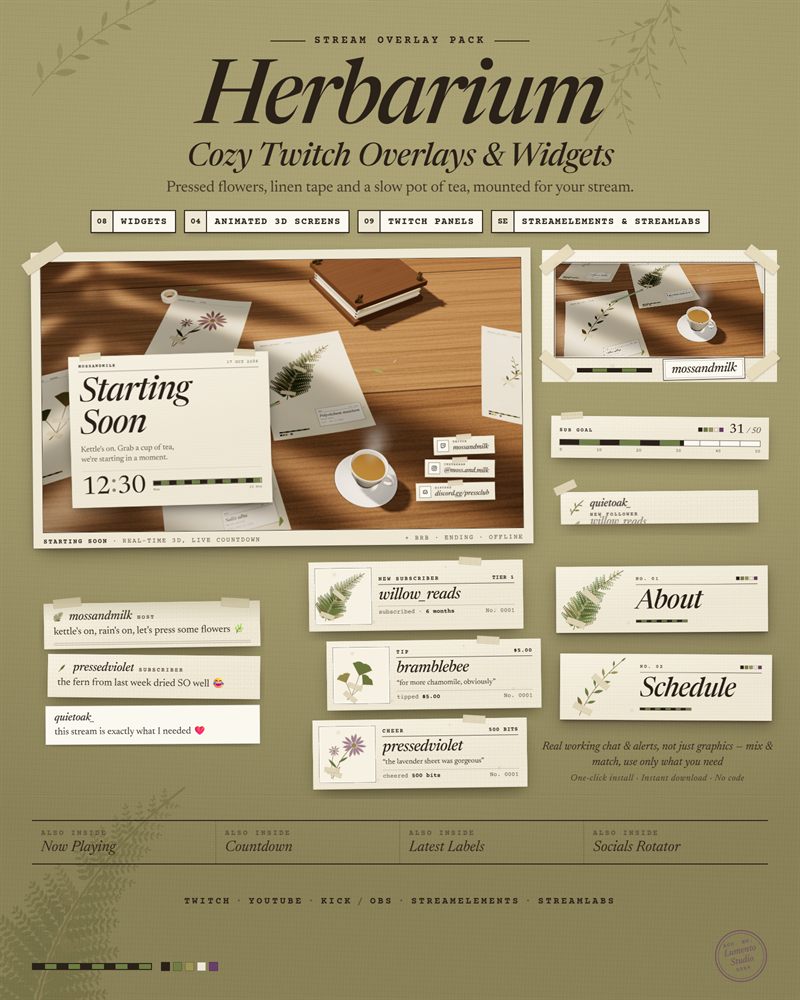
Starting Soon, Be Right Back, Stream Ending and Offline are the screens viewers stare at the longest, so they shouldn't be a looping stock video. These are real-time 3D scenes that run in an OBS browser source: a room, a desk, a sky, with your own text and a live countdown on the Starting Soon screen.
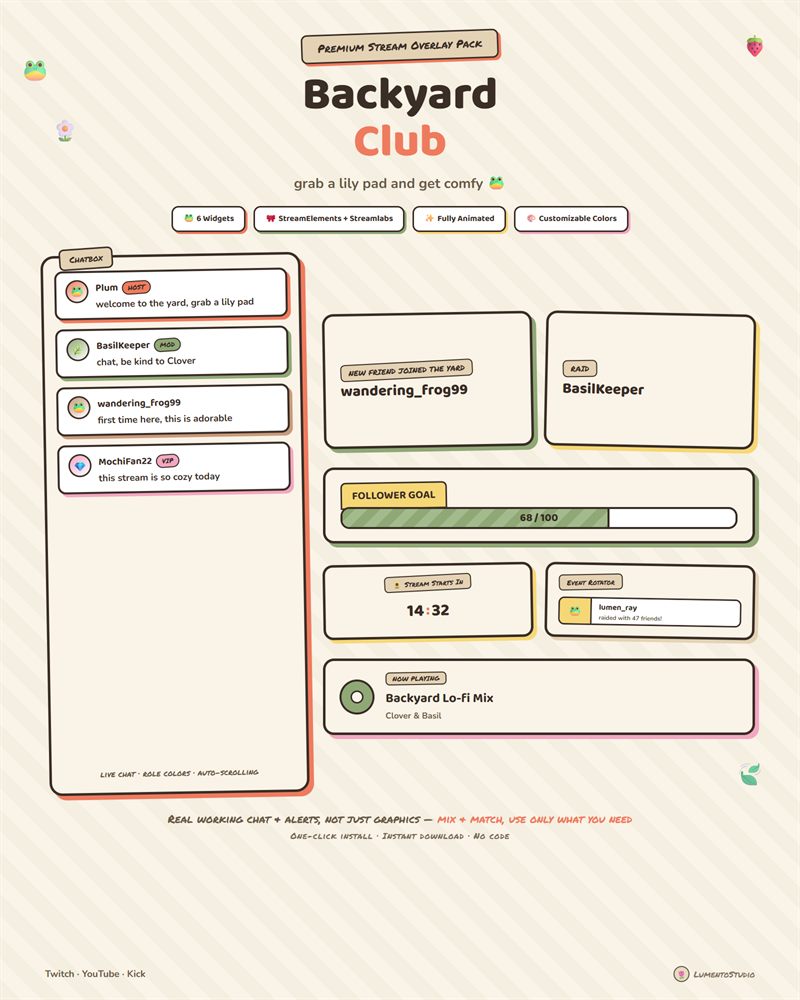
Each set has the four screens in one style, a plain settings file for your text, and an Offline banner image for Twitch. The full packs below include the same screens with chat, alerts and goals to match.
- OBS Studio & Streamlabs Desktop
- Twitch · YouTube · Kick
- Instant download on Etsy
Stream screens
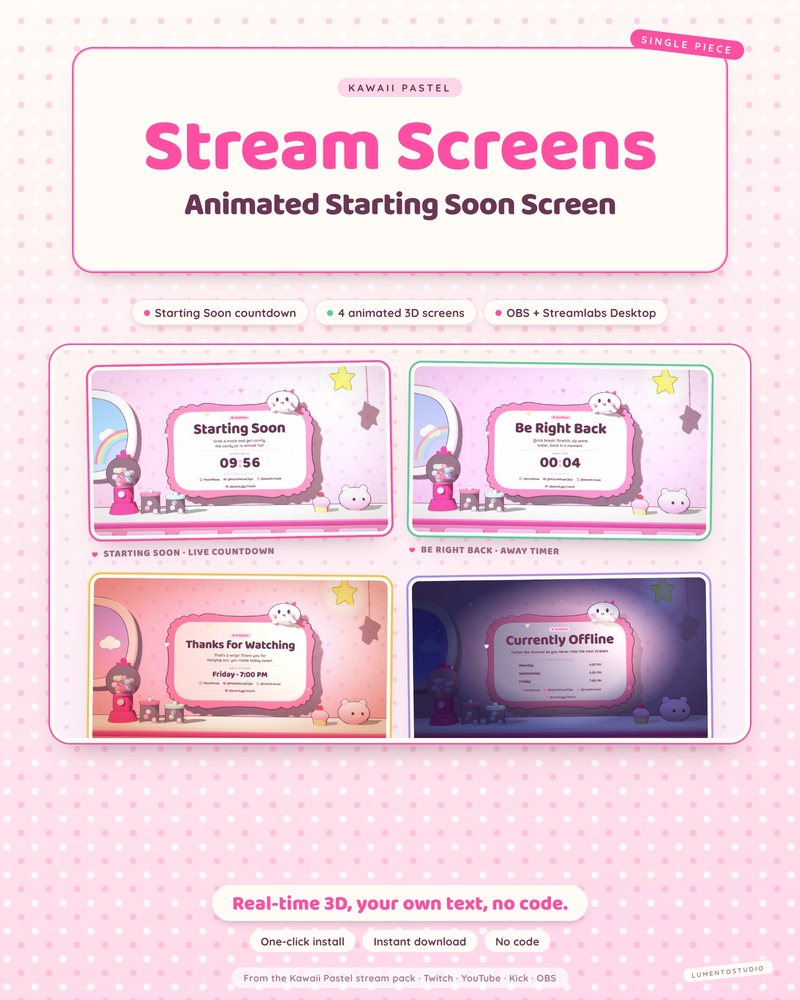
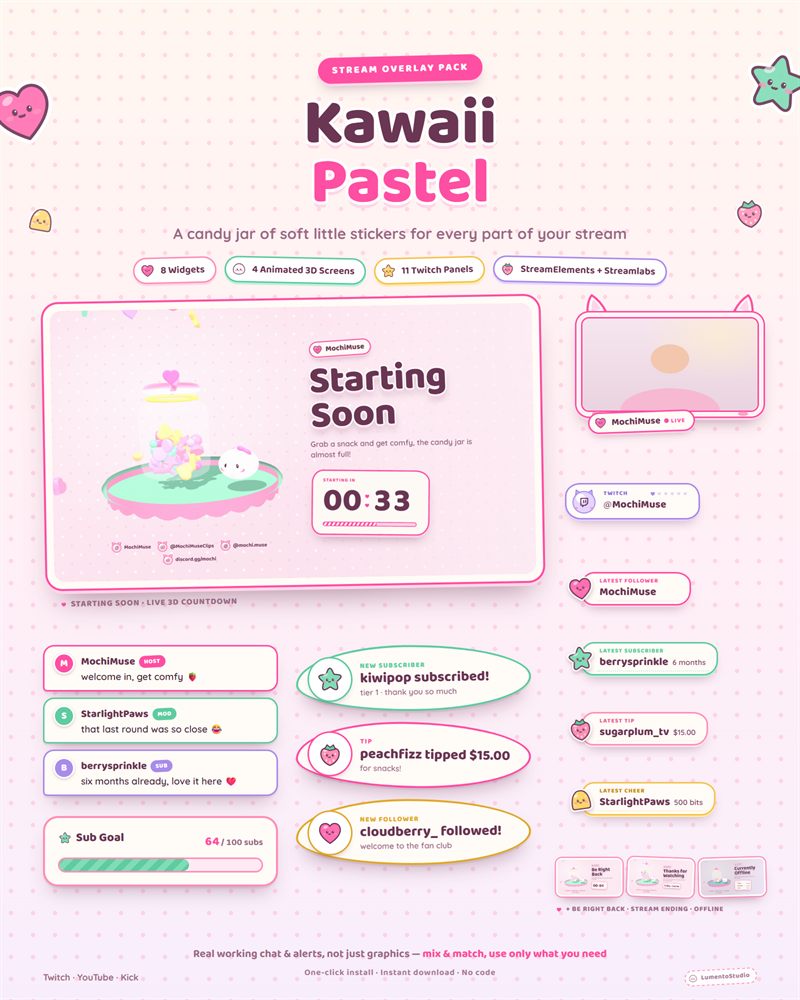
Kawaii Pastel Stream Screens
Cute Pastel Stream Screens
€4.00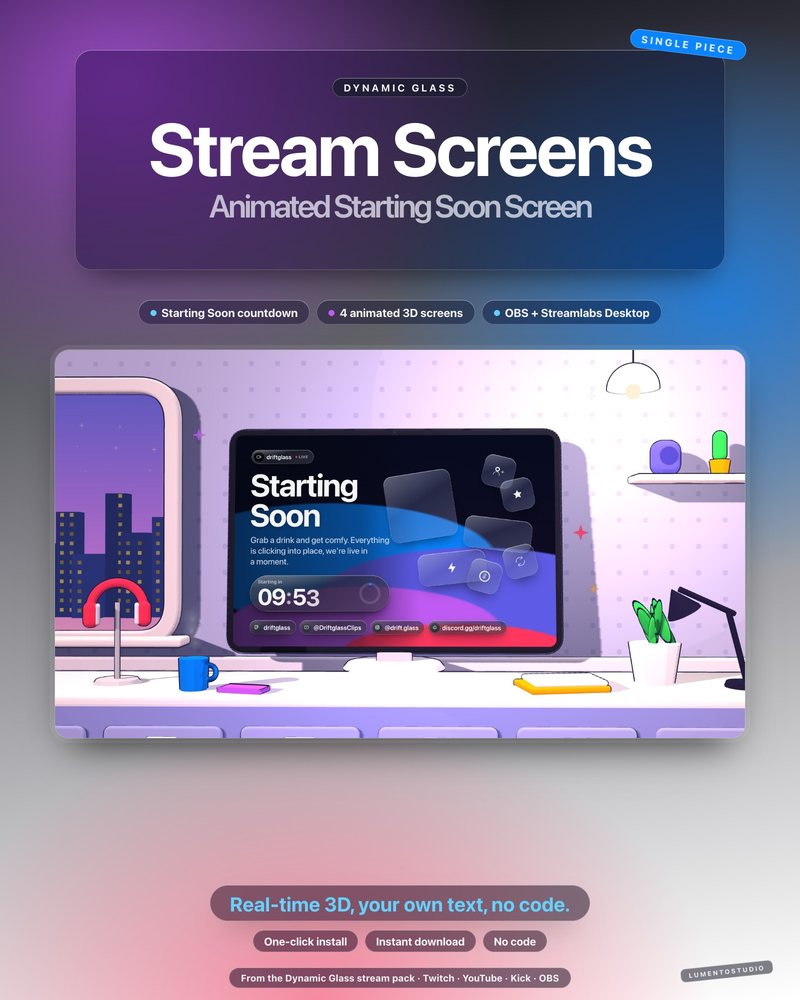
Dynamic Glass Stream Screens
Glass Interface Stream Screens
€4.00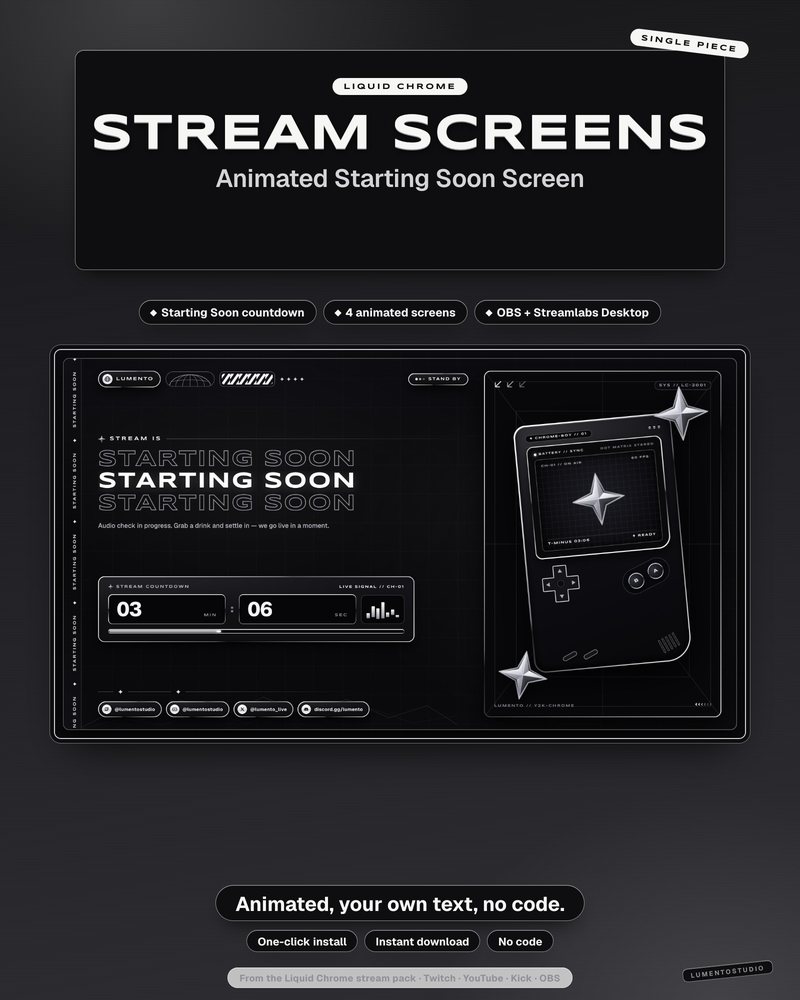
Liquid Chrome Stream Screens
Black and White Y2K Chrome Stream Screens
€4.00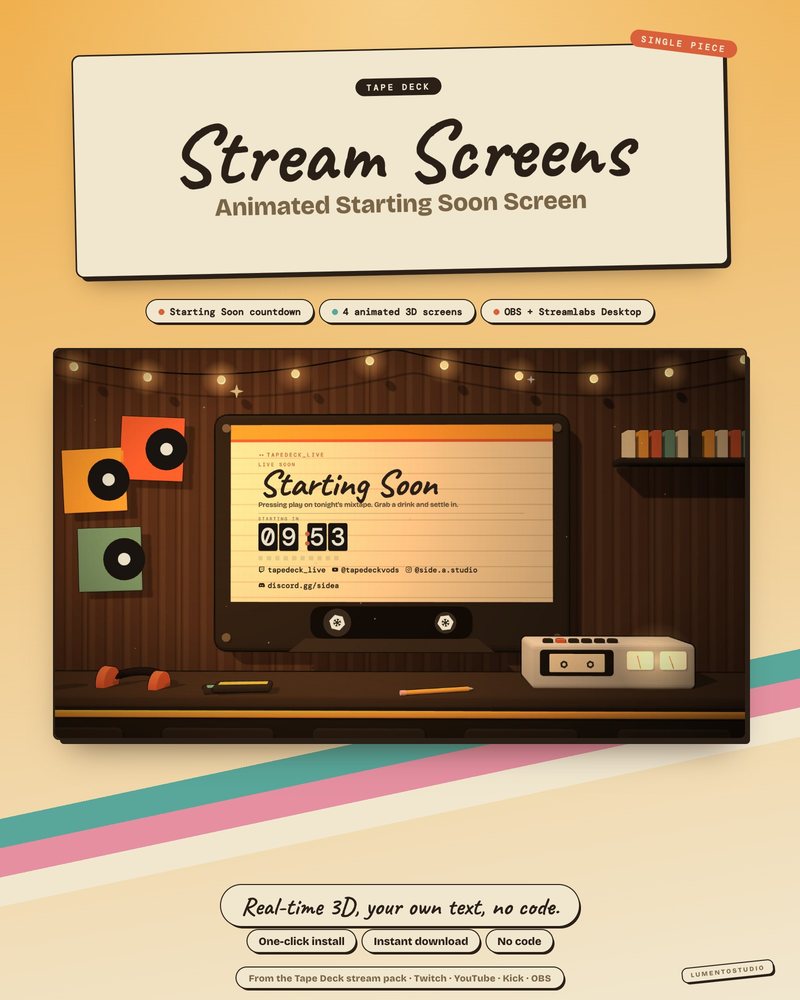
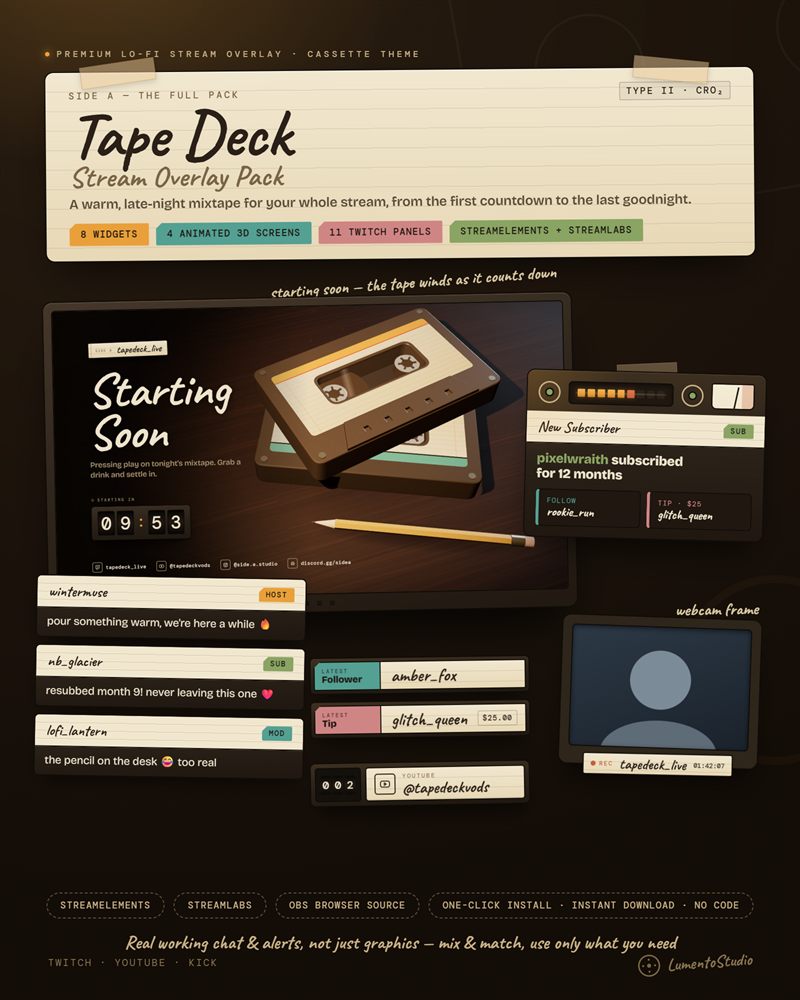
Tape Deck Stream Screens
Lo-Fi Cassette Stream Screens
€4.00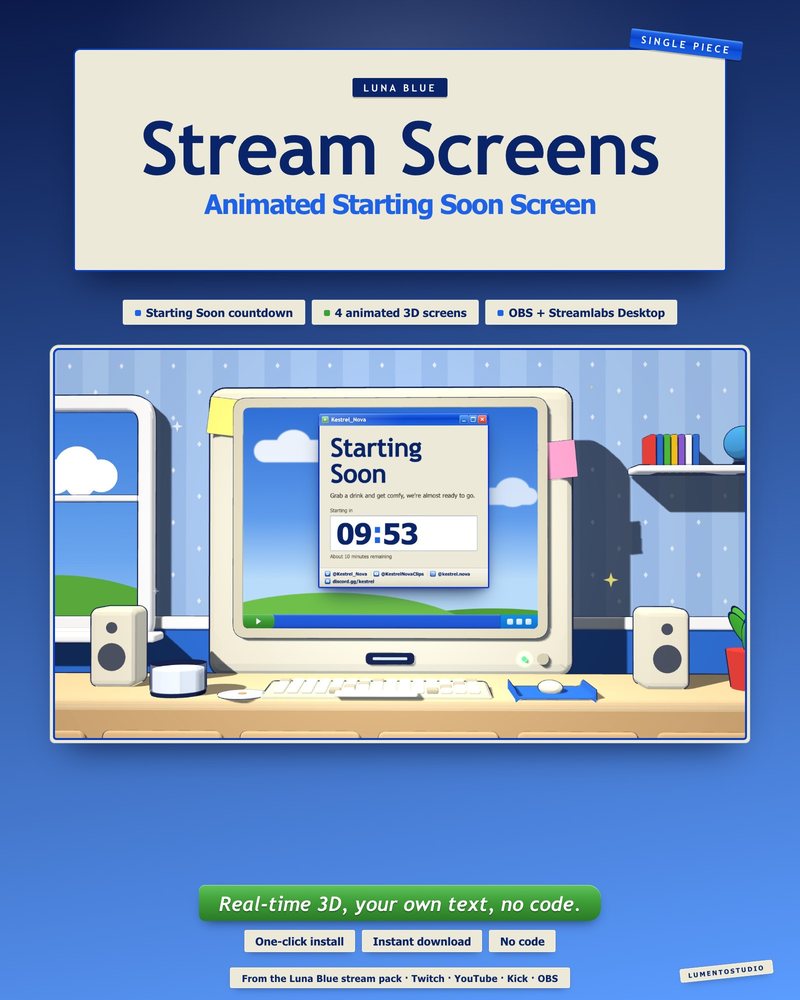
Luna Blue Stream Screens
Retro 2000s Desktop Stream Screens
€4.00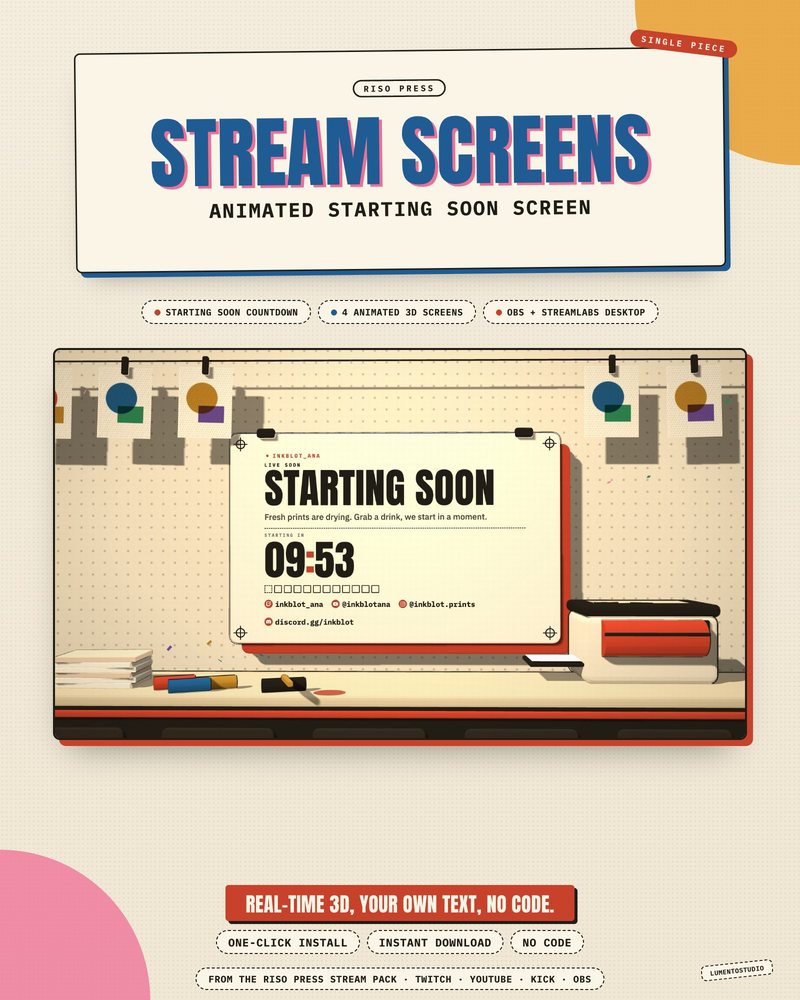
Riso Press Stream Screens
Risograph Print Stream Screens
€4.00Full packs with stream screens
The same piece, with the rest of the set to match.
Questions
How do I add a Starting Soon screen to OBS?
Create a scene, add a Browser source, tick Local file, pick the screen's HTML file and set it to 1920×1080. Our Starting Soon guide has the full steps.
How do I change the text and the countdown?
Open the settings file next to the screens in Notepad or TextEdit, change your text and countdown, save, and refresh the source in OBS.
Do the screens loop?
They aren't video files, so there is no loop point. The scene keeps running for as long as it's on screen.
Will 3D screens slow down my stream?
They're built to run inside an OBS browser source with hardware acceleration, which is on by default. If it's off, the screens fall back to a designed 2D version.
Set it up
Short, plain guides for getting overlays on stream.
How to add a Starting Soon screen in OBS
Create a scene called Starting Soon, add your screen as a Browser Source (tick Local file if it's an HTML file) or a…
GuideHow to add a Be Right Back screen in OBS
Create a scene called Be Right Back, add your BRB screen as a 1920×1080 Browser source (Local file for an HTML screen)…
GuideHow to add a stream ending screen or end credits
Create a Stream Ending scene and add your ending screen (or an end credits widget) as a 1920×1080 Browser source.…