
7 packs · 8 widgets
Dark Twitch overlays
A dark overlay disappears into the edges of your stream and lets the game carry the color. These packs are dark in different ways: polished black glass with gemstone light, liquid chrome on matte black, a terminal with a blinking cursor, a photographer's darkroom under a red safelight, and plum velvet under a moonlit sky.
Each one comes with its own animated 3D stream screens, and several are also sold piece by piece, so you can add only a dark chat box, alert box or webcam frame to the setup you already have.
- Twitch · YouTube · Kick
- StreamElements & Streamlabs
- Instant download on Etsy
Overlay packs
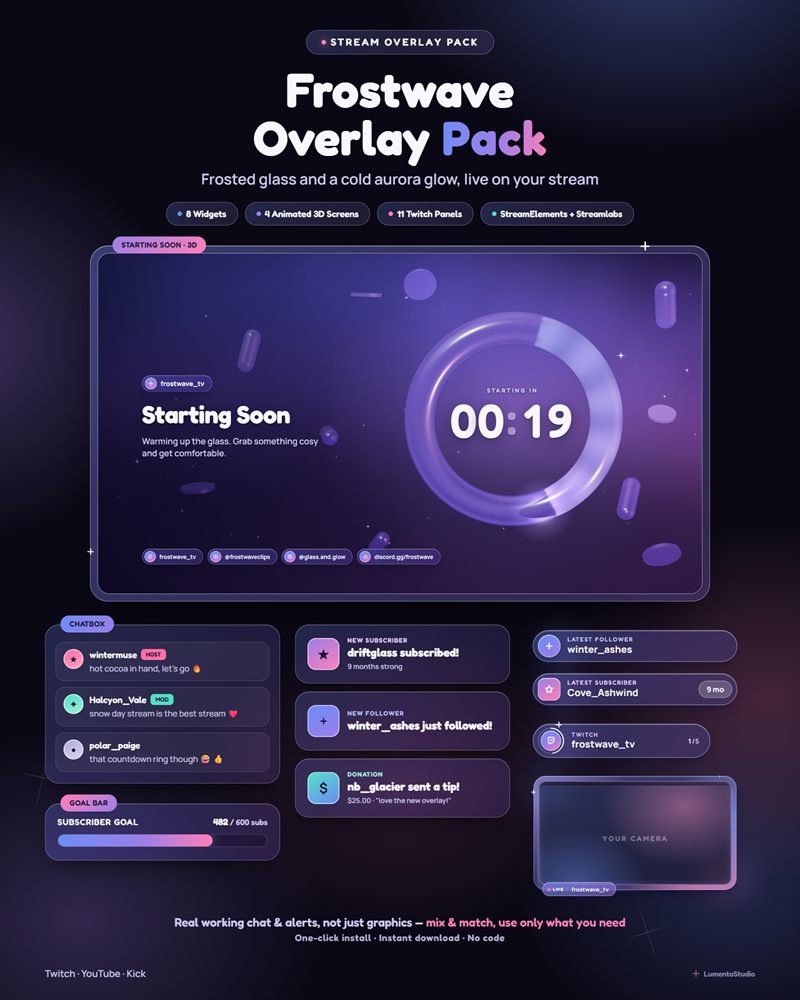
Frostwave
Frosted Glass Aurora
€7.00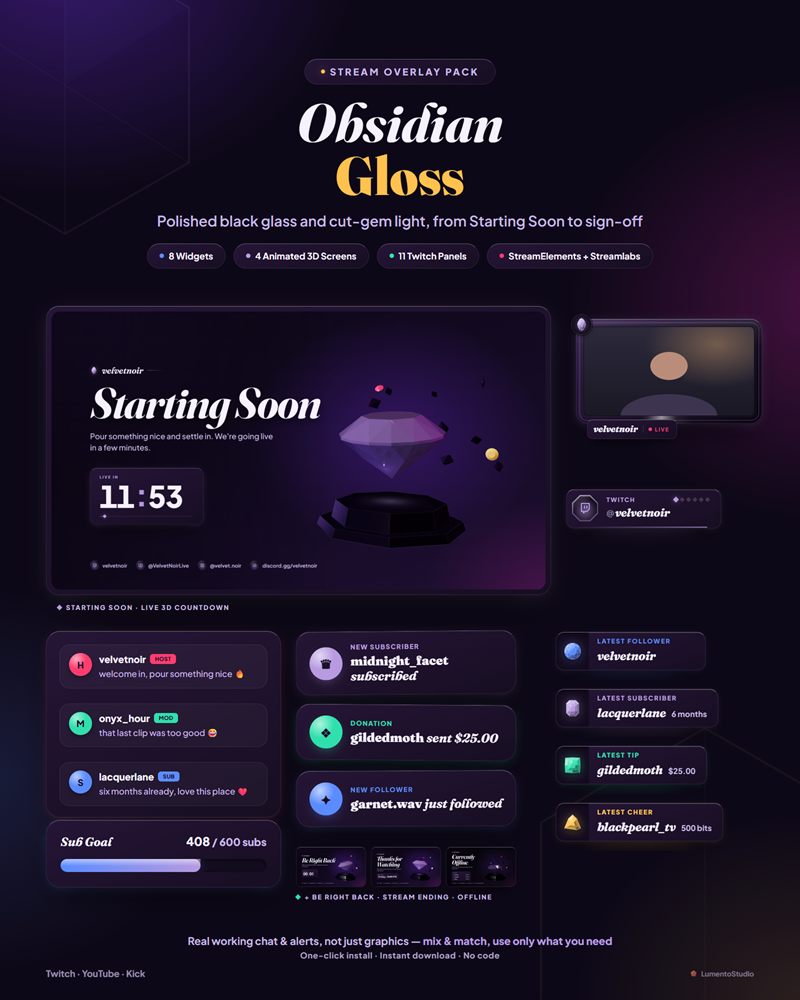
Obsidian Gloss
Dark Glossy
€7.00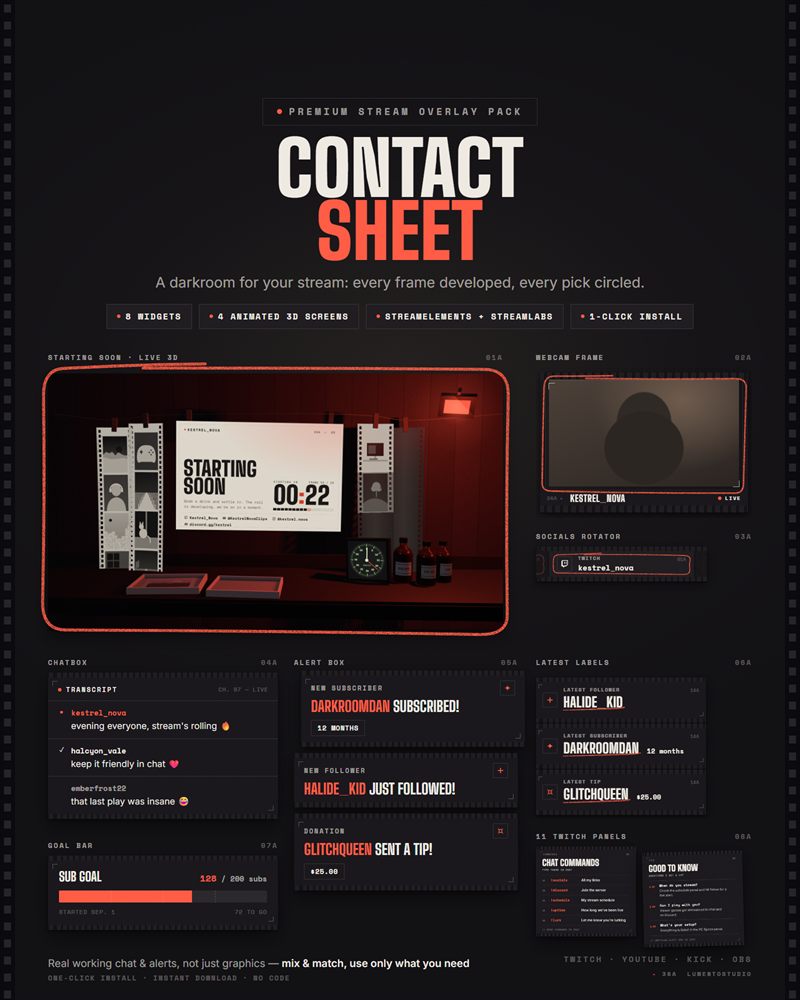
Contact Sheet
Minimalist Film
€7.00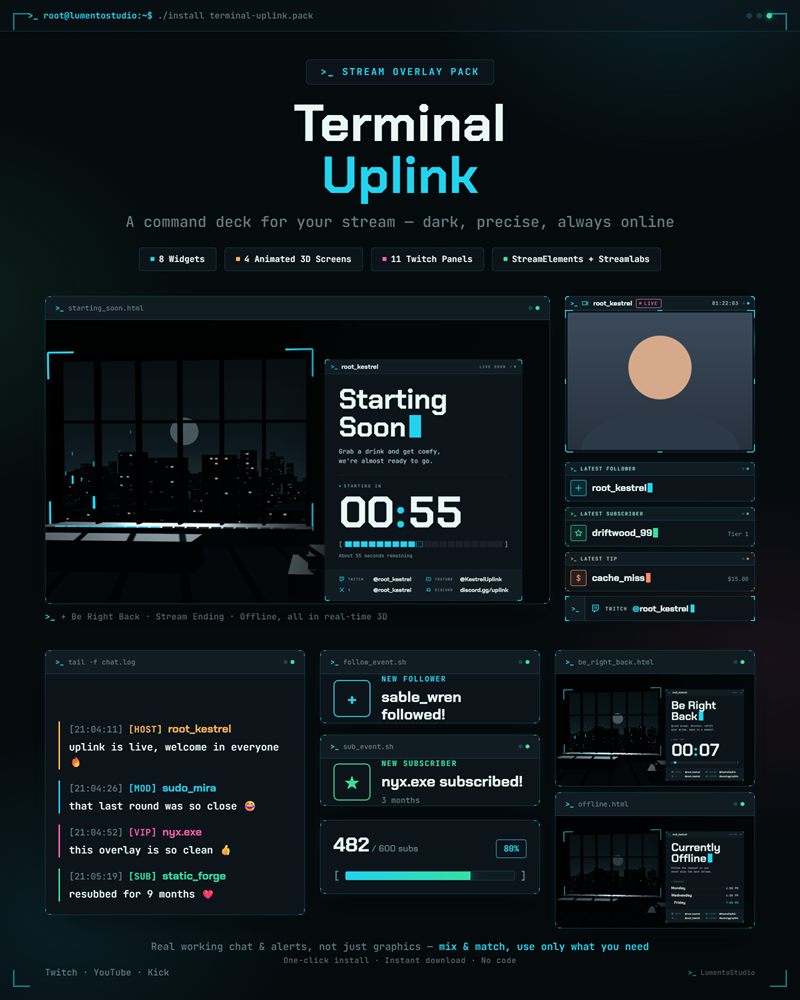
Terminal Uplink
Hacker Terminal
€7.00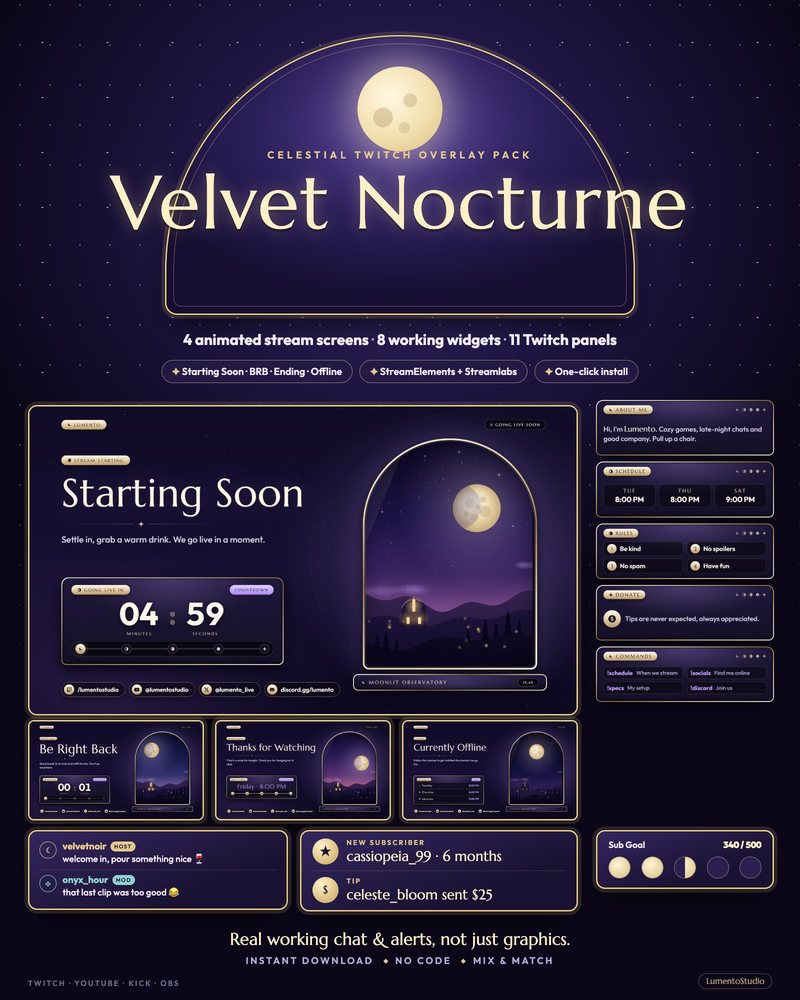
Velvet Nocturne
Celestial Moonlit
€7.00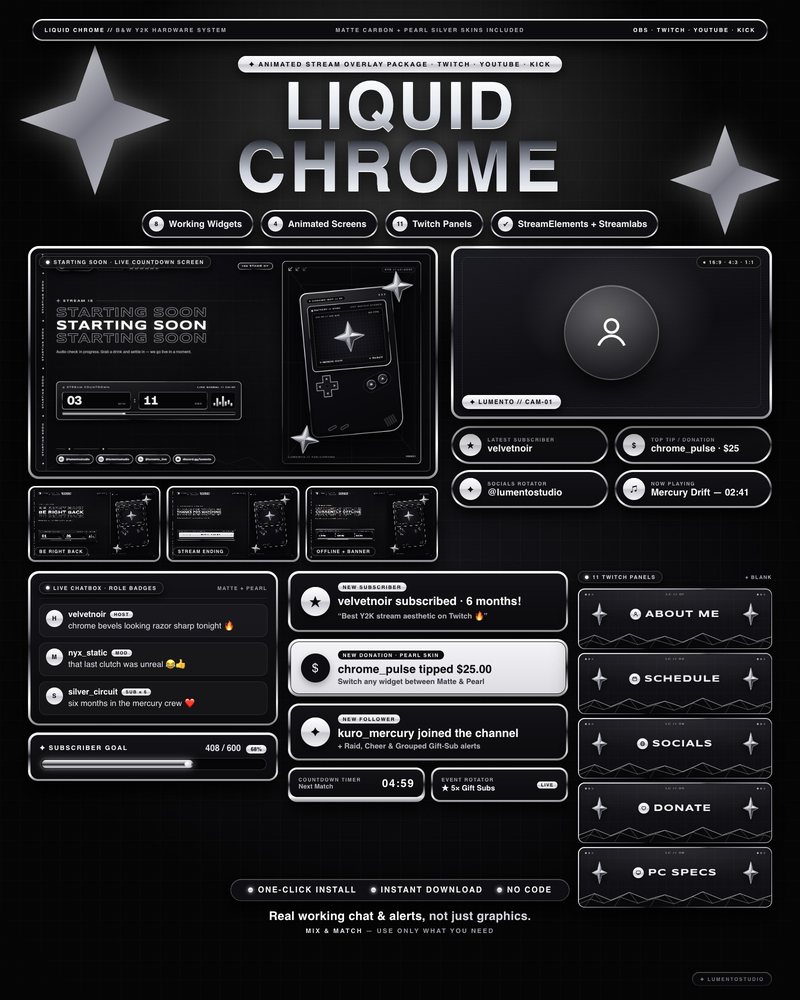
Liquid Chrome
Black and White Y2K Chrome
€7.00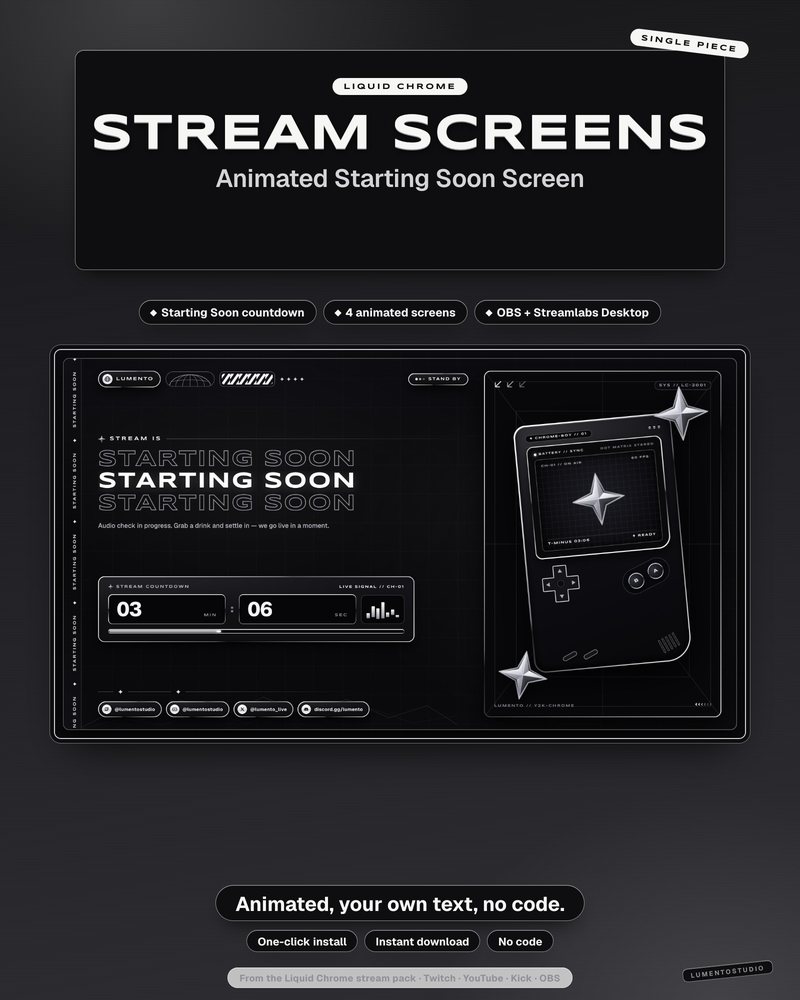
Liquid Chrome Stream Screens
Black and White Y2K Chrome Stream Screens
€4.00Single widgets in this style
Add one to any setup, or pair it with a pack above.
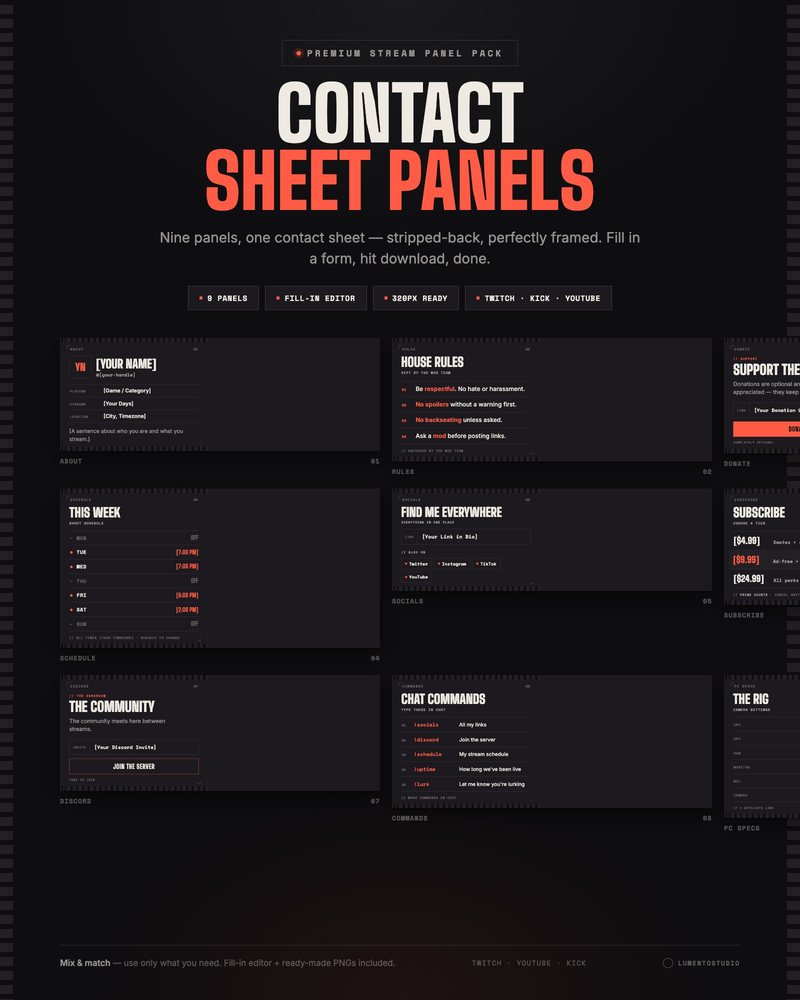
Contact Sheet Panels
Minimalist Film Twitch Panels
€3.00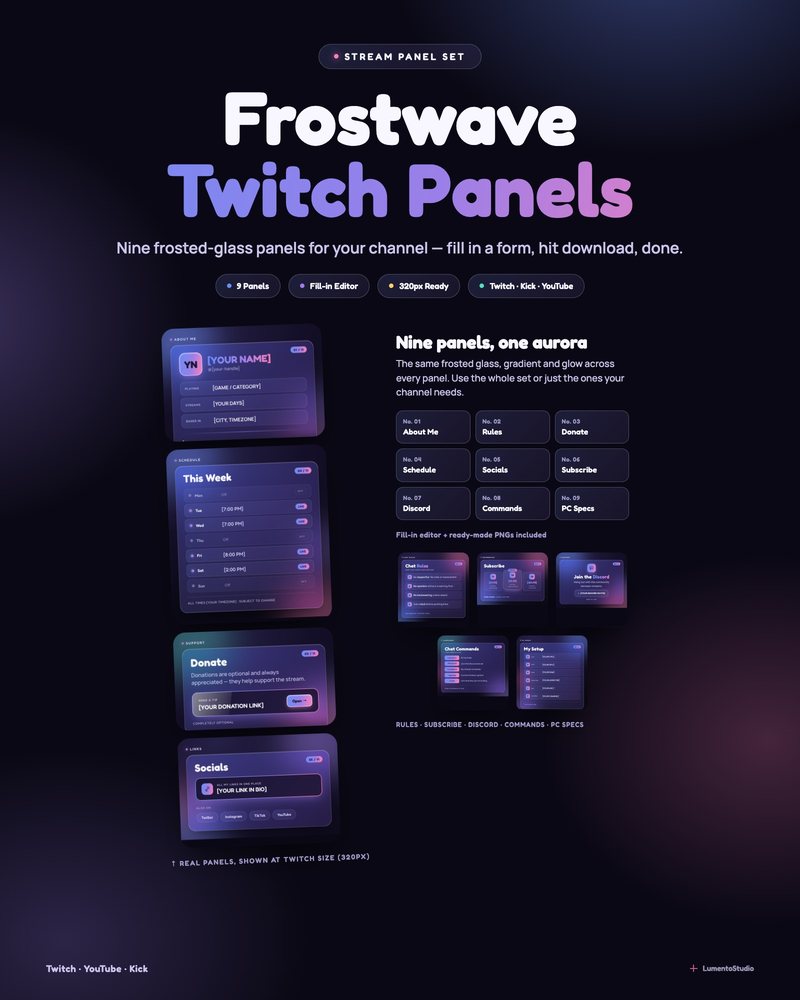
Frostwave Panels
Frosted Glass Aurora Twitch Panels
€3.00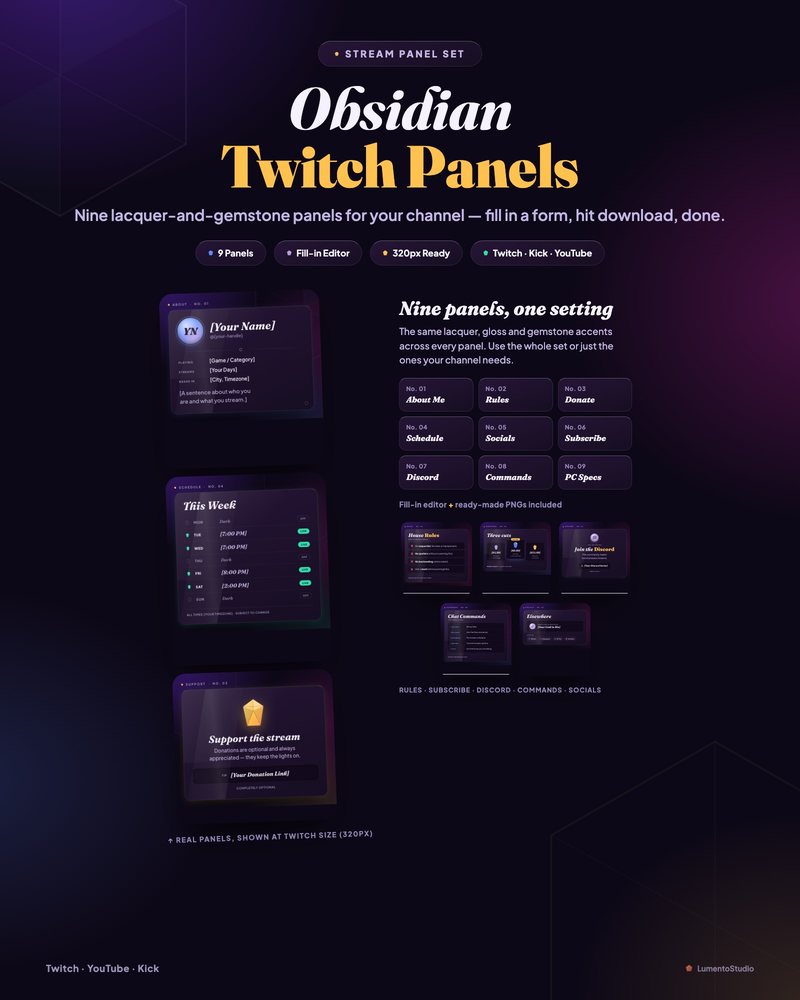
Obsidian Gloss Panels
Dark Glossy Twitch Panels
€3.00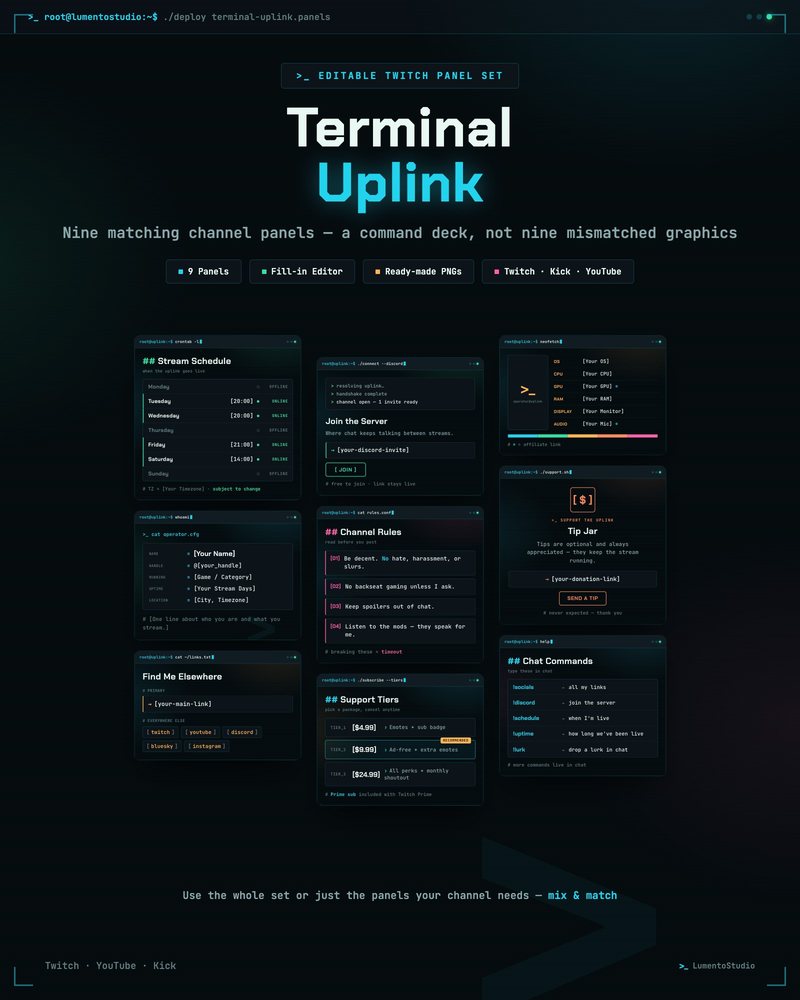
Terminal Uplink Panels
Hacker Terminal Twitch Panels
€3.00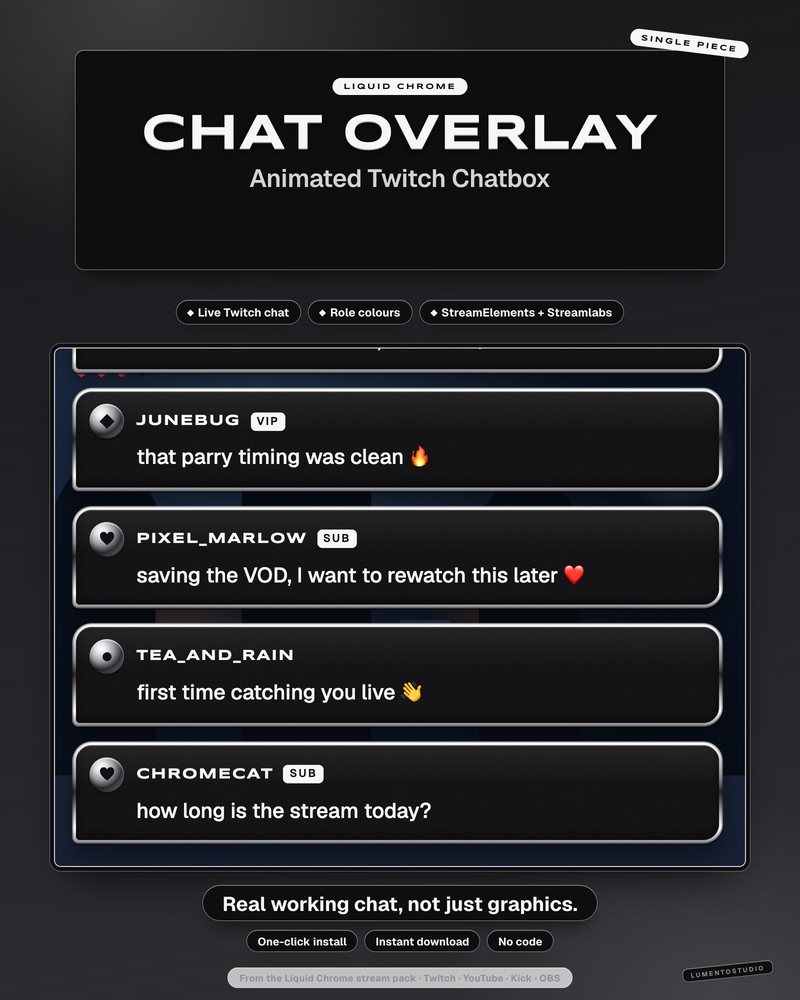
Liquid Chrome Chatbox
Black and White Y2K Chrome Chatbox
€3.00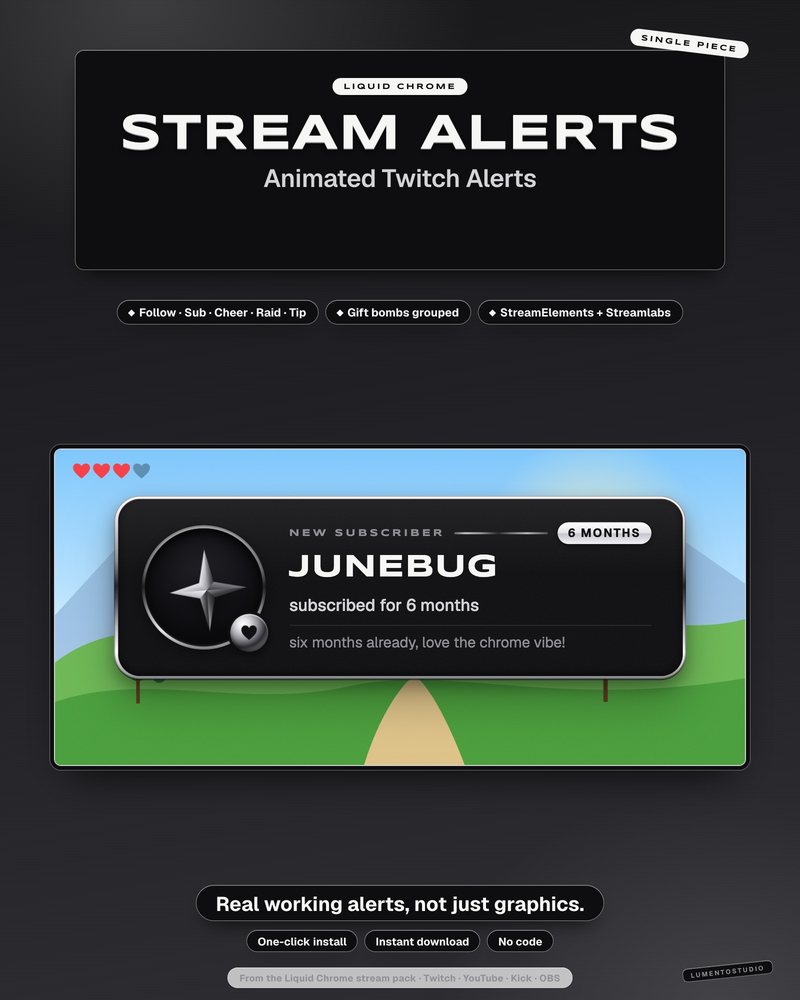
Liquid Chrome Alert Box
Black and White Y2K Chrome Alert Box
€3.00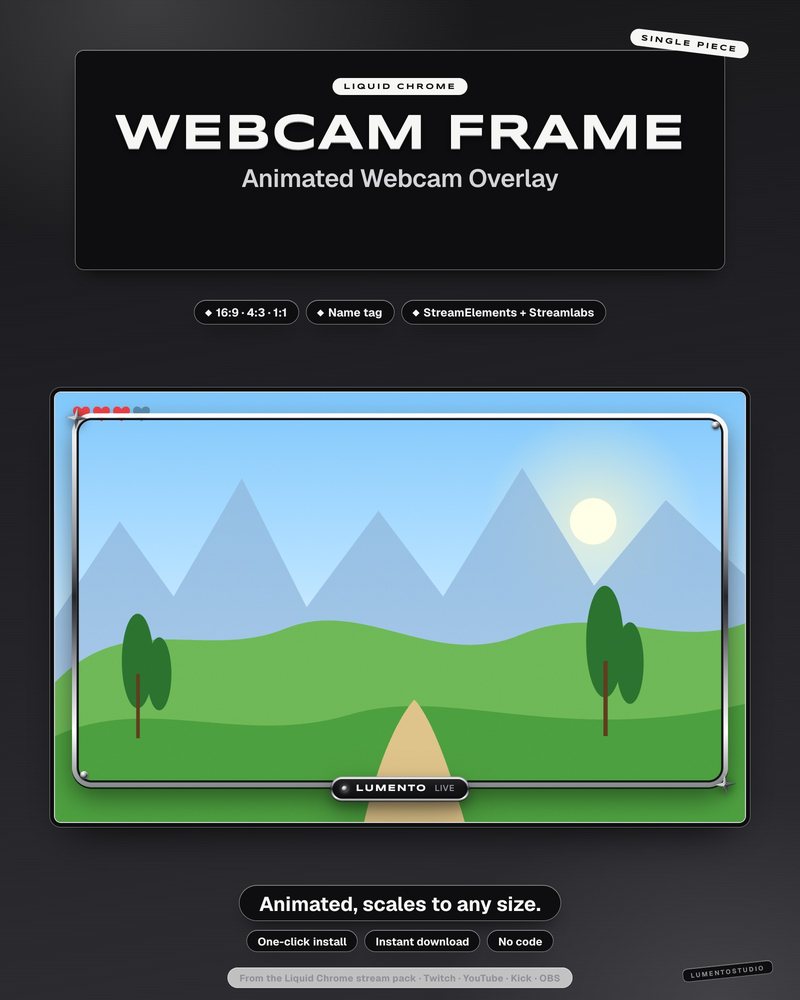
Liquid Chrome Webcam Frame
Black and White Y2K Chrome Webcam Frame
€2.50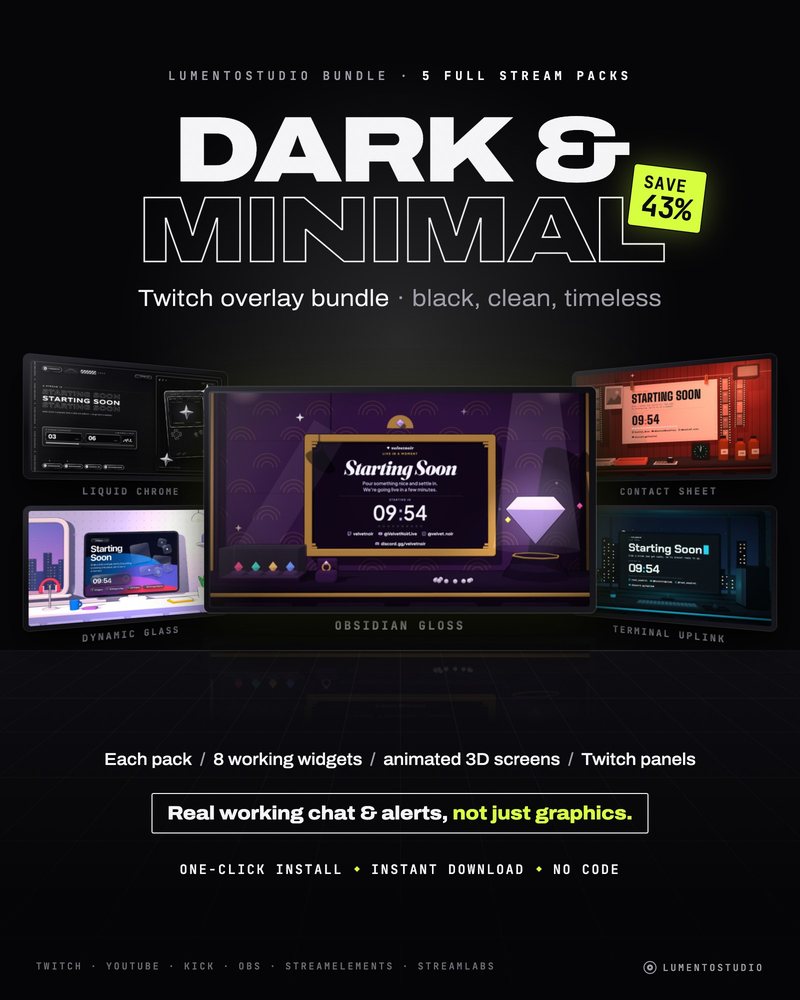
Dark & Minimal Bundle
5 Animated Stream Overlay Packs
€20.00Questions
Is a dark overlay readable over a dark game?
Yes. Every widget sits on its own solid plate with a lit edge or outline, so it separates from dark gameplay as well as bright gameplay.
Which dark overlay is the most neutral?
Obsidian Gloss and Liquid Chrome keep color to a minimum, so they sit next to any logo, emote set or game. Velvet Nocturne and Frostwave bring more color of their own.
Can I buy just the dark chat box or alert box?
For some packs, yes. Single widgets are listed under the packs on this page; each product page says exactly what is included.
Do dark overlays work on YouTube and Kick?
Yes. The widgets and screens run as browser sources in OBS Studio or Streamlabs Desktop. Each product page lists its platform support.
Set it up
Short, plain guides for getting overlays on stream.
How to add a chat overlay to OBS
Create a chat box widget in StreamElements or Streamlabs, copy its URL, and add it to OBS as a Browser source (around…
GuideHow to add StreamElements alerts to OBS
In StreamElements, open (or create) an overlay with an Alert Box widget, click the link icon to copy the overlay URL…
GuideHow to add a Starting Soon screen in OBS
Create a scene called Starting Soon, add your screen as a Browser Source (tick Local file if it's an HTML file) or a…