
7 products
Animated chat box overlays
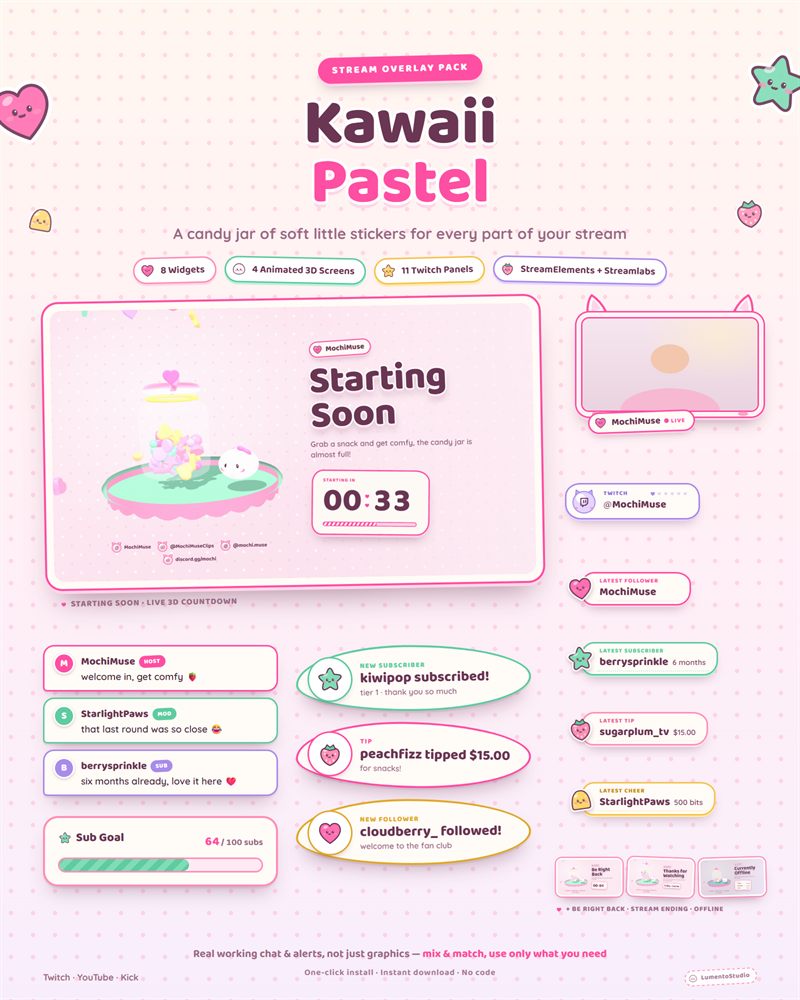
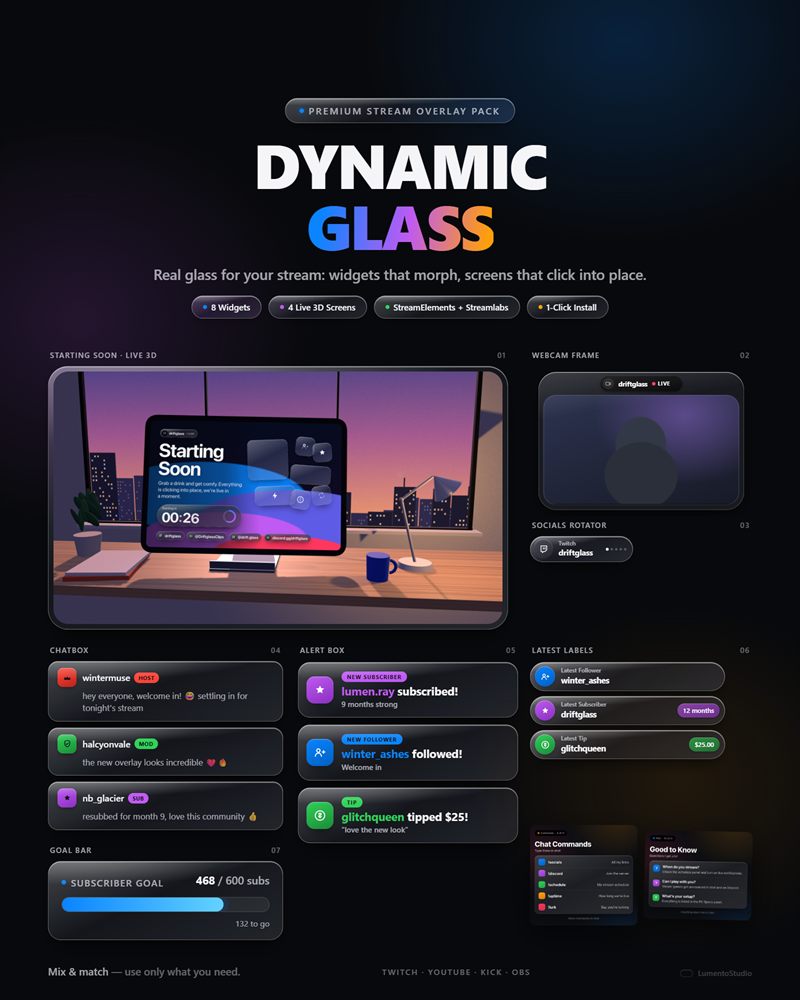
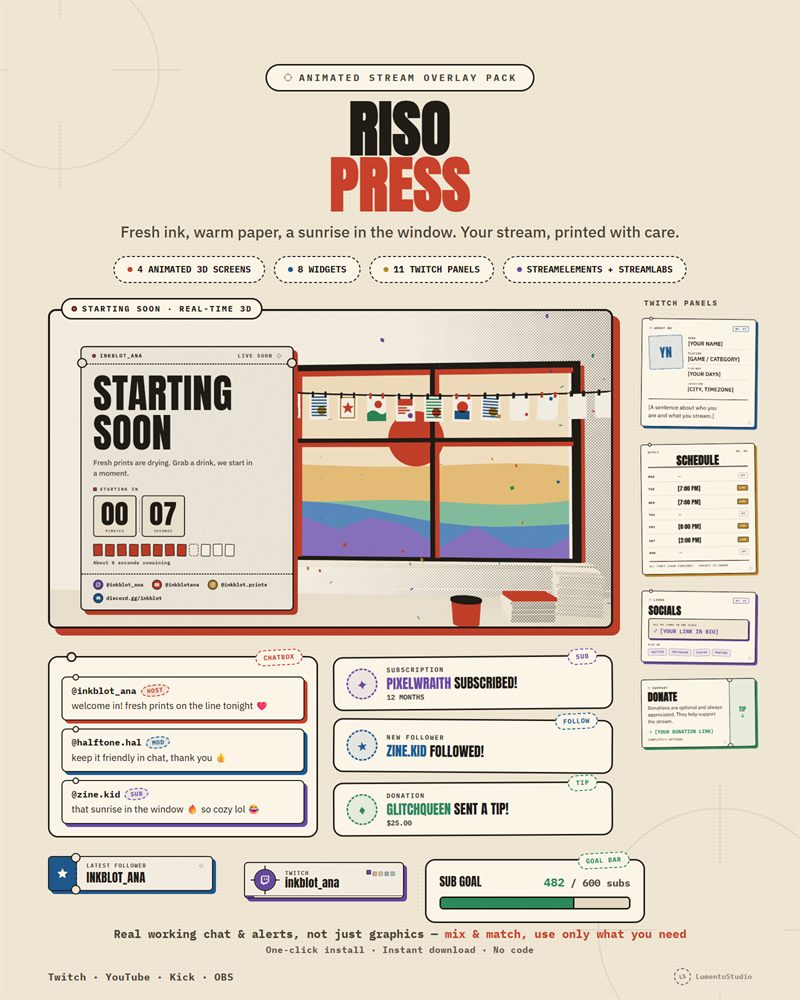
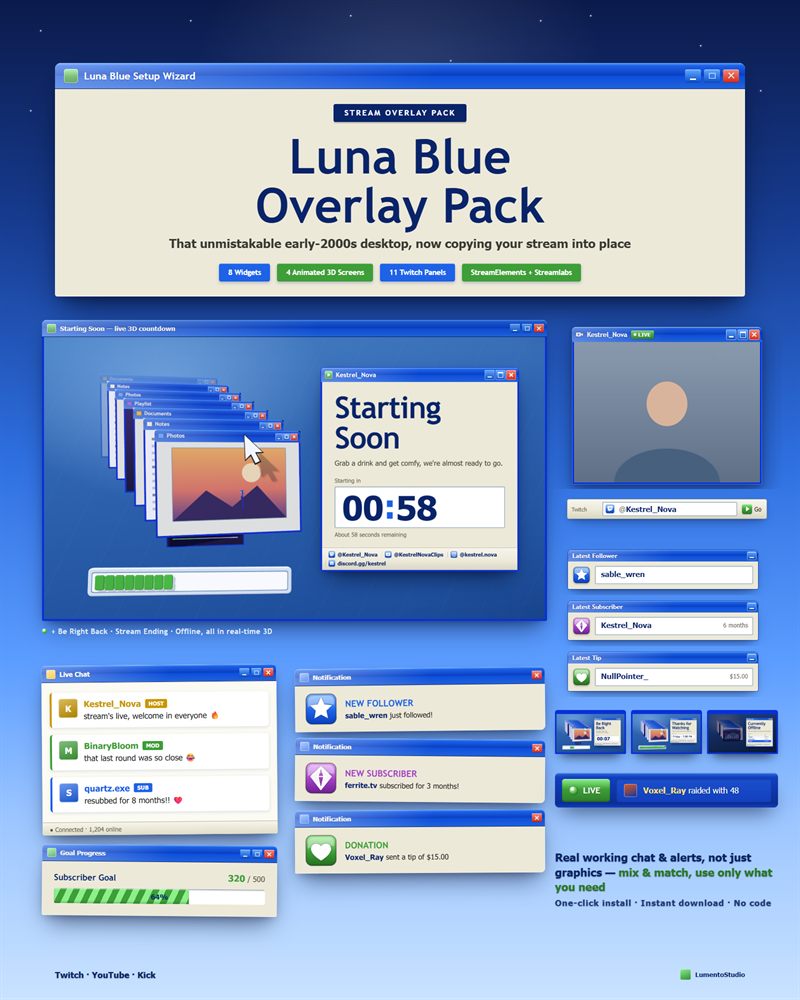
A chat box is the widget your viewers look at most, because it's where their own name shows up. These chat overlays give every message its own designed card, with a clear look for moderators, VIPs and subscribers, and an entrance animation that doesn't get tiring after three hours.
Each one is sold on its own, so you can add it to the setup you already have. If you'd rather have alerts, goals and stream screens in the same style, the full packs below include the matching chat box.
- StreamElements & Streamlabs
- OBS Studio
- Instant download on Etsy
Chat boxes
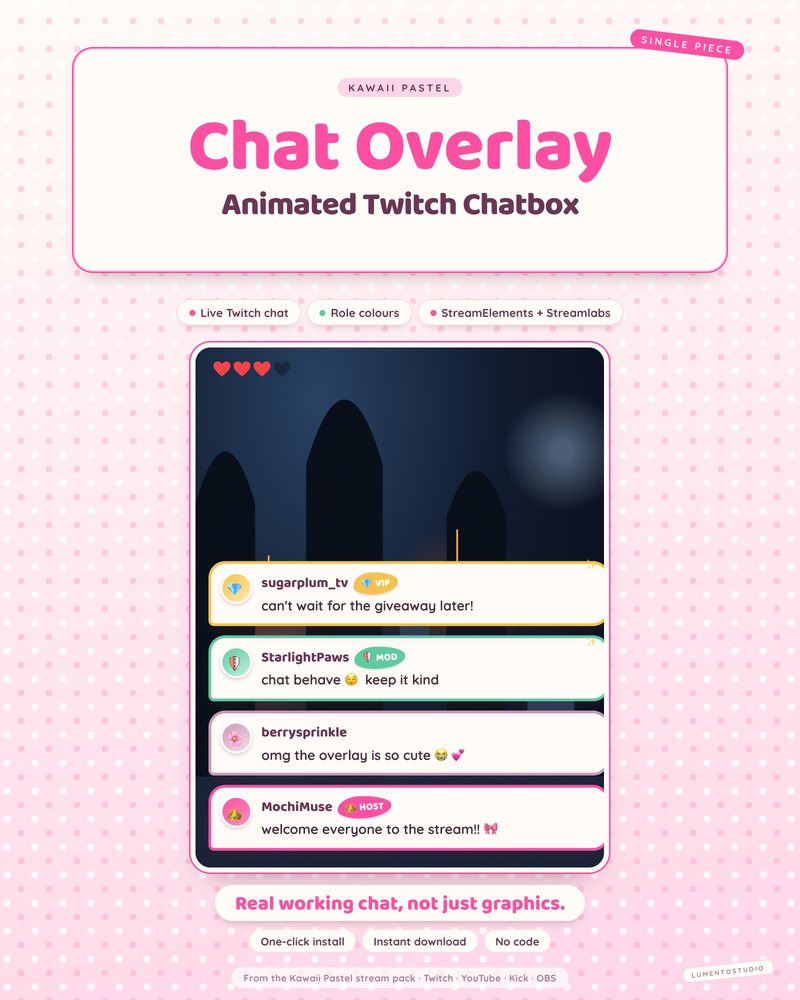
Kawaii Pastel Chatbox
Cute Pastel Chatbox
€3.00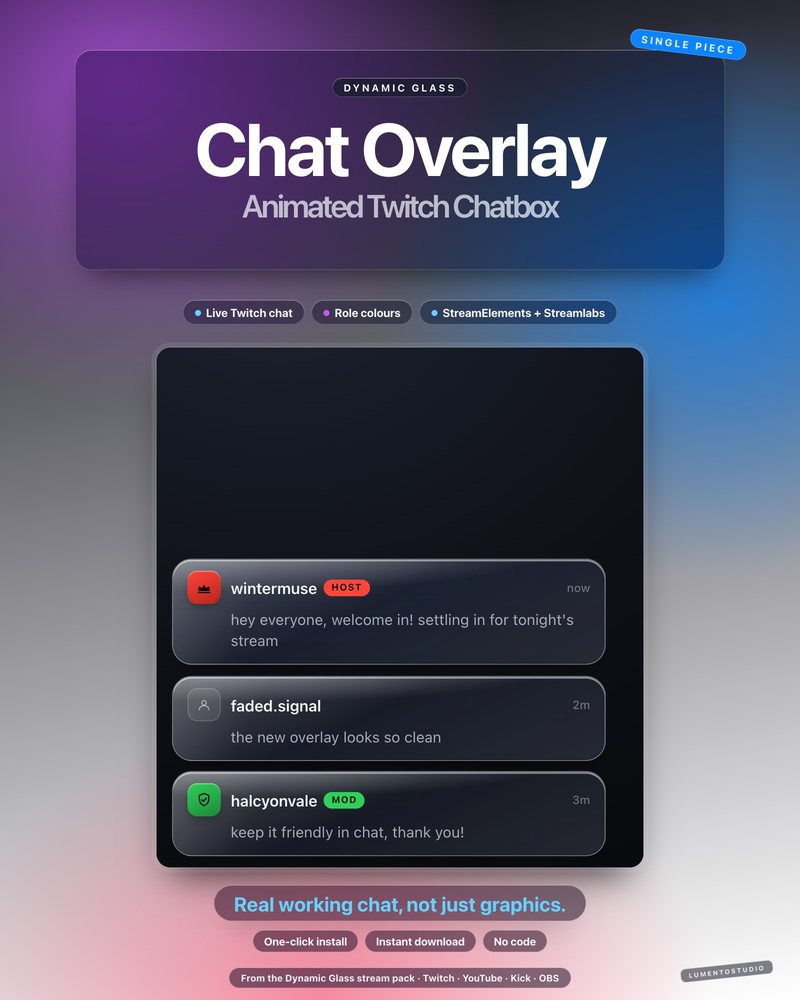
Dynamic Glass Chatbox
Glass Interface Chatbox
€3.00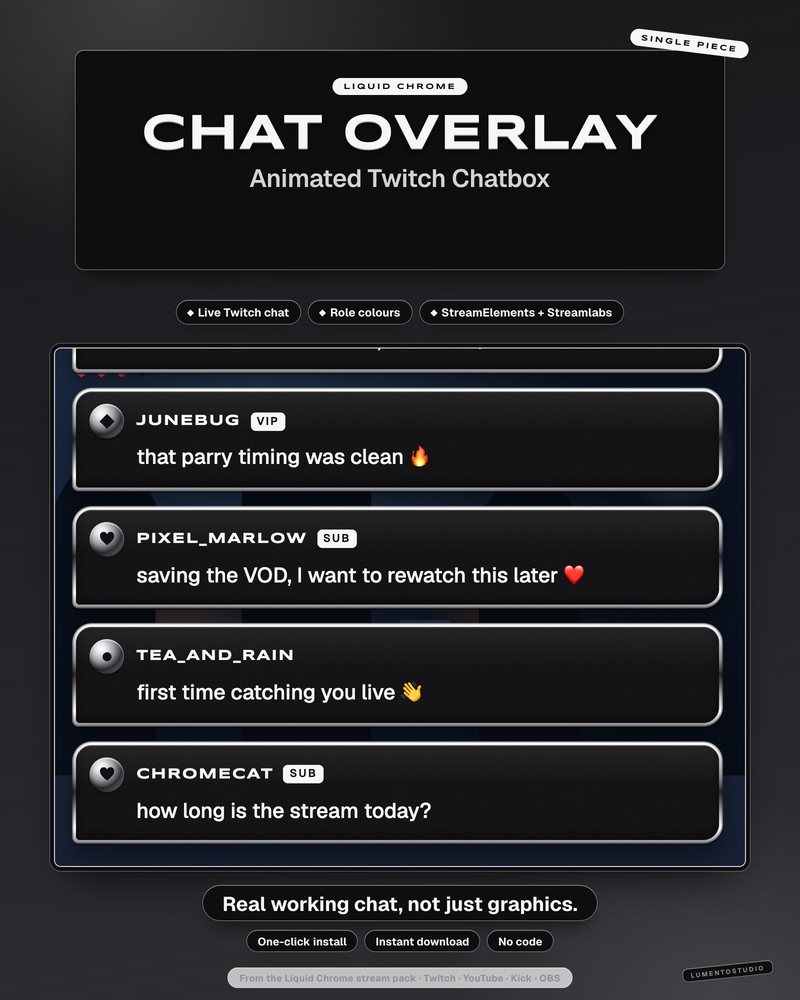
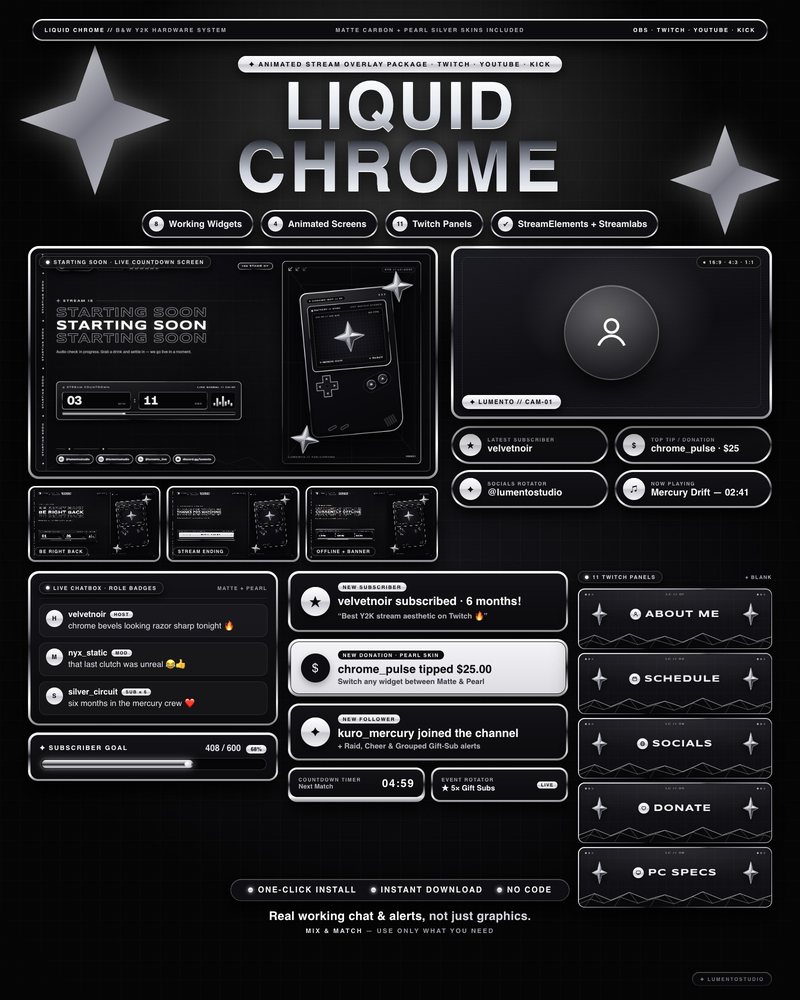
Liquid Chrome Chatbox
Black and White Y2K Chrome Chatbox
€3.00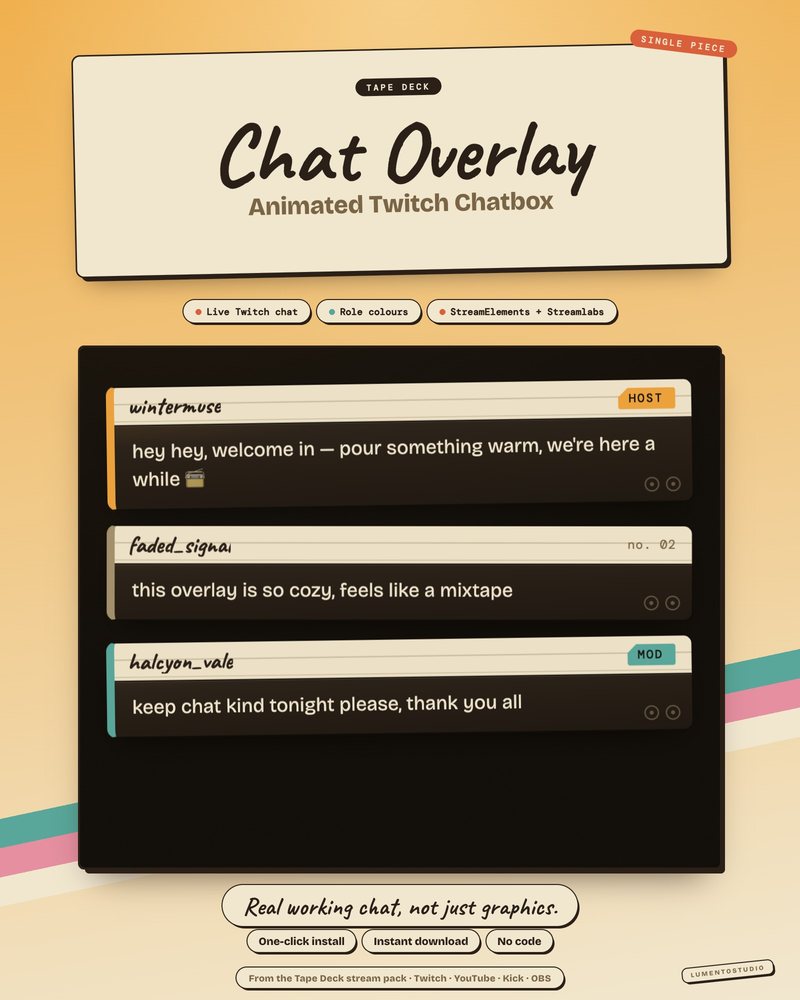
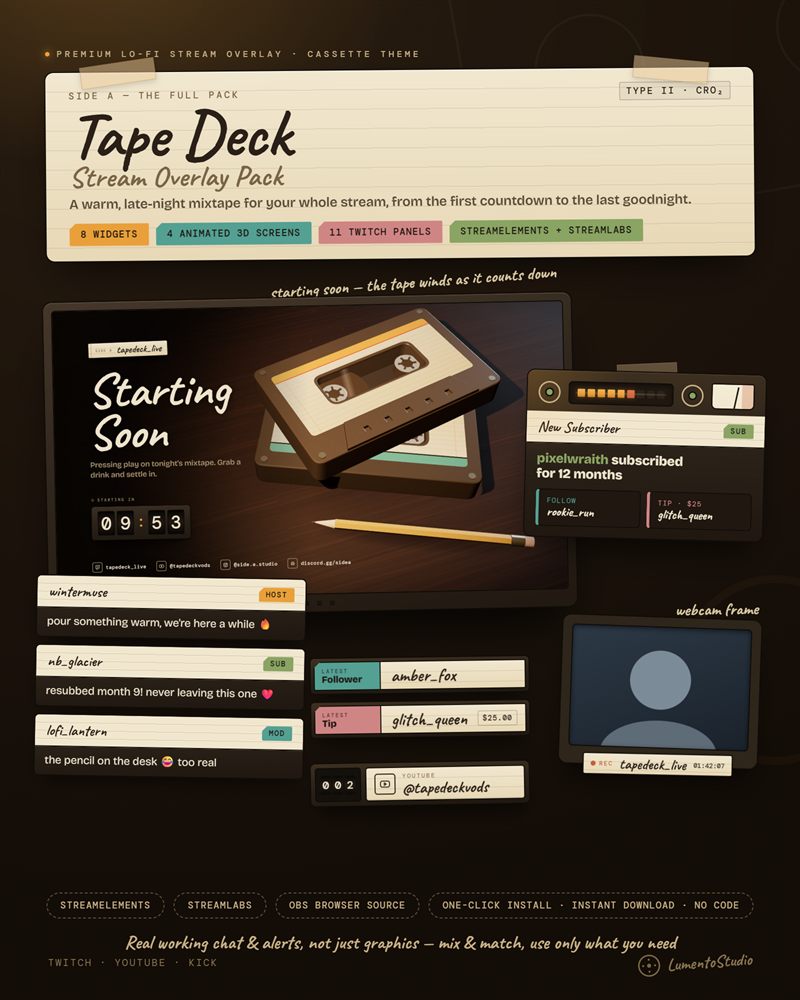
Tape Deck Chatbox
Lo-Fi Cassette Chatbox
€3.00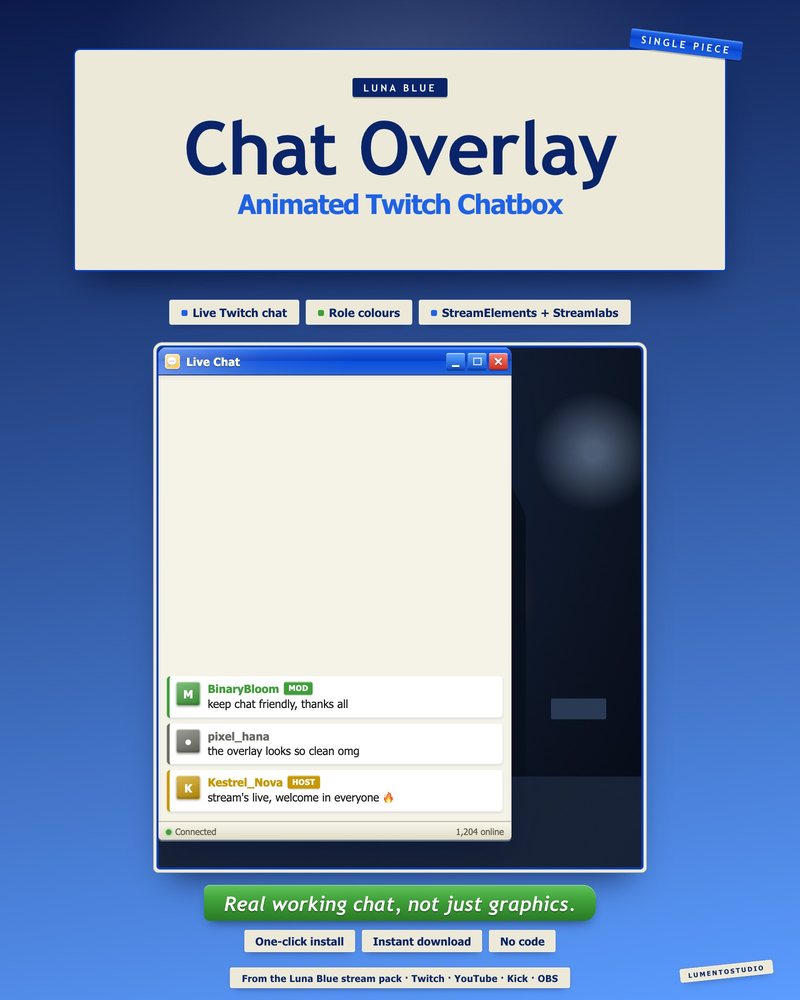
Luna Blue Chatbox
Retro 2000s Desktop Chatbox
€3.00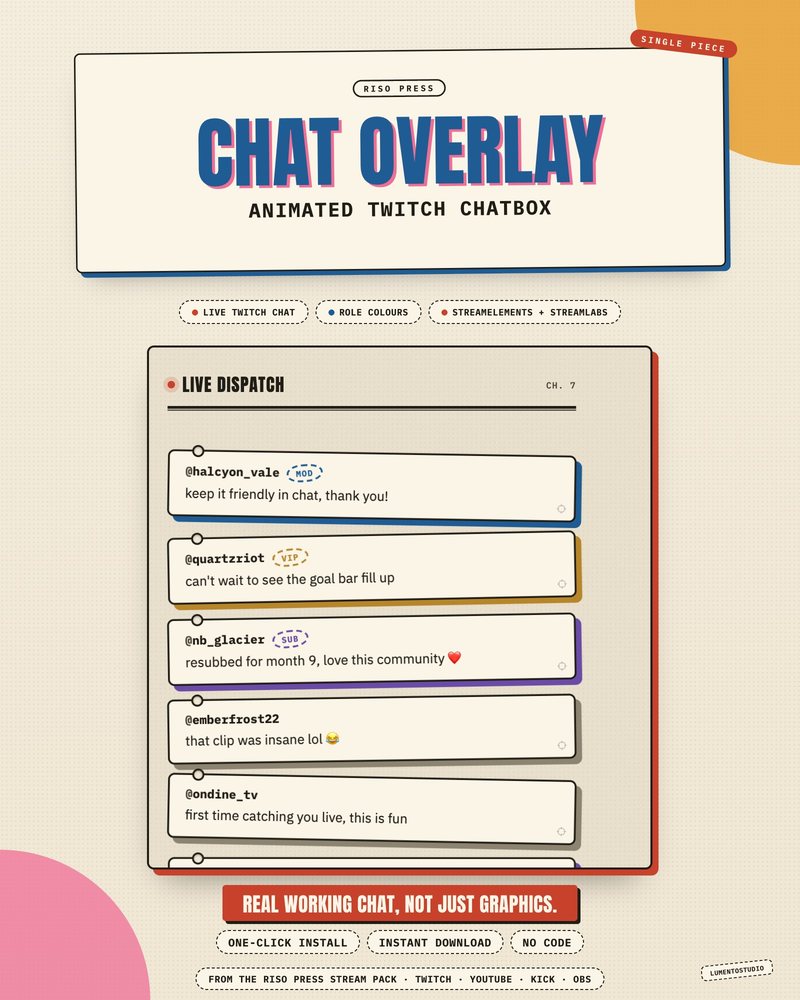
Riso Press Chatbox
Risograph Print Chatbox
€3.00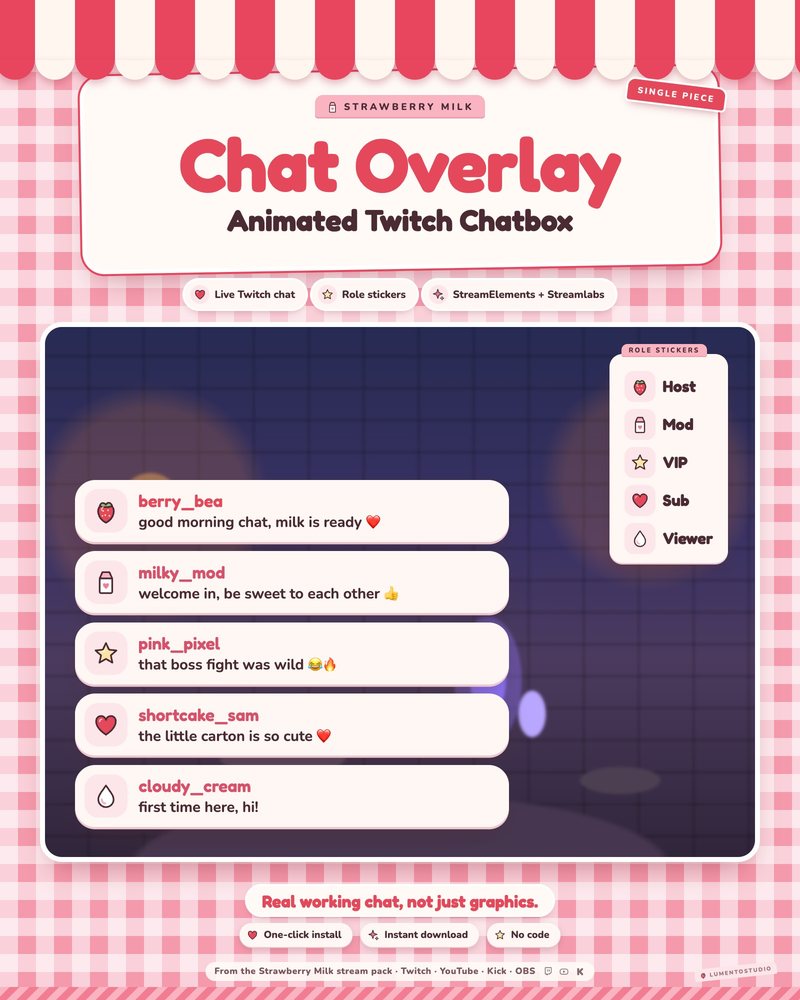
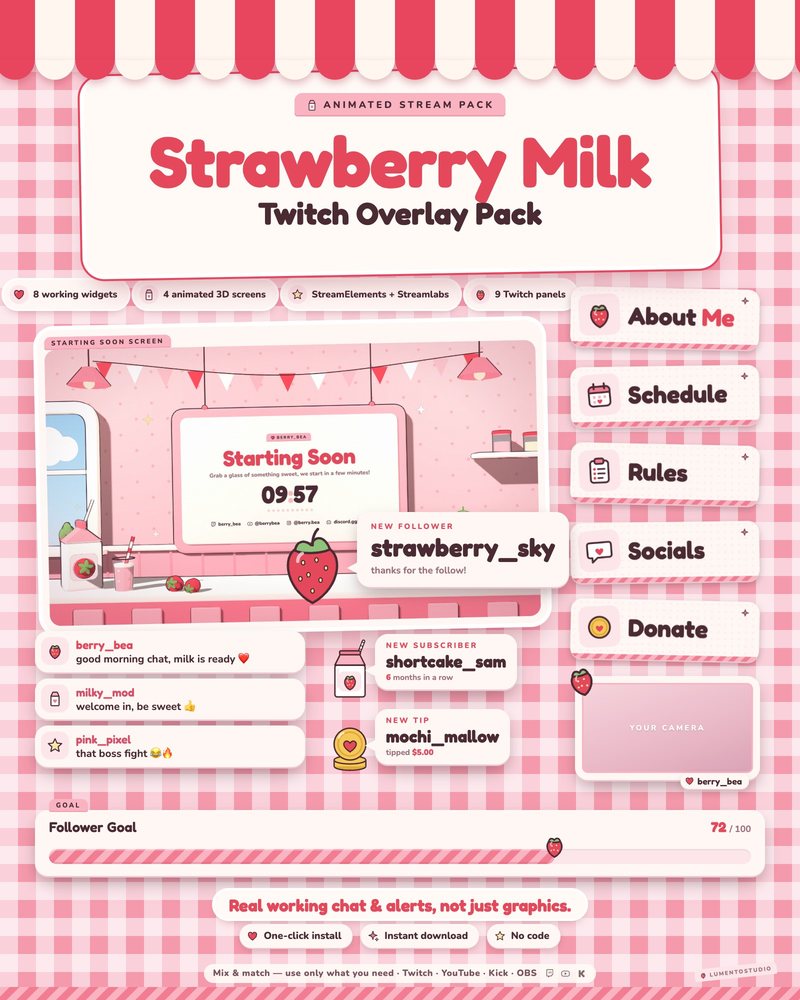
Strawberry Milk Chatbox
Pink Strawberry Kawaii Chatbox
€3.00Full packs with a matching chat box
The same piece, with the rest of the set to match.
Questions
How do I add a chat box to OBS?
Install the widget in StreamElements or Streamlabs, copy its URL and add it to OBS as a Browser source. Our chat overlay guide walks through it step by step.
Does the chat box show mods, VIPs and subscribers differently?
Yes. Roles get their own marker or badge so viewers can tell who is who at a glance. The previews on each product page show every role.
Can I use a chat box from one pack with alerts from another?
Yes. Every widget is its own browser source. You can try combinations together in the stream studio before buying.
Will it work on YouTube or Kick chat?
It depends on the widget and on the platform StreamElements or Streamlabs is connected to. Each product page lists its platform support.
Set it up
Short, plain guides for getting overlays on stream.
How to add a chat overlay to OBS
Create a chat box widget in StreamElements or Streamlabs, copy its URL, and add it to OBS as a Browser source (around…
GuideHow to show YouTube live chat on stream in OBS
Use a chat box widget that supports YouTube, such as Streamlabs' Chat Box: sign in with your YouTube account, copy the…
GuideStreamElements vs Streamlabs for overlays
Already using one? Stay with it, both work well. Starting fresh with OBS Studio, StreamElements is the simpler choice…