
7 products
Animated webcam frame overlays
A webcam frame turns a floating camera rectangle into part of your layout. These frames have a transparent center, so your camera or VTuber model sits underneath and the frame animates on top.
Each frame is sold on its own and comes in 16:9, 4:3 and 1:1, so it fits whatever your camera is cropped to. The full packs below include the same frame with chat, alerts and stream screens to match.
- 16:9 · 4:3 · 1:1
- Face cam or VTuber model
- Instant download on Etsy
Webcam frames
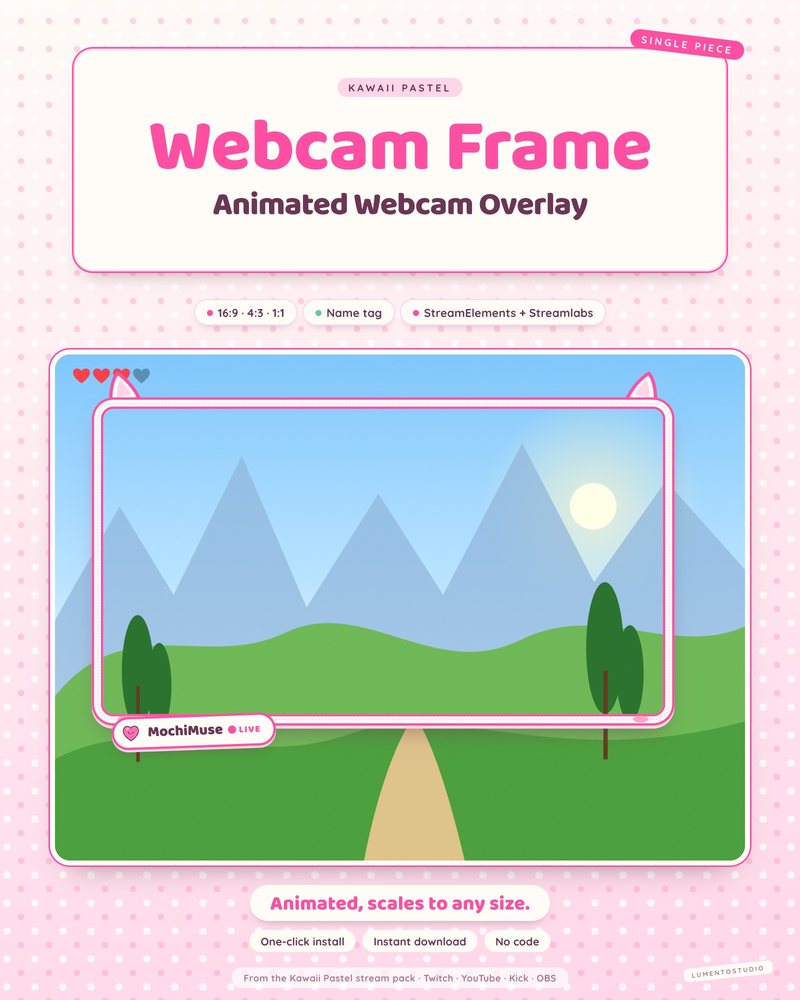
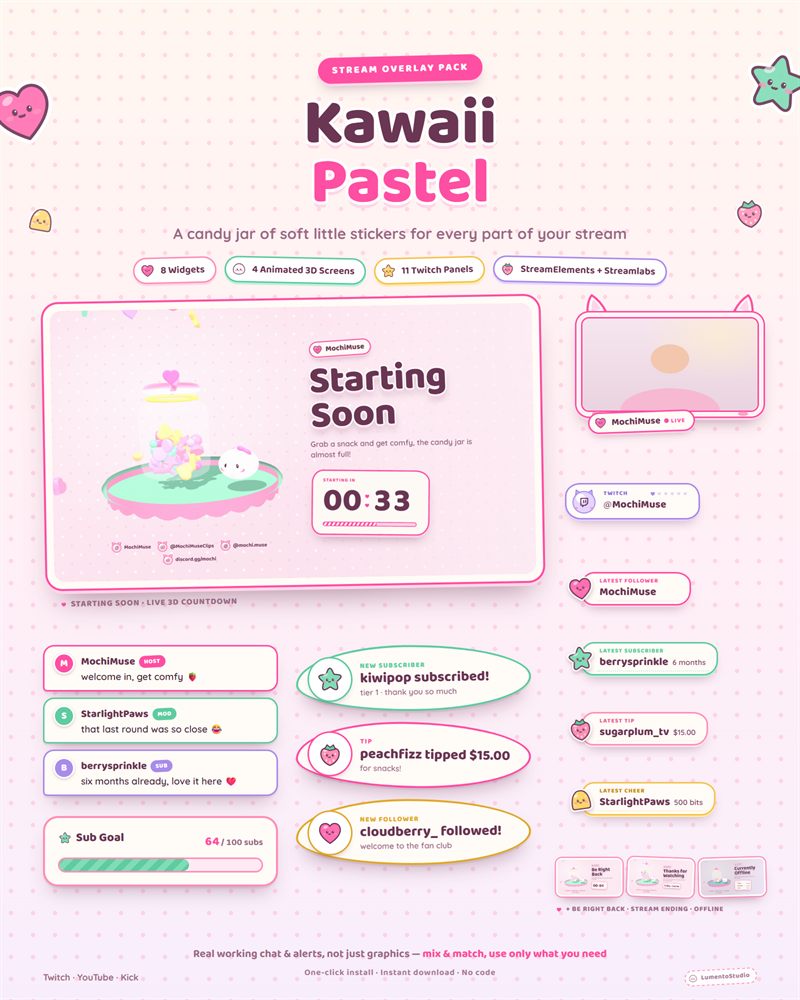
Kawaii Pastel Webcam Frame
Cute Pastel Webcam Frame
€2.50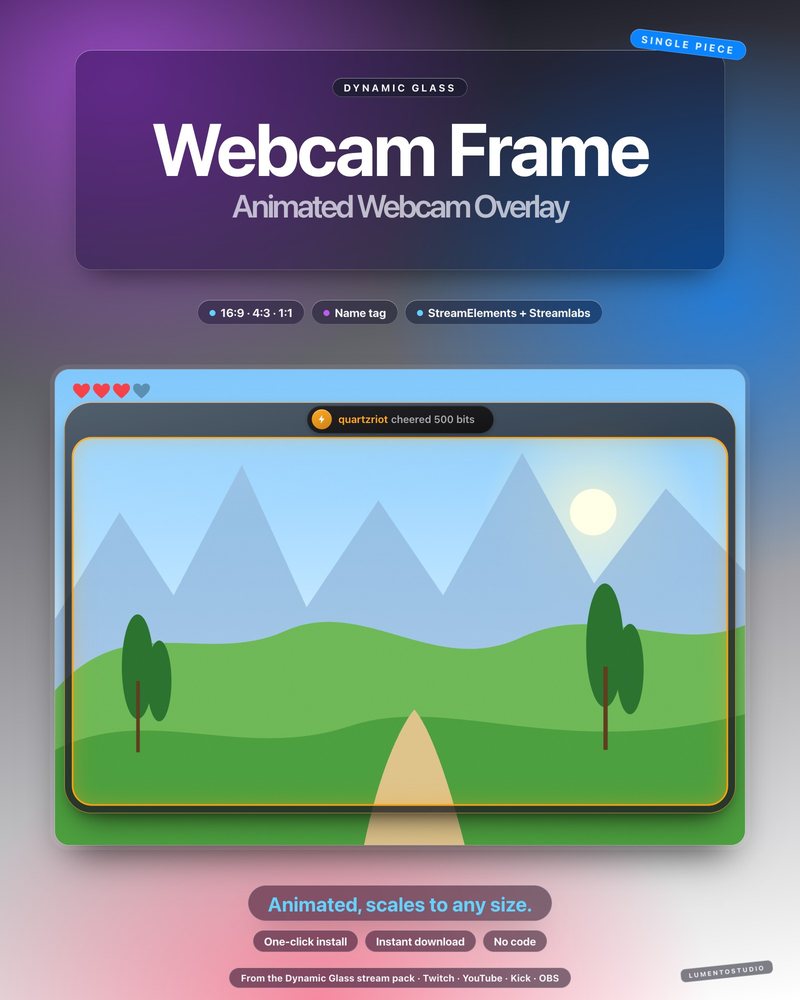
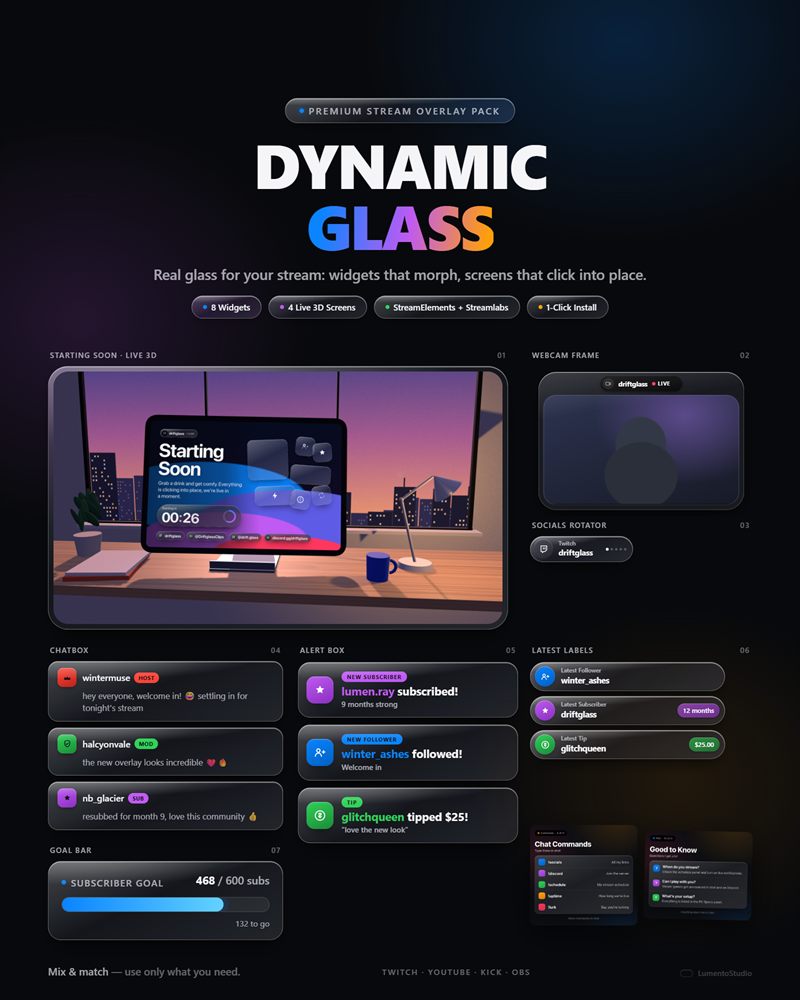
Dynamic Glass Webcam Frame
Glass Interface Webcam Frame
€2.50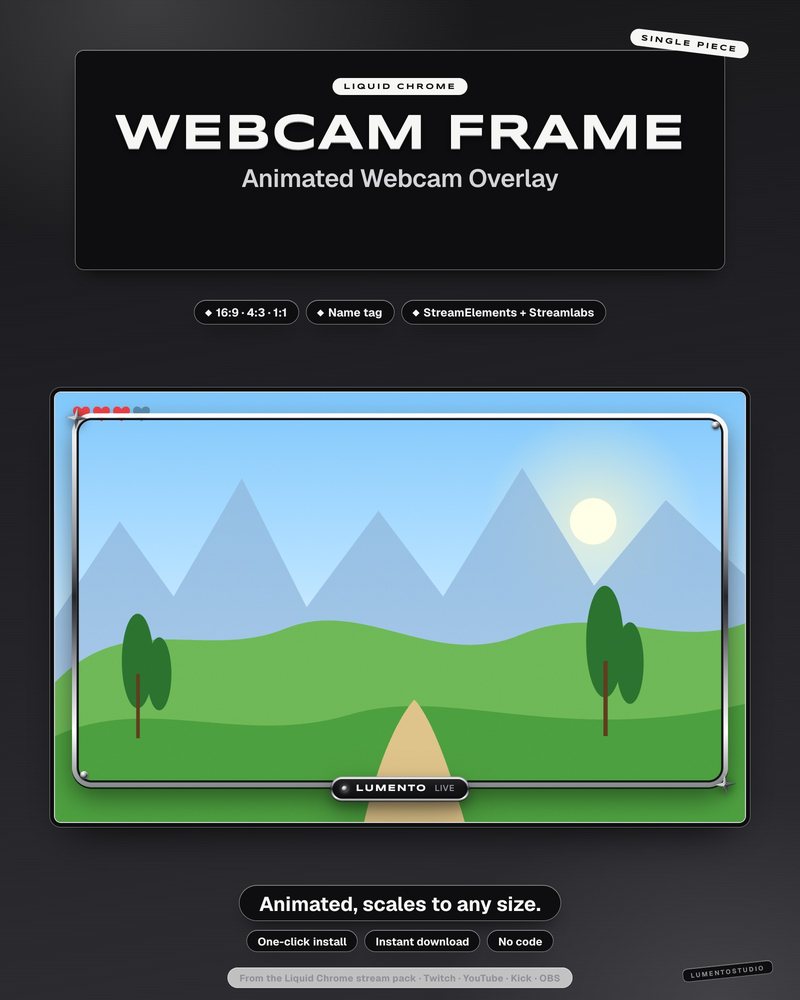
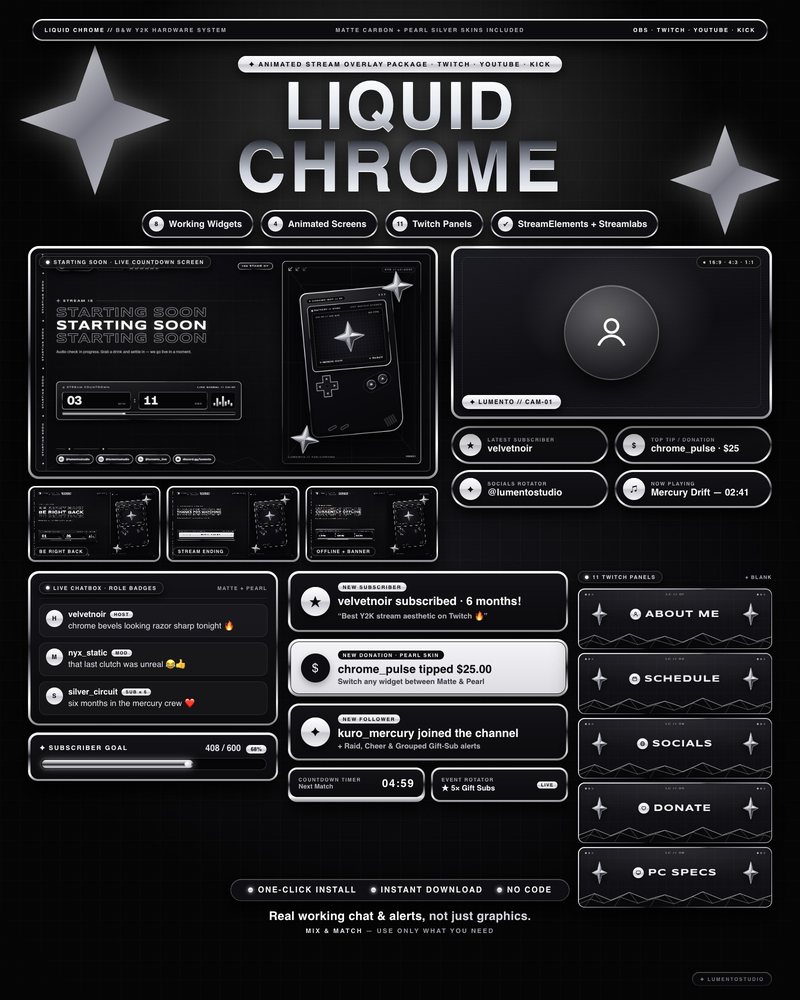
Liquid Chrome Webcam Frame
Black and White Y2K Chrome Webcam Frame
€2.50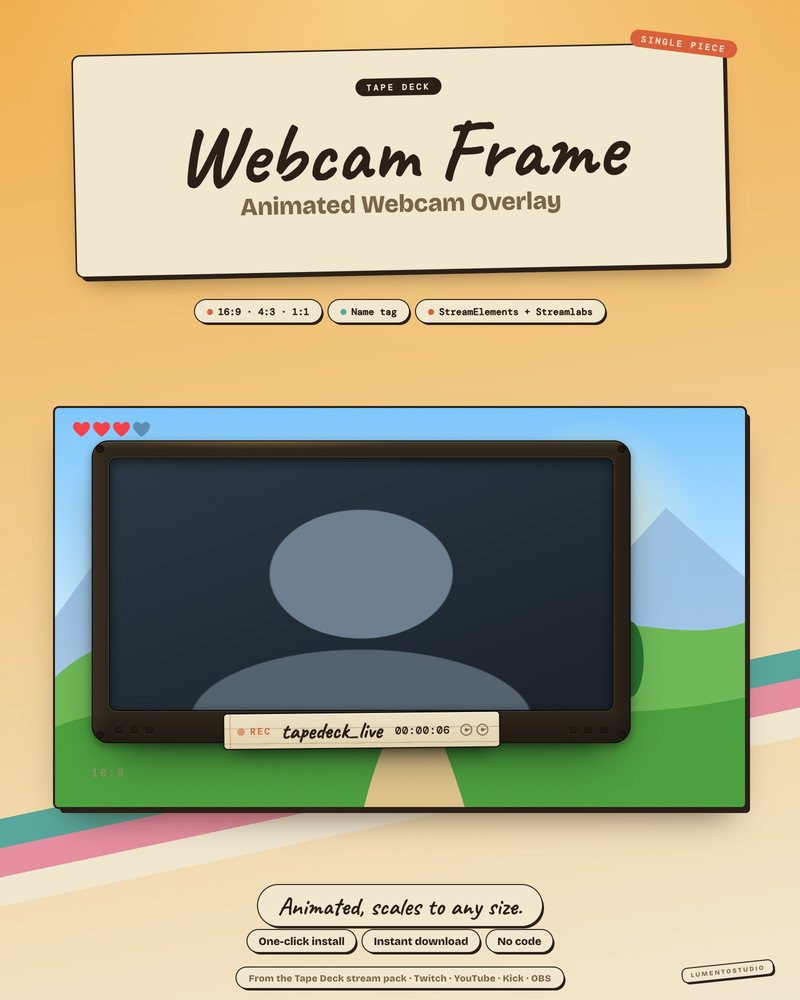
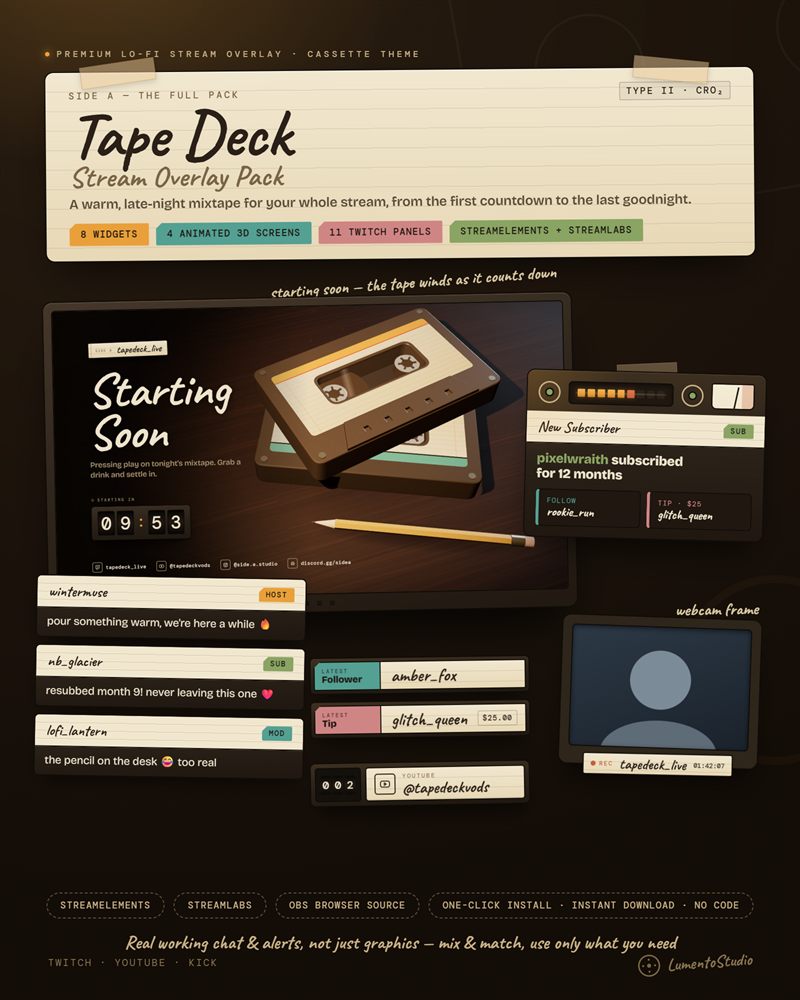
Tape Deck Webcam Frame
Lo-Fi Cassette Webcam Frame
€2.50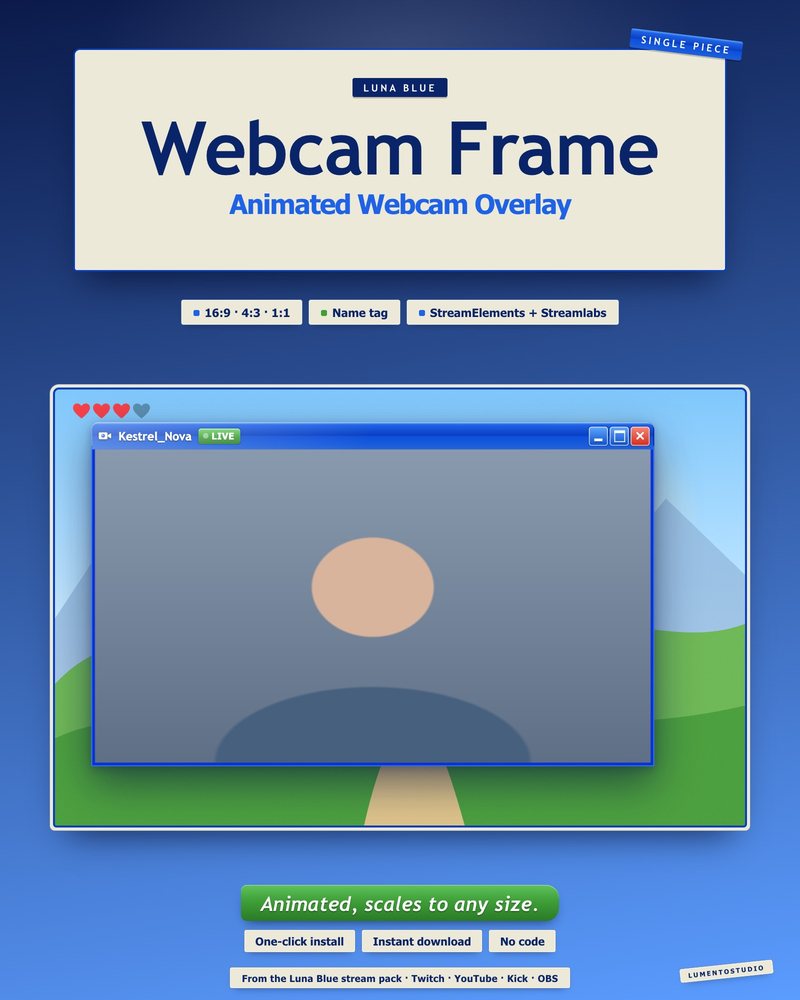
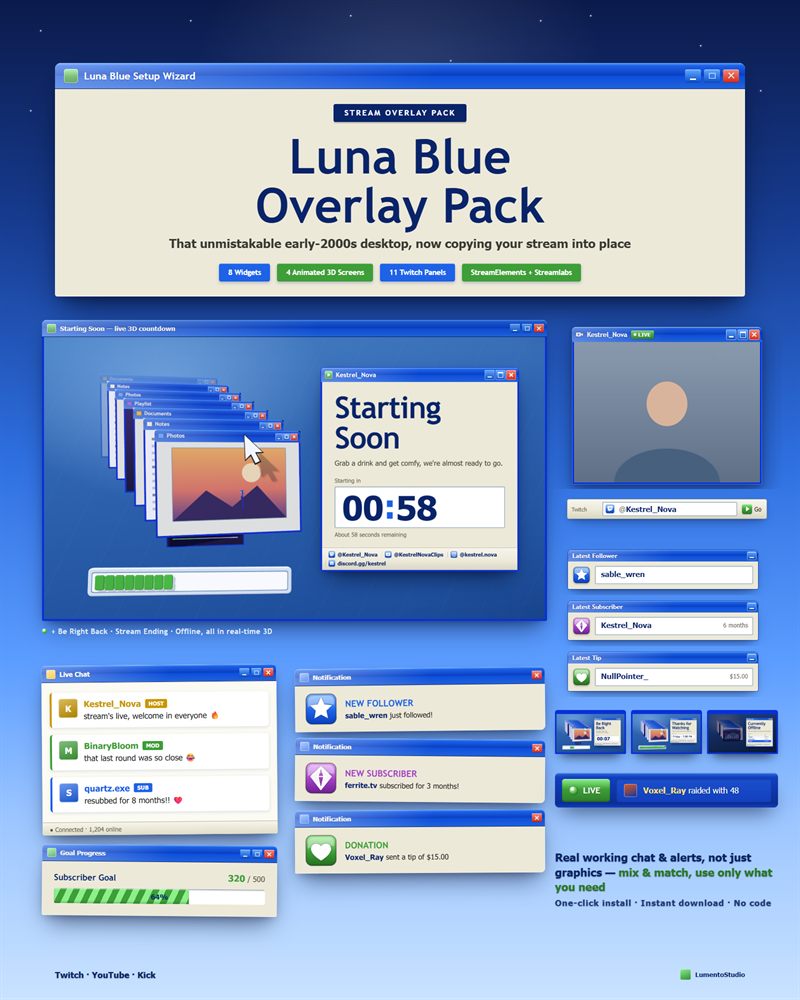
Luna Blue Webcam Frame
Retro 2000s Desktop Webcam Frame
€2.50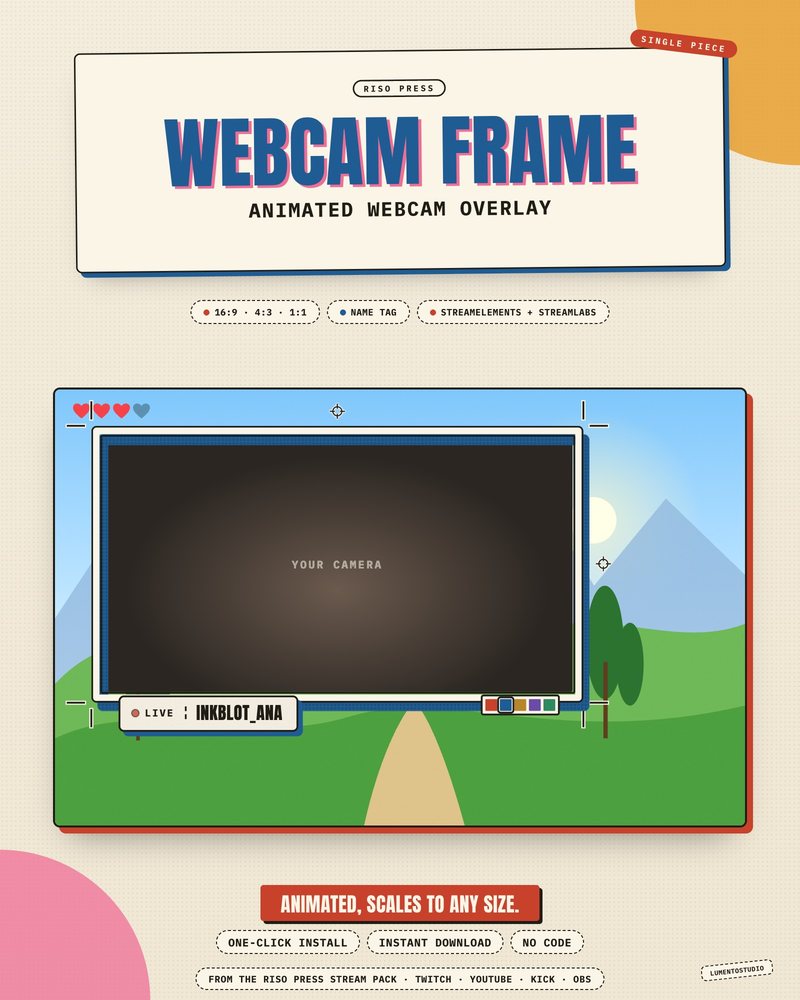
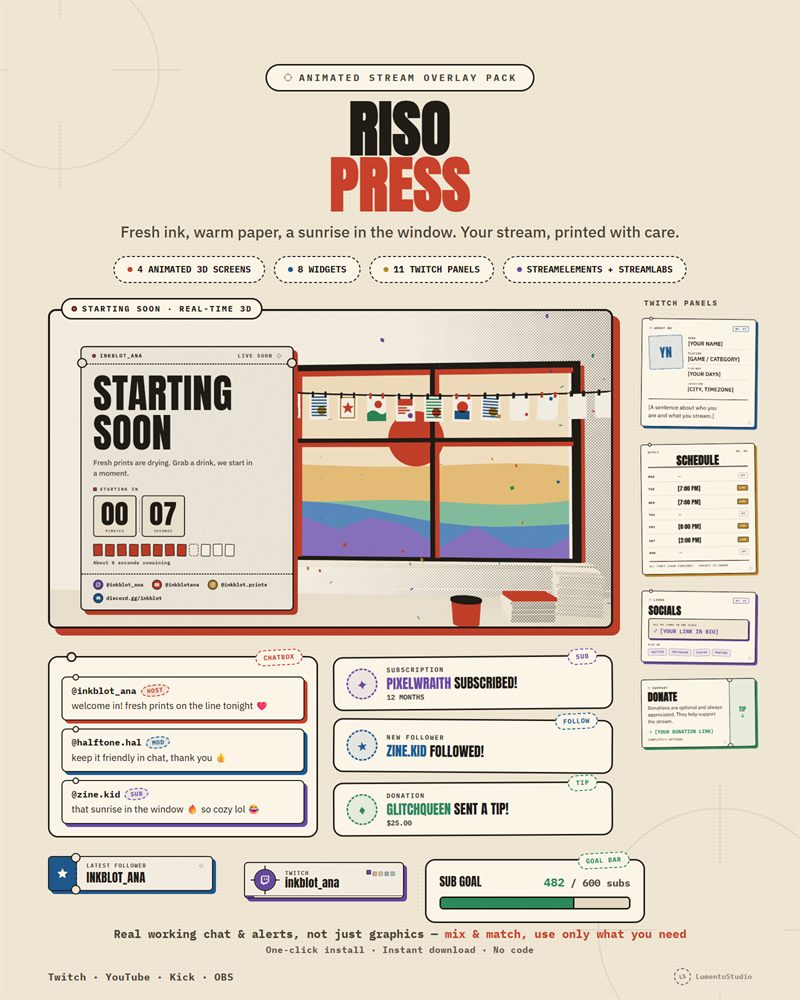
Riso Press Webcam Frame
Risograph Print Webcam Frame
€2.50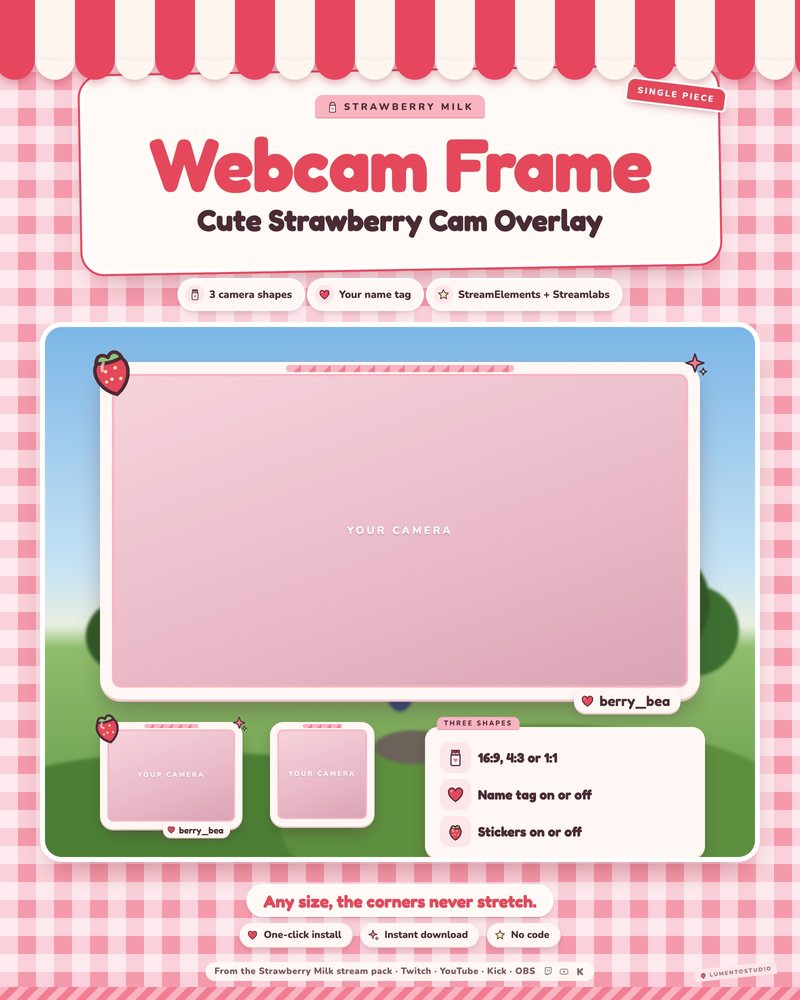
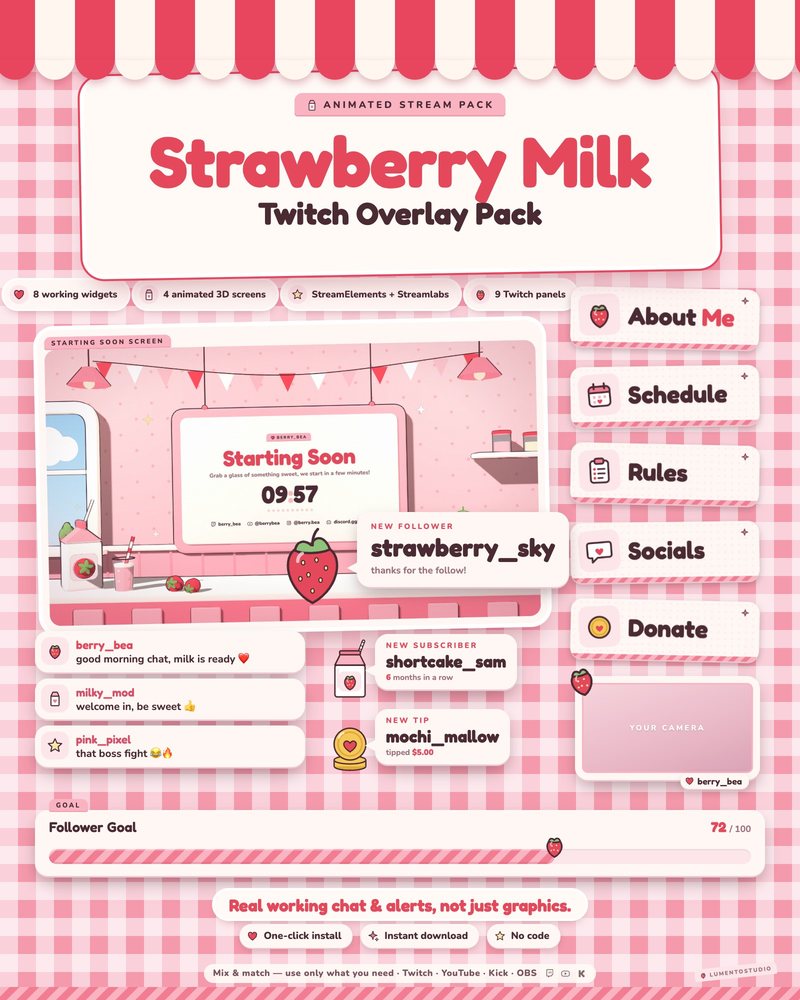
Strawberry Milk Webcam Frame
Pink Strawberry Kawaii Webcam Frame
€2.50Full packs with a matching webcam frame
The same piece, with the rest of the set to match.

Questions
How do I put a frame around my webcam in OBS?
Add your camera, add the frame as a Browser source, and drag the frame above the camera in the Sources list. Our webcam frame guide shows how to crop and lock both together.
Which aspect ratio should I pick?
16:9 for a full widescreen camera, 4:3 for a classic webcam crop and 1:1 for a small square cam in a corner.
Does it work with a VTuber model?
Yes. The center is transparent, so it frames a model capture the same way it frames a camera.
Can I add my name to the frame?
Each product lists its options on its page; several frames include a name tag you can edit.
Set it up
Short, plain guides for getting overlays on stream.
How to add a webcam frame in OBS
Add your camera as a Video Capture Device, add the frame as a Browser or Image source, and drag the frame above the…
GuideHow to set up a VTuber overlay layout in OBS
Bring your model into OBS with a transparent background (Spout2 or Game Capture with transparency from VTube Studio)…
GuideTwitch overlay size and OBS canvas resolution
Build your layout on a 1920×1080 canvas (OBS Settings › Video › Base (Canvas) Resolution). If your upload speed or PC…