stream widget set
Storybook Pomodoro Stream Widget Set
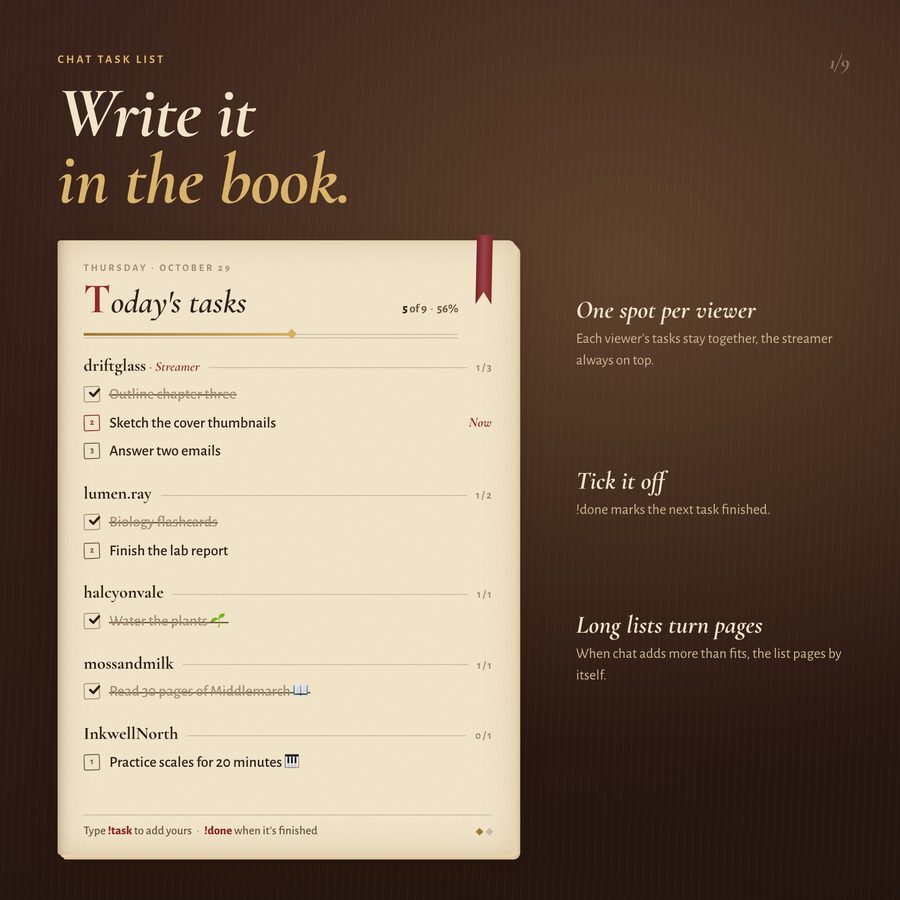
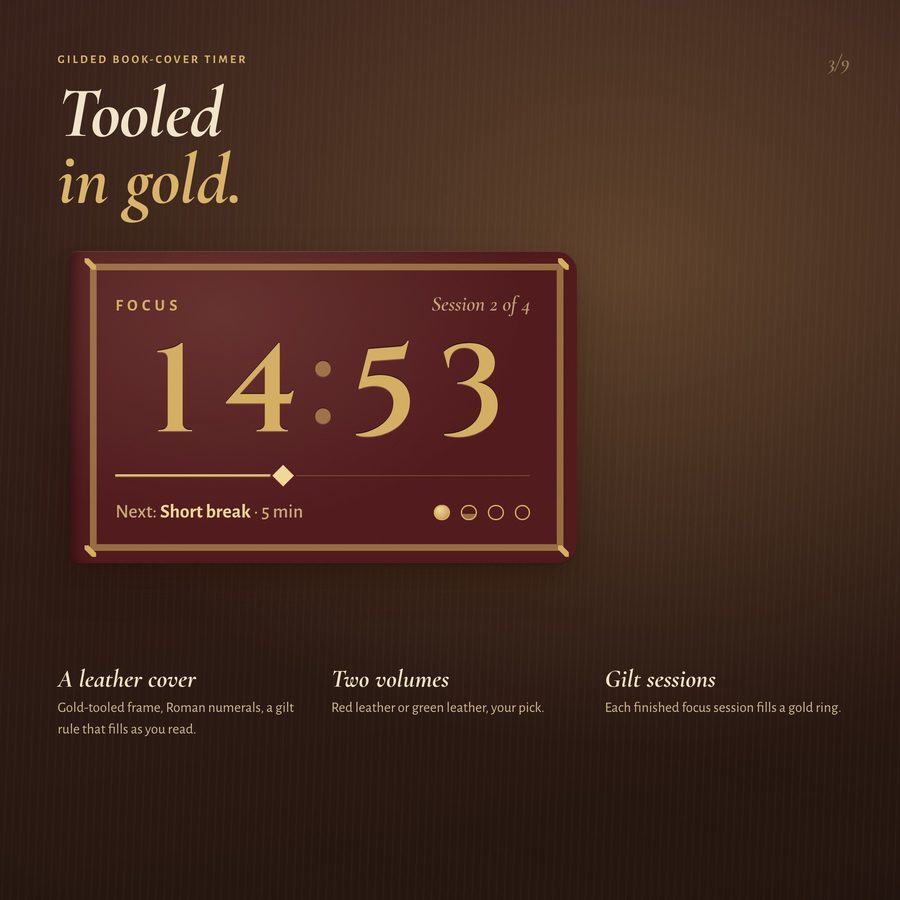
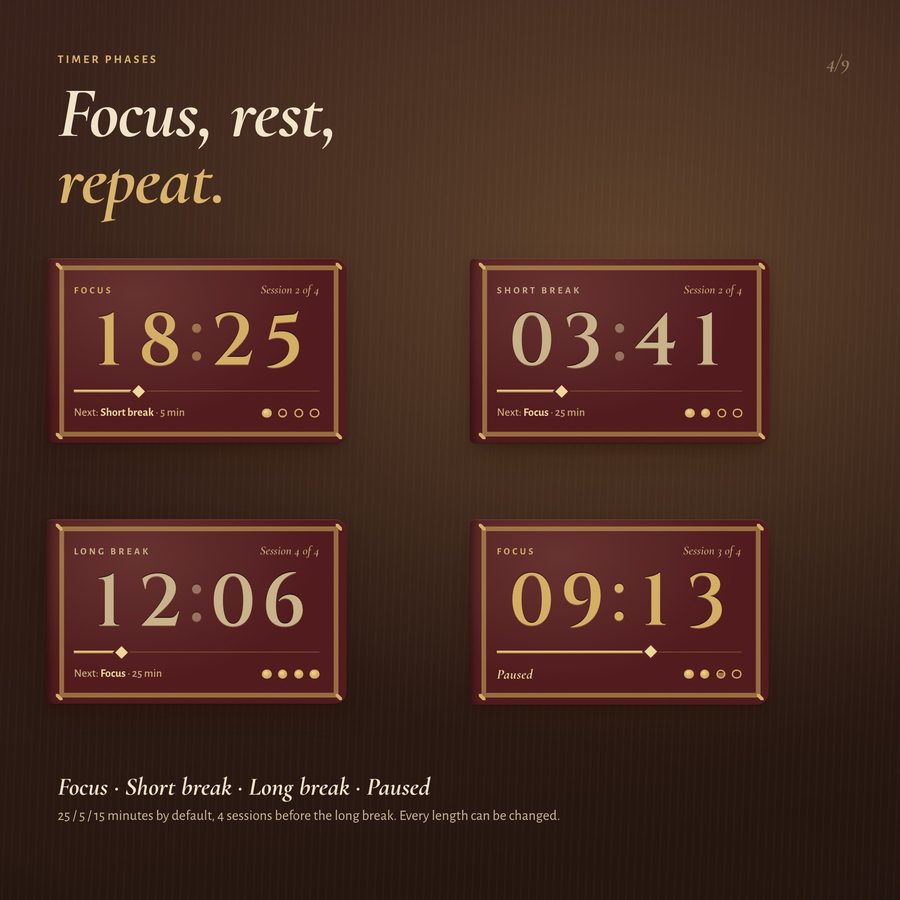
Turn every study session into a chapter. The pomodoro timer is a leather book cover tooled in gold, and your chat writes their tasks on a parchment page with !task, ribbon bookmark and all.
More about this look
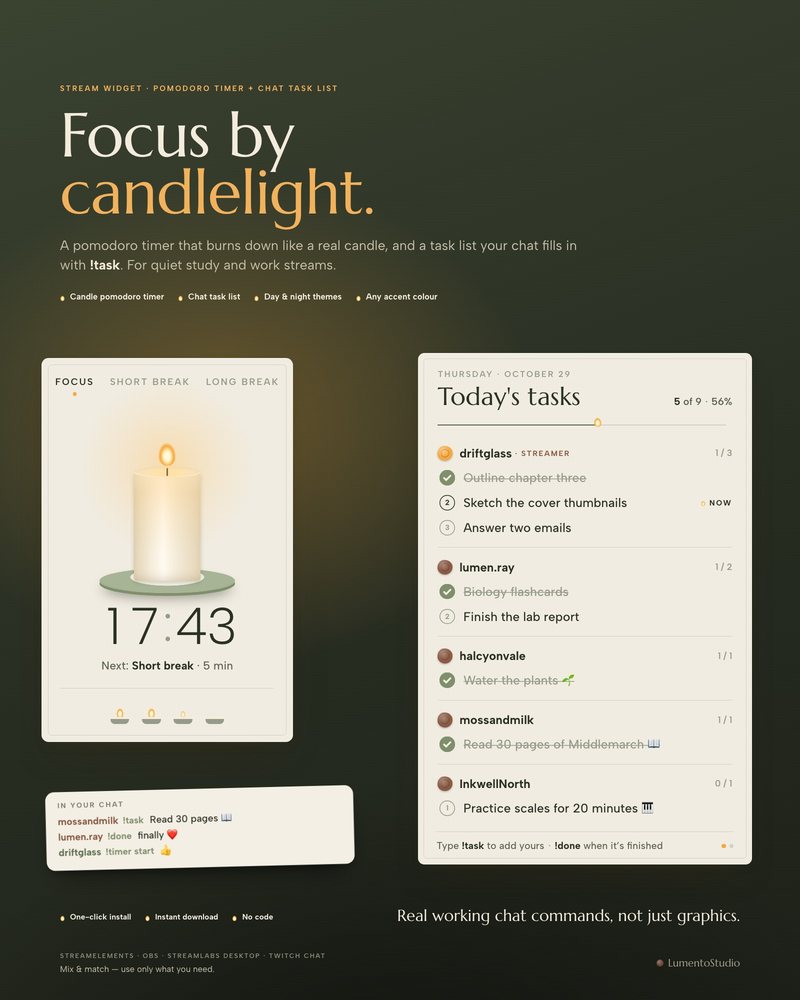
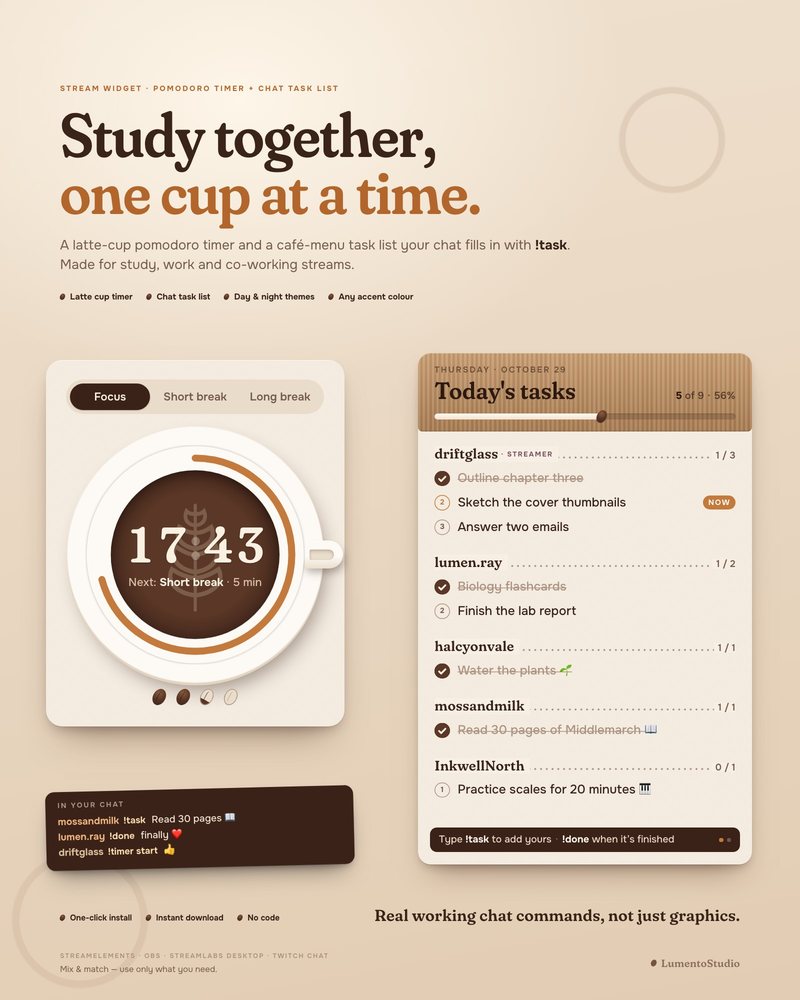
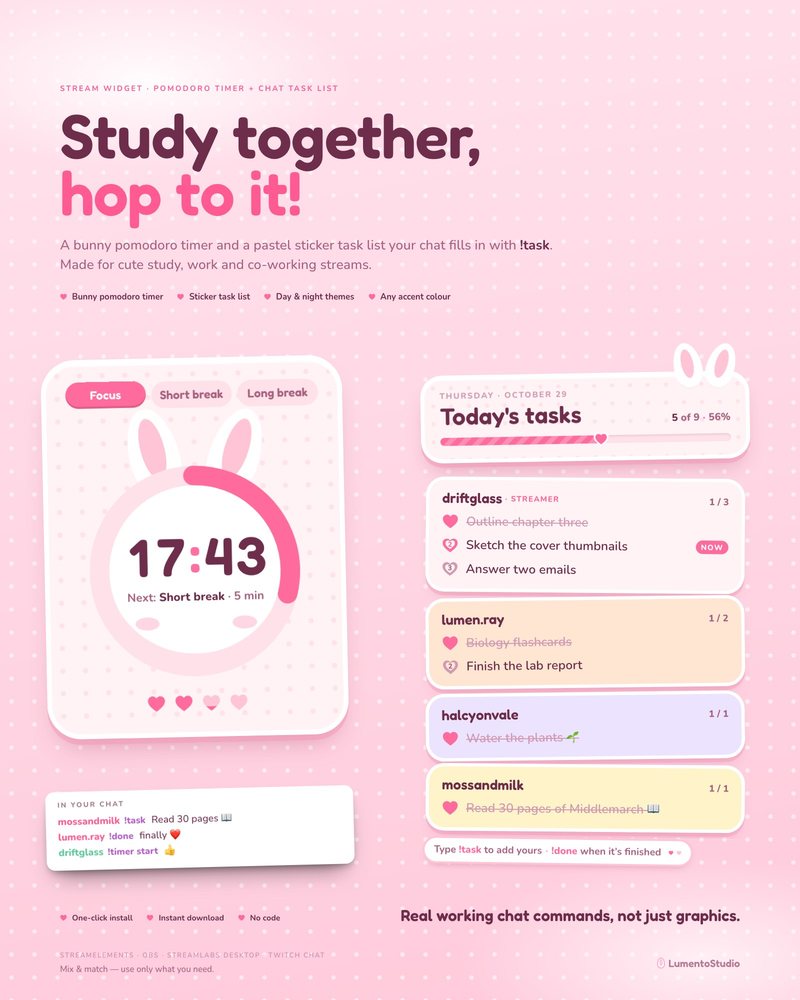
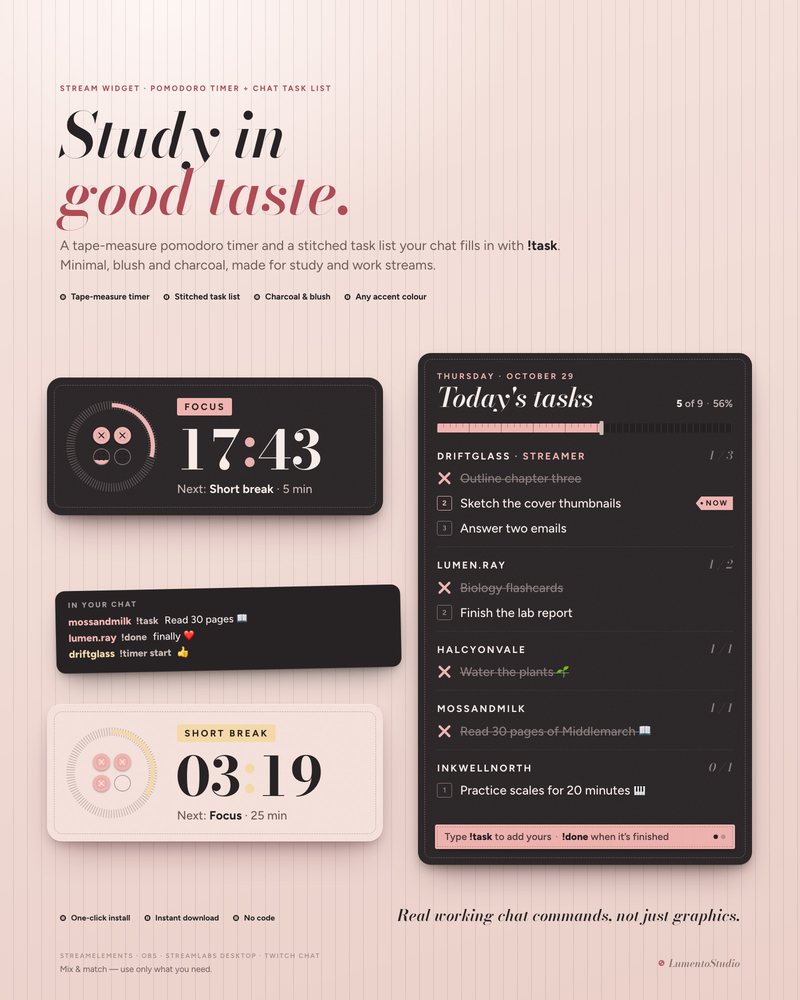
These are real working widgets that react to your chat live, not just graphics.
€5.00 · Instant digital download · One-time purchase
- StreamElements
- OBS Browser Source
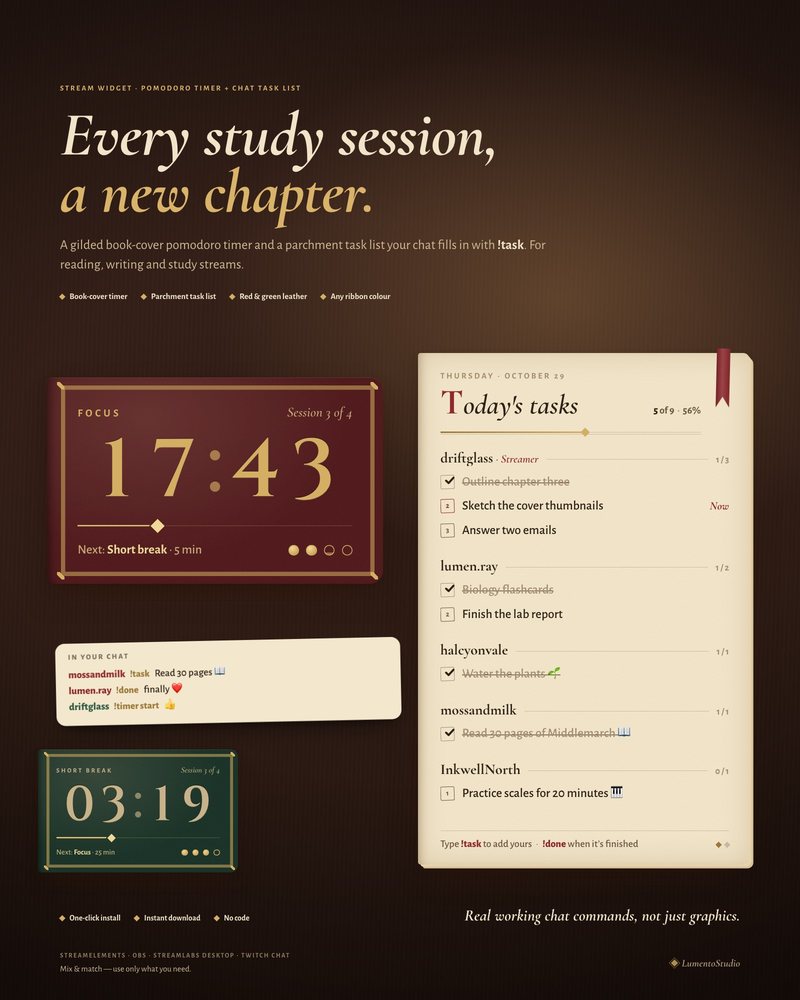

Try individual elements together in the stream studio.
Try Storybook Pomodoro live ↗
What's included
- StreamElements install link: the task list and the timer in one click
- Browser Source files for OBS Studio and Streamlabs Desktop: task_list.html, timer_big.html (they read your Twitch chat directly)
- settings.js: your channel name, colours, timer lengths and commands in one plain file (open it in Notepad)
- Short install guide (PDF)
Customize it
- Focus, short break and long break lengths (minutes)
- Number of focus sessions before a long break
- Start the next phase automatically: on / off
- Soft chime when a phase ends: on / off, with volume
- Phase labels (Focus / Short break / Long break)
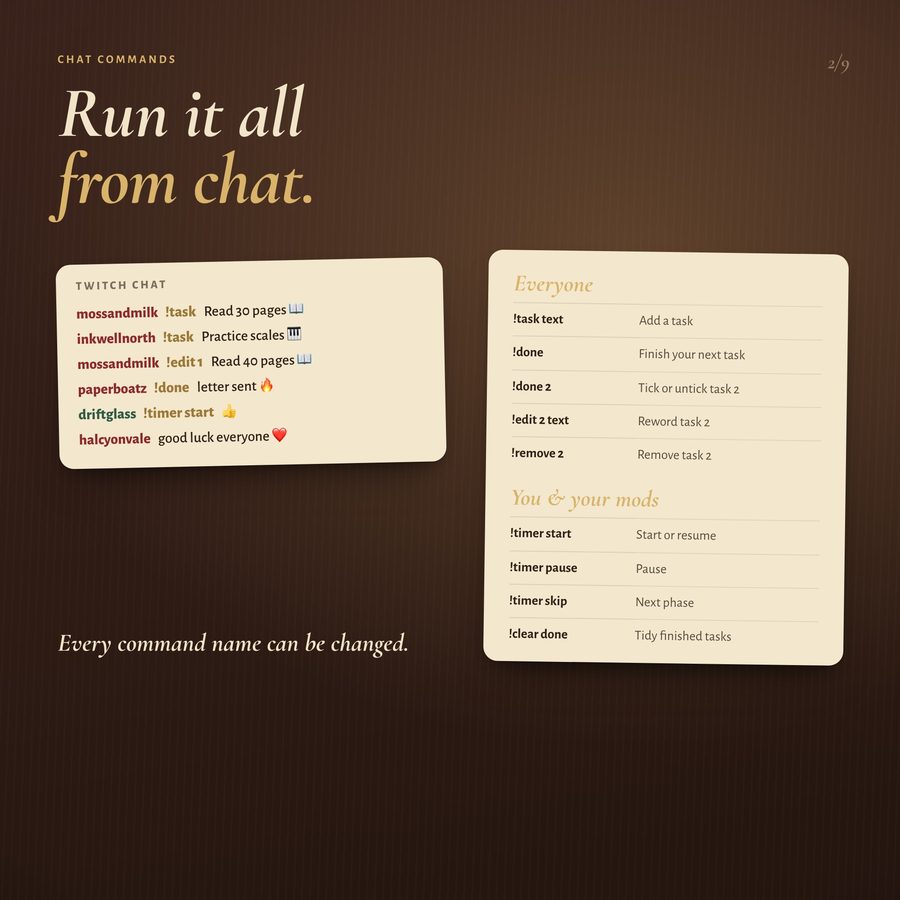
- Who can control the timer: you and your mods, or only you
- Timer command name (default !timer)
- Title (default "Today’s tasks")
- Text size
- Show or hide today’s date, the percentage and the command hint
- Keep finished tasks on the list (struck through) or hide them
- Mark your current task with “Now”
- Open tasks per viewer, and for you
- Finished tasks kept per viewer
- Maximum characters per task
- Your starting tasks
- Start with an empty list each time, or keep the list between streams
- Seconds per page when the list gets long
- Command names (!task, !done, !focus, !backlog, !edit, !remove, !clear)
- Theme: red leather or green leather
- Accent colour: any colour code
Bring Storybook Pomodoro to your stream
€5.00 · Instant digital download on Etsy. See the included files and platform support above.