stream widget set
Pixel Cozy Info + Goals Stream Widget Set
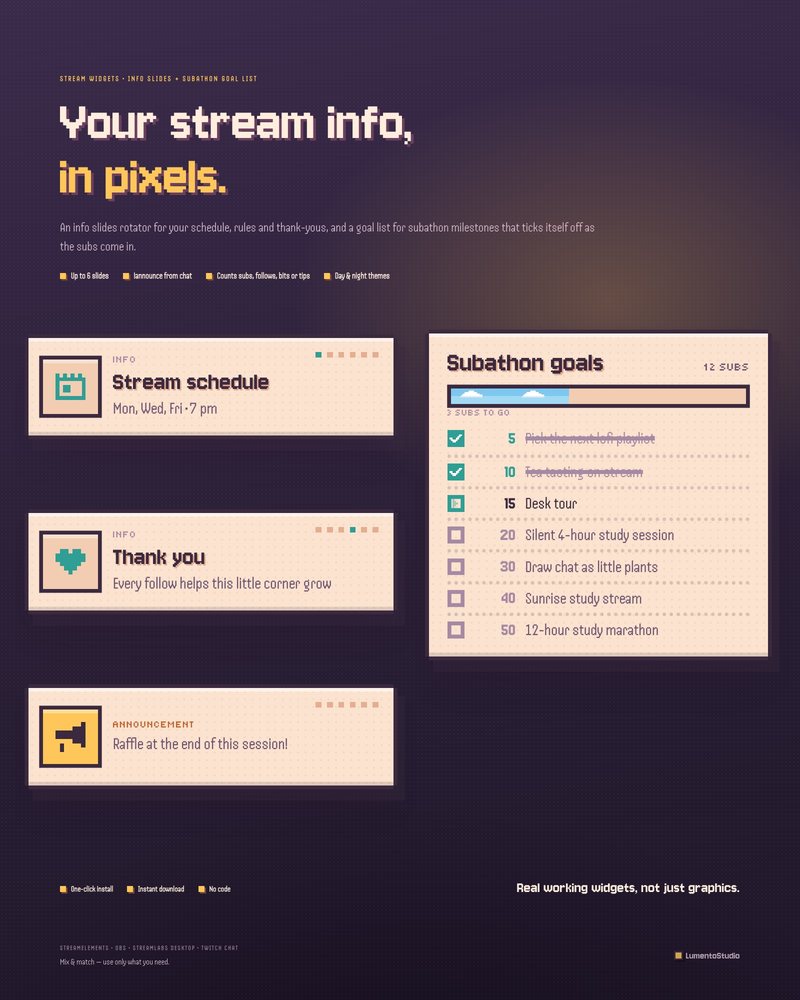
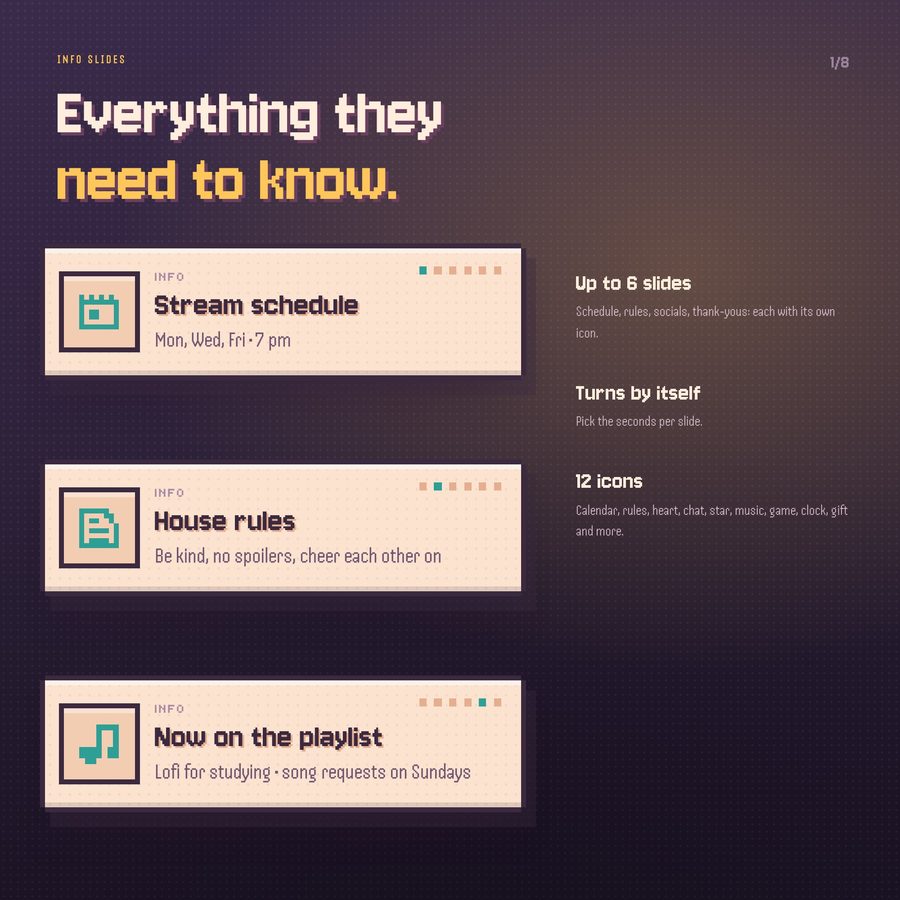
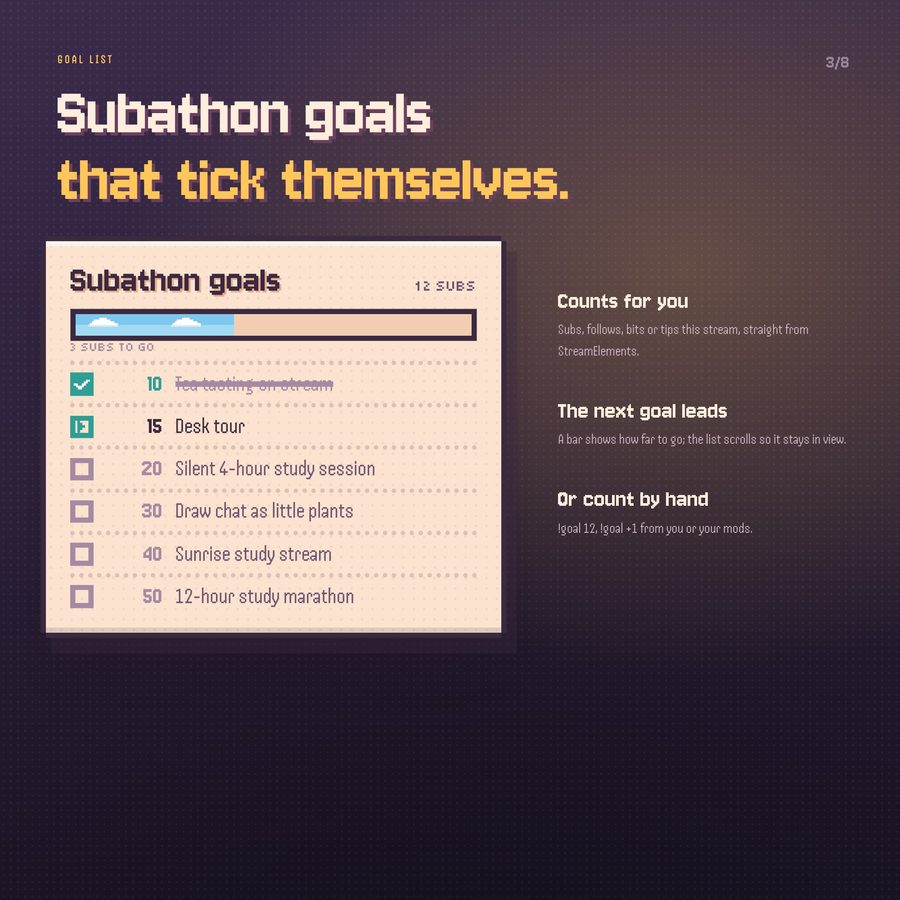
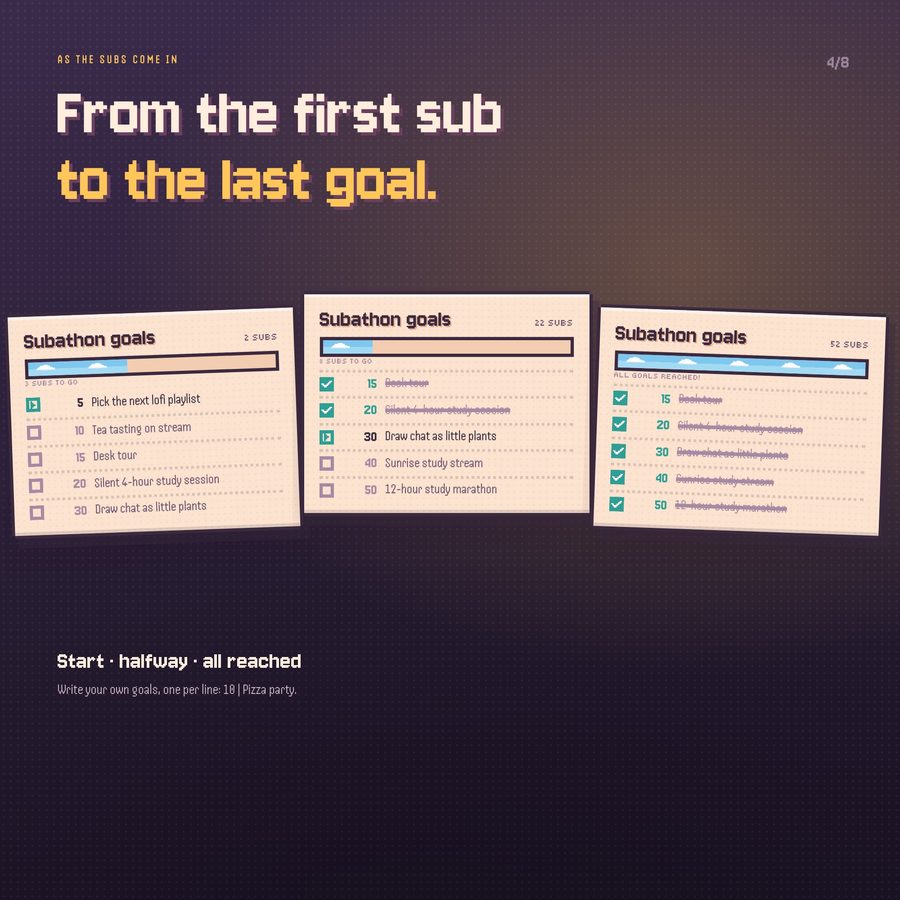
Little pixel cards for everything your viewers need to know. The info slides turn through your schedule, rules and thank-yous in hard game frames, and the goal list ticks off your subathon milestones one pixel check at a time, with a strip of sky growing toward the next goal.
More about this look
These are real working widgets, not just graphics.
€5.00 · Instant digital download · One-time purchase
- StreamElements
- OBS Browser Source

Try individual elements together in the stream studio.
Try Pixel Cozy Info + Goals live ↗
What's included
- Info slides rotator + goal list / subathon goals, in the Pixel Cozy style
- StreamElements install link: both widgets in one click
- Browser Source files for OBS Studio and Streamlabs Desktop: info_slides.html, goal_list.html
- settings.js: your channel name, slides, goals and colours in one plain file (open it in Notepad)
- Short install guide (PDF)
Customize it
- Up to 6 slides, each with an icon, a title and a text
- 12 icons: calendar, rules, heart, chat, star, music, game, clock, gift, sparkle, megaphone, coffee
- Seconds per slide
- Label above the slides
- Slide dots: on / off
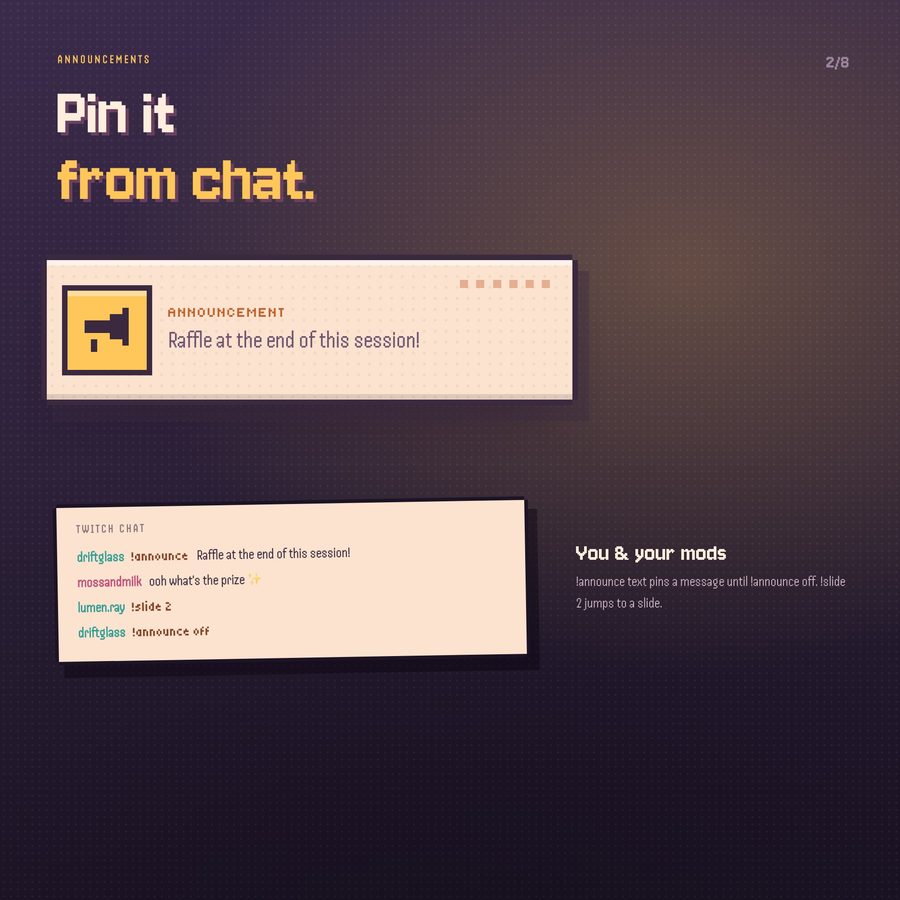
- Who can use the commands, and the command names (!announce, !slide)
- Title and unit (subs, follows, bits…)
- Up to 30 goals, one per line: number | goal
- What it counts on StreamElements: subscribers, followers, bits or tips (this stream, this week, this month or all time), or a manual number
- Start from a number (for subathons that run over several streams)
- Goals shown at once
- Bar to the next goal: on / off
- Who can use !goal, and the command name
- Theme: day or night
- Accent colour: any colour code
Bring Pixel Cozy Info + Goals to your stream
€5.00 · Instant digital download on Etsy. See the included files and platform support above.