stream widget
Premiere End Credits Animated Stream End Credits Stream Widget
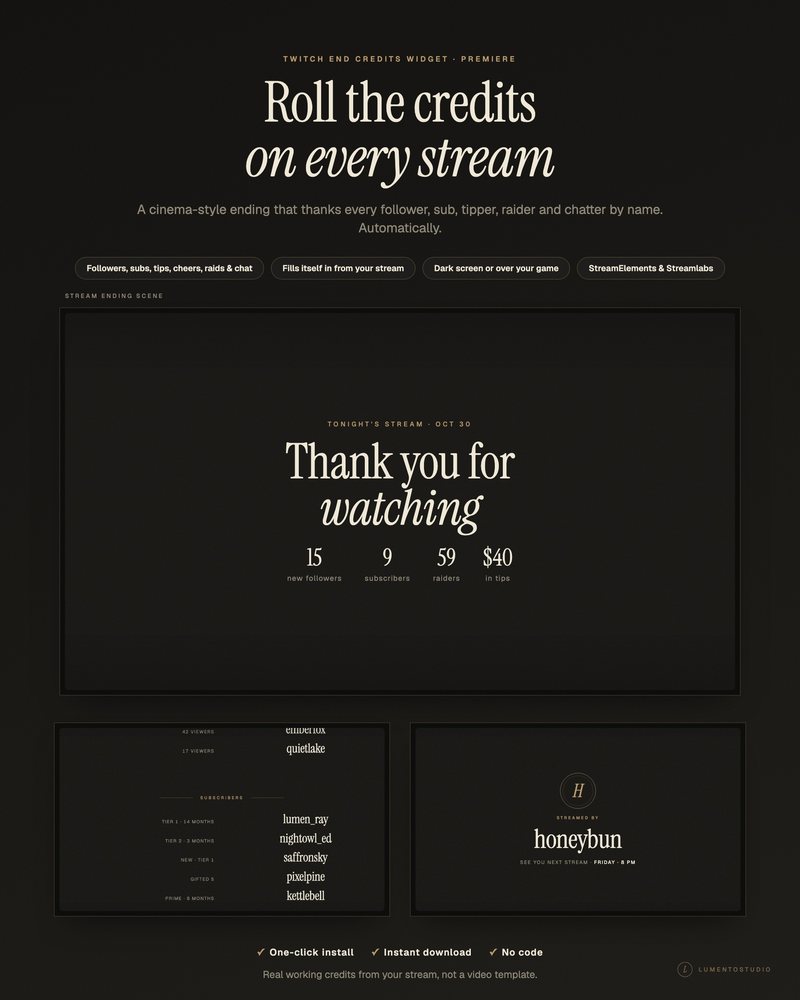
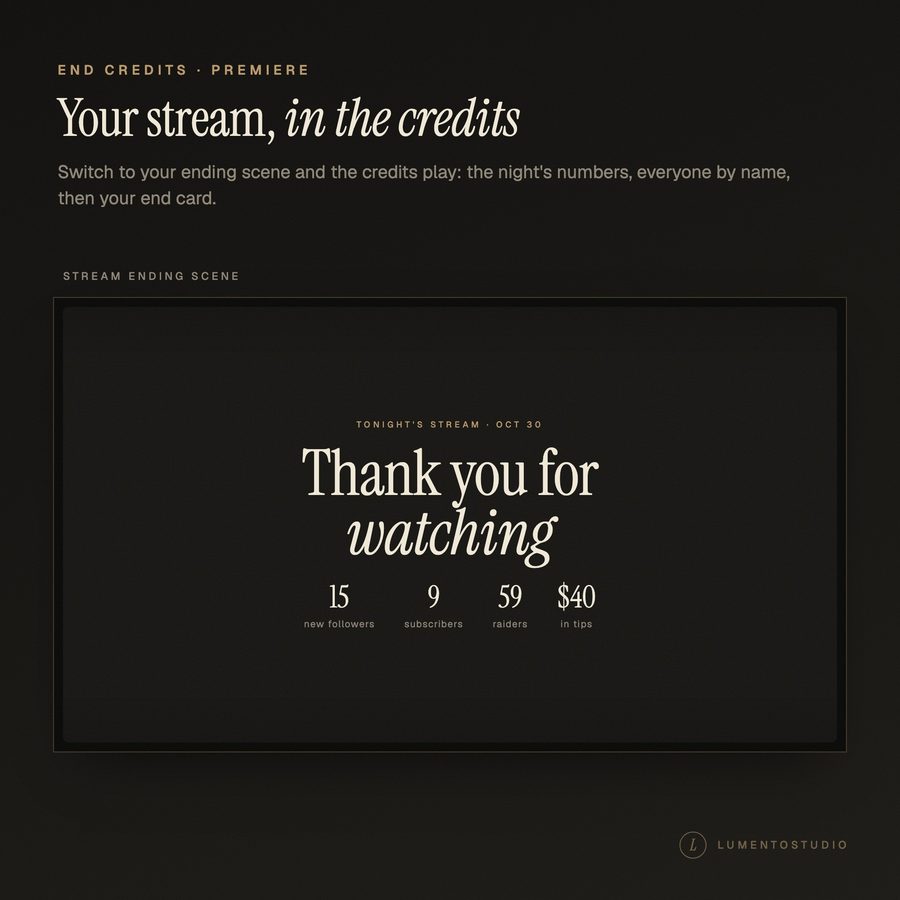
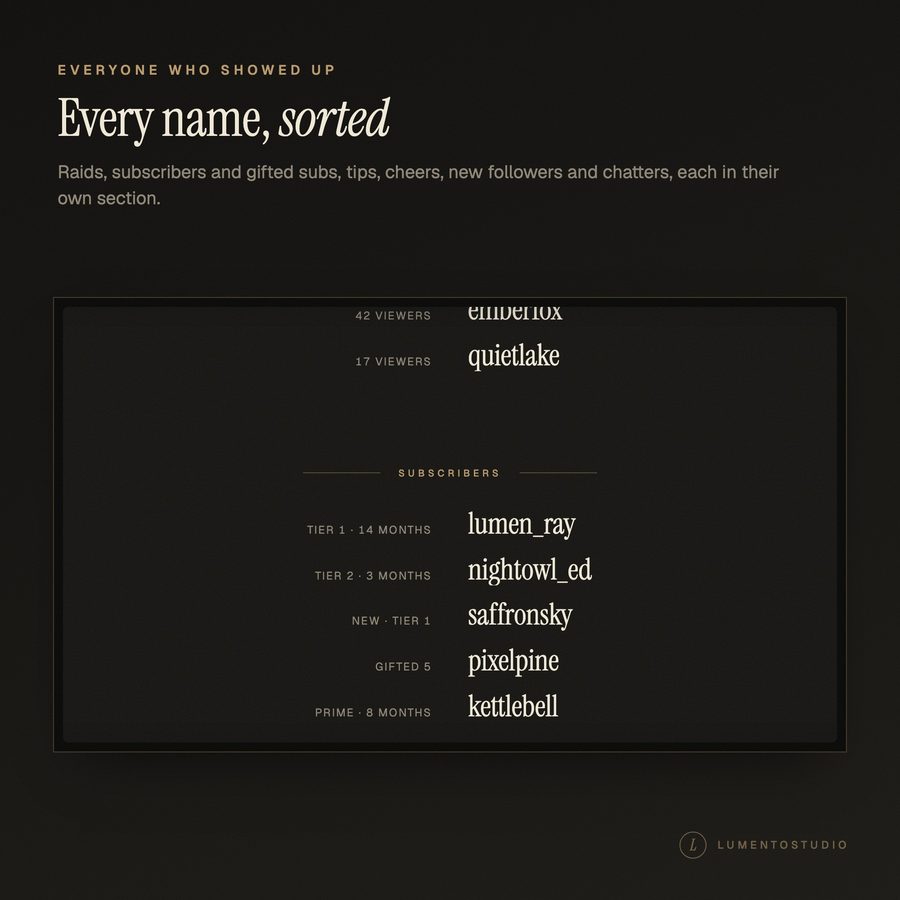
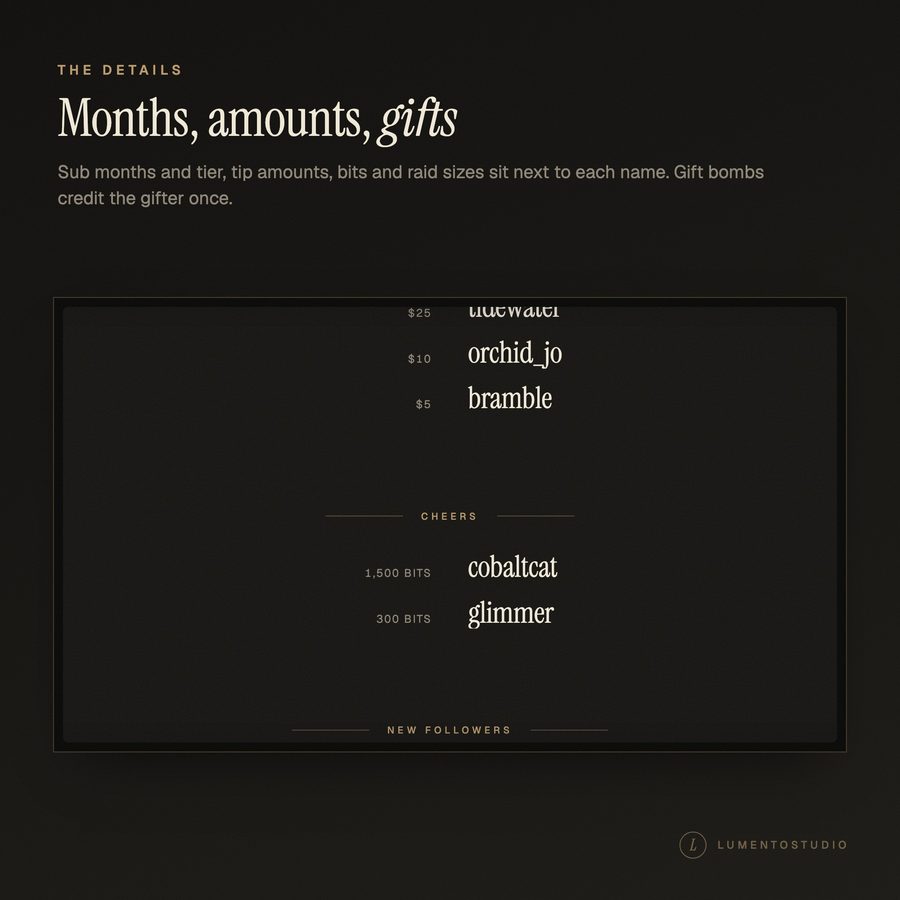
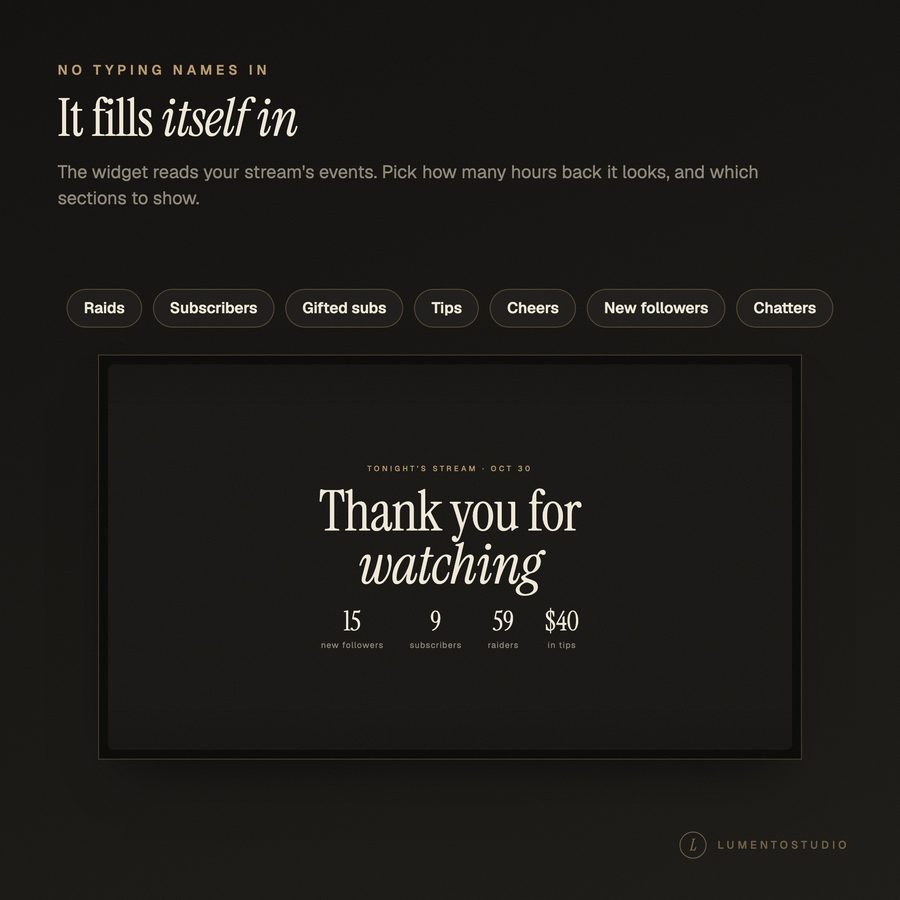
End your stream like a film. When you switch to your ending scene, the credits roll: a title card with the night's numbers, then every raider, subscriber, tipper, cheerer, new follower and chatter by name, then your name on a final card.
More about this look
It fills itself in from your stream, so there's nothing to type: tonight's followers, subs, gift bombs, tips, cheers and raids, plus everyone who chatted.
€5.00 · Instant digital download · One-time purchase
- StreamElements
- Streamlabs
- OBS Studio

Try individual elements together in the stream studio.
Try Premiere End Credits live ↗
What's included
- End Credits widget, Premiere style (full screen, 1920 × 1080)
- StreamElements one-click install link (recommended)
- Streamlabs install link (one widget theme)
- Code files for manual setup (StreamElements and Streamlabs)
- Install Guide (PDF)
Customize it
- Opening title text
- End card line and your name
- Next stream time (optional)
- Which sections show: raids, subscribers, tips, cheers, new followers, chatters
- How many hours back the credits cover (1 to 48)
- Show or hide the opening card
- Loop the credits or stop on the end card
- Accent colour
- Include your own chat messages (to test)
- Demo names, to set it up before a stream
- Clear the chat list
- Scroll speed (slow, normal, fast)
- Dark screen or transparent background, and how dark
- Background colour and text colours (light or dark text)
Bring Premiere End Credits to your stream
€5.00 · Instant digital download on Etsy. See the included files and platform support above.