
7 products
Animated alert box widgets
An alert is a few seconds of thank-you, and it should feel like one. These alert boxes give follows, subs, cheers, raids and tips their own designed moment, with an entrance and an exit that are both choreographed, not a GIF dropped in the middle of the screen.
Buy the alert box on its own to refresh a setup you already like, or pick the full pack below to get chat, goals and stream screens in the same style.
- StreamElements & Streamlabs
- OBS Studio
- Instant download on Etsy
Alert boxes
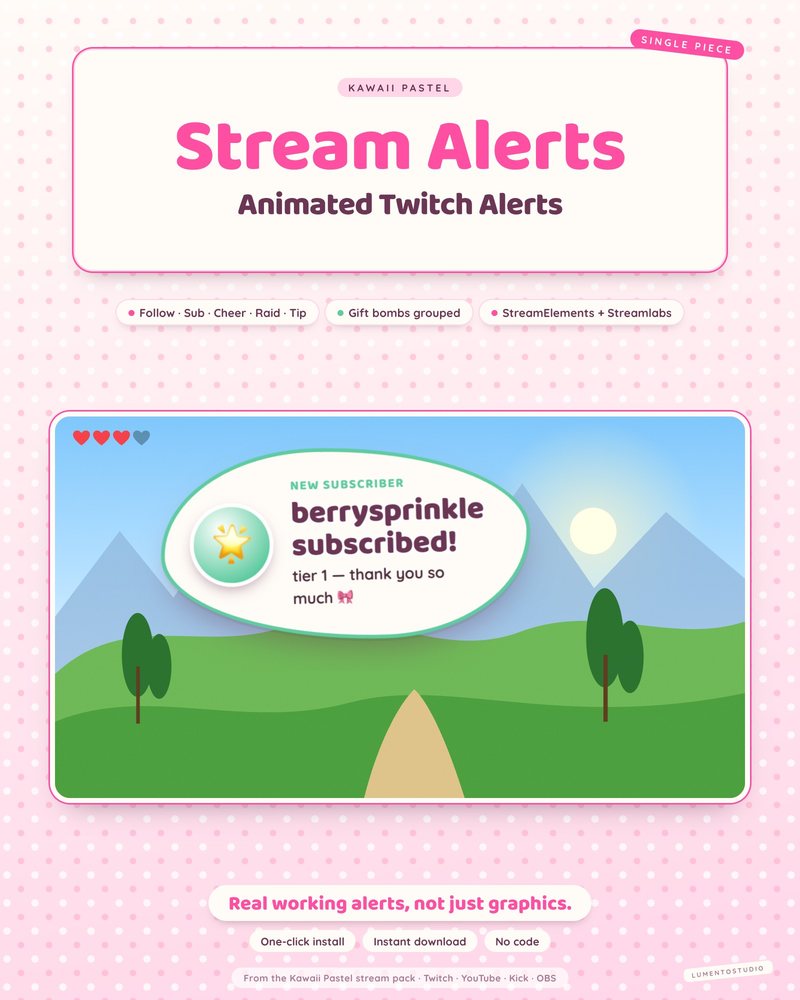
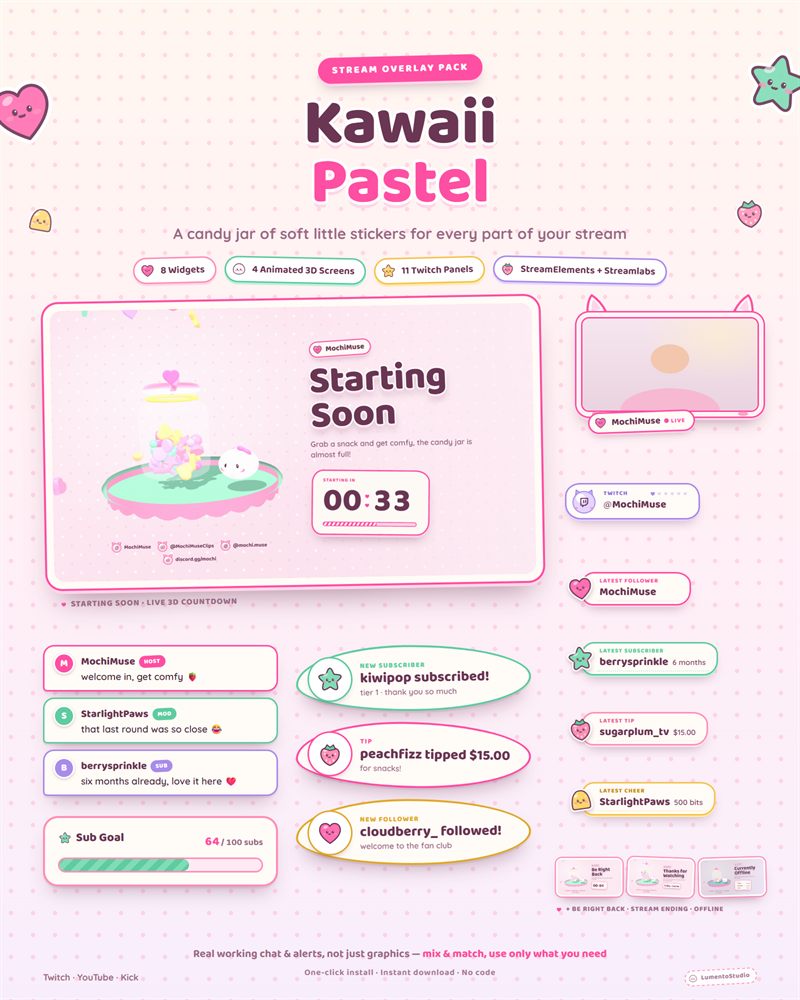
Kawaii Pastel Alert Box
Cute Pastel Alert Box
€3.00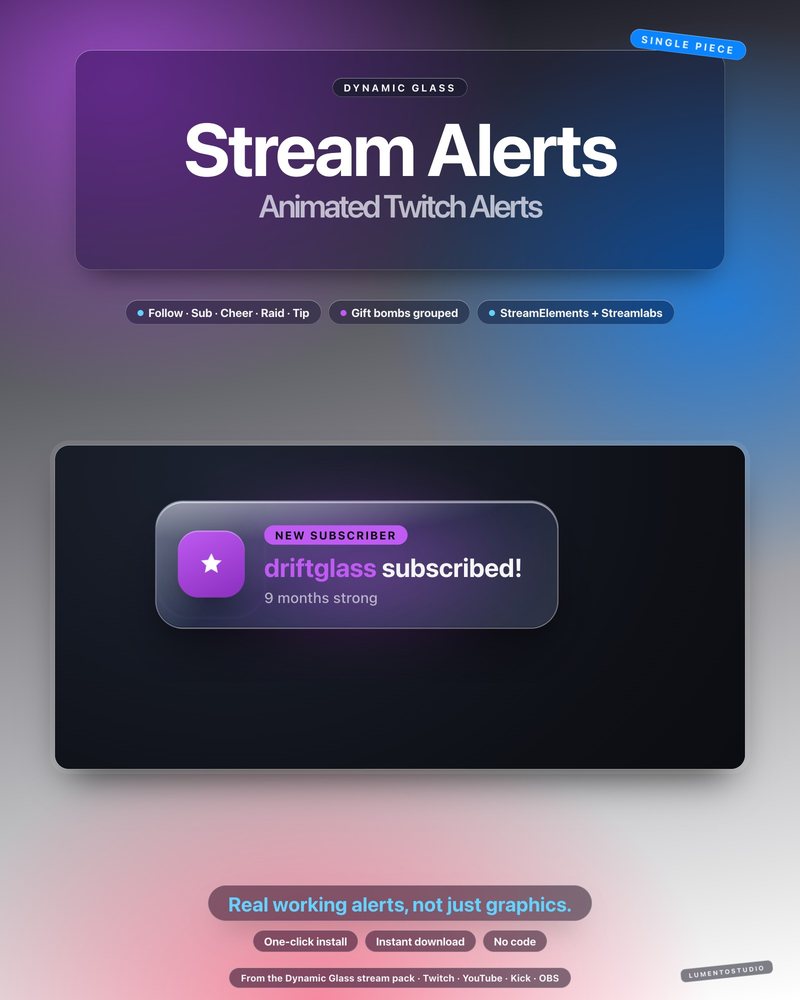
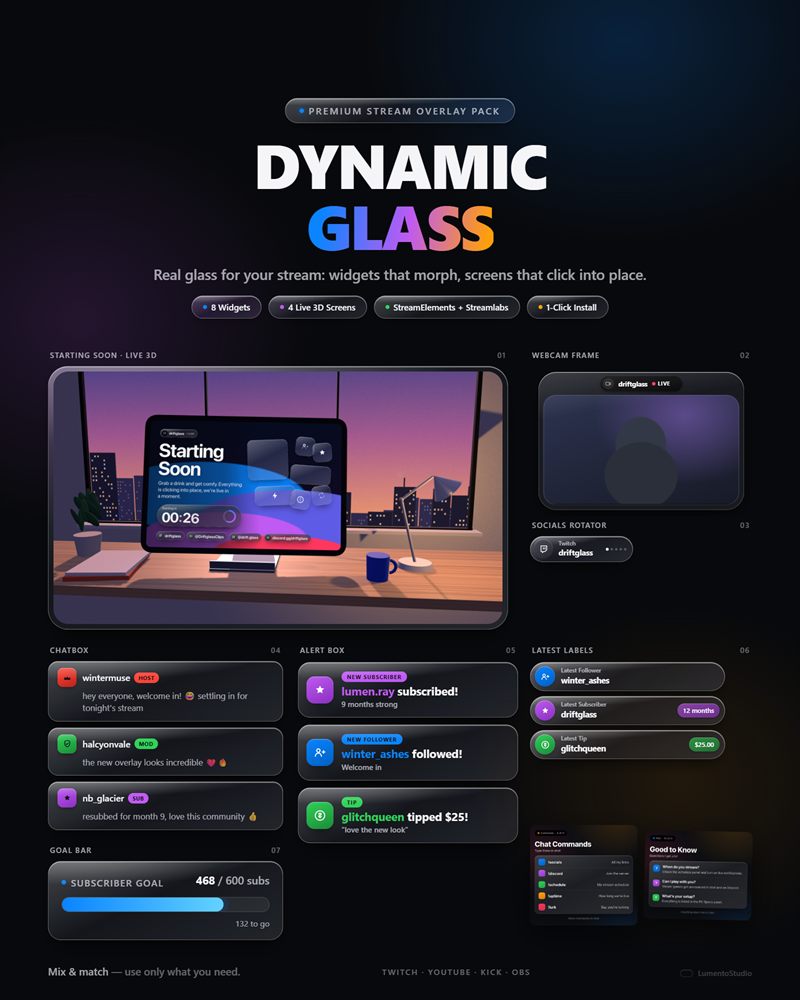
Dynamic Glass Alert Box
Glass Interface Alert Box
€3.00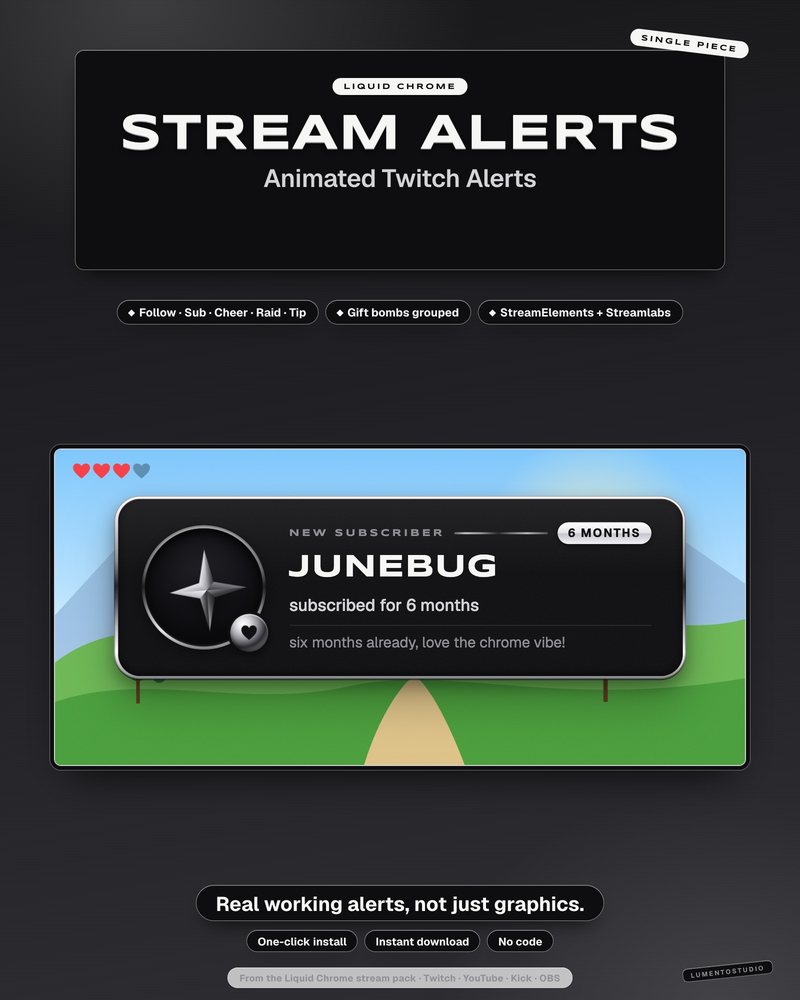
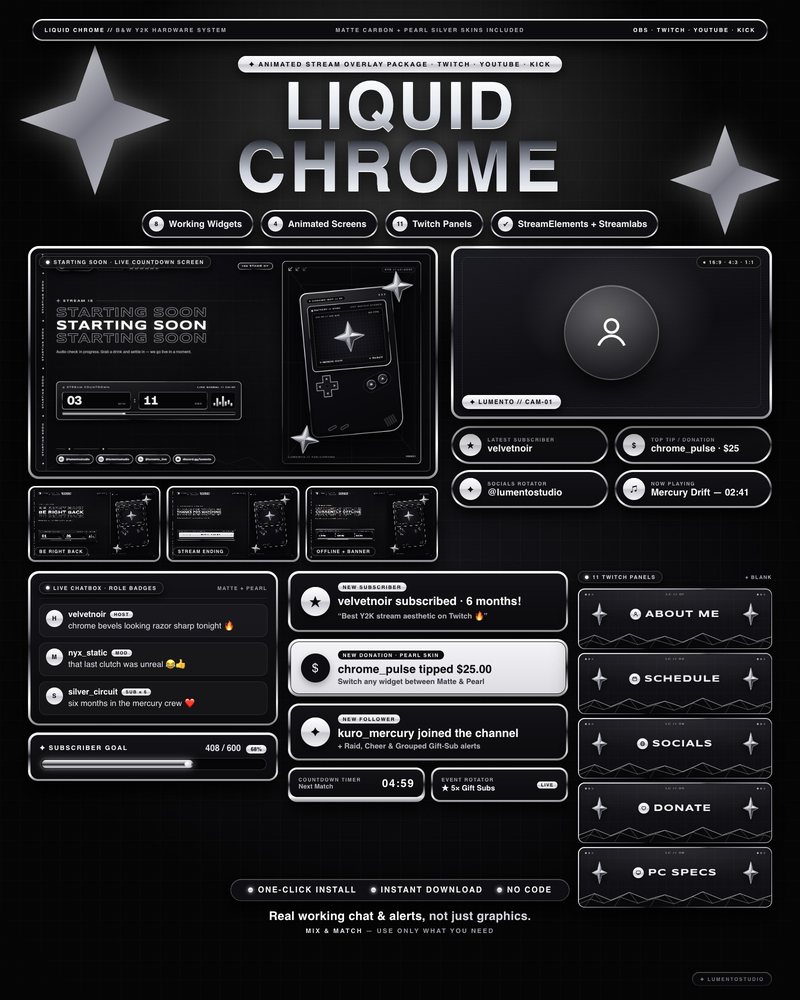
Liquid Chrome Alert Box
Black and White Y2K Chrome Alert Box
€3.00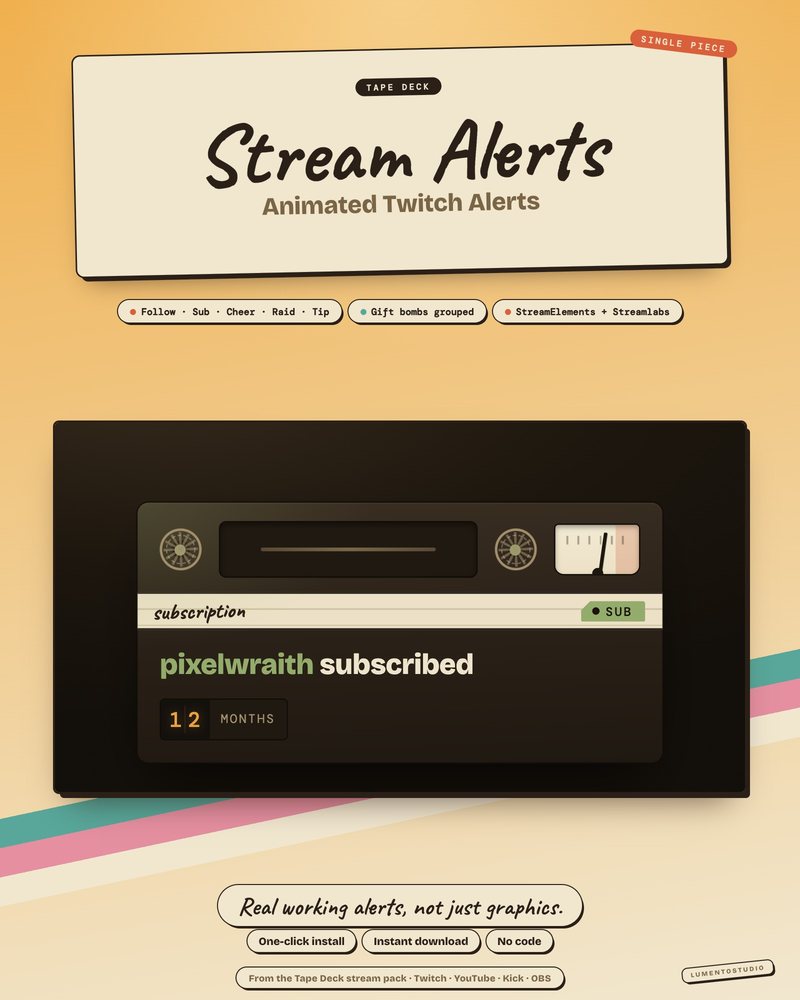
Tape Deck Alert Box
Lo-Fi Cassette Alert Box
€3.00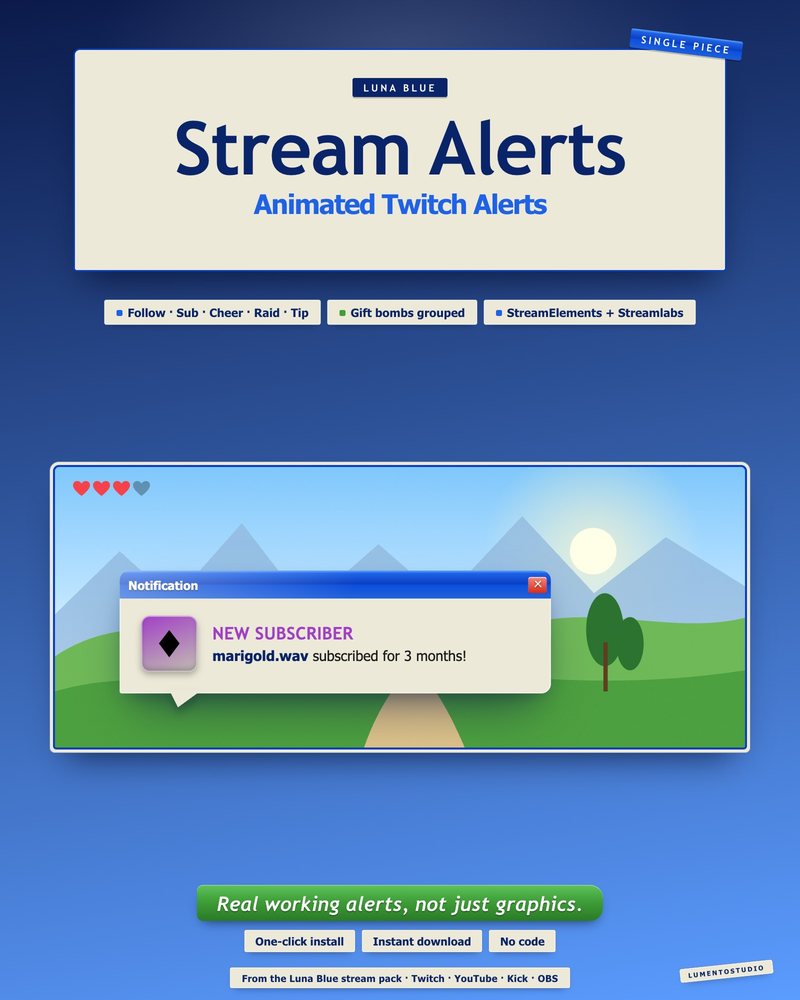
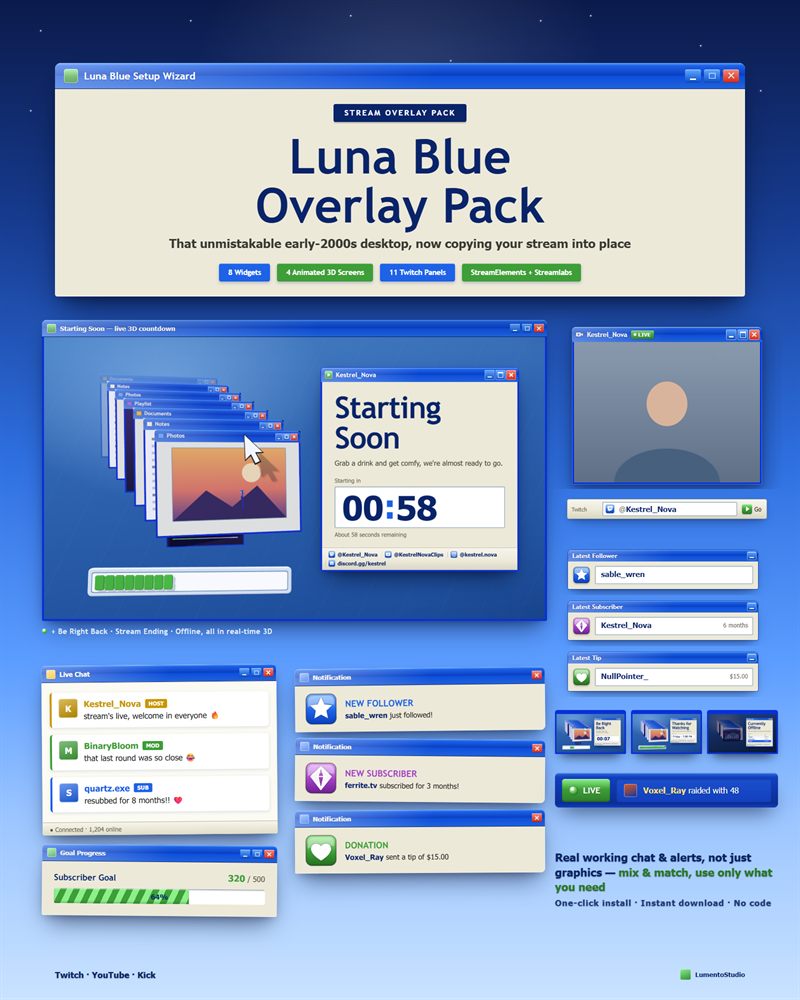
Luna Blue Alert Box
Retro 2000s Desktop Alert Box
€3.00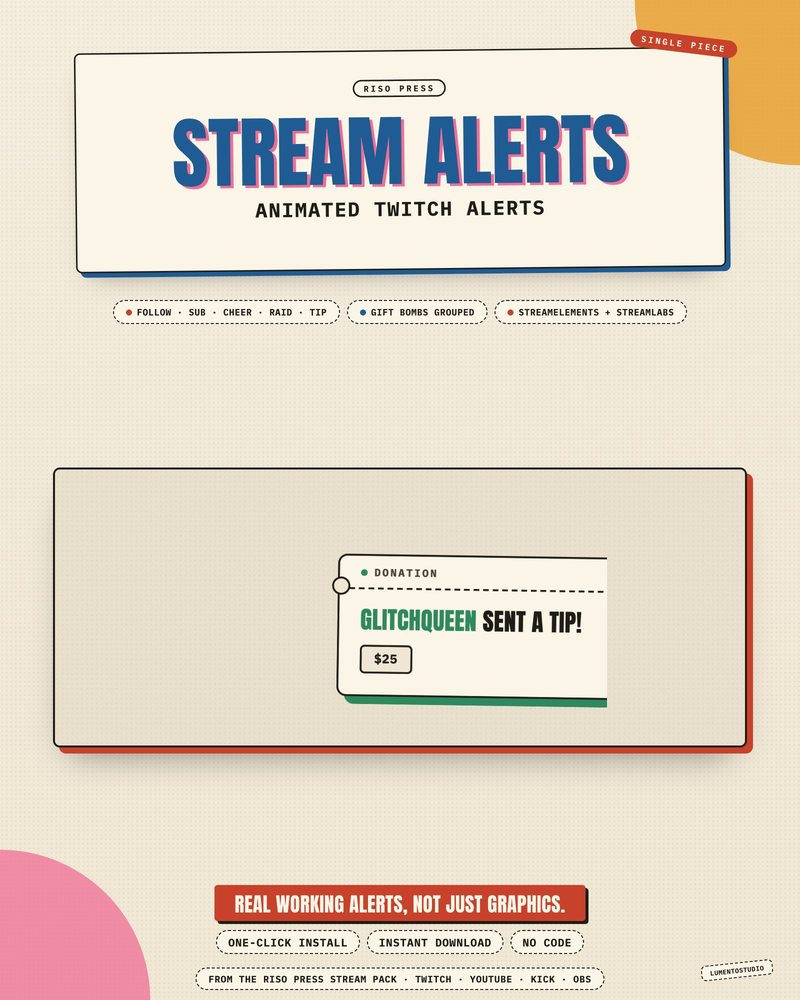
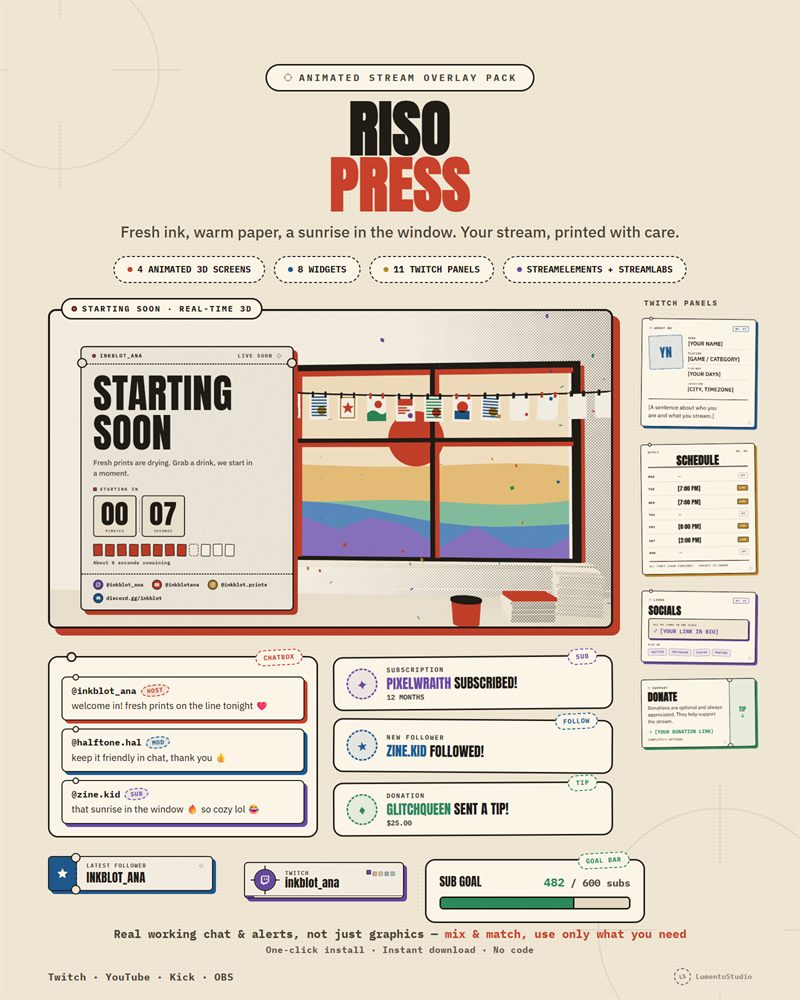
Riso Press Alert Box
Risograph Print Alert Box
€3.00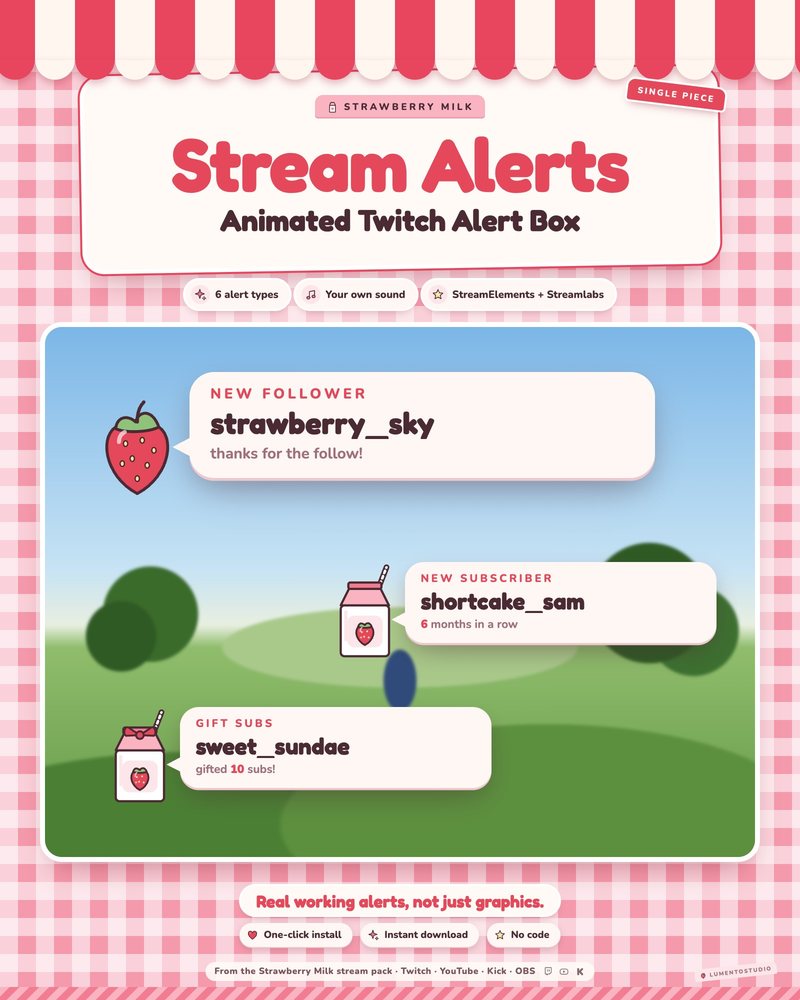
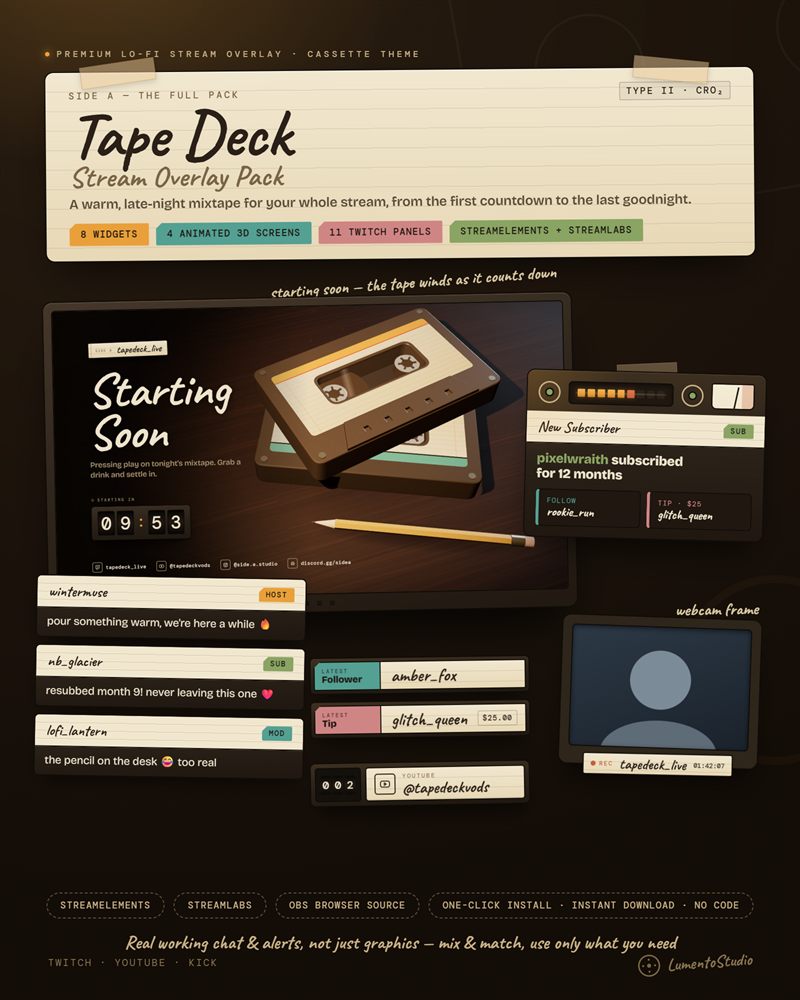
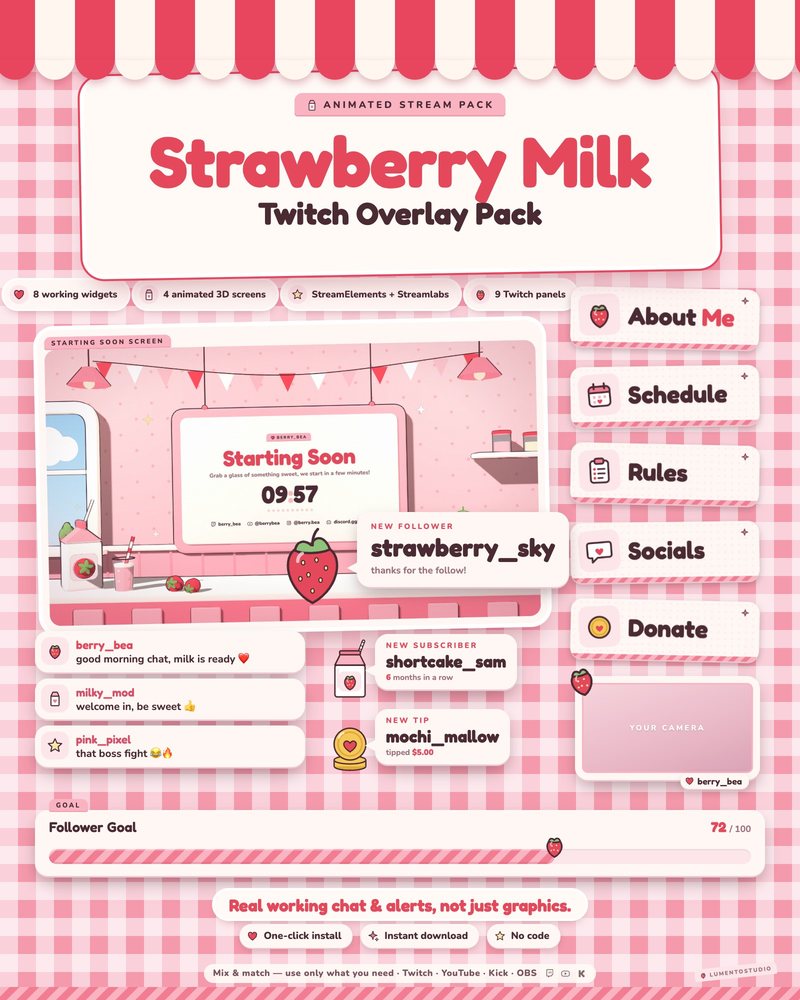
Strawberry Milk Alert Box
Pink Strawberry Kawaii Alert Box
€3.00Full packs with matching alerts
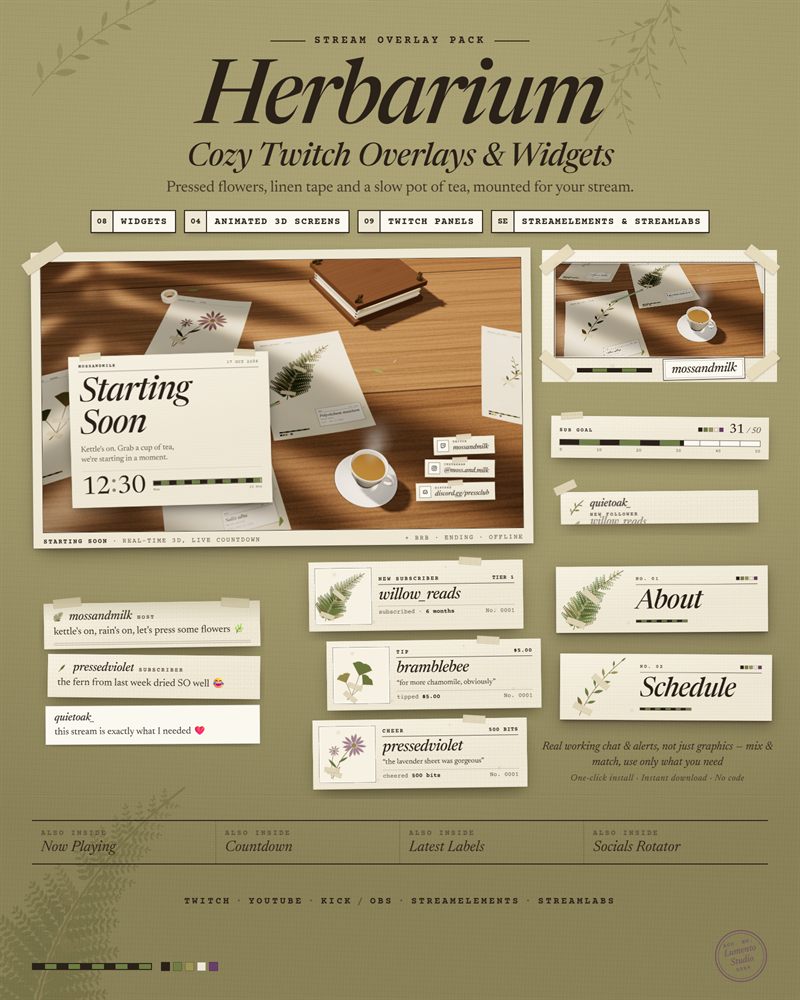
The same piece, with the rest of the set to match.
Questions
Which events do the alerts cover?
Follows, subscriptions, cheers, raids and tips. The previews on each product page show every alert type.
How do I get the alerts into OBS?
Install the alert box in StreamElements or Streamlabs and add its URL to OBS as a Browser source. Our StreamElements alerts guide covers the steps and the common fixes.
Can I change how long an alert stays on screen?
Each product lists its own options on its page, such as alert duration, text and colors.
Can I test alerts before going live?
Yes. StreamElements and Streamlabs both have a test or emulate button that fires a sample follow, sub or tip into your overlay.
Set it up
Short, plain guides for getting overlays on stream.
How to add StreamElements alerts to OBS
In StreamElements, open (or create) an overlay with an Alert Box widget, click the link icon to copy the overlay URL…
GuideHow to set up Kick alerts in OBS
Sign in at streamlabs.com with your Kick account, open the Alert Box widget, turn on the Kick alerts you want (follows…
GuideHow to fix a blank OBS browser source
Check the source is visible and above your game in the Sources list, that the URL or file path is correct, and that…