
3 packs · 6 widgets
Christmas Twitch overlays
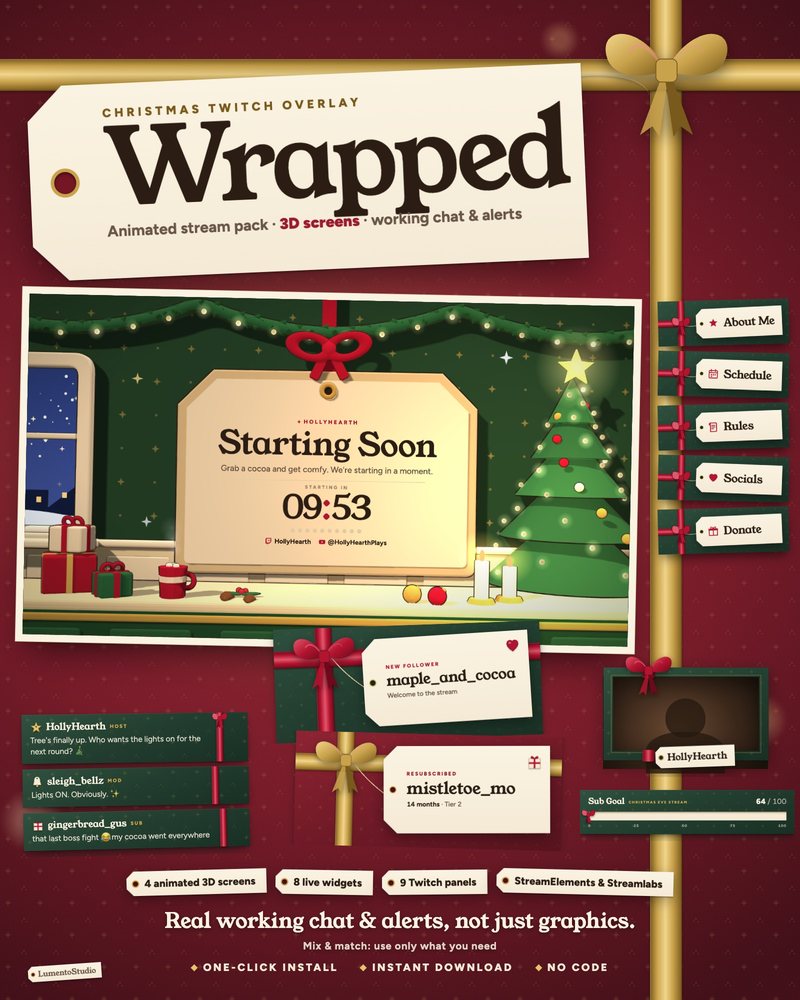
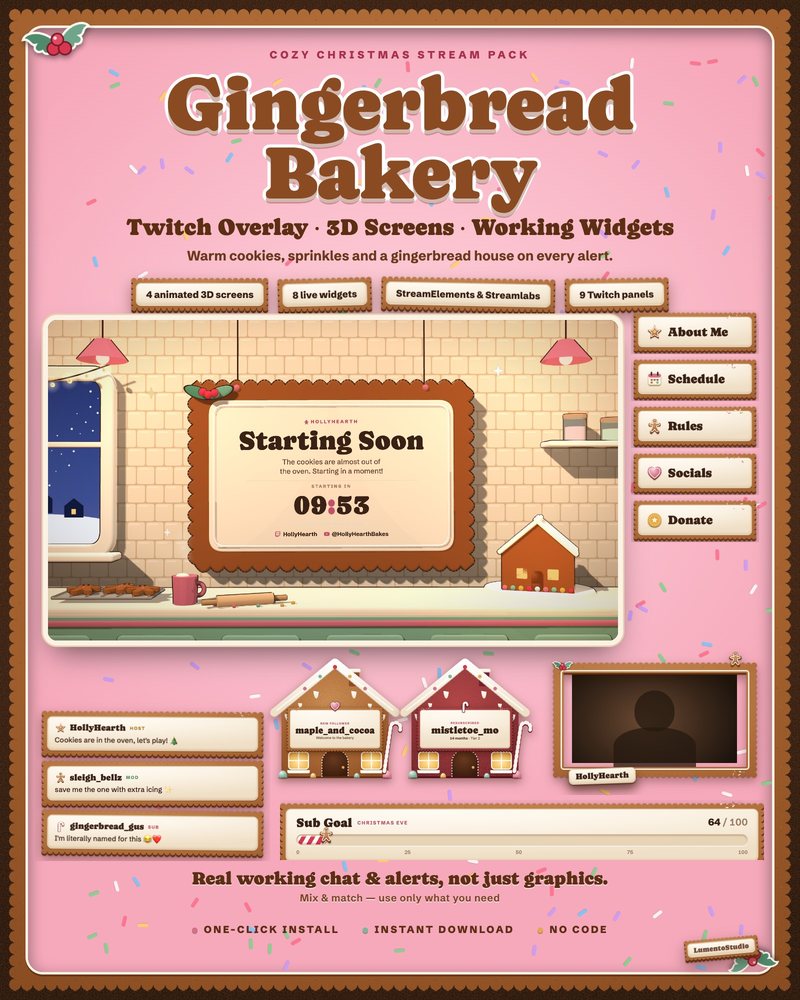
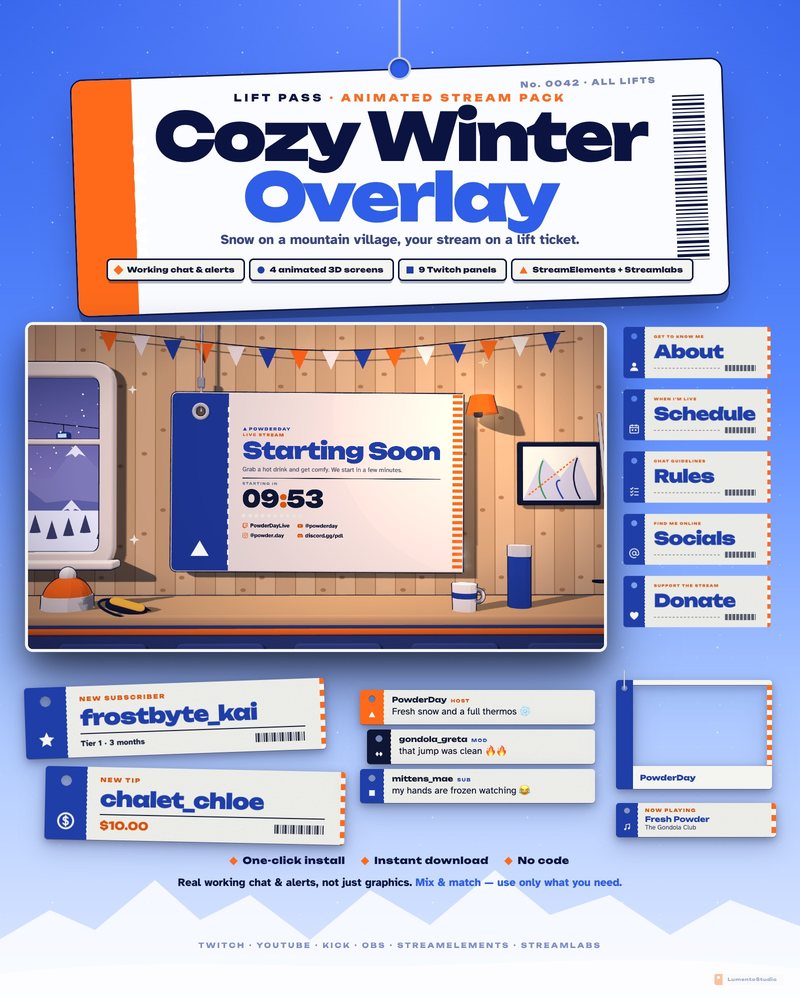
Holiday streams get more viewers than almost any other time of year, and a festive overlay is the quickest way to make your channel feel like an event. These packs go further than a Santa hat on a chat box: each one is a full scene with its own animated 3D stream screens.
Wrapped puts your stream in a living room by the tree, Gingerbread turns every widget into a decorated cookie, and Lift Pass is a snowy ski village that keeps working long after Christmas, right through the winter.
- Twitch · YouTube · Kick
- StreamElements & Streamlabs
- Instant download on Etsy
Overlay packs
Single widgets in this style
Add one to any setup, or pair it with a pack above.
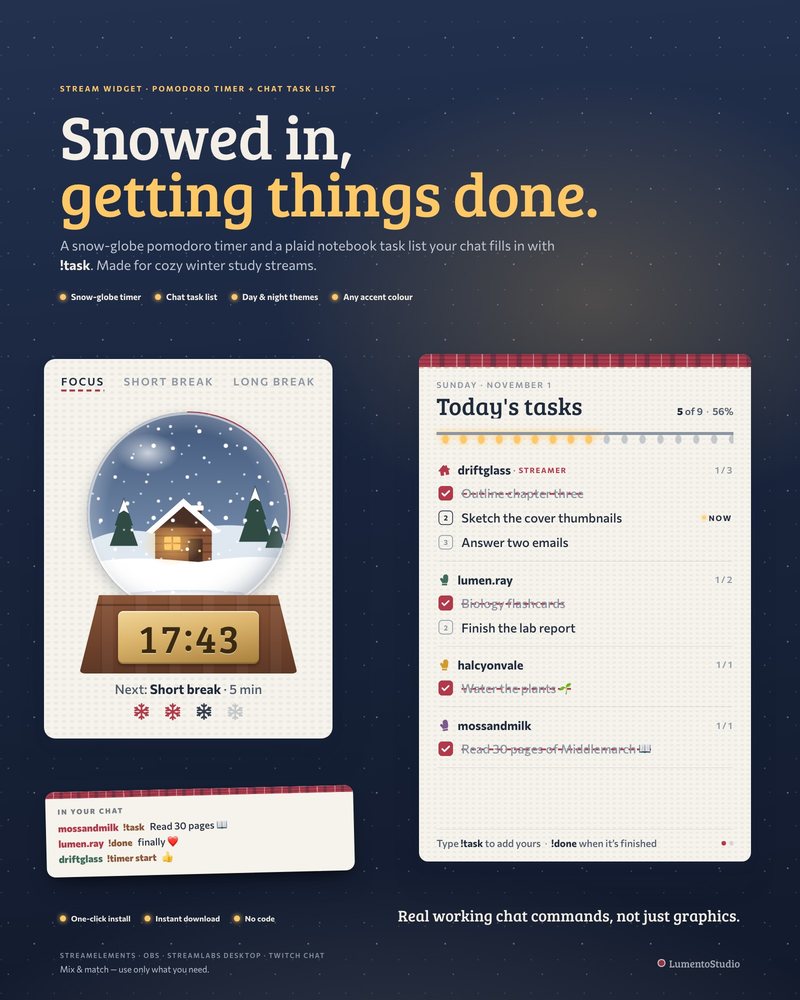
Winter Cabin Pomodoro
Pomodoro Timer + Chat Task List
€5.00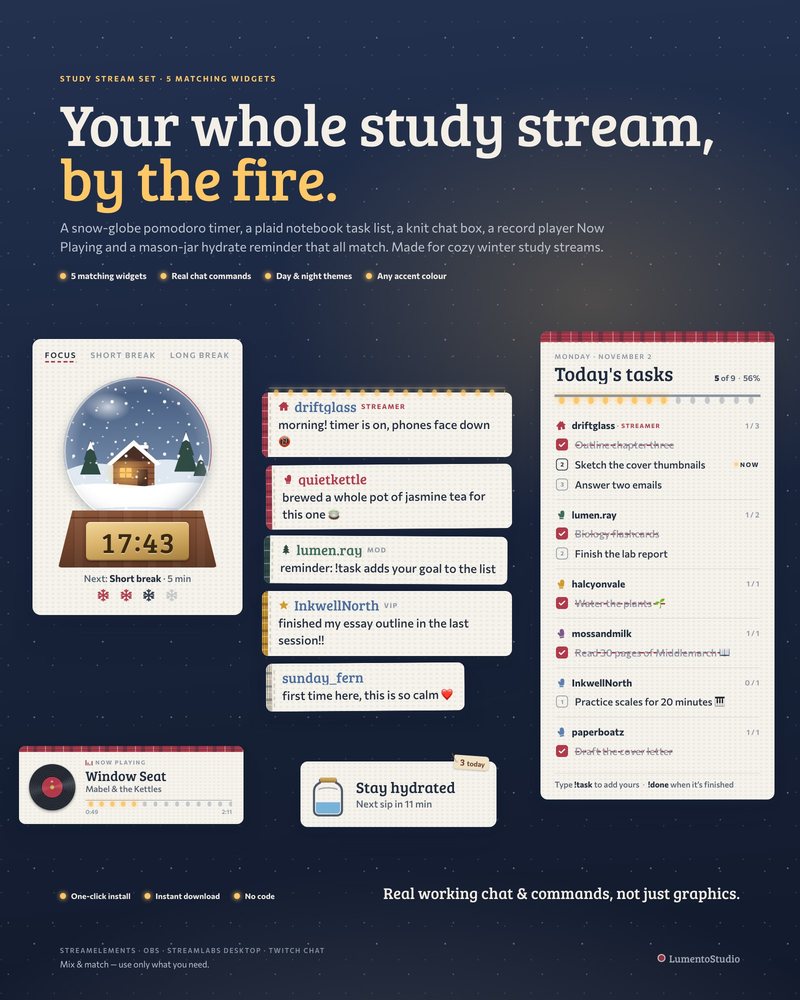
Winter Cabin Study Set
5 Study Stream Widgets
€8.00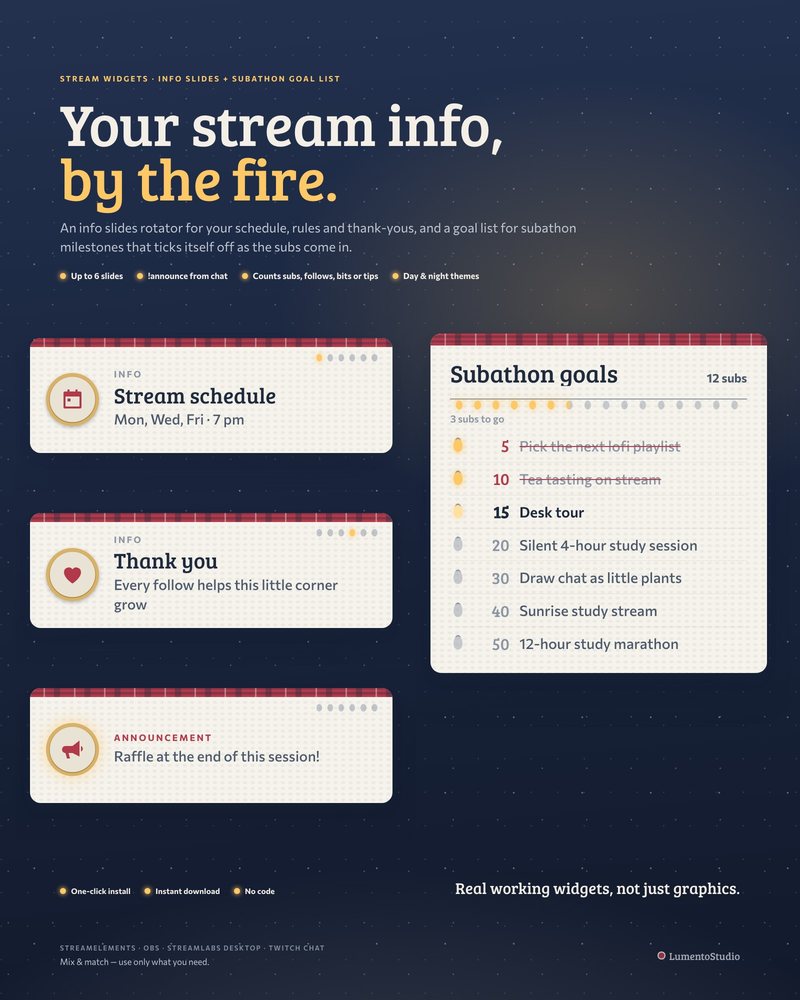
Winter Cabin Info + Goals
Info Slides + Subathon Goal List
€5.00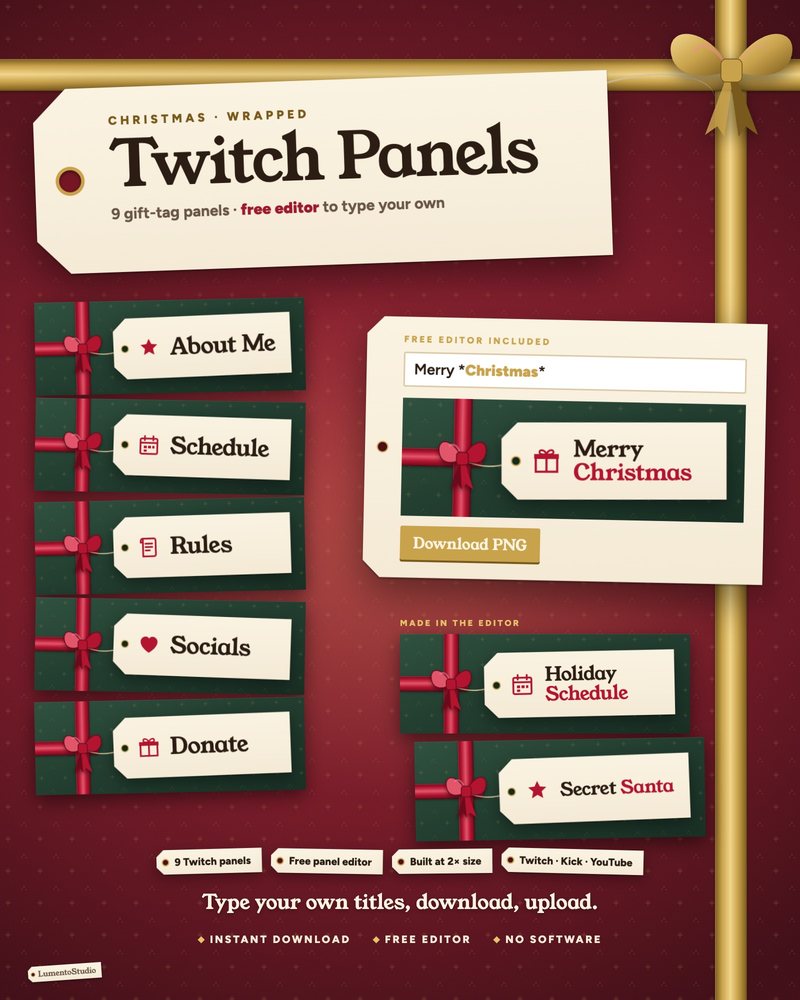
Wrapped Panels
Cozy Christmas Twitch Panels
€3.00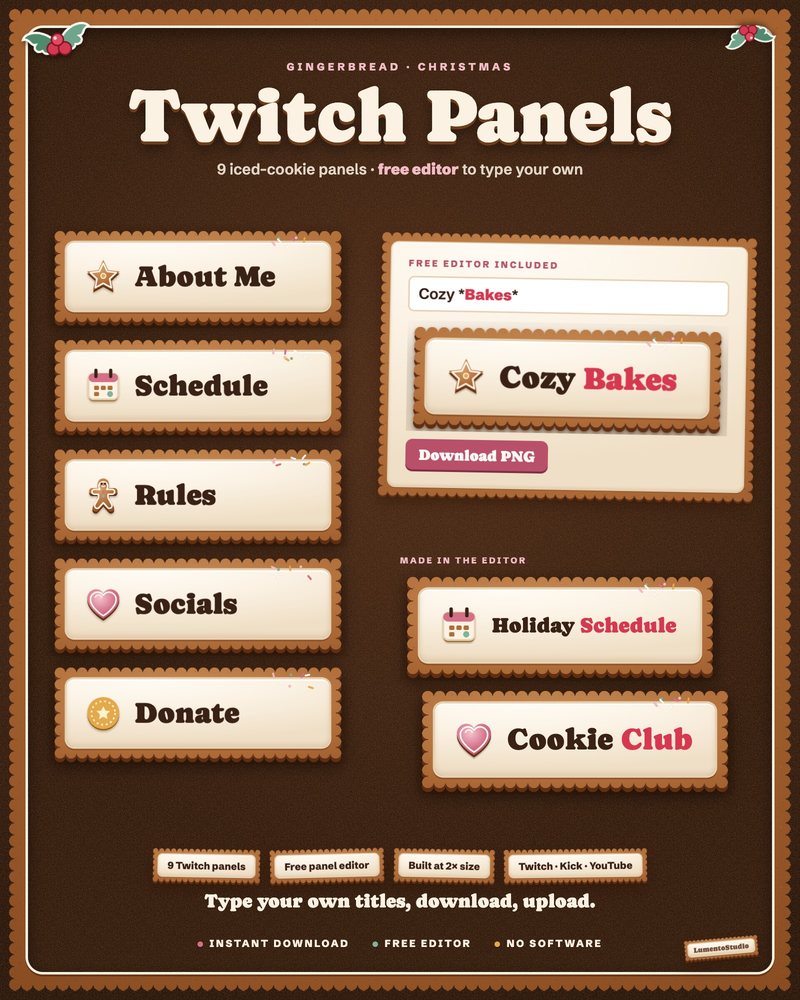
Gingerbread Panels
Gingerbread Christmas Twitch Panels
€3.00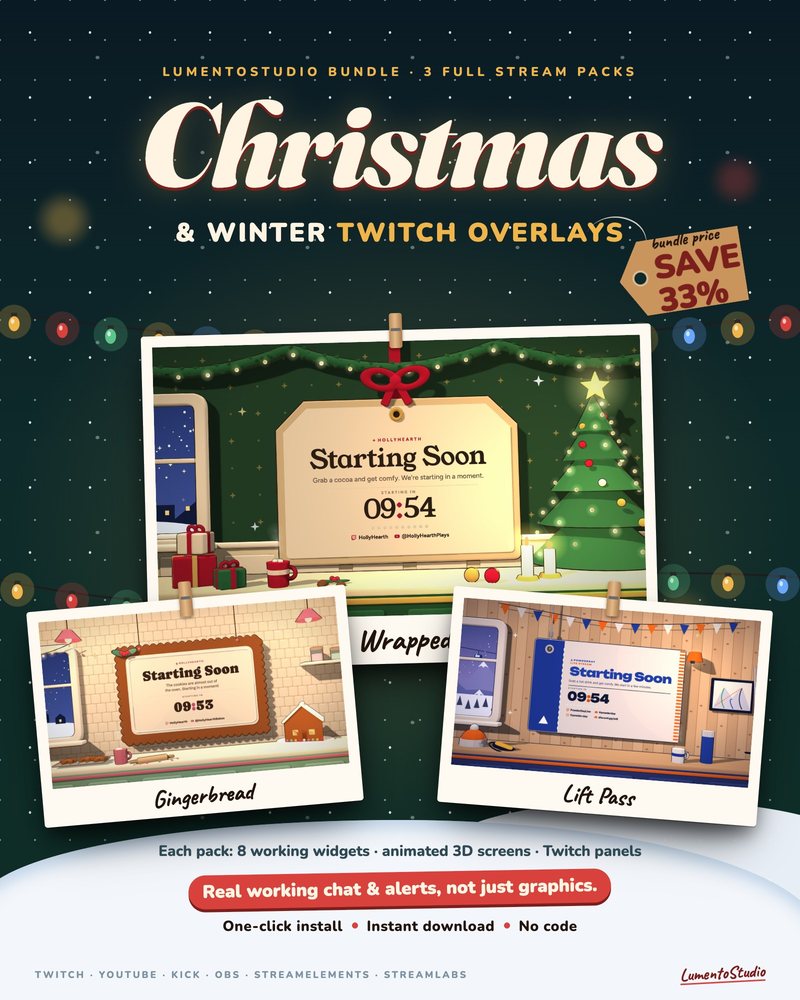
Holiday Bundle
3 Animated Stream Overlay Packs
€14.00Questions
When should I switch to a Christmas overlay?
Most streamers switch in late November or on December 1st and keep it until early January. A winter pack like Lift Pass can stay up until the snow melts.
Can I use a Christmas overlay on YouTube and Kick?
Yes. The widgets and screens run as browser sources in OBS Studio or Streamlabs Desktop, so they work on Twitch, YouTube and Kick.
How fast can I set it up before a holiday stream?
A few minutes. The StreamElements install link adds all the widgets in one click, and the stream screens are files you add to OBS as browser sources.
Can I switch back to my normal overlay after the holidays?
Yes. Install it into its own overlay or scene collection and switch whenever you like. Your usual setup stays untouched.
Set it up
Short, plain guides for getting overlays on stream.
How to add a Starting Soon screen in OBS
Create a scene called Starting Soon, add your screen as a Browser Source (tick Local file if it's an HTML file) or a…
GuideHow to add a Be Right Back screen in OBS
Create a scene called Be Right Back, add your BRB screen as a 1920×1080 Browser source (Local file for an HTML screen)…
GuideHow to set a Twitch offline banner
Go to your Creator Dashboard, open Settings › Channel › Brand, find Video Player Banner and click Update. Upload a…