Stream overlay pack
Sunbeam Cozy Cat Twitch Overlay Pack
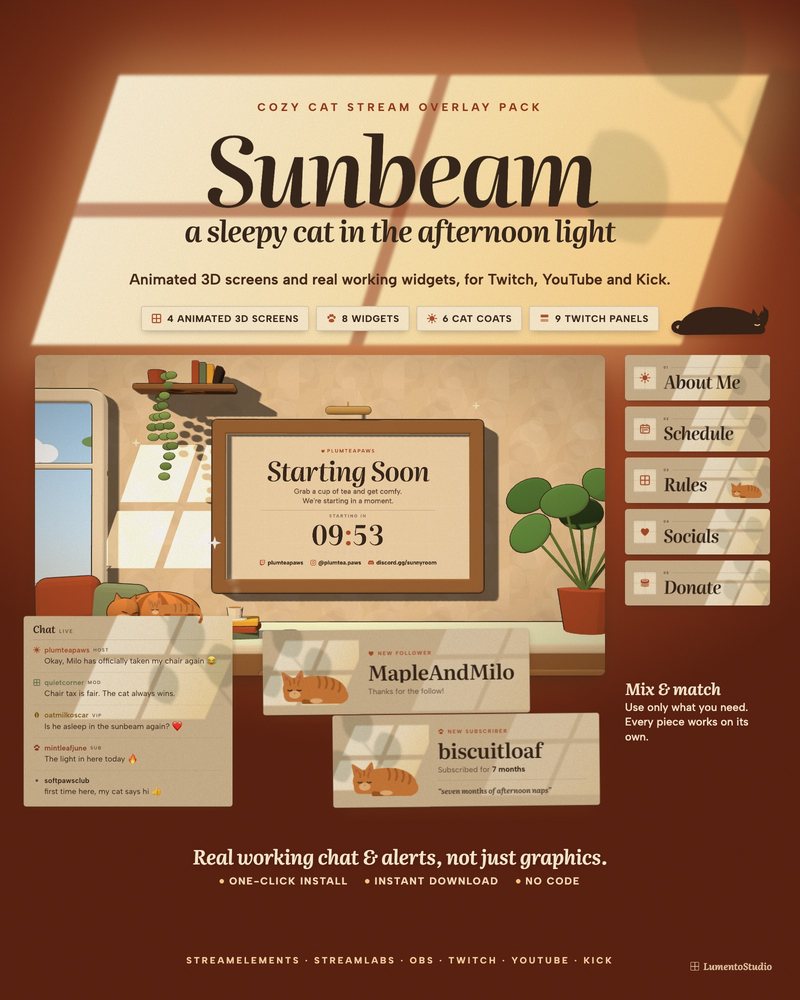
Four in the afternoon, the light coming through the window, and a cat asleep right where the sun lands. Sunbeam brings that slow, warm feeling to your stream: soft plaster walls, window light, and a cat who naps on your chat, your goal bar and your webcam.
More about this look
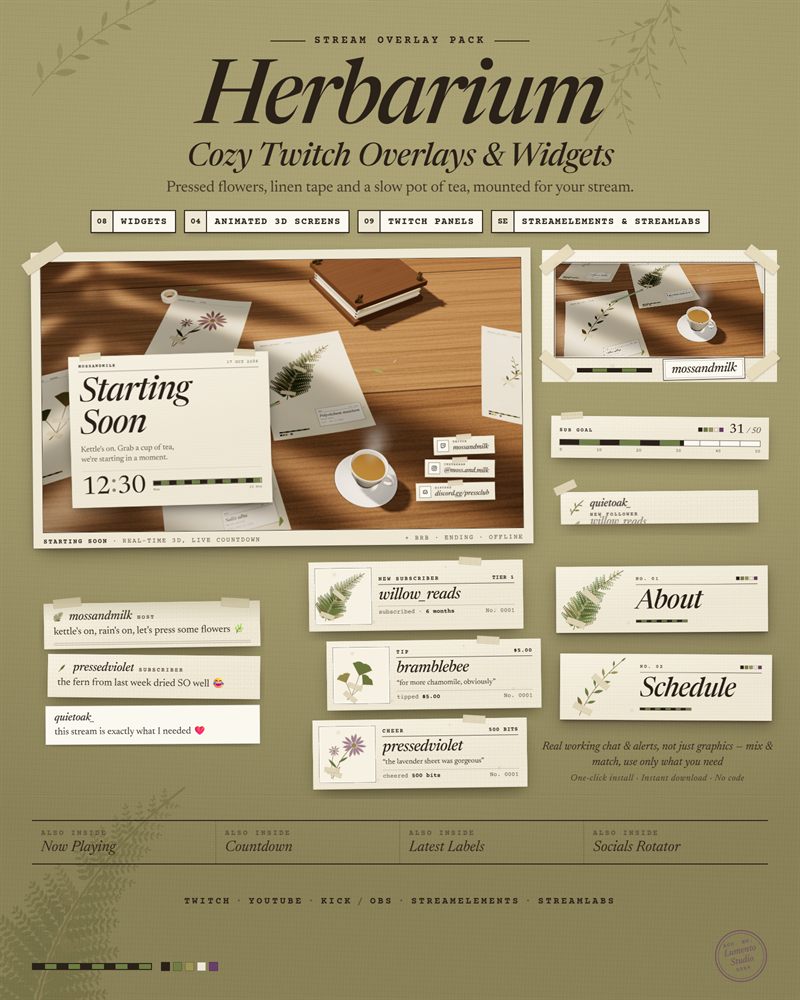
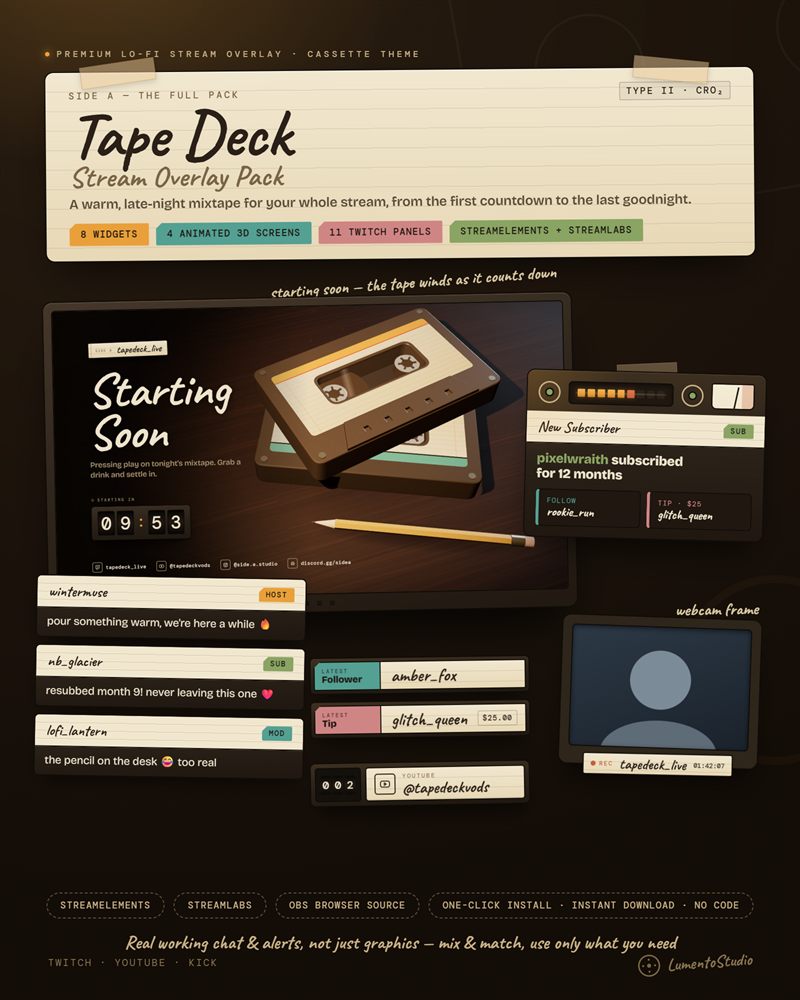
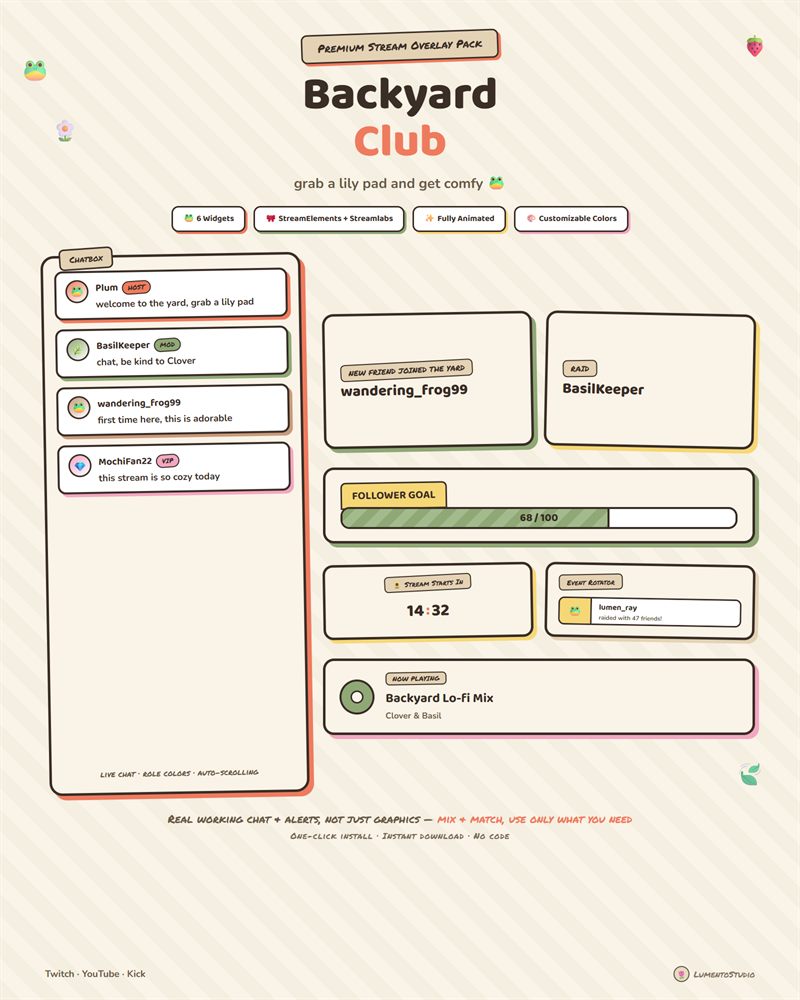
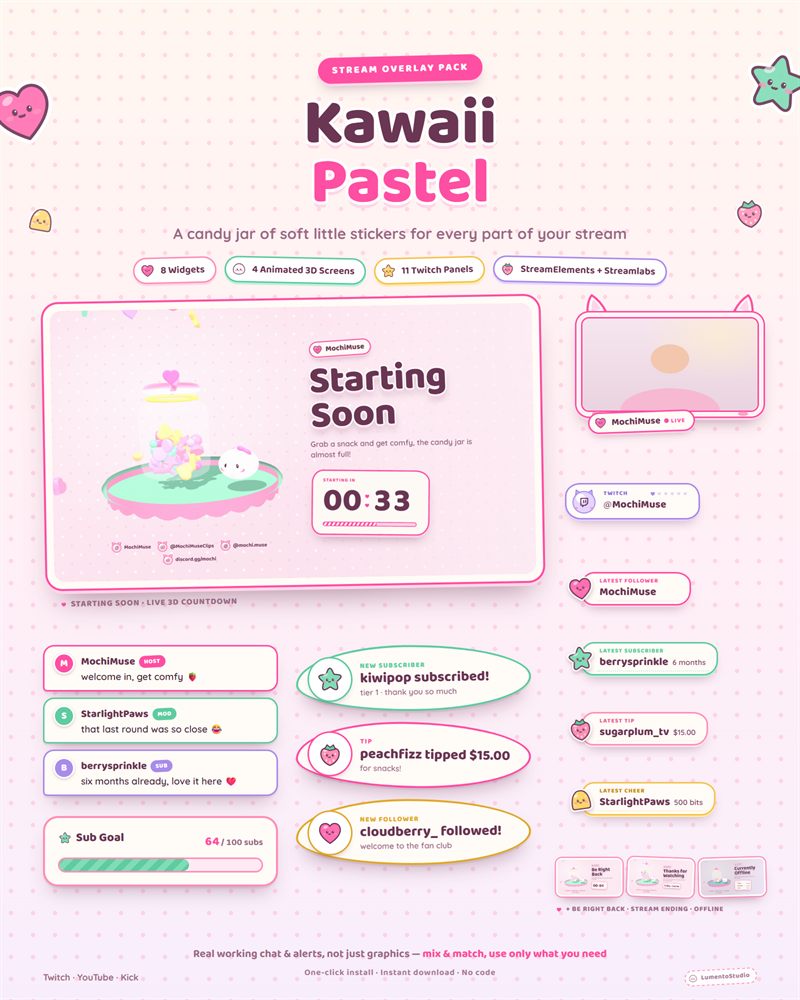
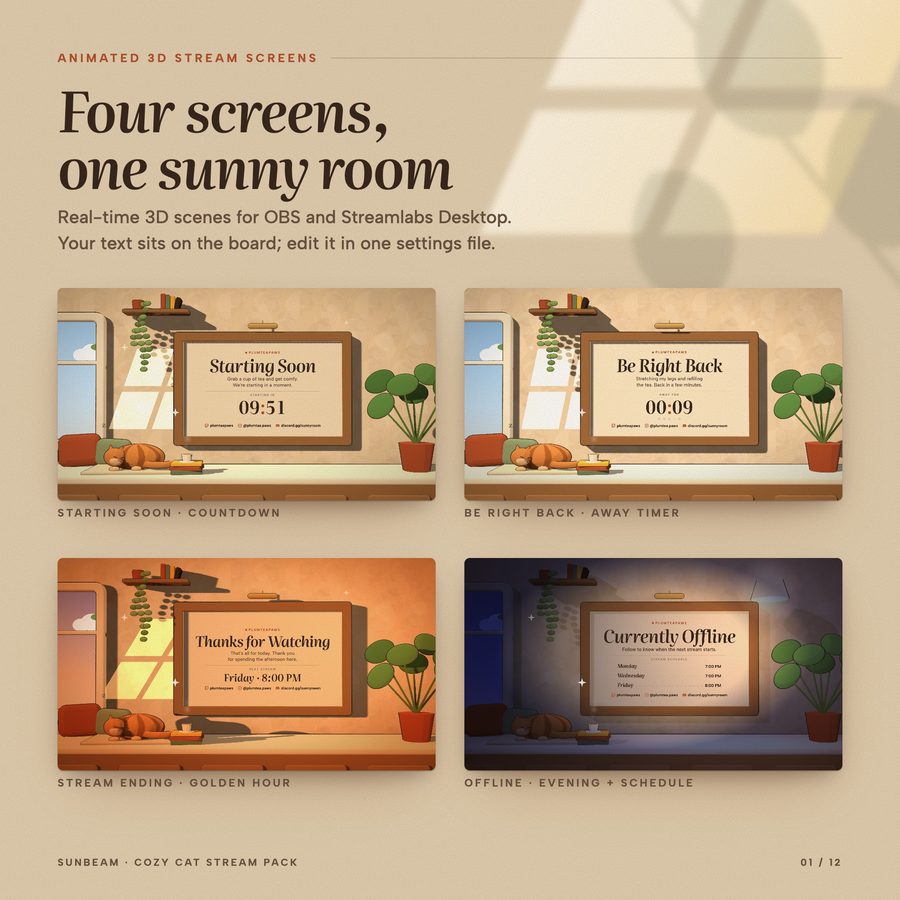
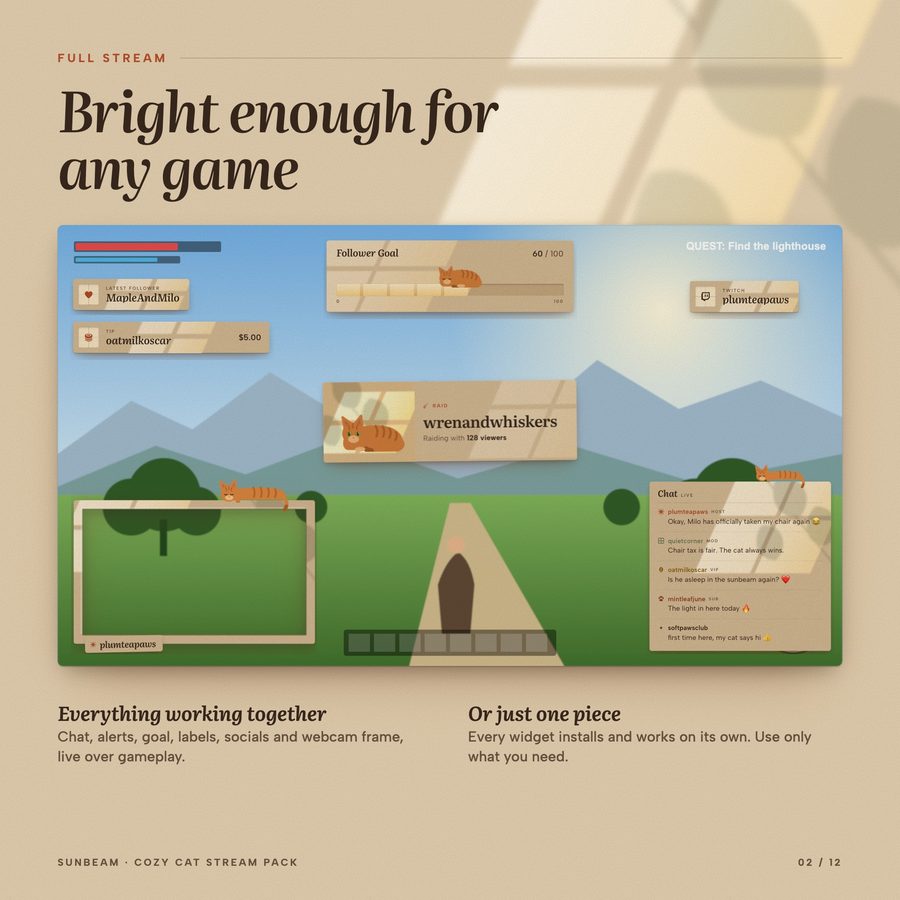
Everything here actually works. Chat, alerts, goals and labels react live to your stream, and the four stream screens are real animated 3D scenes, not looping videos. Pick the coat that matches your own cat.
Made for face-cam streamers and VTubers alike: the webcam frame works around a camera or a VTuber model, and every piece sits cleanly beside your avatar.
€7.00 · Instant digital download · One-time purchase
- StreamElements
- Streamlabs

Try individual elements together in the stream studio.
Try Sunbeam live ↗

What's included
- StreamElements: 8 widgets in one install link (Chatbox, Alert Box, Goal Bar, Countdown, Event Rotator, Latest Labels, Socials Rotator, Webcam Frame)
- Streamlabs install links: all 8 widgets too, one link per widget (Streamlabs allows one custom widget per theme). StreamElements is the easiest route: one link adds all 8
- 4 animated 3D stream screens: Starting Soon (live countdown), Be Right Back (away timer), Stream Ending, Offline (schedule)
- Offline banner (PNG, 1920×1080)
- Now Playing card (one HTML file for OBS / Streamlabs Desktop)
- 9 Twitch panels (PNG): About Me, Schedule, Rules, Socials, Donate, Commands, Setup, FAQ, plus a blank cat panel
- Install guide (PDF)
- Every piece works on its own: use only what you need
Customize it
- Cat coat on every cat widget and screen: ginger, grey, black, cream, brown tabby or white
- Accent colour on every widget
- Size of every widget except the webcam frame (that one simply scales with its box)
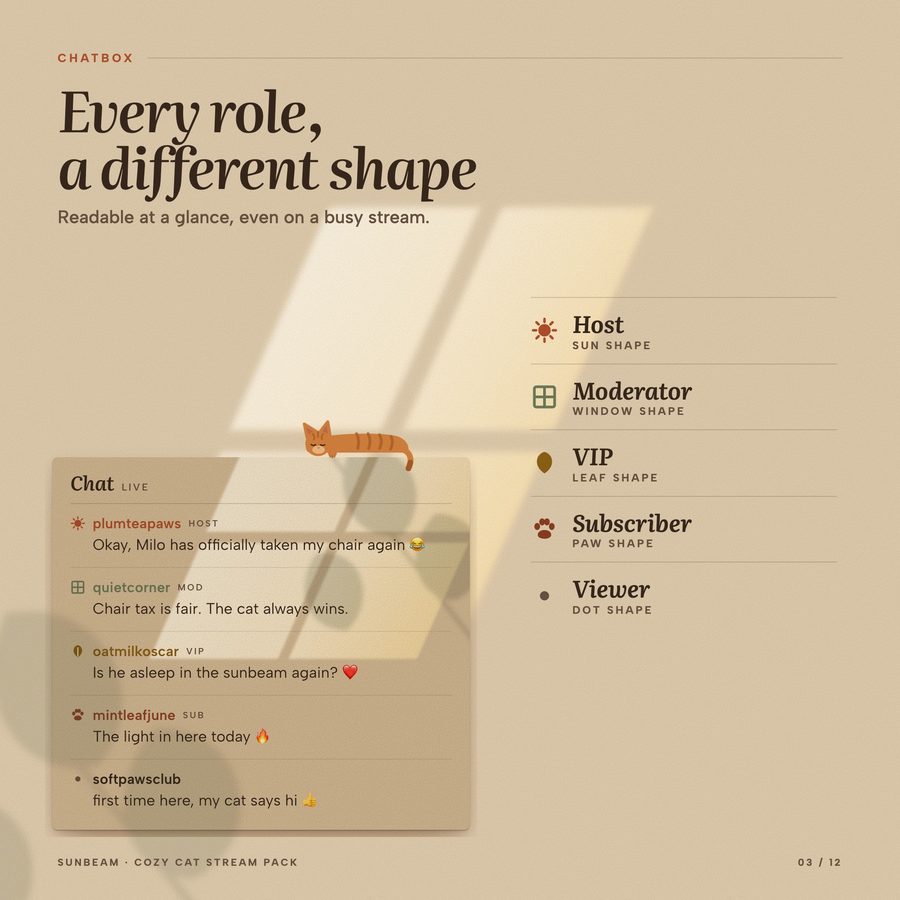
- Chatbox: title, show or hide the title row, show or hide the cat, role labels on/off, messages on screen, hide messages after a delay, hide commands, ignore users (e.g. bots)
- Alert Box: alert duration, turn each alert type on or off (follows, subs, gift subs, cheers, raids, tips), minimum cheer / raid / tip, show viewer messages, your own alert sound and volume
- Gift subs: more than 5 at once show as one grouped alert
- Goal Bar: goal type (followers, subscribers, bits or tips), target, starting value, title; on StreamElements also "this stream" or "all time"
- Countdown: count down a duration or to a date and time, title, small text, text shown at zero
- Event Rotator: seconds per event, number of events in the loop, which event types to show
- Latest Labels: Latest Follower, Subscriber, Tip or Cheer, custom label text, show the amount, alignment
- Socials Rotator: up to 6 handles (Twitch, YouTube, Kick, X, Instagram, TikTok, Discord, Website), seconds per handle, alignment
- Webcam Frame: 16:9, 4:3 or 1:1, name tag, show or hide the cat
- Stream screens (one settings file, open in Notepad): your name, every title and message, countdown minutes or start time, text at zero, next stream, a schedule of up to 4 lines, up to 4 socials, quality and 30 fps mode for slower PCs
- Now Playing: type a song in by hand, or read the text file written by a music tool (Snip, Tuna); coat, accent colour and size
Bring Sunbeam to your stream
€7.00 · Instant digital download on Etsy. One-click install for StreamElements and Streamlabs.