
6 picks
Overlays for Just Chatting streams
On a Just Chatting stream your camera is the game. The overlay frames you, keeps chat readable and adds a few small things for viewers to watch or do, without crowding your face.
These picks are built around a warm room or a small café, with a webcam frame or a widget that gives regulars a reason to come back: a check-in card, a viewer counter, the song that's playing.
Where the widgets go
There is no game HUD here, so the layout is yours. Most camera-first streams put the webcam large and centered or slightly to one side, chat in a column on the other side, and small widgets like the viewer counter or Now Playing in the corners. Keep alerts above or beside your head, never over your face.
Why these fit
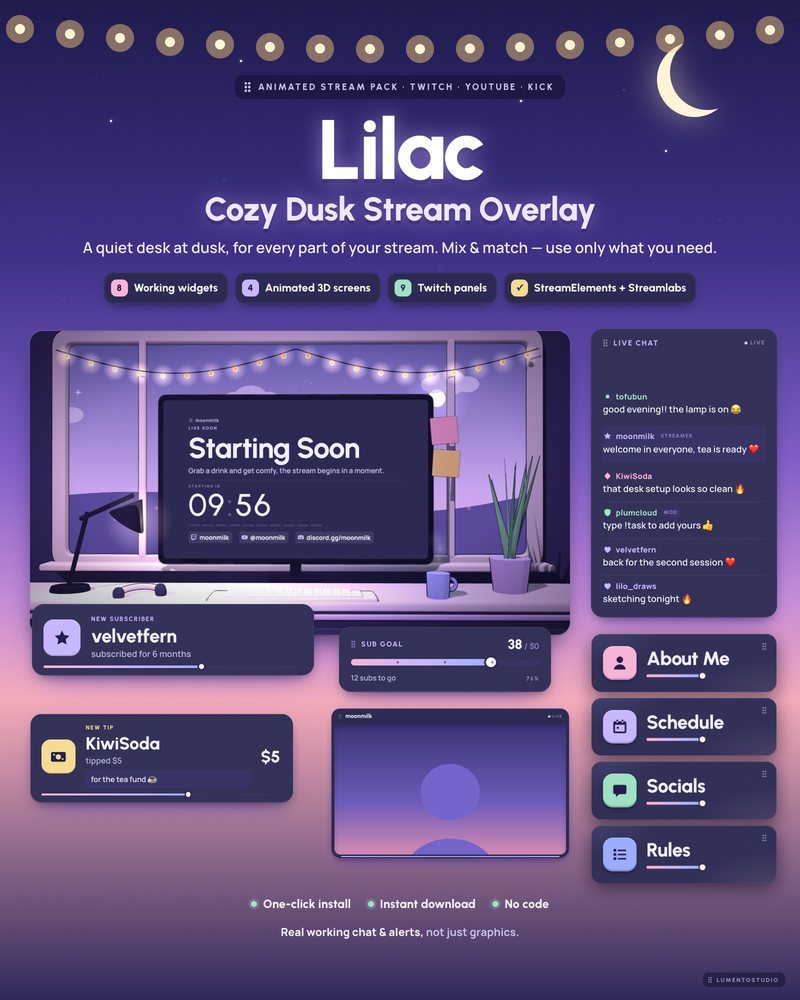
Lilac
Lilac Purple Minimal
€7.00A quiet desk by the window at dusk in ink-indigo and pastel lilac, with a webcam frame that works around a camera or a VTuber model and a Now Playing card.
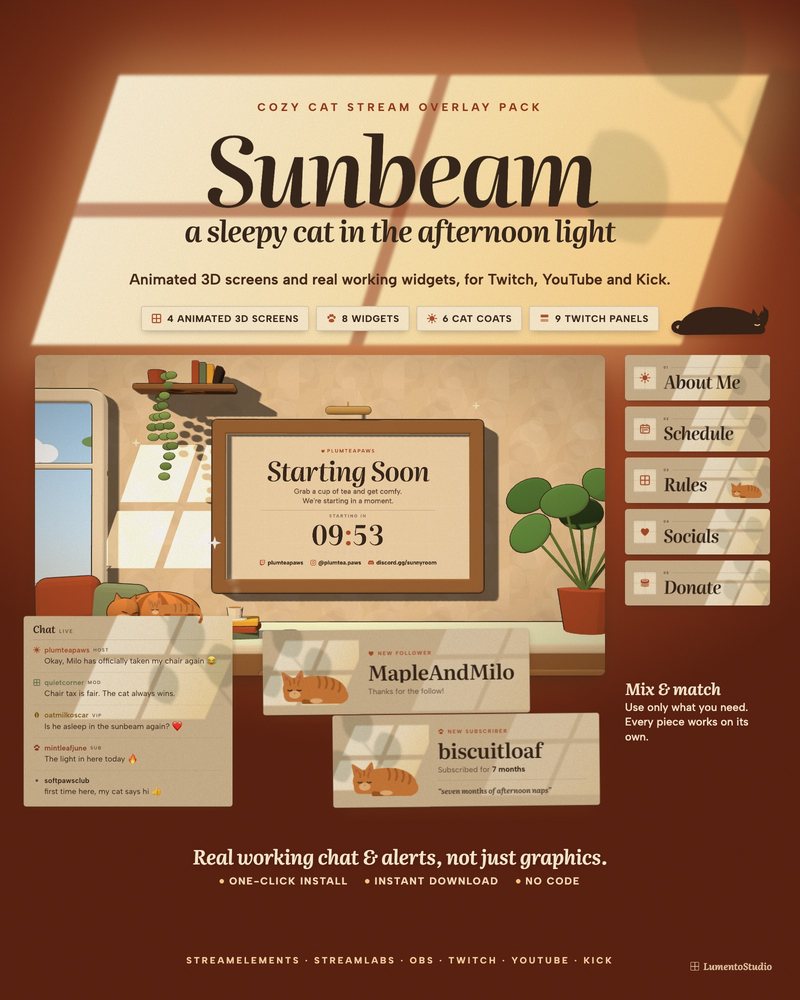
Sunbeam
Cozy Cat
€7.00Window light and a cat who naps on your chat, your goal bar and your webcam. Pick the coat that matches your own cat.
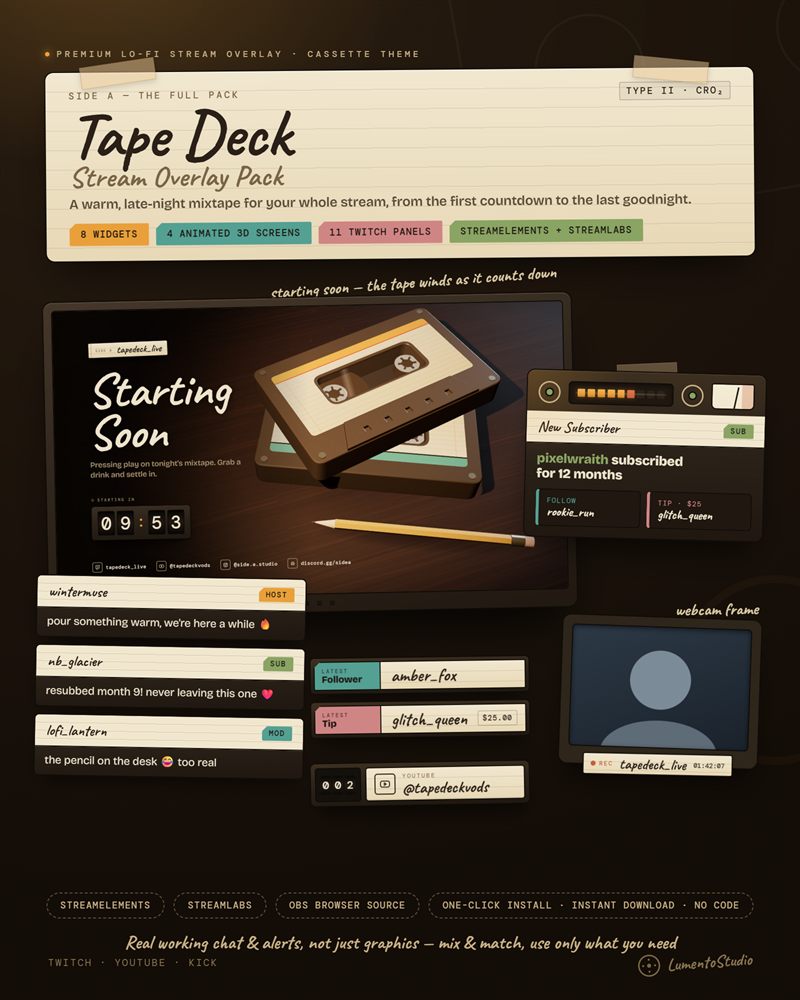
Tape Deck
Lo-Fi Cassette
€7.00Chat on handwritten J-cards, alerts that clunk into a tape deck, and your webcam inside a cassette shell. Warm, analog and quiet.
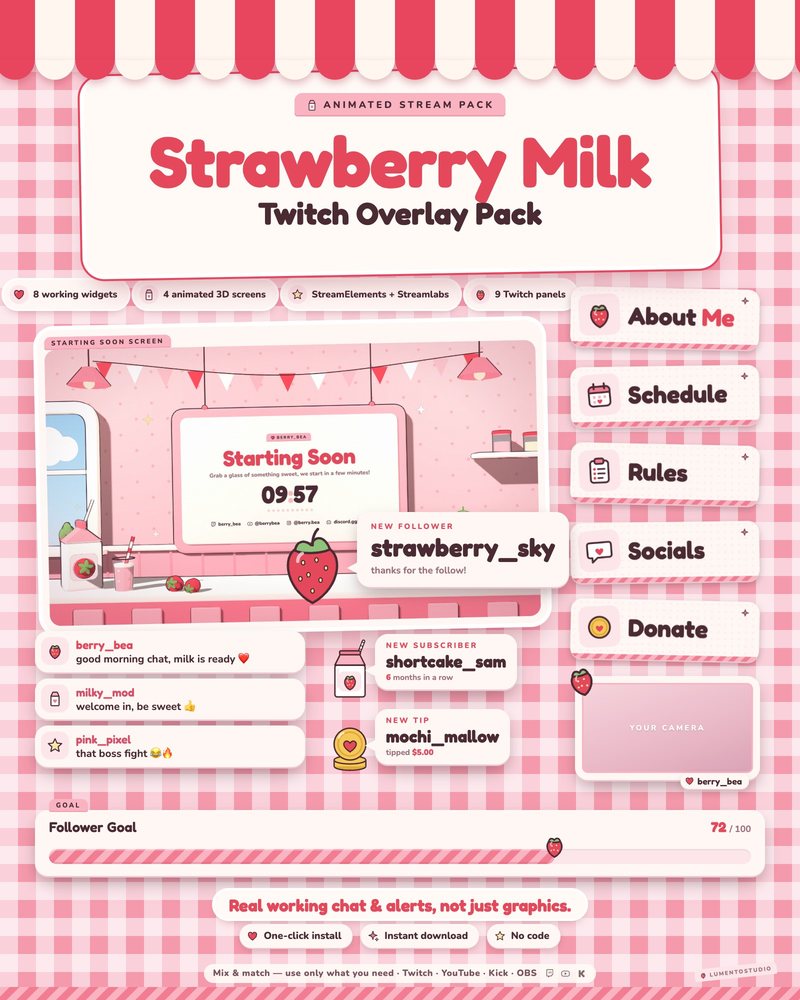
Strawberry Milk
Pink Strawberry Kawaii
€7.00Soft milk-cream cards and strawberry stickers, with café screens from morning coffee to late-night lamps and a Now Playing music widget.
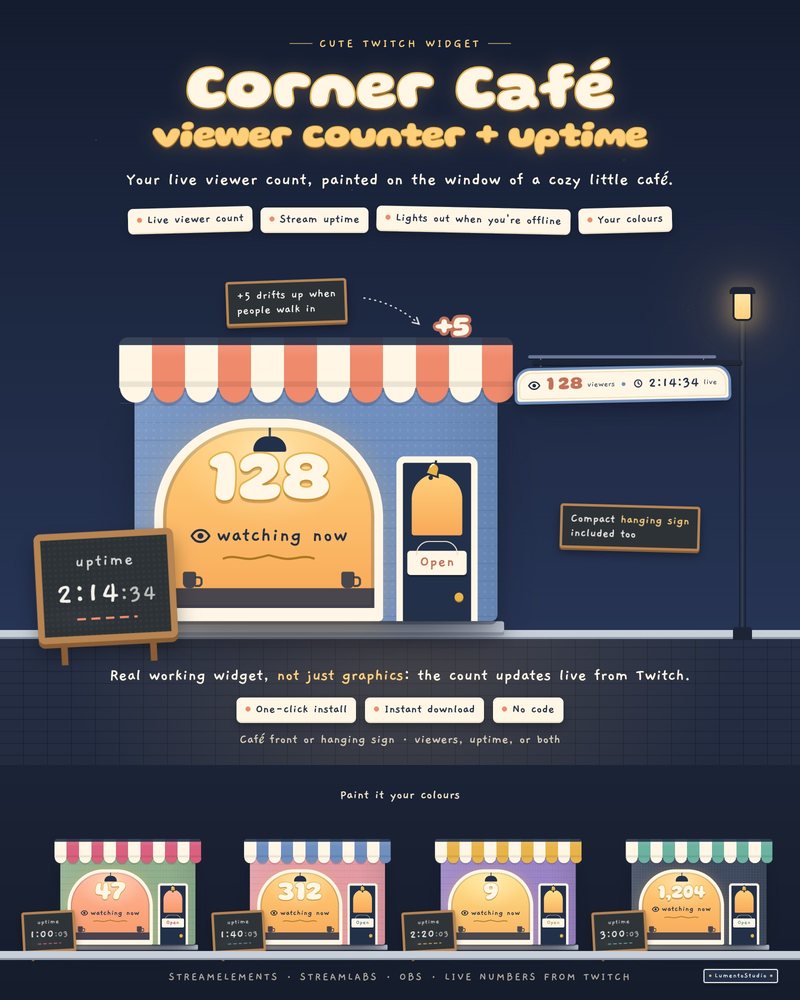
Corner Café
Viewer Counter + Uptime
€5.00Your live viewer count painted on a tiny café window, your uptime chalked on the sidewalk board, and a door bell that jingles when people walk in.
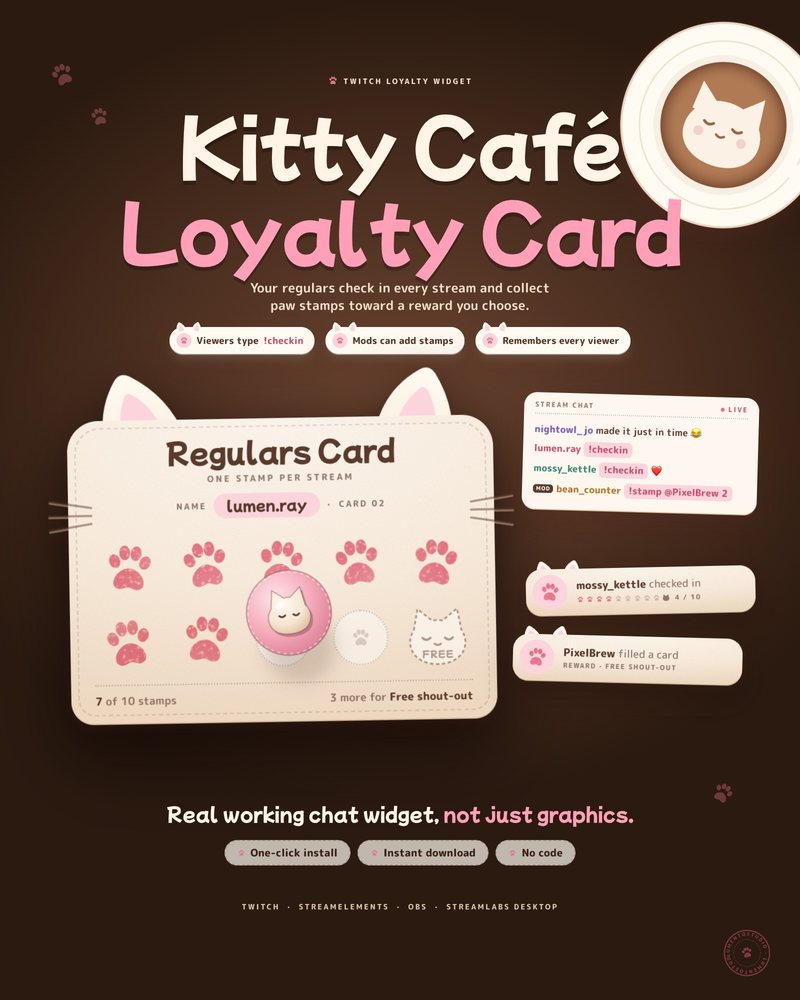
Kitty Café Loyalty Card
Viewer Check-In Punch Card
€4.00Viewers type !checkin each stream to get a paw stamp on their own card. Fill the card and the reward you choose is theirs.
Questions
What matters most in a Just Chatting overlay?
A webcam frame that suits you, chat that is easy to read, and nothing covering your face. Everything else is extra.
Can I use a pack's webcam frame at a large size?
Yes. The frames are browser sources with a transparent center, so you can scale them to fit a large camera.
Set it up
Short, plain guides for getting overlays on stream.
How to add a webcam frame in OBS
Add your camera as a Video Capture Device, add the frame as a Browser or Image source, and drag the frame above the…
GuideHow to show the song you're playing in OBS
Install a tool that writes the current song to a text file, such as the free Tuna plugin for OBS. Then add your Now…
GuideHow to add a chat overlay to OBS
Create a chat box widget in StreamElements or Streamlabs, copy its URL, and add it to OBS as a Browser source (around…