Short answer
Install a tool that writes the current song to a text file, such as the free Tuna plugin for OBS. Then add your Now Playing widget as a Browser source (tick Local file), and set it to read that text file. The card updates every time the track changes.
Step by step
Install a song tool
Install a tool that reads your music player and writes "Artist - Title" to a text file. Tuna is a free OBS plugin that supports Spotify, VLC and many other players. Check it supports your OBS version before installing.
Set up the text file
In OBS, open Tuna from the Tools menu and add an output: choose where the text file is saved and what it contains. Use the folder and file name your Now Playing widget's guide asks for.
Add the Now Playing widget
In the Sources panel, click +, choose Browser, give it a name and click OK. Tick Local file, pick the widget's HTML file (for example nowplaying.html) and set the size from its guide.
Play a song and check
Start your music. The card should show the track within a few seconds. If it doesn't, open the text file in Notepad and check the song is being written there.
If it shows nothing
- Make sure the text file is where the widget expects it, with the exact same name.
- Right-click the browser source and choose Refresh after you move or rename anything.
- Some Now Playing widgets have a demo mode. Turn it off once your real songs are coming through.
Music you can stream
A Now Playing card doesn't change music rights. Only play music you're allowed to use on stream, such as royalty-free or properly licensed tracks.
Our Now Playing widgets
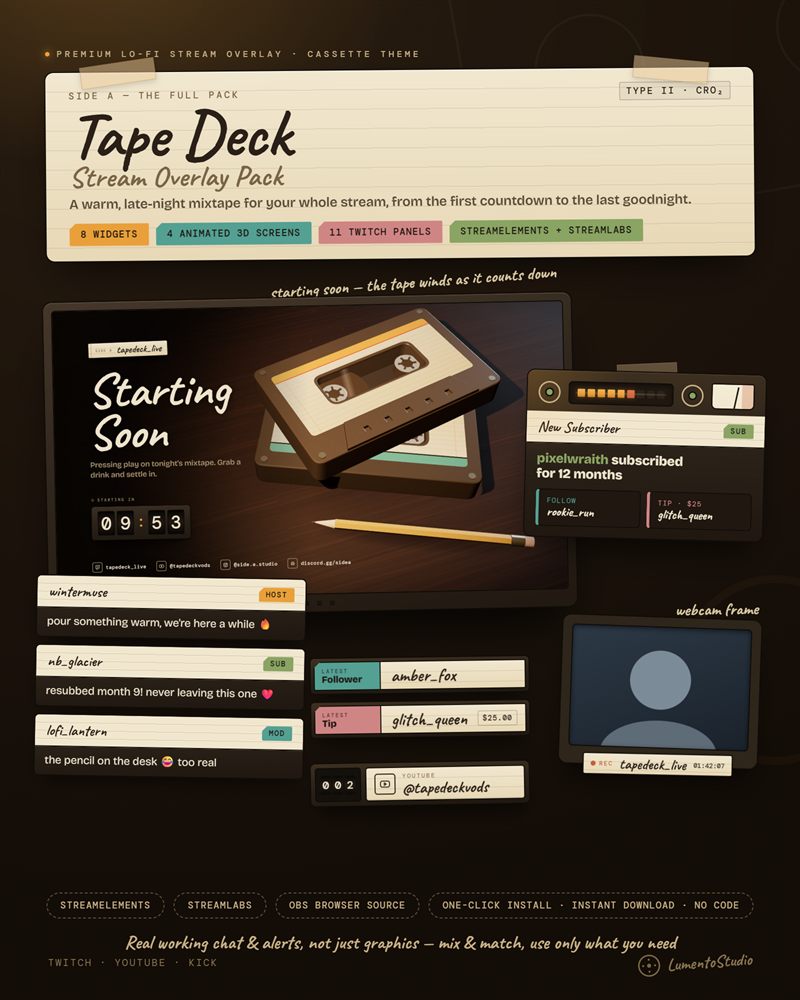
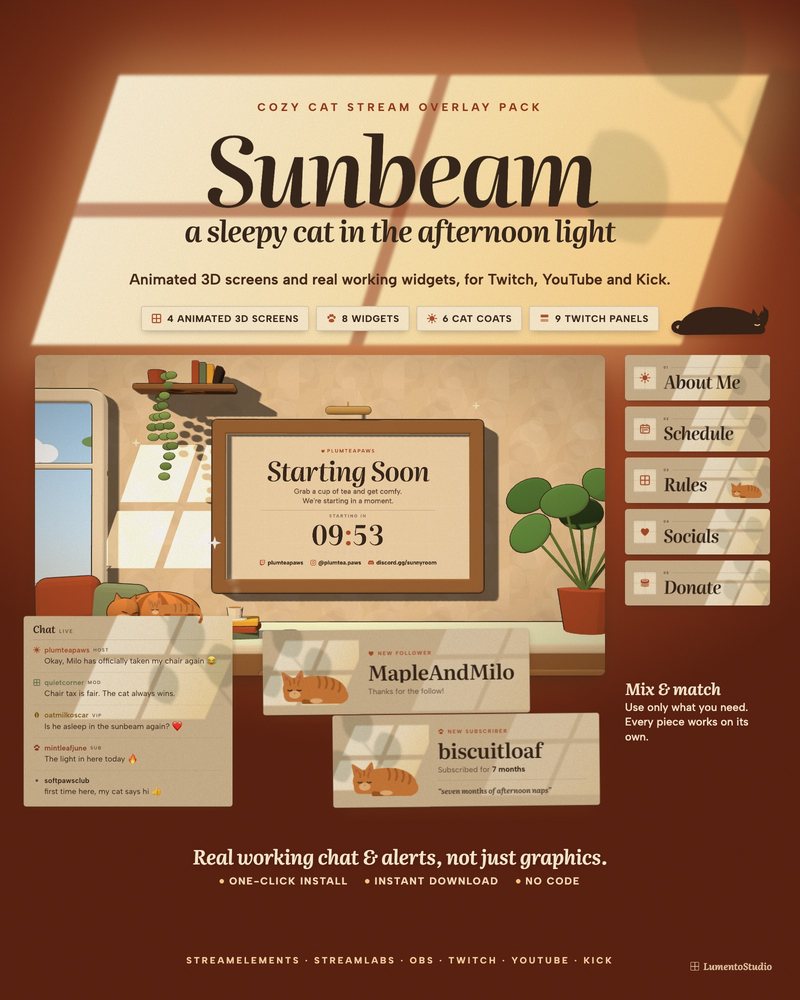
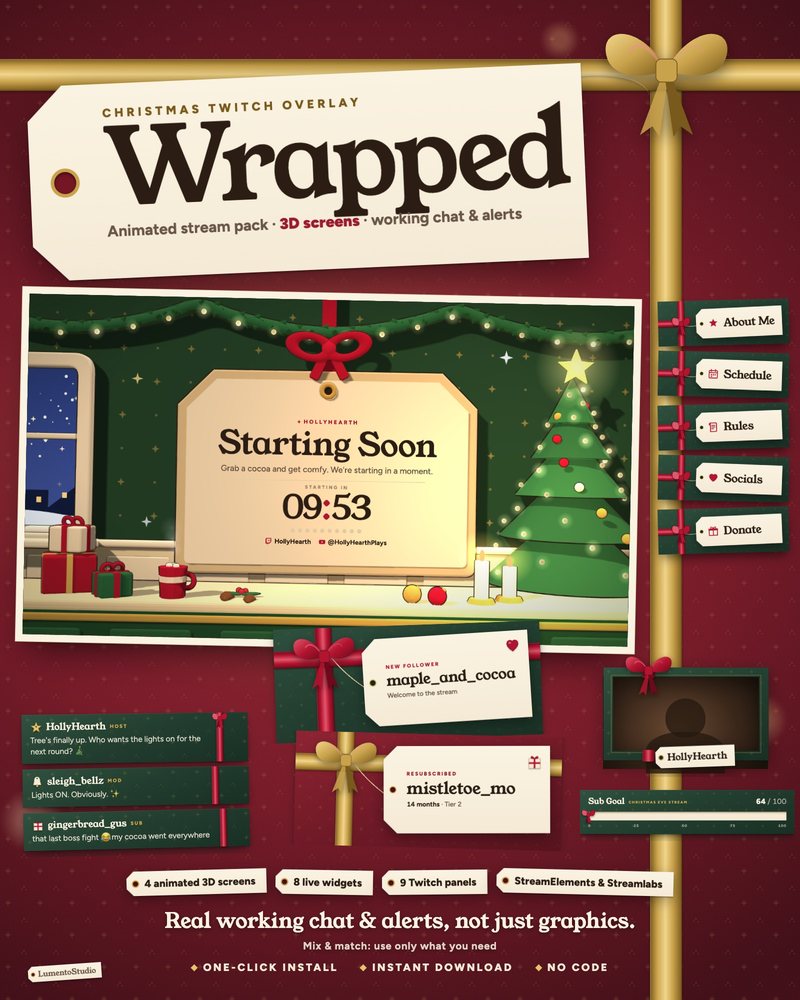
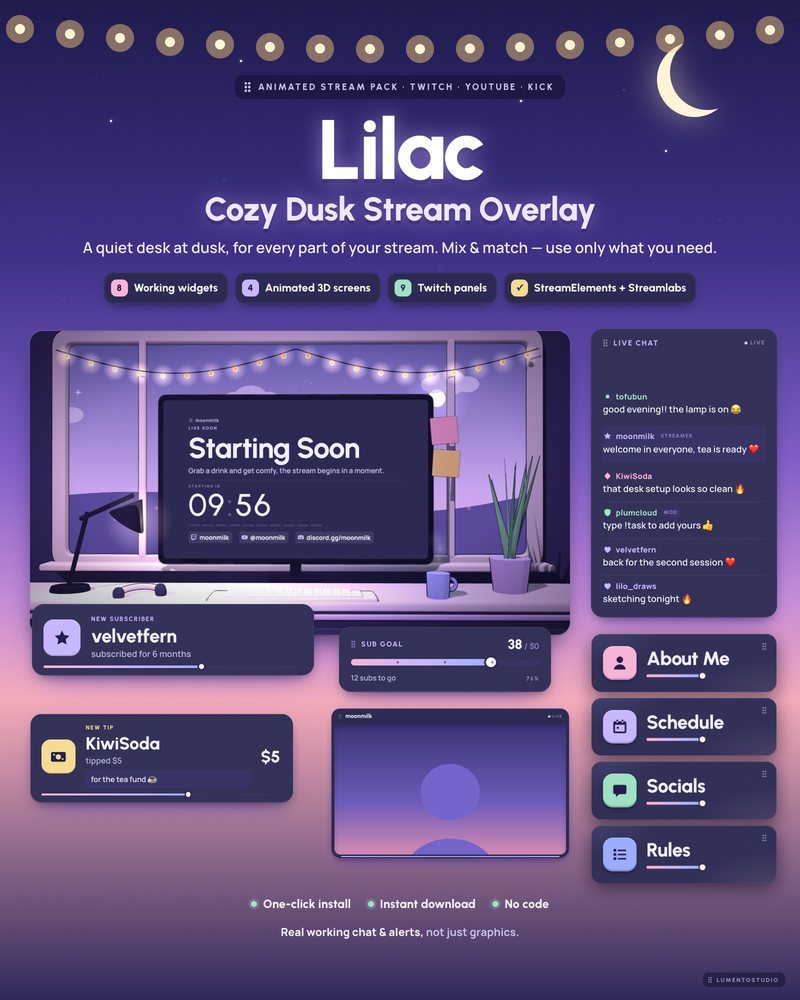
Every LumentoStudio overlay pack includes a Now Playing card in its style. Most read the text file your music tool writes or show a song you type in yourself. The study sets can also take the song from a !song chat command.