Guide · 6 steps
How to set up a study with me stream
A study with me stream is mostly quiet: you work, your viewers work, and the stream keeps time for everyone. The setup is simple, but a few details decide whether people stay for one session or for three hours.
Short answer
Make three scenes (Starting Soon, Focus and Break), put a pomodoro timer and a chat task list on the Focus scene, play music you're allowed to stream at a low volume, and switch to the Break scene, with your mic on, whenever the timer says so.
Step by step
Plan your scenes
Create a Starting Soon scene, a Focus scene and a Break scene. Focus shows your desk, hands or a calm view, plus the timer. Break shows your camera or a softer screen while you chat.
Add a pomodoro timer
Add a timer as a Browser source on the Focus and Break scenes, using Paste (Reference) so it's the same timer in both. Set the lengths you'll use every stream. Our pomodoro timer guide has the details.
Add a chat task list
A task list lets each viewer post their own goal with a command such as !task and mark it done with !done. Place it next to the timer so people can see the whole room's progress.
Keep chat visible
Add a small chat box so people who type during a focus session still feel seen, even when you reply only at the break.
Choose the music
Play music you have the rights to stream, such as royalty-free or properly licensed tracks, at a lower volume than your voice. A Now Playing card answers "what song is this?" before anyone asks.
Run the session
Start on the Starting Soon scene, switch to Focus, and keep your mic muted while focusing. When the timer ends, switch to Break, unmute and talk to chat. Hotkeys for each scene make this a single key press.
Small things that help
- Say the session plan in your stream title, for example "50/10 pomodoro, 4 sessions".
- A hydrate or stretch reminder gives breaks a shape.
- Keep the layout calm: slow motion, low glare and nothing that flashes for every follow during focus time.
Ready-made study sets
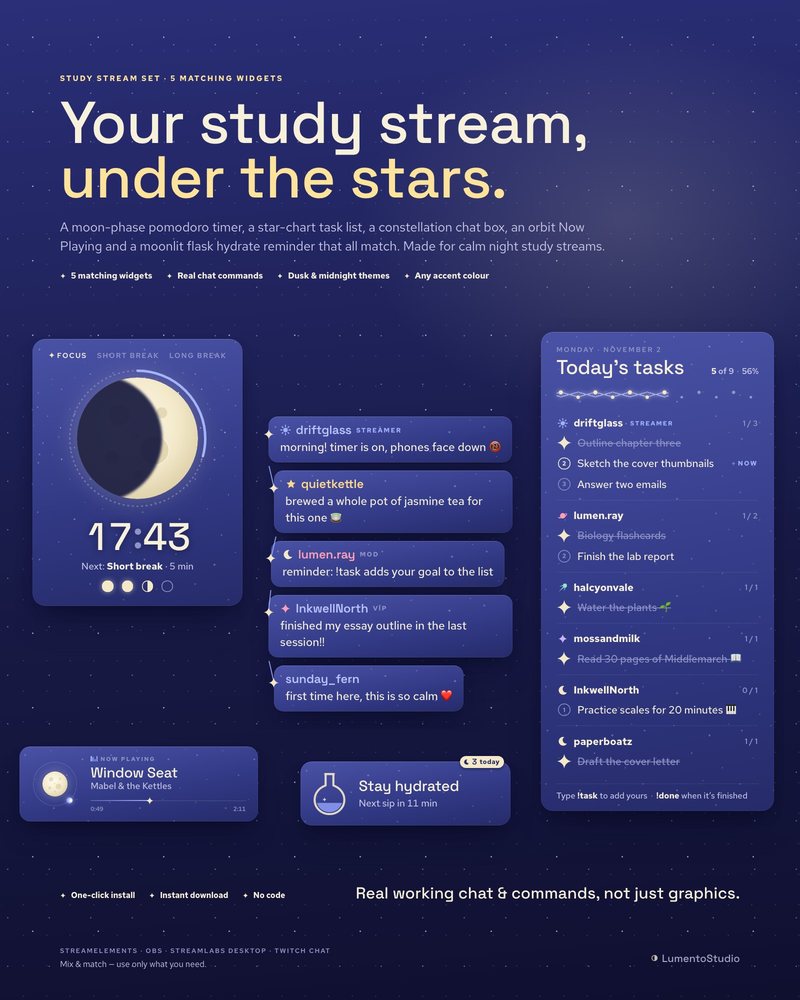
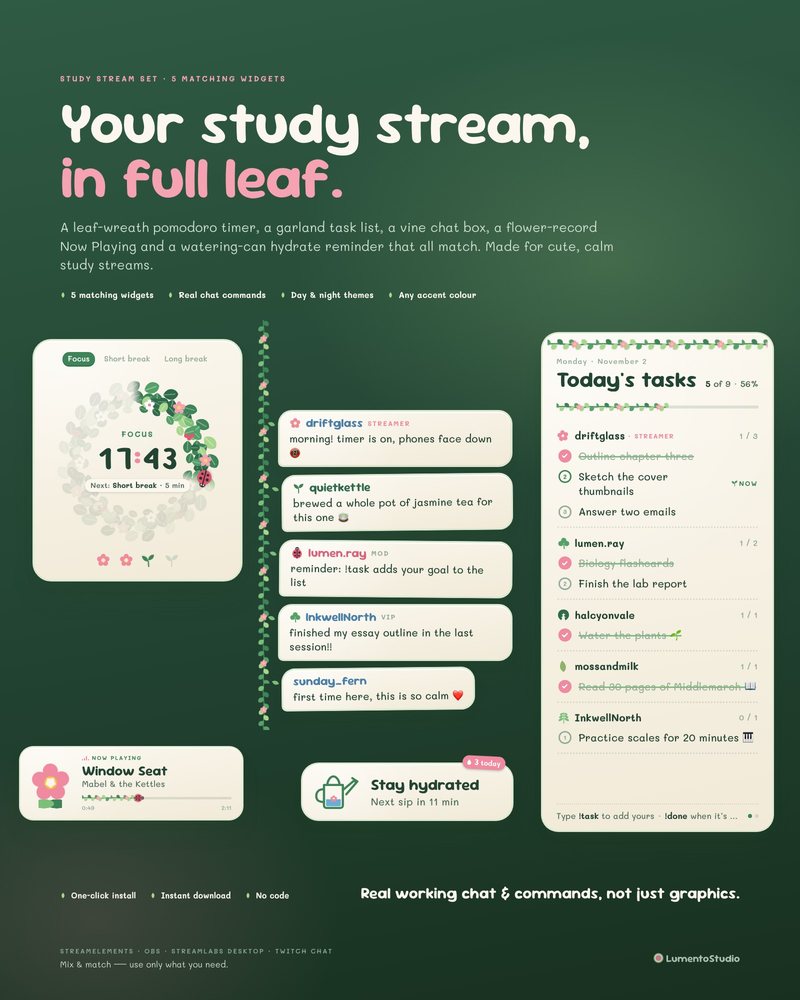
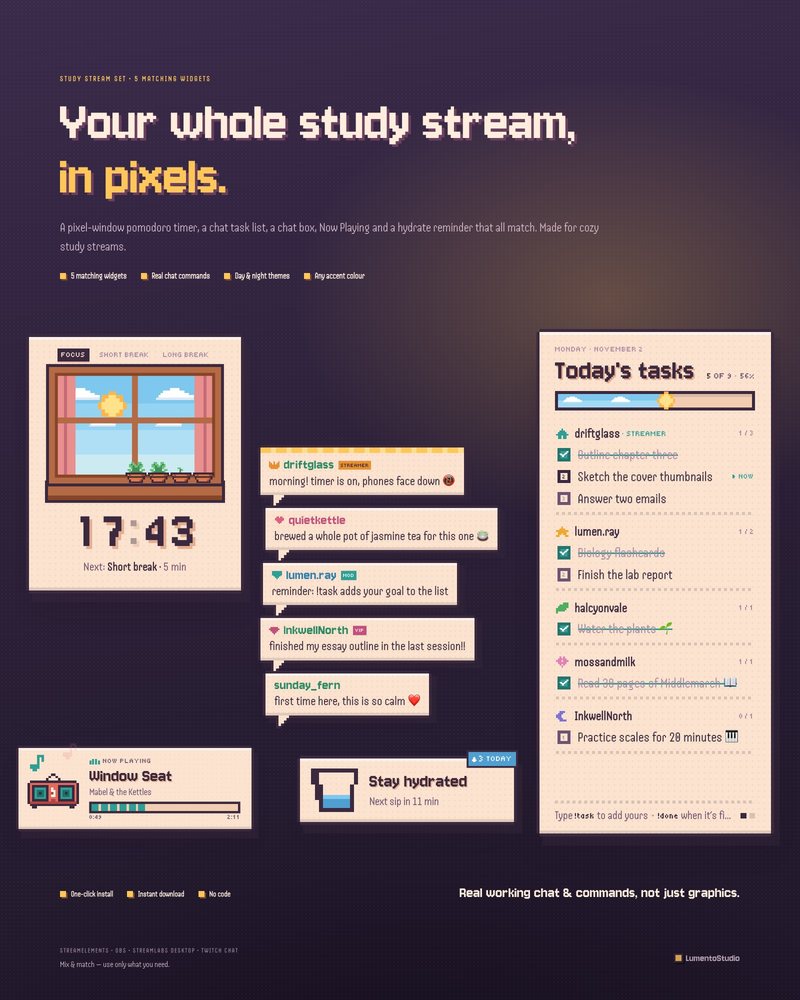
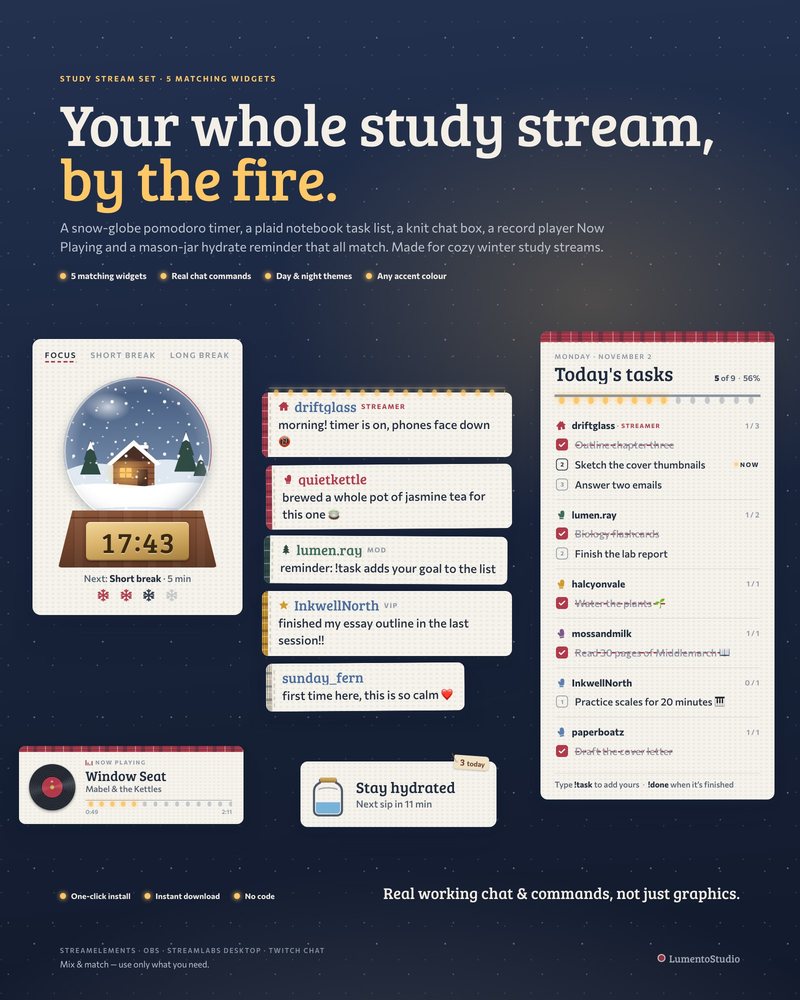
Our study sets combine a pomodoro timer, a chat task list, a chat box, a Now Playing card and a hydrate reminder in one style, installable through StreamElements or as OBS Browser Sources. See all pomodoro timers and study sets.