
8 packs · 15 widgets
Cute VTuber overlays
A VTuber layout has one job: make room for your model. These packs keep the widgets compact and soft, so chat, alerts and goals sit beside your avatar instead of on top of it.
Every webcam frame works around a face cam or a VTuber model, and each widget is its own browser source, so you can move and resize pieces around your model's pose. Pastel, pink, cozy cats, cottagecore frogs and gingerbread: pick the one that matches your character.
- Twitch · YouTube · Kick
- StreamElements & Streamlabs
- Instant download on Etsy
Overlay packs
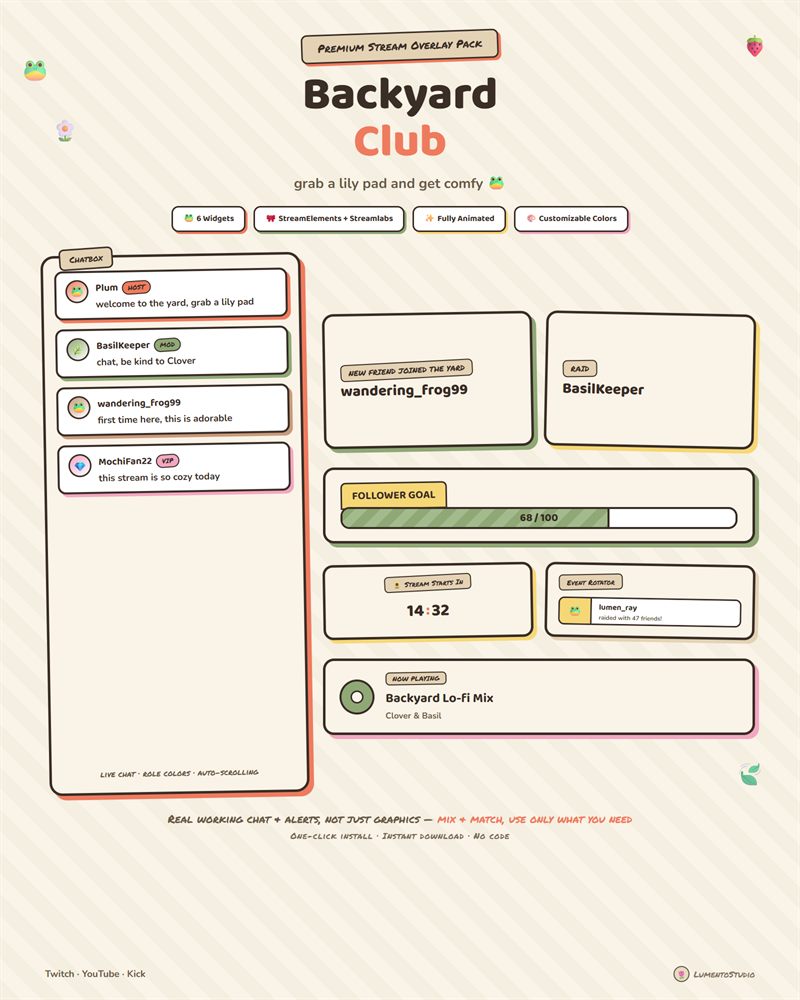
Backyard Club
Cute Cottagecore
€7.00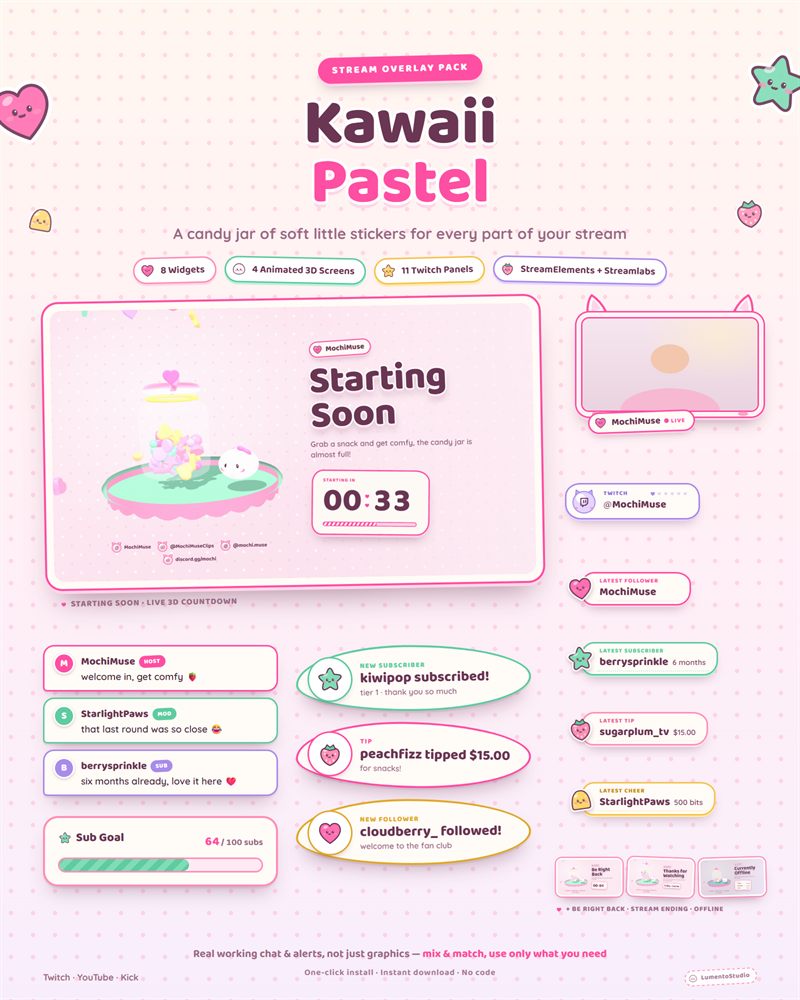
Kawaii Pastel
Cute Pastel
€7.00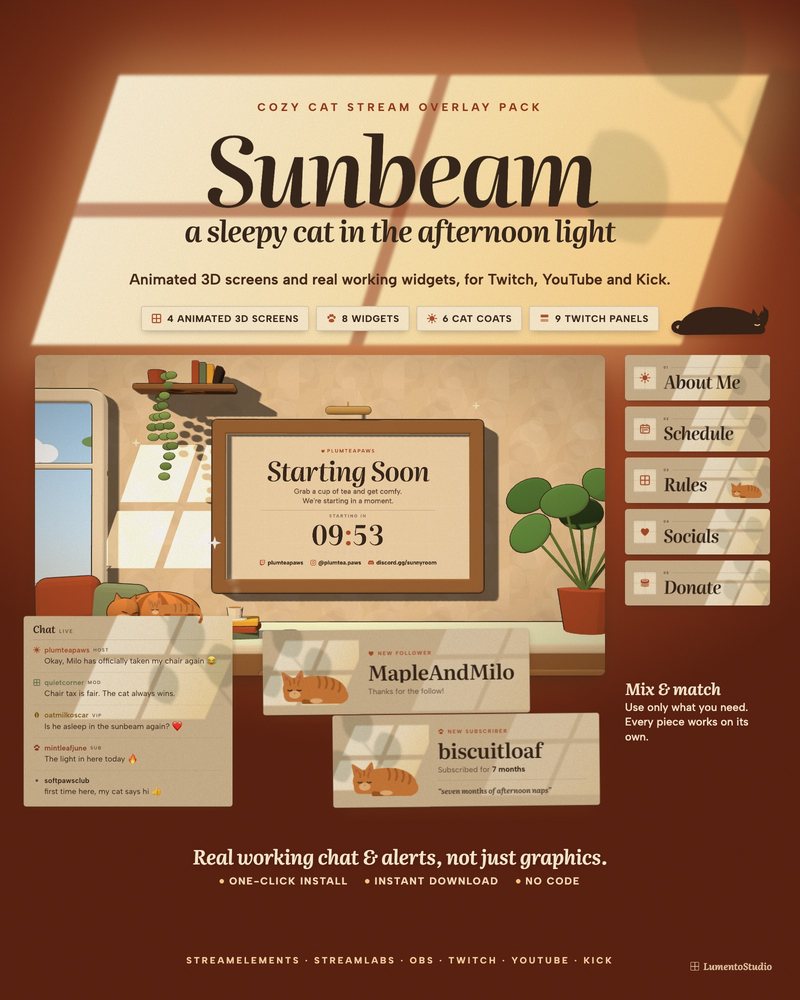
Sunbeam
Cozy Cat
€7.00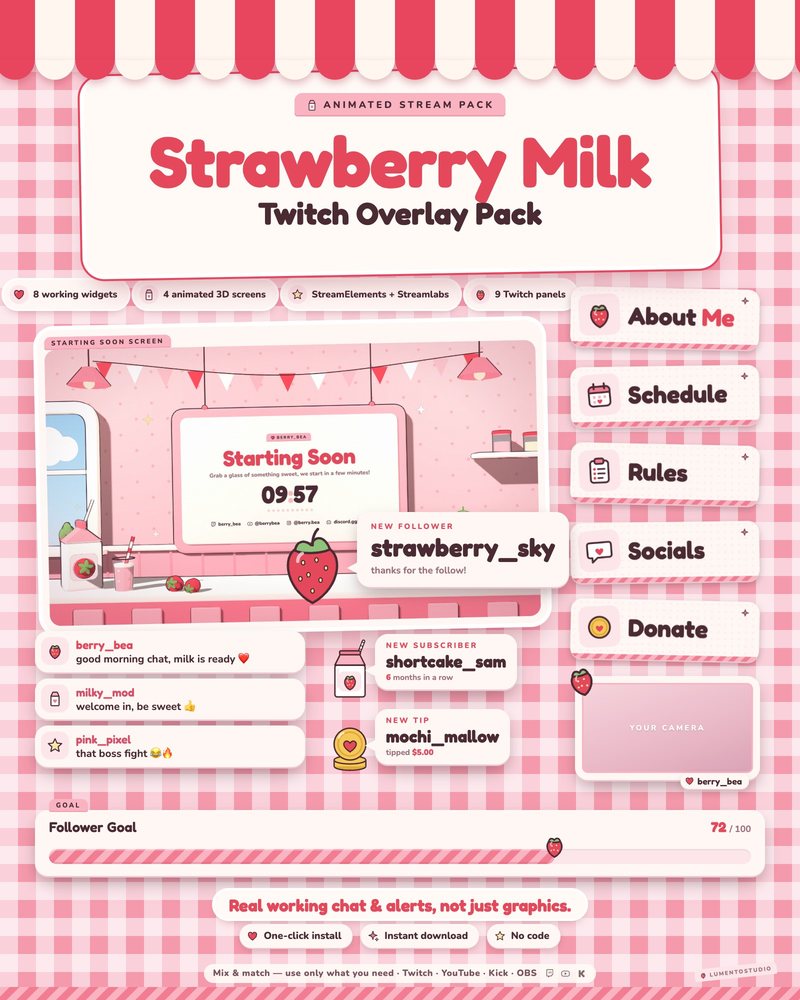
Strawberry Milk
Pink Strawberry Kawaii
€7.00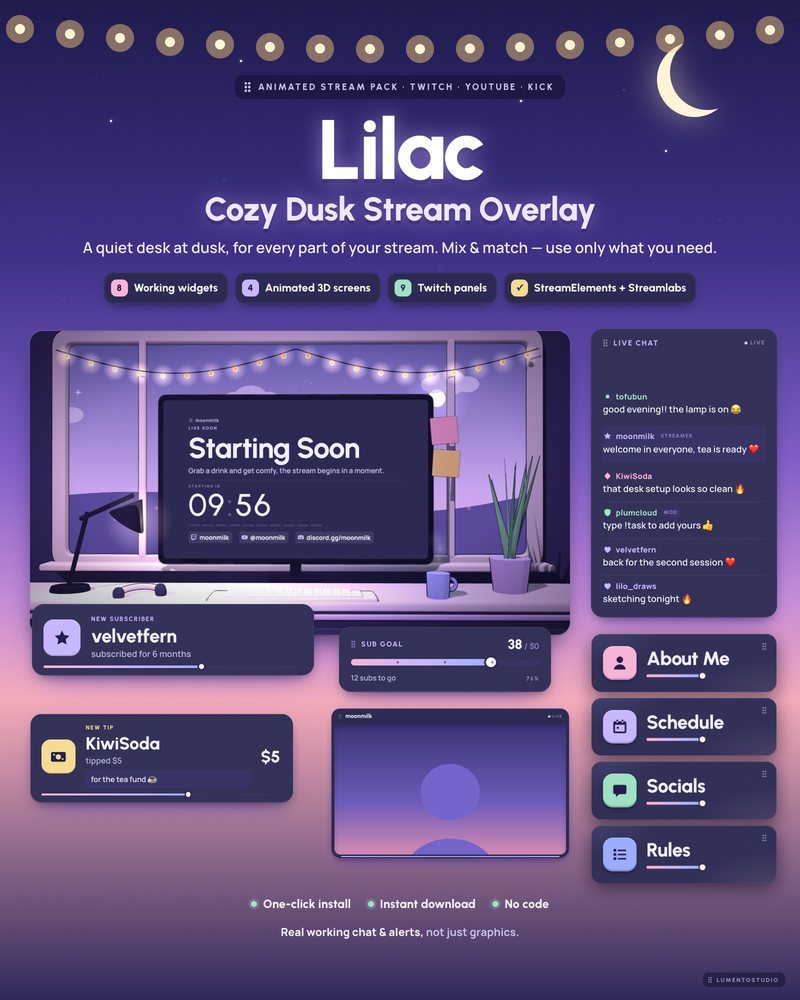
Lilac
Lilac Purple Minimal
€7.00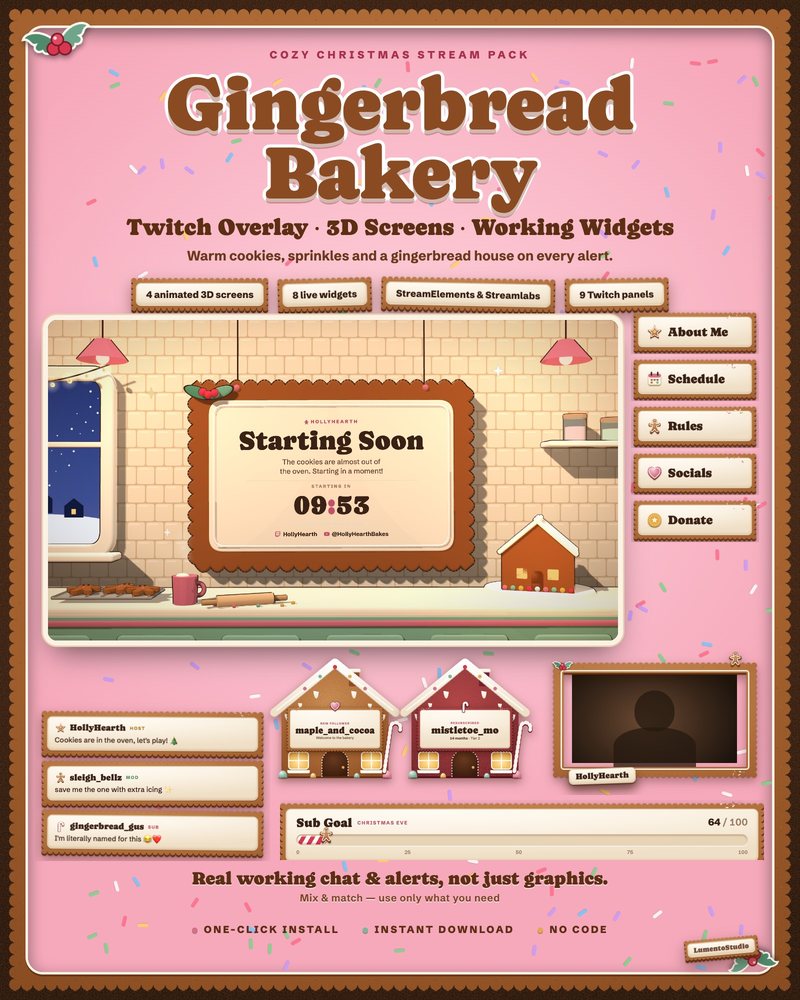
Gingerbread
Gingerbread Christmas
€7.00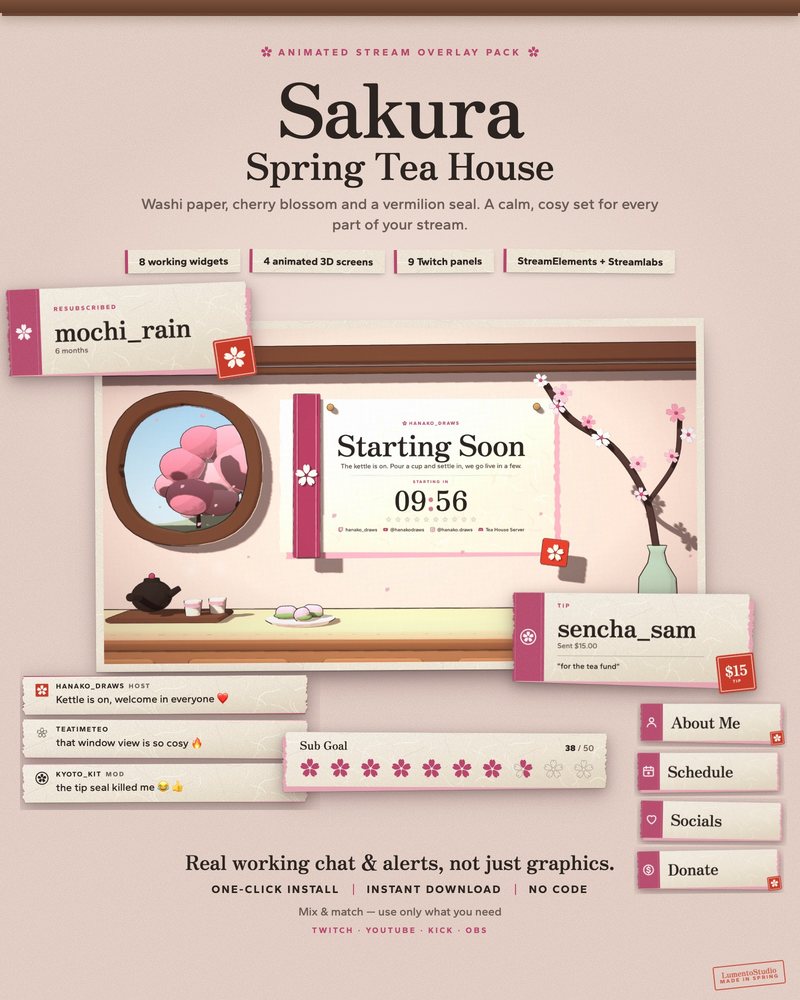
Sakura
Pink Cherry Blossom
€7.00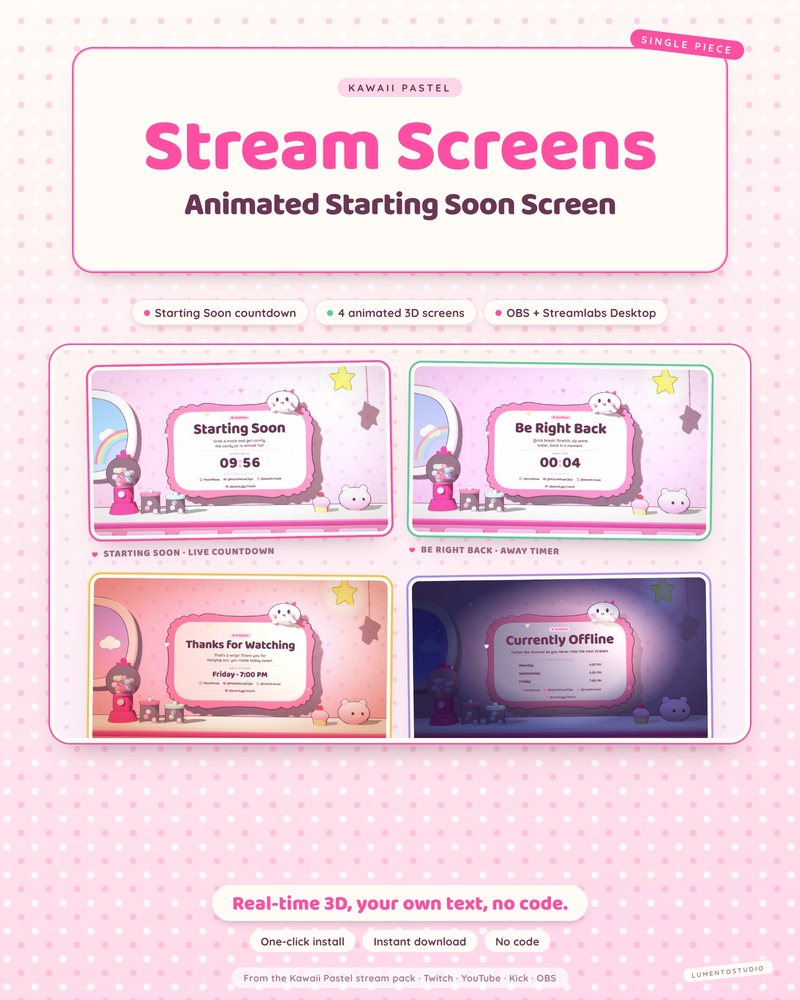
Kawaii Pastel Stream Screens
Cute Pastel Stream Screens
€4.00Single widgets in this style
Add one to any setup, or pair it with a pack above.
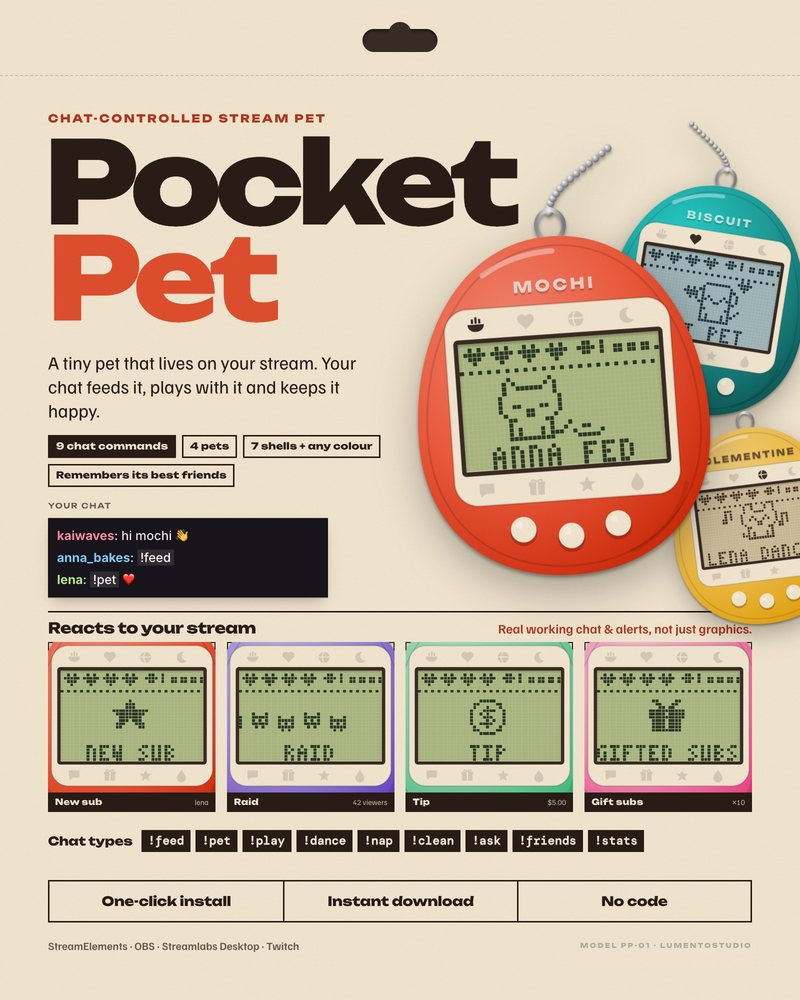
Pocket Pet
Chat-Controlled Stream Pet
€5.00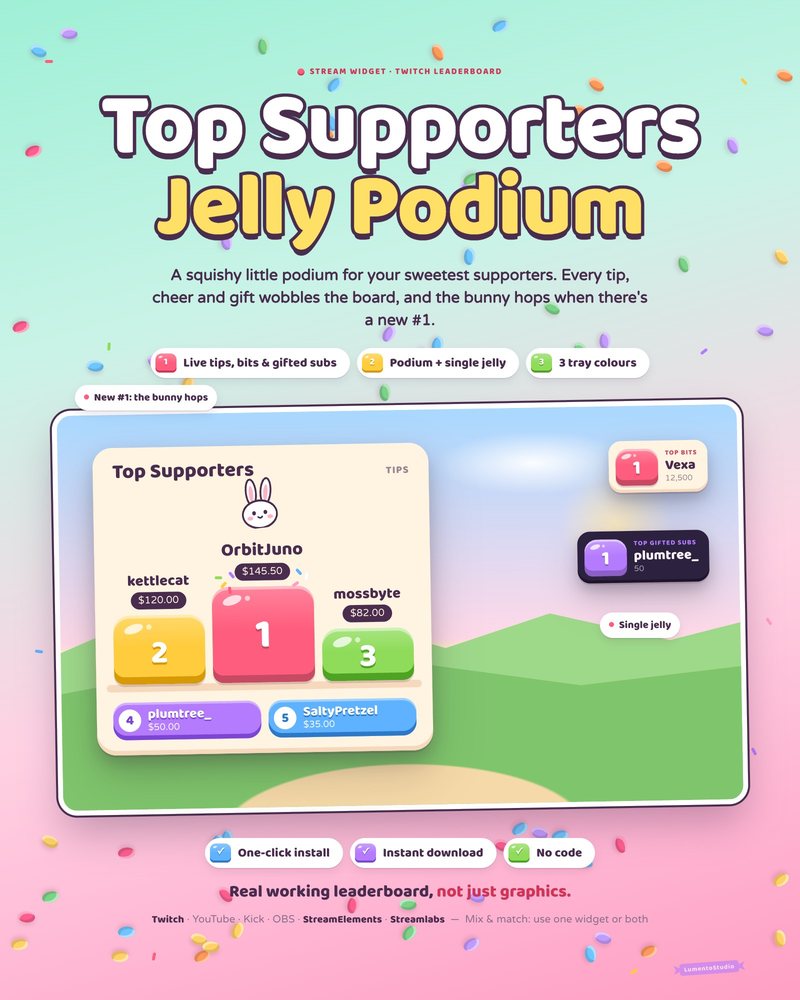
Jelly Podium
Cute Top Supporters Leaderboard
€5.00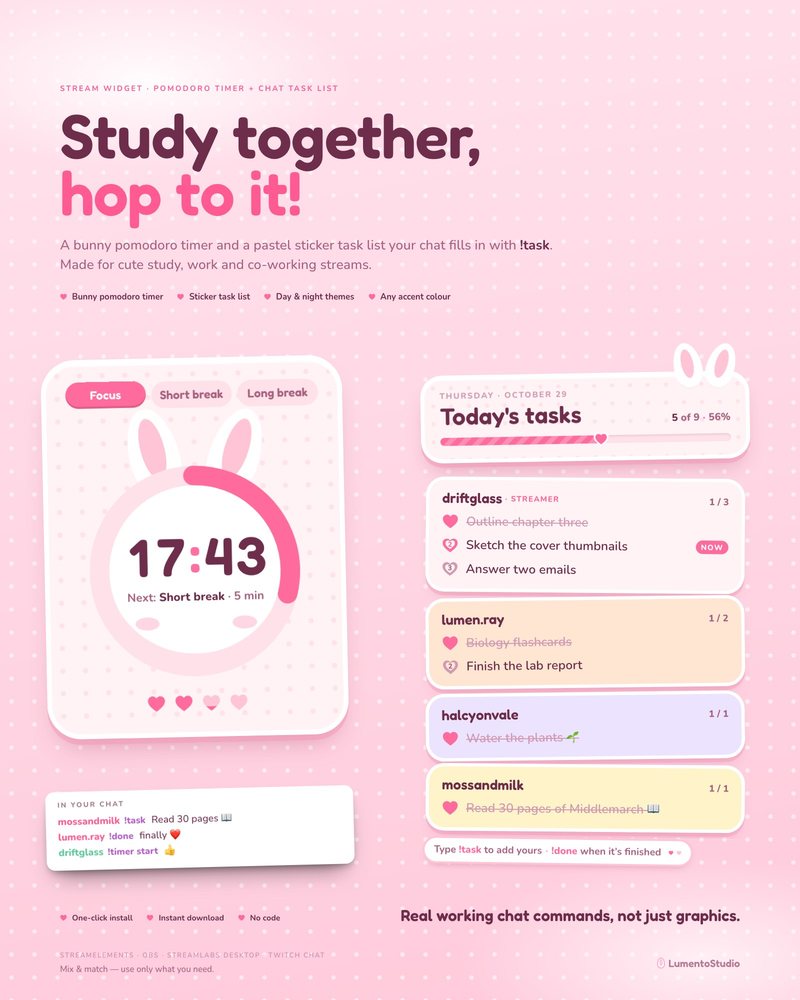
Bunny Pink Pomodoro
Pomodoro Timer + Chat Task List
€5.00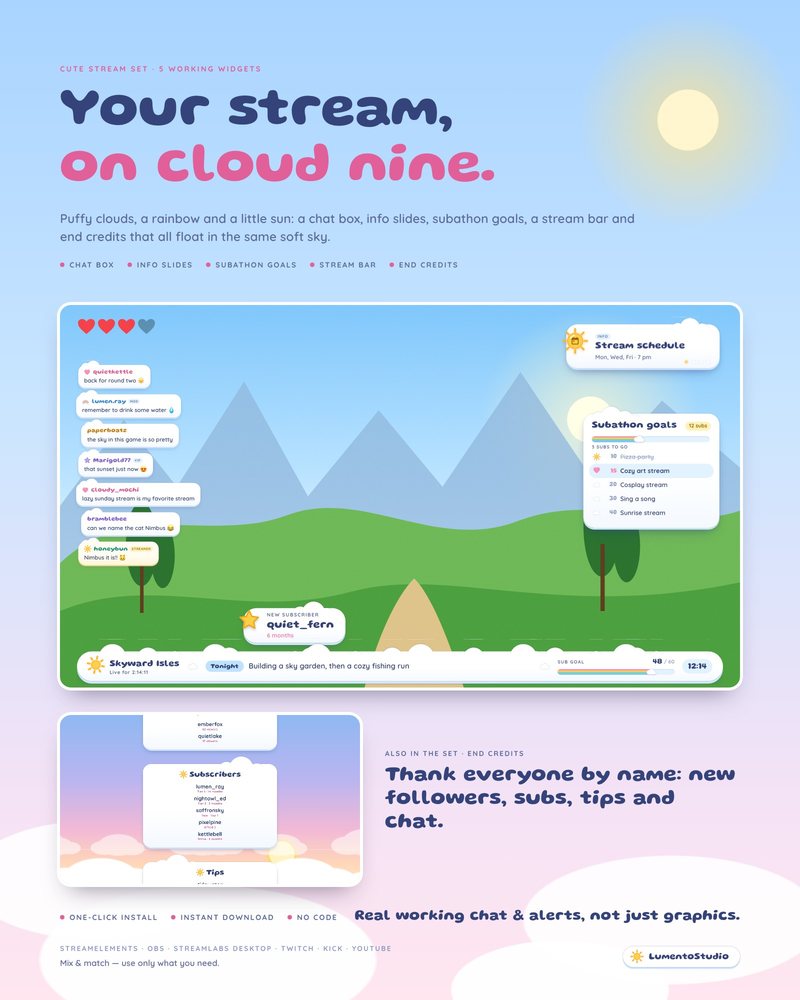
Cloud Nine
5 Cute Stream Widgets
€8.00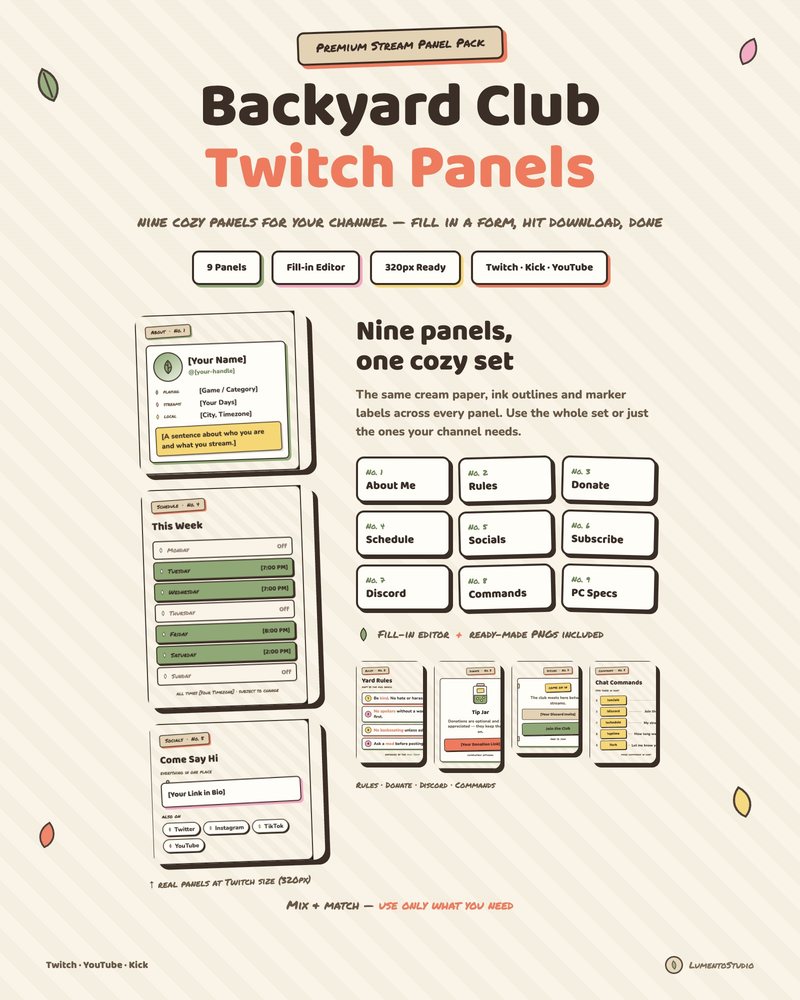
Backyard Club Panels
Cute Cottagecore Twitch Panels
€3.00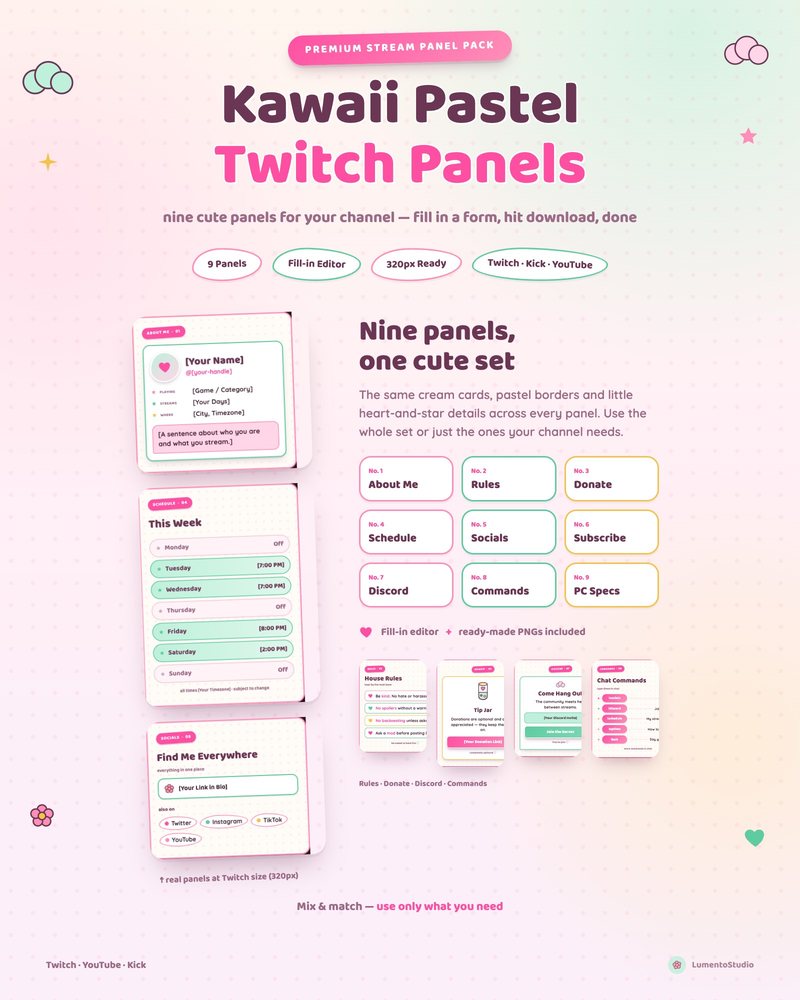
Kawaii Pastel Panels
Cute Pastel Twitch Panels
€3.00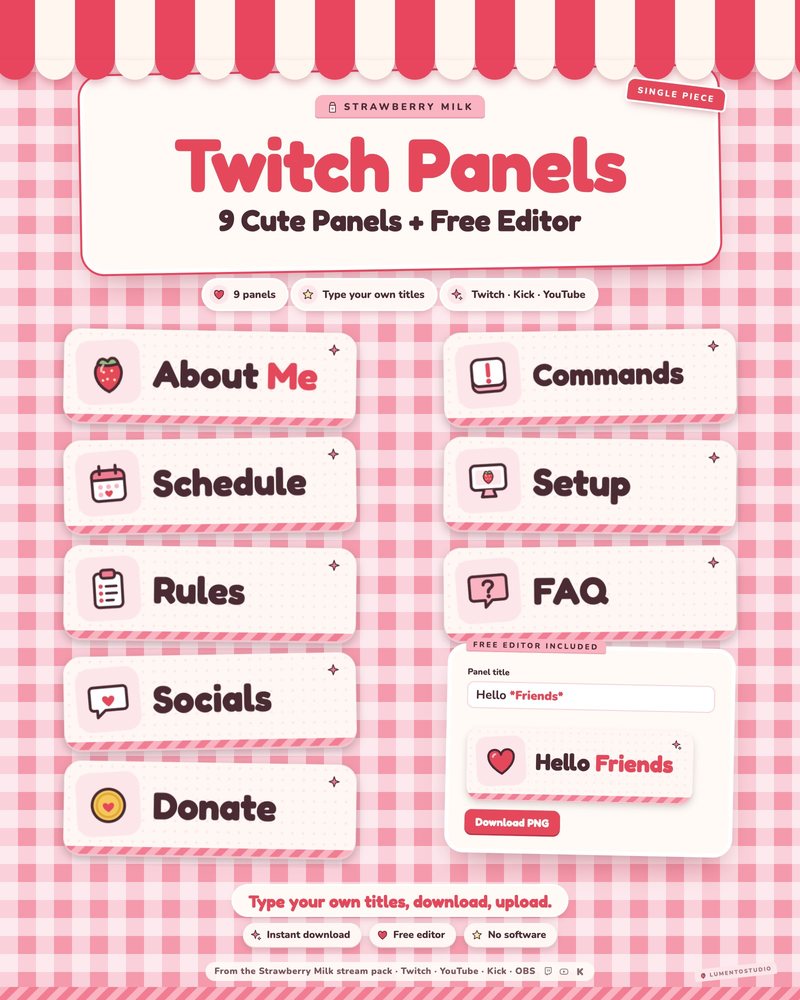
Strawberry Milk Panels
Pink Strawberry Kawaii Twitch Panels
€3.00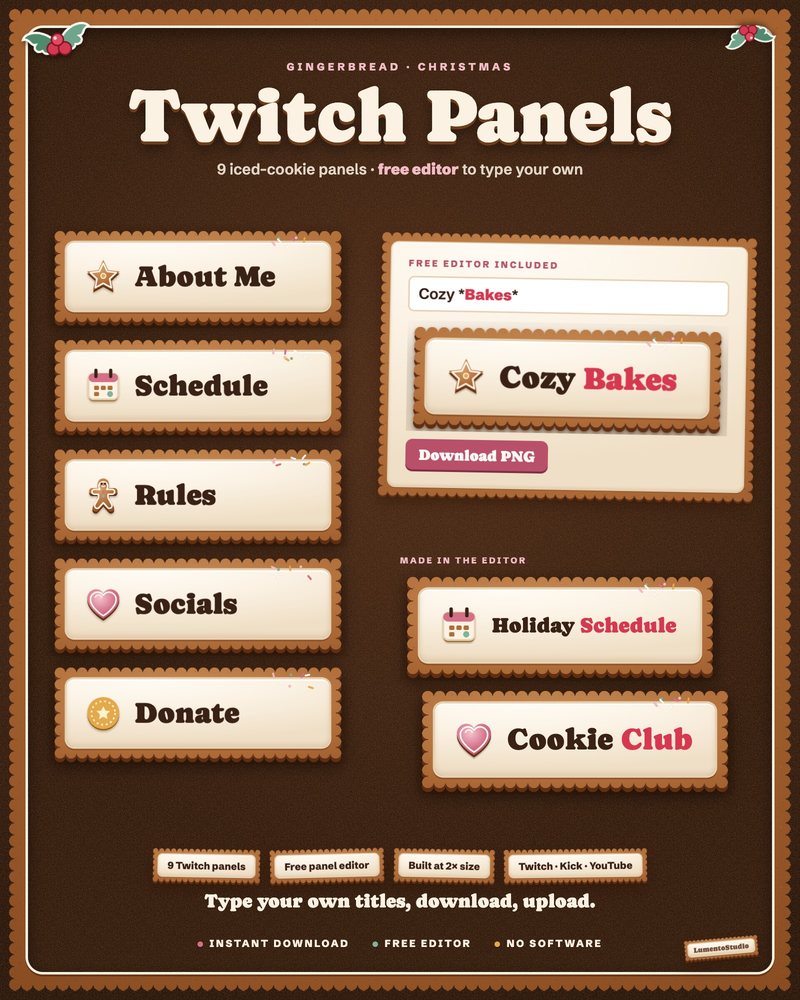
Gingerbread Panels
Gingerbread Christmas Twitch Panels
€3.00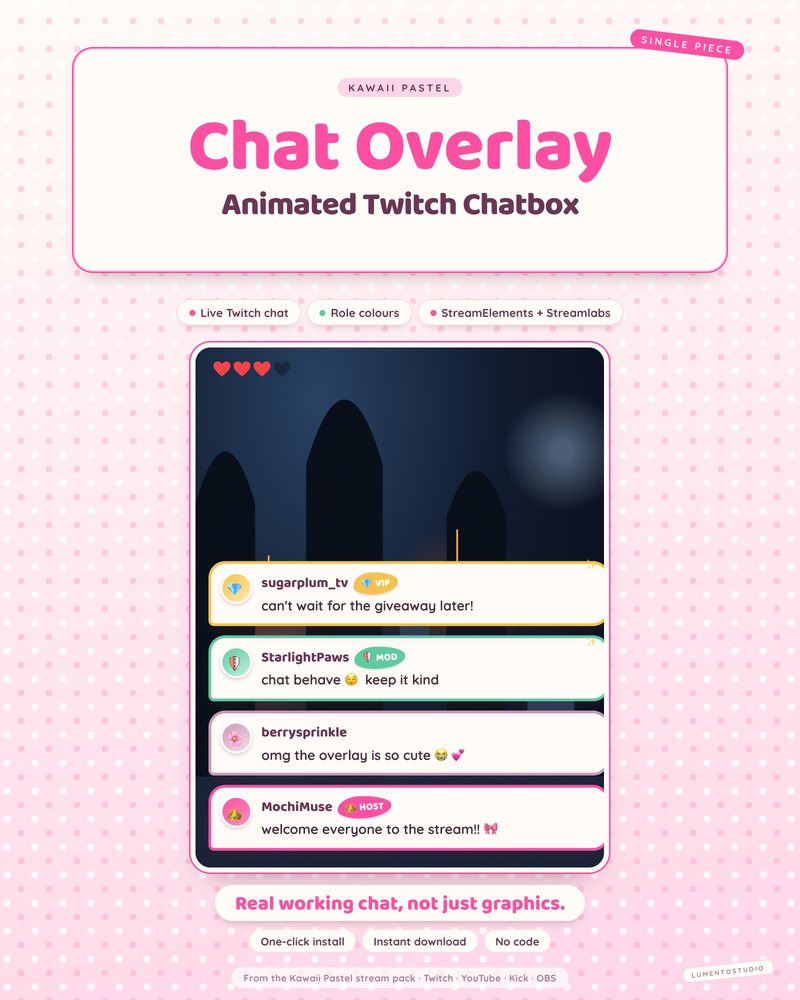
Kawaii Pastel Chatbox
Cute Pastel Chatbox
€3.00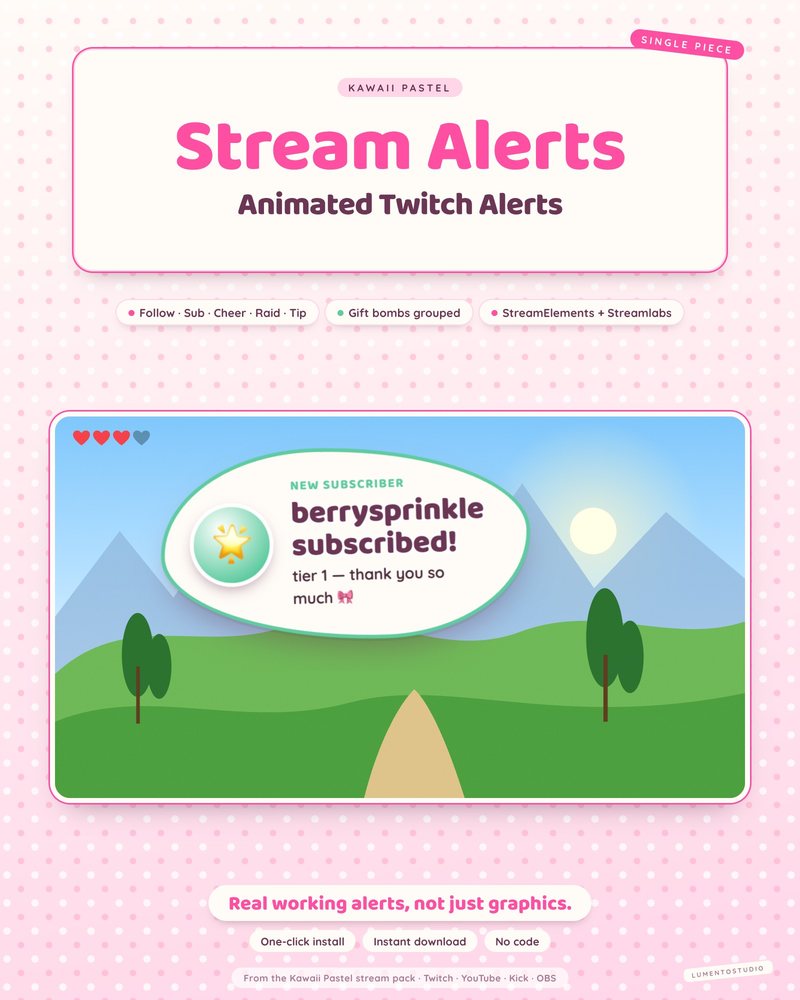
Kawaii Pastel Alert Box
Cute Pastel Alert Box
€3.00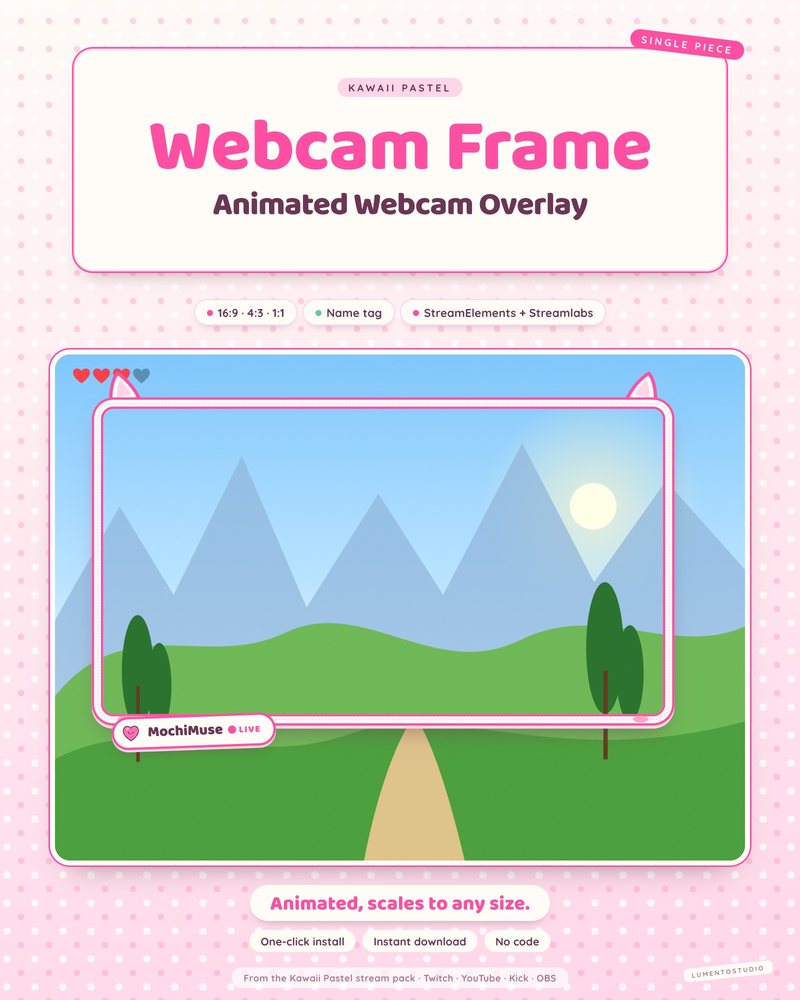
Kawaii Pastel Webcam Frame
Cute Pastel Webcam Frame
€2.50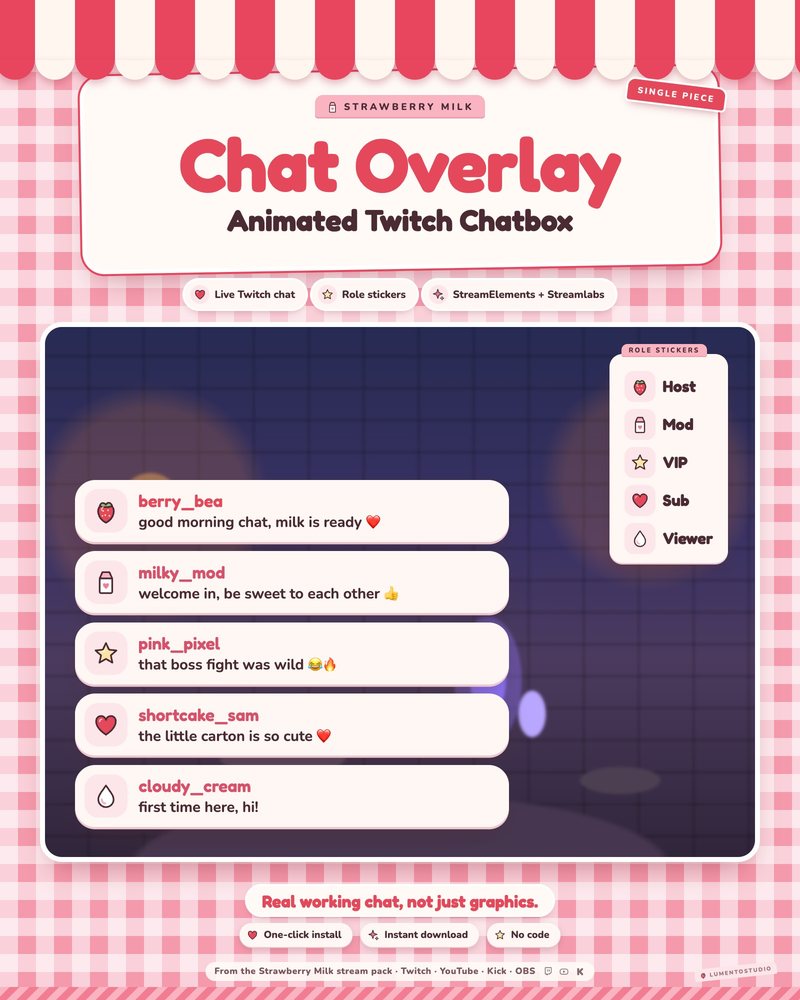
Strawberry Milk Chatbox
Pink Strawberry Kawaii Chatbox
€3.00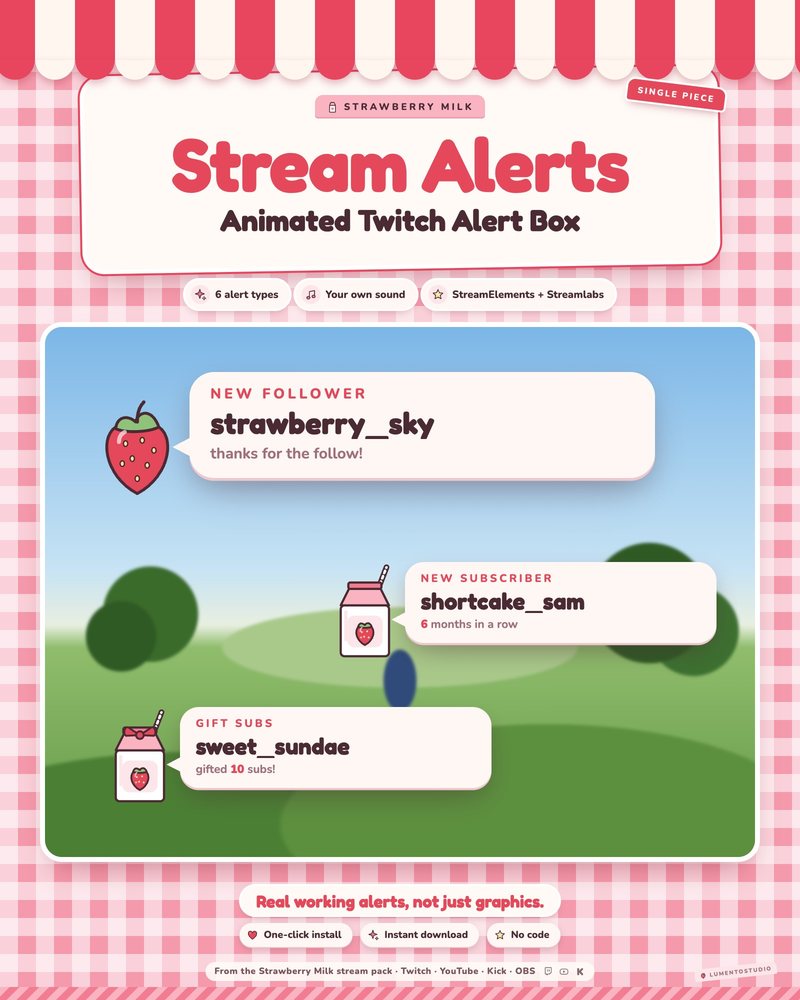
Strawberry Milk Alert Box
Pink Strawberry Kawaii Alert Box
€3.00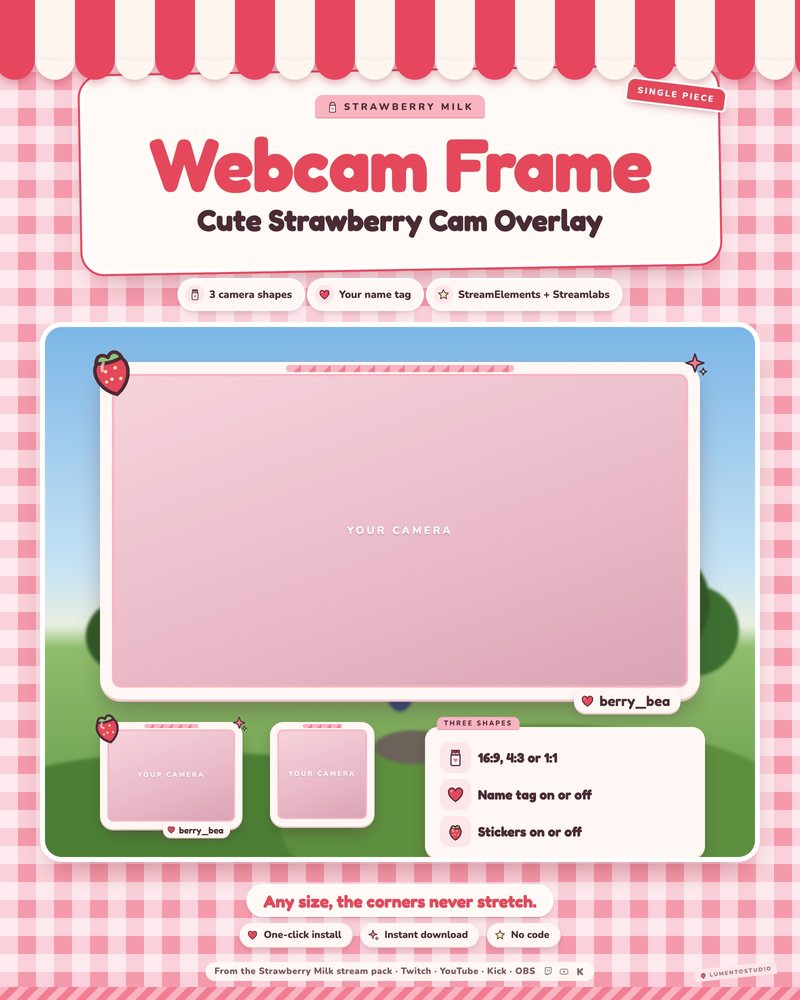
Strawberry Milk Webcam Frame
Pink Strawberry Kawaii Webcam Frame
€2.50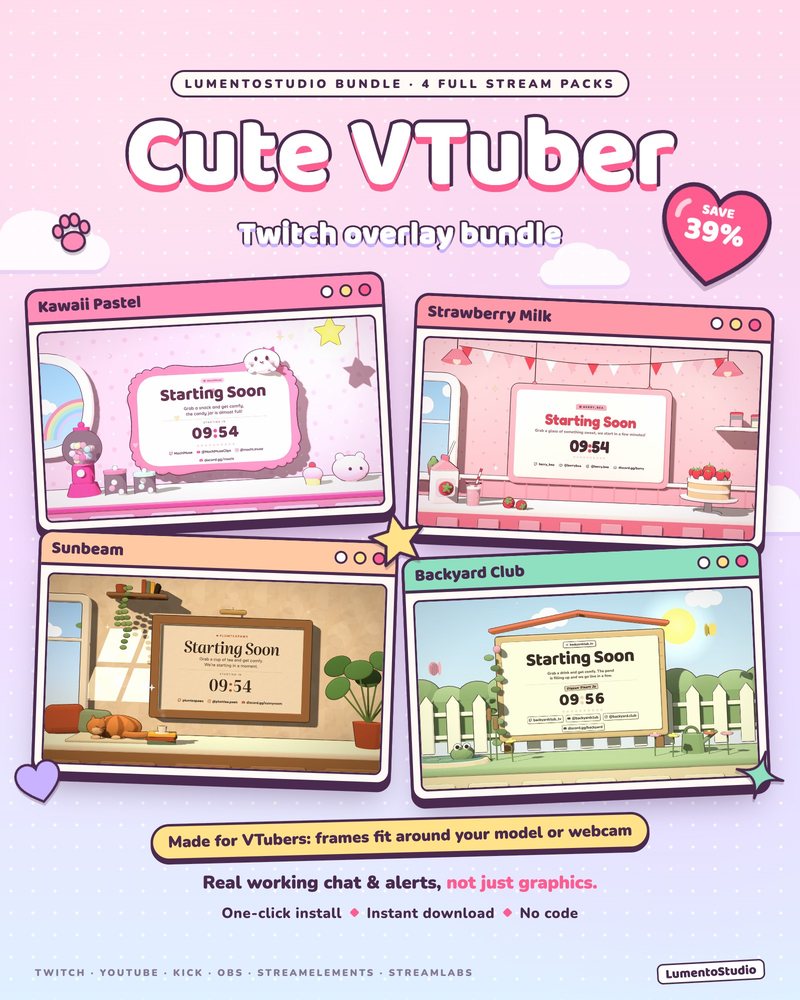
Cute VTuber Bundle
4 Animated Stream Overlay Packs
€17.00Questions
Do these overlays work with VTube Studio or other VTuber apps?
Yes. Your model comes into OBS as its own source (Game Capture with transparency, Spout2 or a window capture), and the overlay widgets are separate browser sources. Layer them however you like.
Can I put the webcam frame around my VTuber model?
Yes. The webcam frame has a transparent center and comes in 16:9, 4:3 and 1:1, so it can frame a model, a face cam or a clip of gameplay.
Will the chat and alerts cover my model?
Only if you put them there. Each widget is a separate source you can drag, resize or hide per scene, so you can keep your model's face clear.
Do I need Live2D or a paid VTuber app?
No. The overlays don't depend on any VTuber software. They work in OBS Studio or Streamlabs Desktop with whatever model setup you already use.
Set it up
Short, plain guides for getting overlays on stream.
How to set up a VTuber overlay layout in OBS
Bring your model into OBS with a transparent background (Spout2 or Game Capture with transparency from VTube Studio)…
GuideHow to add a webcam frame in OBS
Add your camera as a Video Capture Device, add the frame as a Browser or Image source, and drag the frame above the…
GuideHow to add a chat overlay to OBS
Create a chat box widget in StreamElements or Streamlabs, copy its URL, and add it to OBS as a Browser source (around…