
15 products
Matching Twitch panel sets
Panels are the image blocks under your stream: About, Schedule, Rules, Socials, Donate. They're what a new visitor reads to decide whether to follow, so a matching set makes a channel look looked-after.
Every set comes as ready-made PNGs you can upload as they are, plus a fill-in editor that runs in your browser: pick a panel, type your details, download the image. They're built at Twitch's 320 px panel width and work on Kick and YouTube too.
- Twitch · Kick · YouTube
- Ready-made PNGs + editor
- Instant download on Etsy
Twitch panels
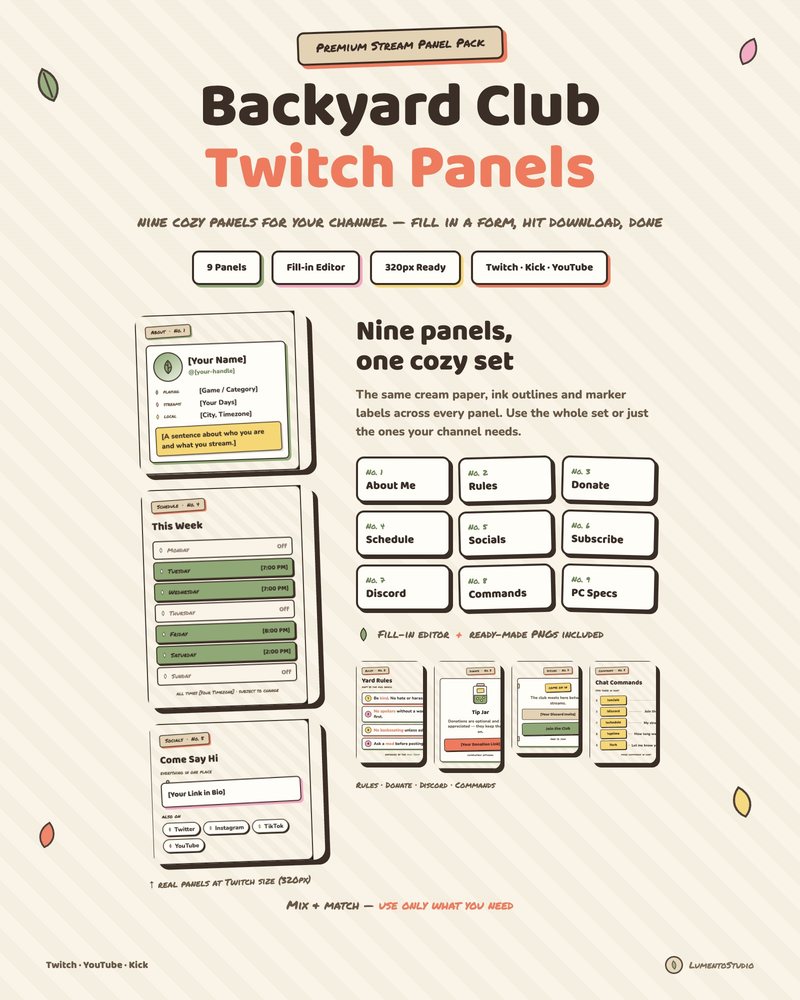
Backyard Club Panels
Cute Cottagecore Twitch Panels
€3.00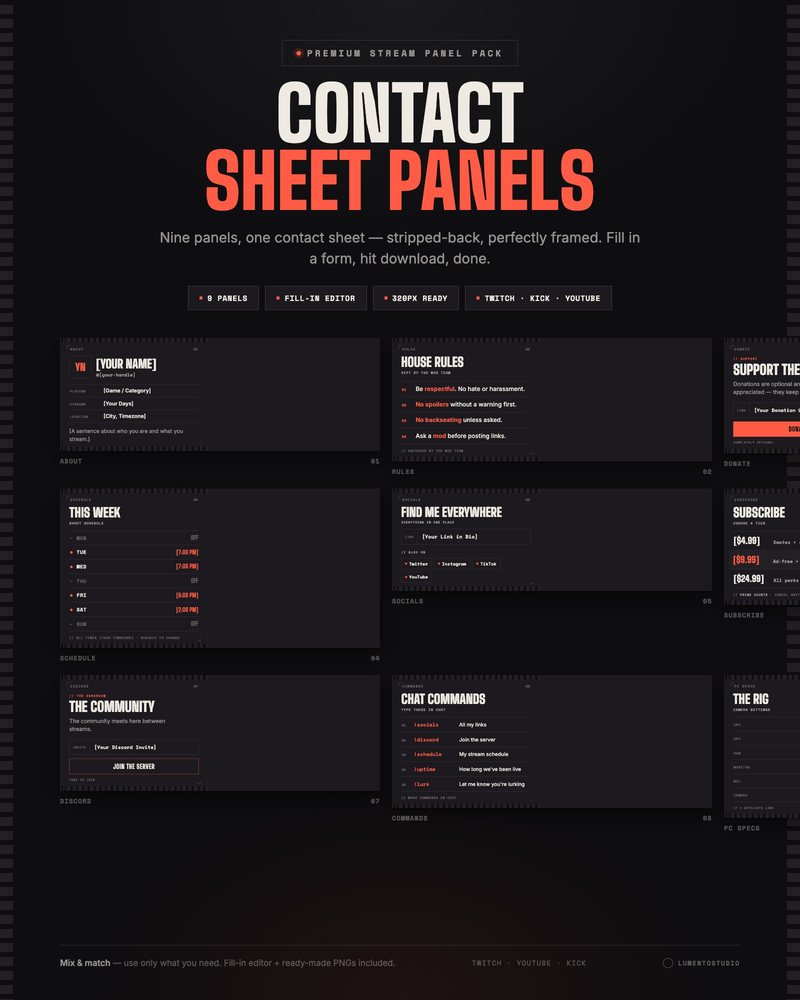
Contact Sheet Panels
Minimalist Film Twitch Panels
€3.00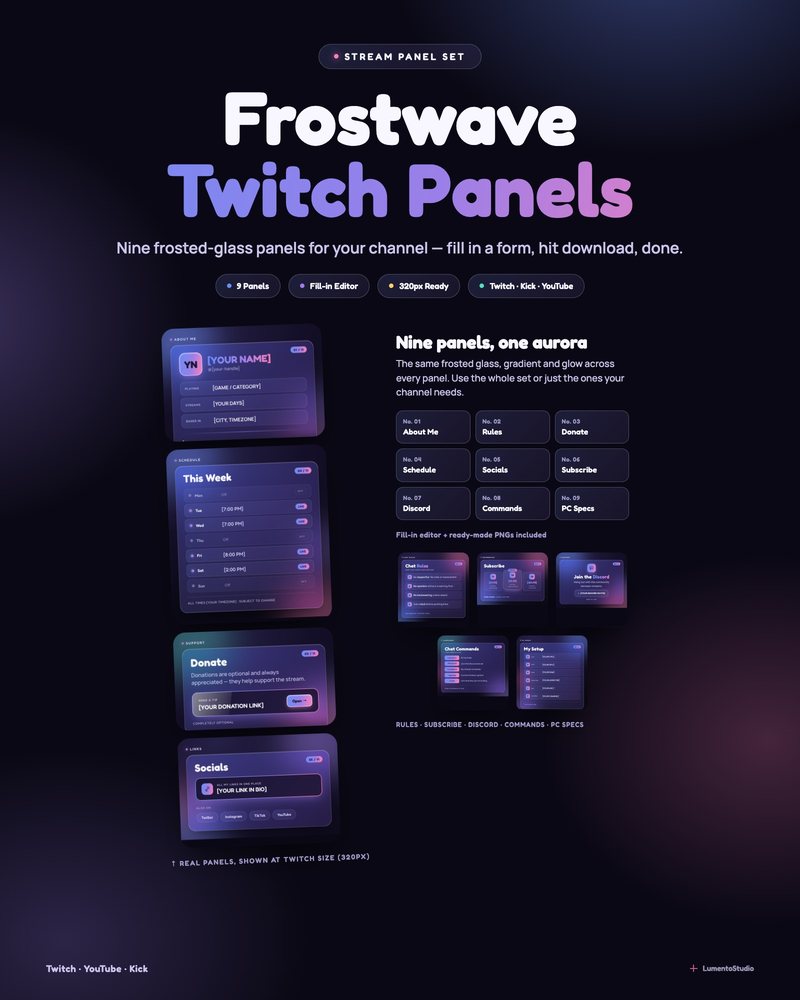
Frostwave Panels
Frosted Glass Aurora Twitch Panels
€3.00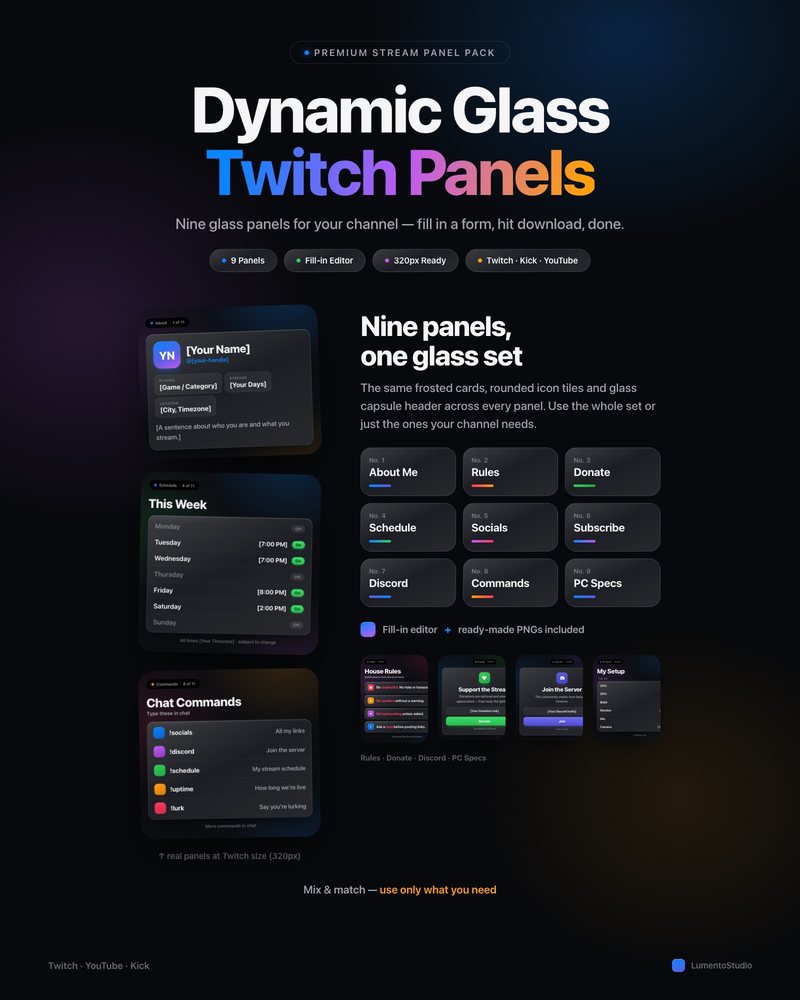
Dynamic Glass Panels
Glass Interface Twitch Panels
€3.00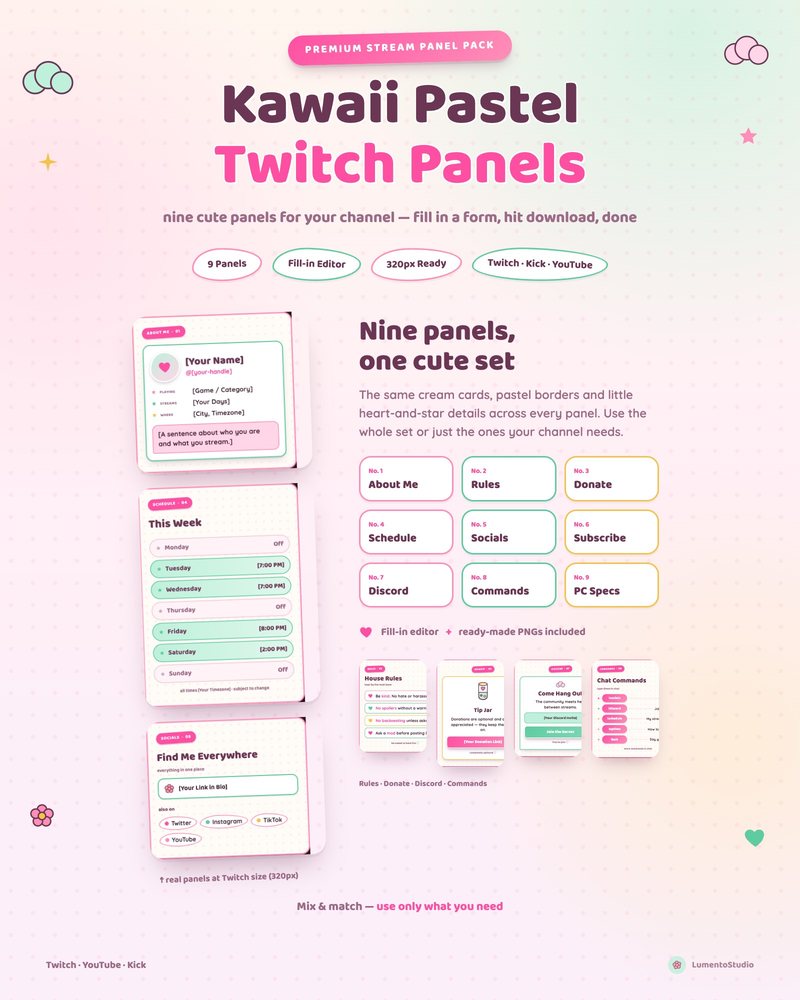
Kawaii Pastel Panels
Cute Pastel Twitch Panels
€3.00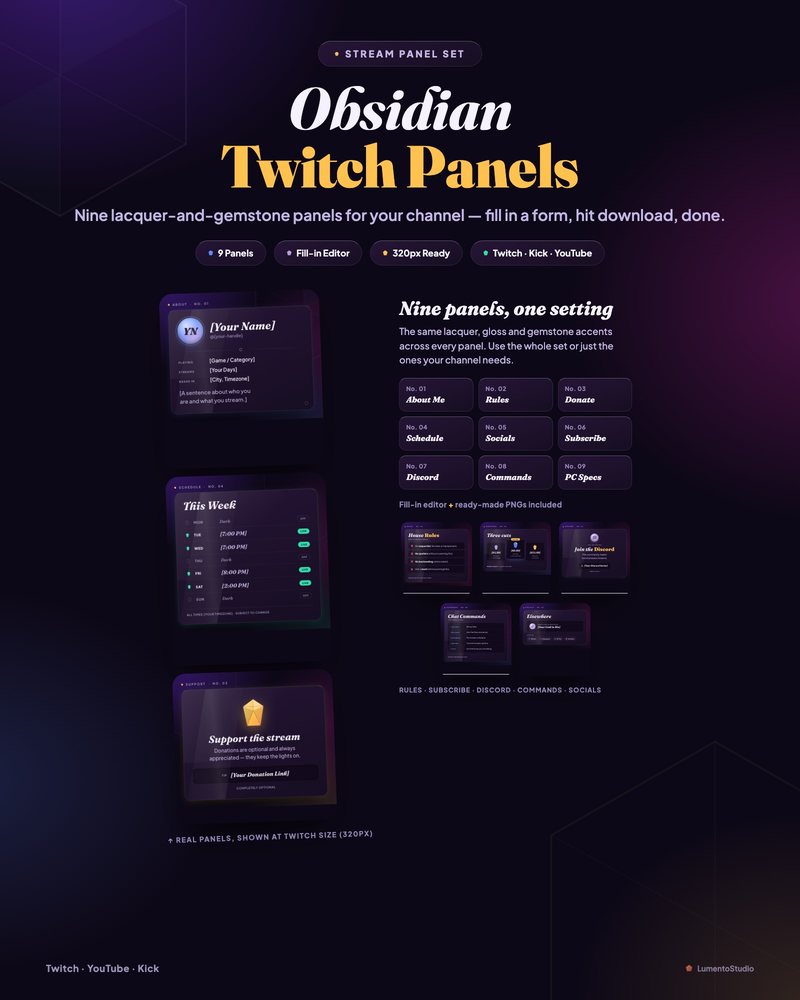
Obsidian Gloss Panels
Dark Glossy Twitch Panels
€3.00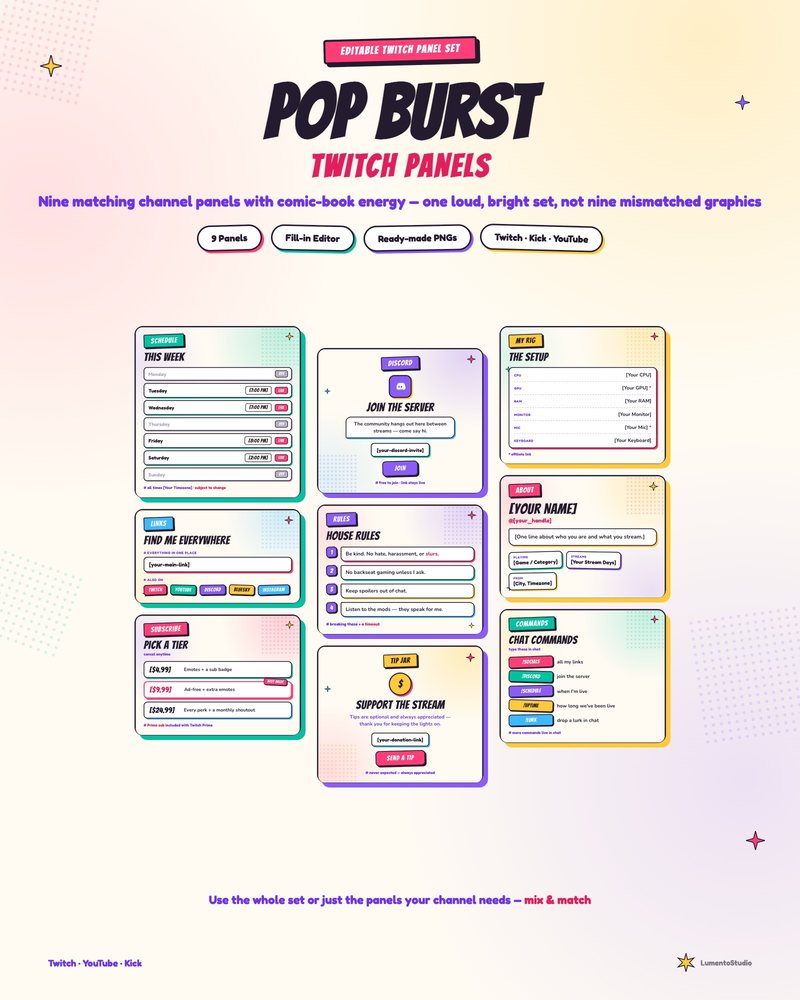
Pop Burst Panels
Comic Book Twitch Panels
€3.00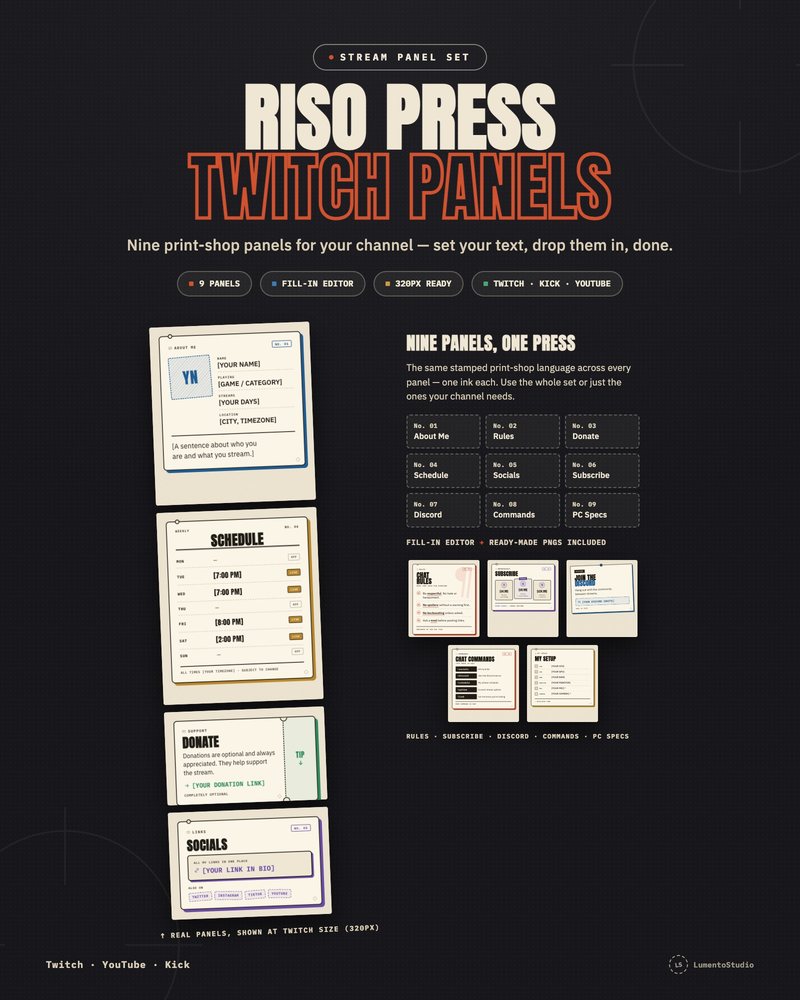
Riso Press Panels
Risograph Print Twitch Panels
€3.00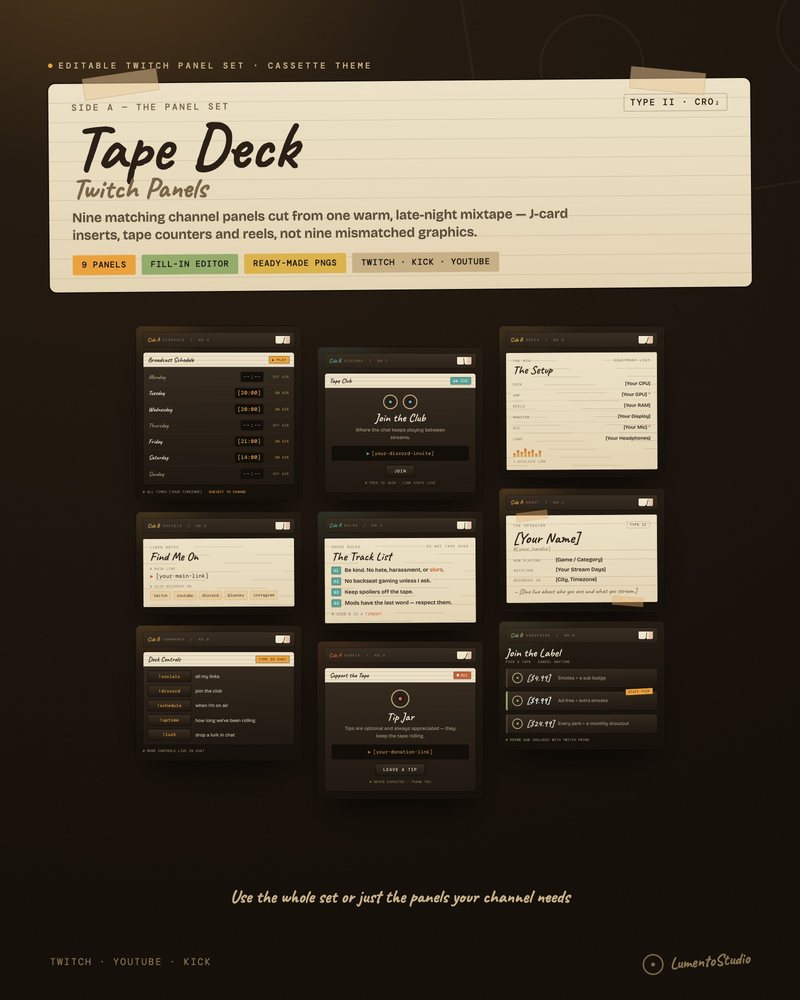
Tape Deck Panels
Lo-Fi Cassette Twitch Panels
€3.00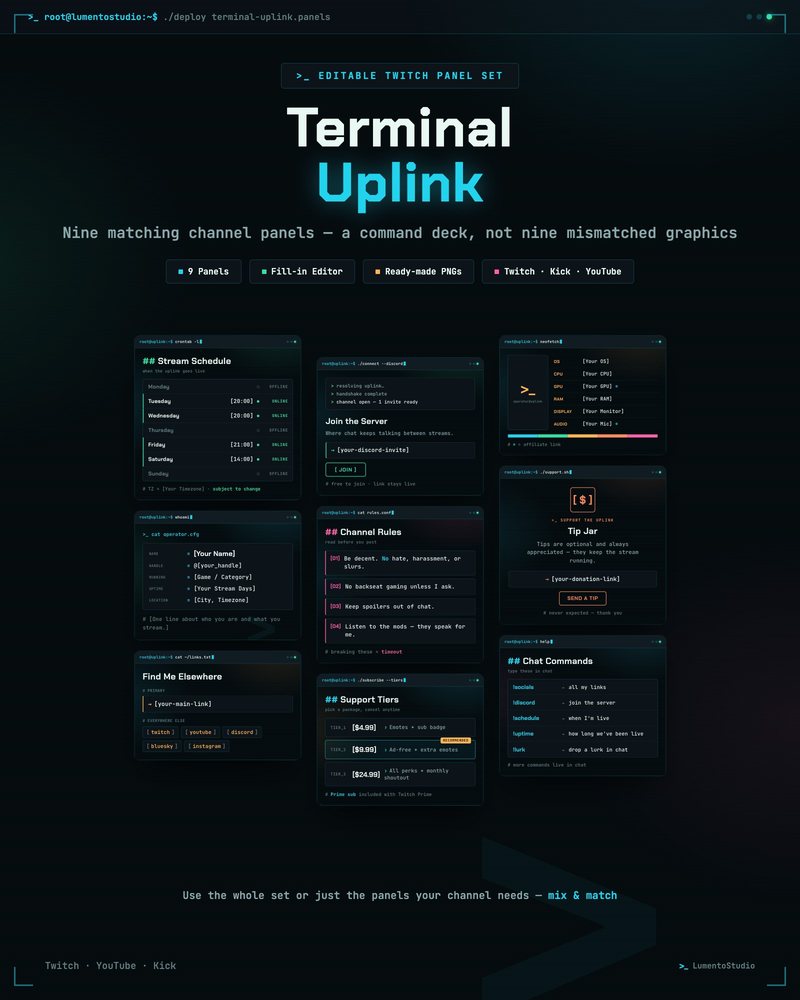
Terminal Uplink Panels
Hacker Terminal Twitch Panels
€3.00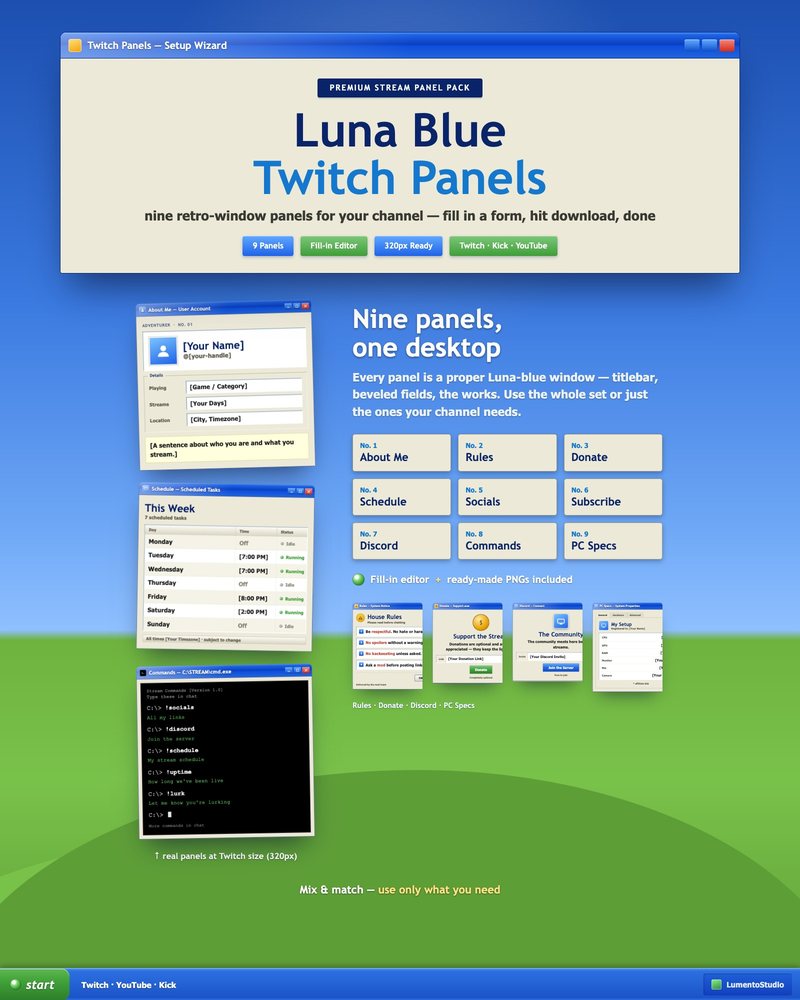
Luna Blue Panels
Retro 2000s Desktop Twitch Panels
€3.00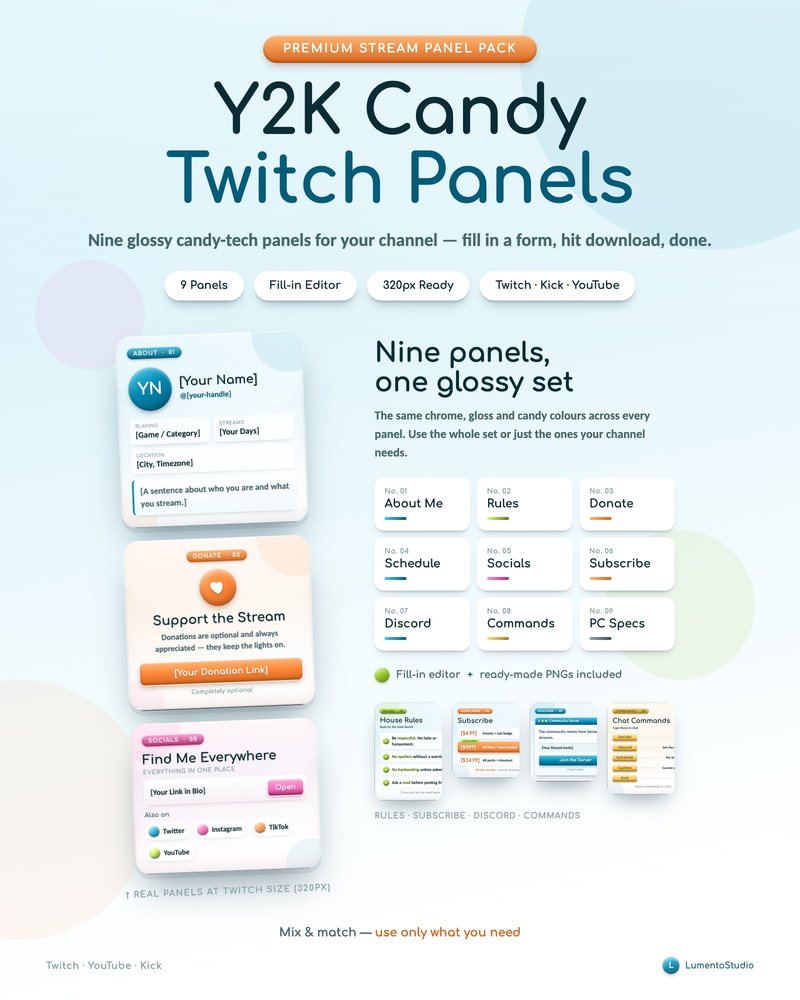
Y2K Candy Tech Panels
Y2K Glossy Twitch Panels
€3.00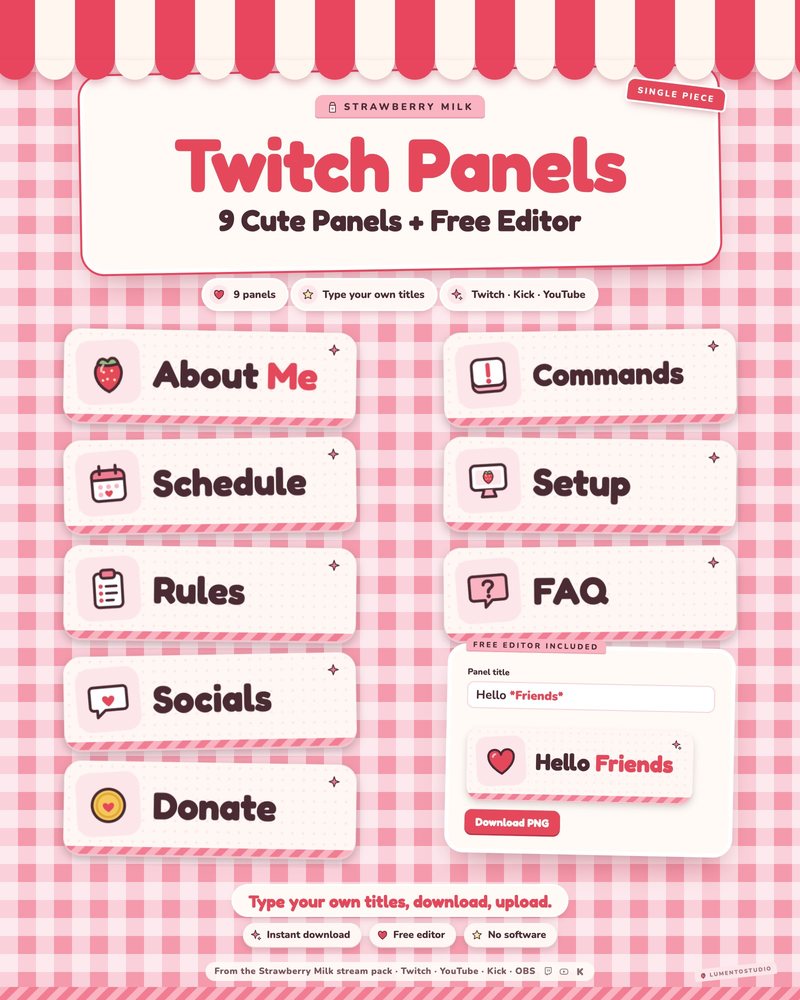
Strawberry Milk Panels
Pink Strawberry Kawaii Twitch Panels
€3.00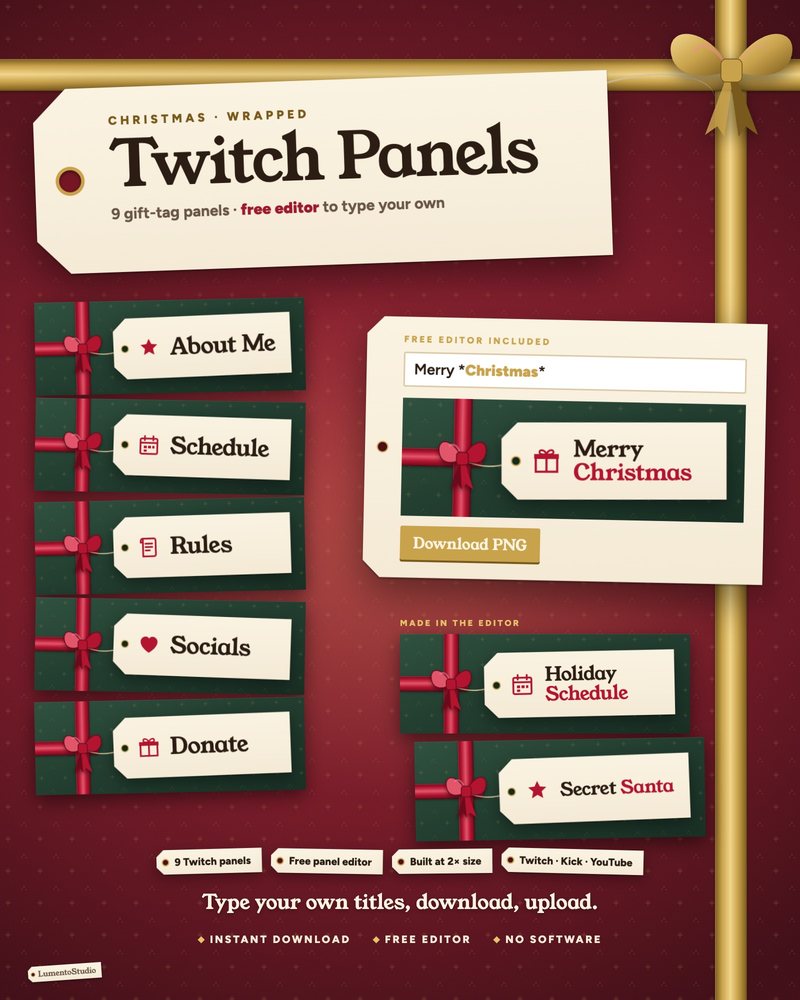
Wrapped Panels
Cozy Christmas Twitch Panels
€3.00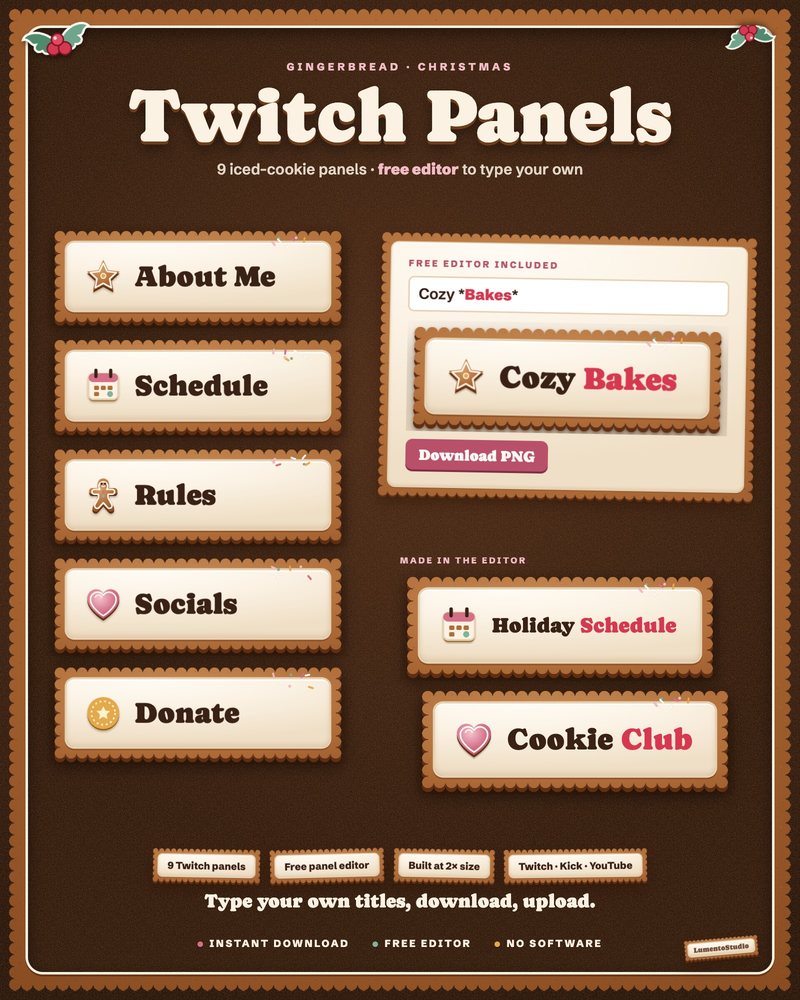
Gingerbread Panels
Gingerbread Christmas Twitch Panels
€3.00Questions
What size are Twitch panels?
Twitch shows panels 320 pixels wide. These sets are built at that width, so they stay sharp on desktop and mobile.
Do I need Photoshop or Canva to edit them?
No. The editor is a page that opens in any browser. Type your text and click download; there is no software or account.
Which panels are included?
The usual set: About, Rules, Schedule, Socials, Donate, Subscribe, Discord, Commands and PC specs. Each product page lists its exact panels.
How do I upload panels to Twitch?
Open your channel's About tab, switch on Edit Panels and add an image panel for each one. Our Twitch panel guide covers every step.
Set it up
Short, plain guides for getting overlays on stream.
Twitch panel size, and how to upload panels
Twitch shows panels 320 pixels wide. Export at 320 px wide, or 640 px wide for a sharper result on high-resolution…
GuideTwitch profile banner size, and how to upload it
Twitch recommends a 1200×480 px profile banner, up to 10 MB, as JPG, PNG or GIF. Upload it in the Creator Dashboard…
GuideHow to set a Twitch offline banner
Go to your Creator Dashboard, open Settings › Channel › Brand, find Video Player Banner and click Update. Upload a…