
2 packs · 4 widgets
Winter Twitch overlays
Christmas overlays come down in January; a winter overlay can stay up until the snow melts. These keep the cold-weather mood without the presents and trees: snow falling past a window, frosted glass, a lit cabin in a snow globe.
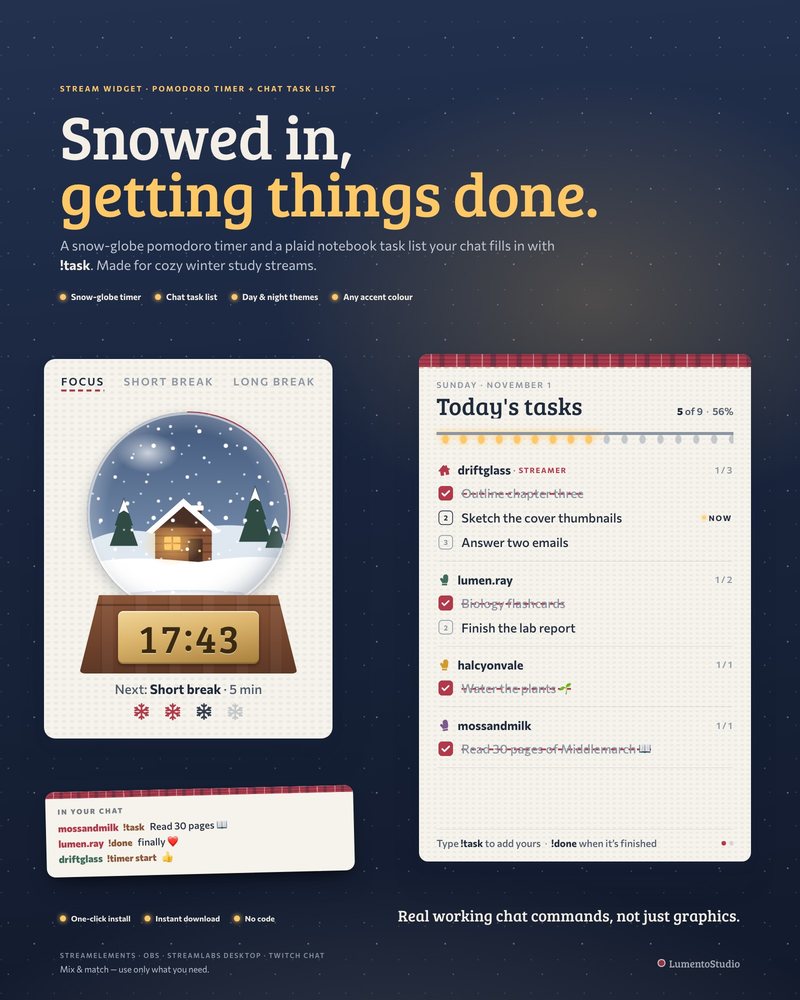
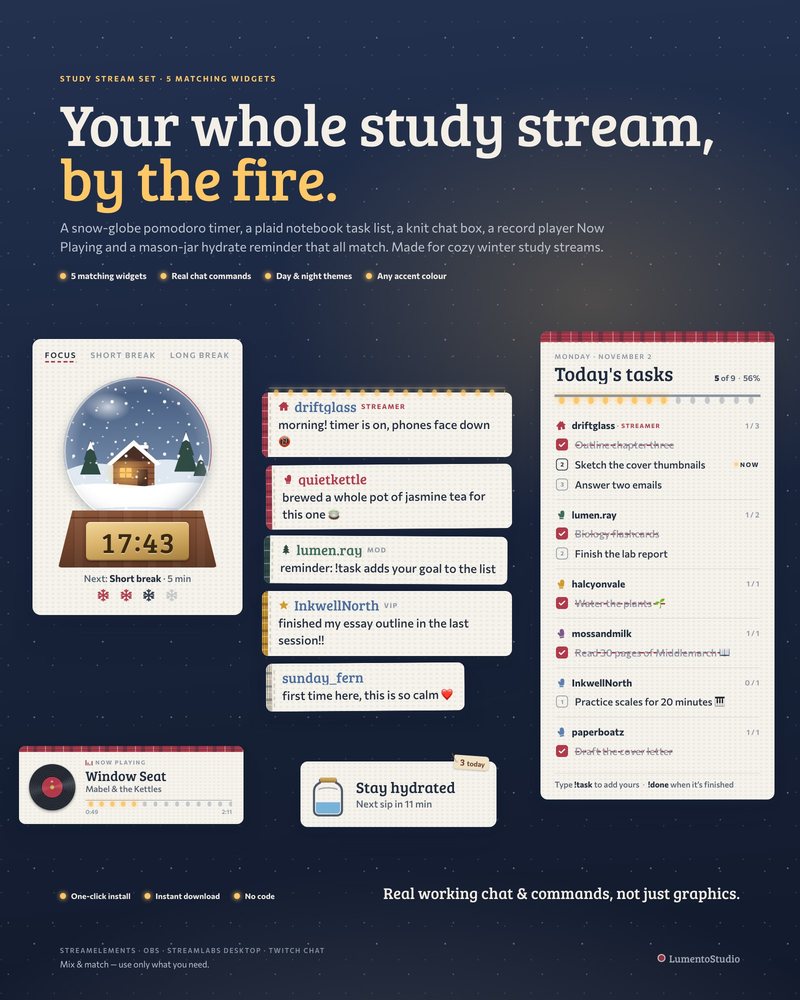
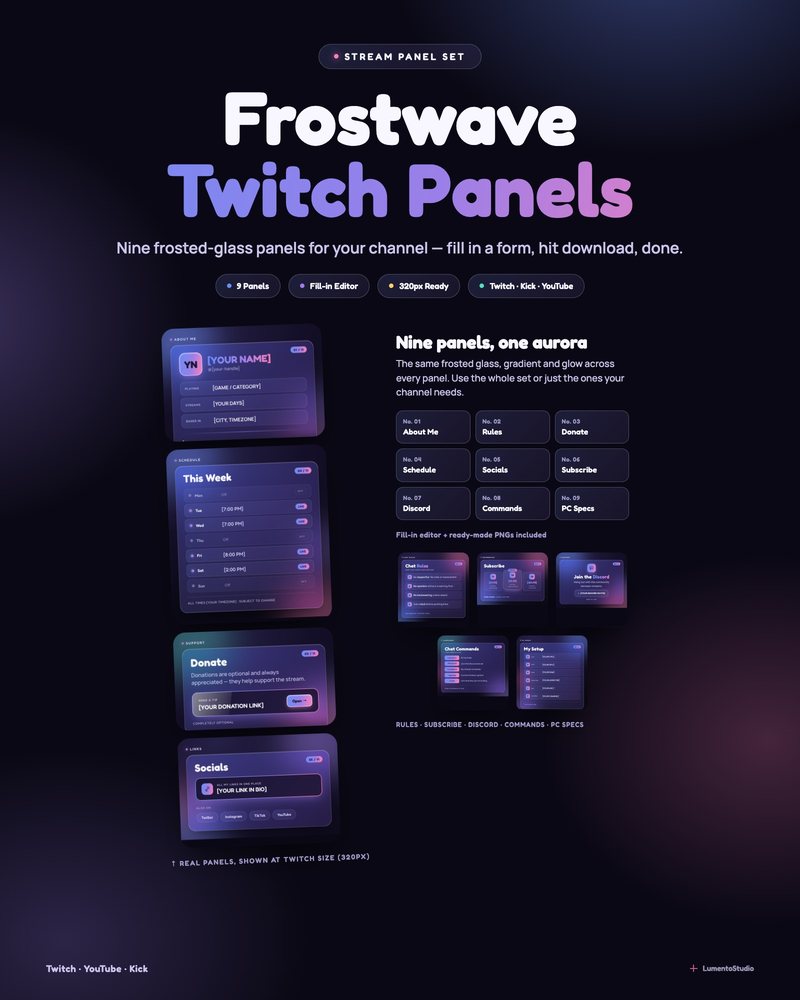
Lift Pass is a cozy ski lodge with gondolas gliding over the pines and no holiday decorations to take down. Frostwave puts your countdown on a frosted glass panel in a snowy 3D winter room. For study and focus streams, the Winter Cabin widgets turn the pomodoro timer into a snow globe that fills with snow while you focus.
- Snow, not tinsel
- Animated 3D screens
- Study widgets for winter
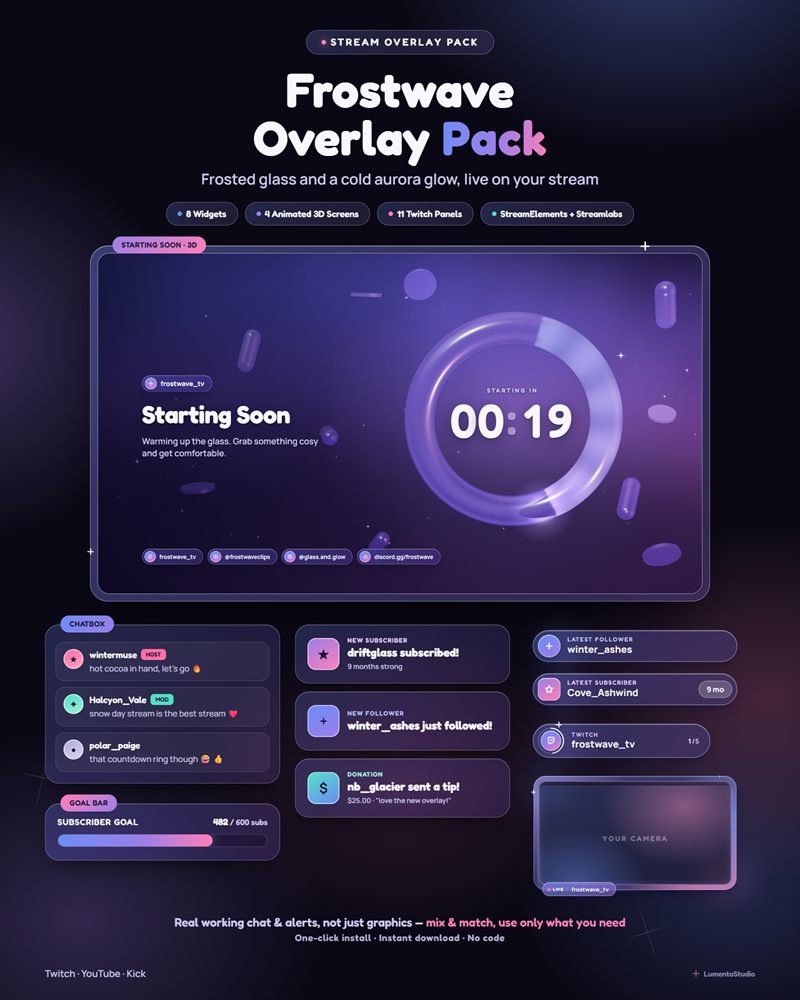
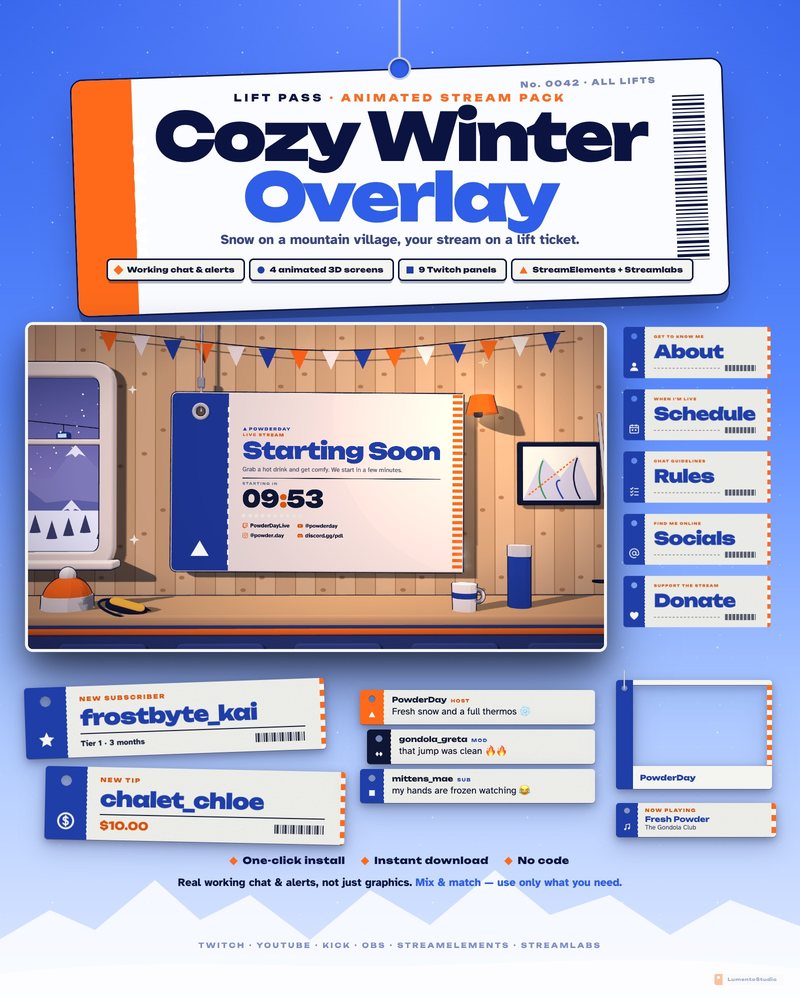
Single widgets in this style
Add one to any setup, or pair it with a pack above.
Questions
Can I keep a winter overlay up after Christmas?
Yes. Lift Pass is made to feel warm from November to March with no holiday decorations, and Frostwave is a frosted glass winter room rather than a Christmas scene.
What's the difference between these and the Christmas overlays?
The Christmas packs are built around trees, presents and gingerbread. These are about snow and cold weather, so they fit January and February too.
Do the winter packs include stream screens?
Lift Pass and Frostwave each include animated 3D Starting Soon, Be Right Back, Stream Ending and Offline screens. The Winter Cabin products are widgets for study and focus streams.
Set it up
Short, plain guides for getting overlays on stream.
How to add a Starting Soon screen in OBS
Create a scene called Starting Soon, add your screen as a Browser Source (tick Local file if it's an HTML file) or a…
GuideHow to set up a study with me stream
Make three scenes (Starting Soon, Focus and Break), put a pomodoro timer and a chat task list on the Focus scene, play…
GuideHow to set a Twitch offline banner
Go to your Creator Dashboard, open Settings › Channel › Brand, find Video Player Banner and click Update. Upload a…