Free widget
Contour Alerts Free Twitch Alert Box
Clean black and white alerts that go with any game. Each alert opens from a single line while topographic lines draw across it, then snaps shut.
Free to use, forever. It works with StreamElements (one click) or as a plain OBS Browser Source with just your channel name.
- Twitch
- StreamElements
- OBS Studio
- Streamlabs Desktop
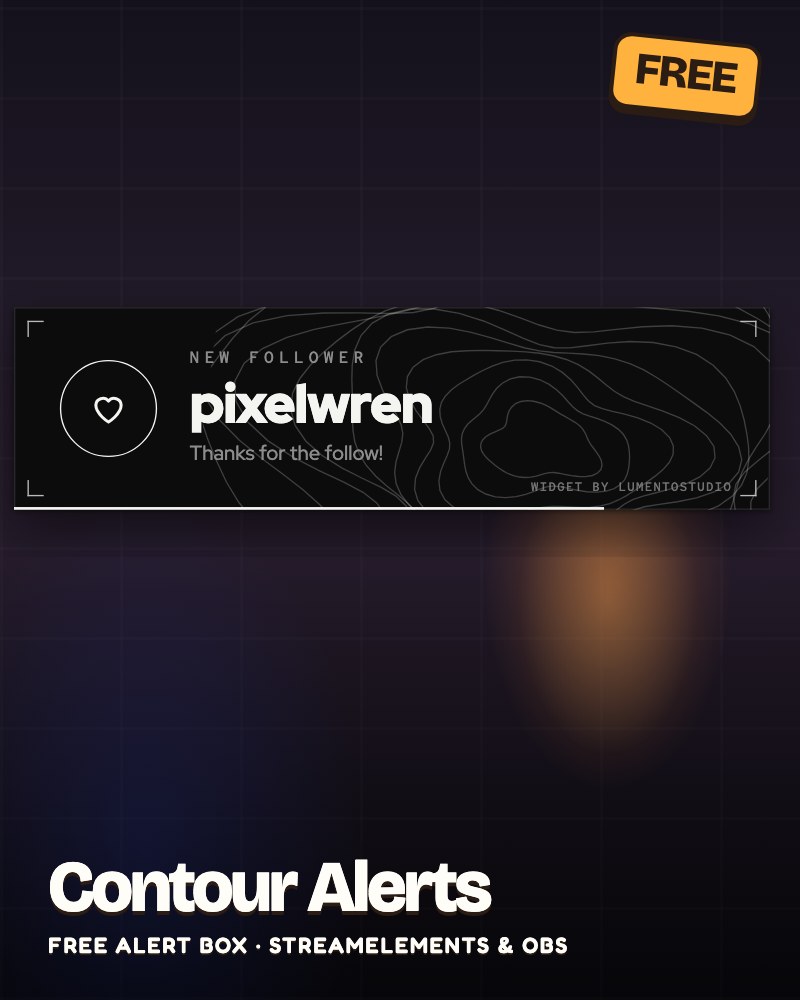
Live demo Sample alerts, running exactly like on stream.
What it does
- Follows, subs, gift subs, cheers, raids and tips
- A different icon for every alert type
- More than 5 gifted subs at once show as one alert: "[Name] gifted 10 subs!"
- Shows the viewer's message on subs, cheers and tips
- Alerts wait in line, never overlap
Make it yours
- Turn each alert type on or off
- Minimum bits, raid size and tip amount
- Alert duration
- Show or hide viewer messages
- Follow alert text
- Alert sound and volume
- Plate, text and accent colours
- Size
- The small credit line, on or off
Add it to your stream
Two ways, both free. Pick the one that fits your setup.
Easiest · StreamElements
One click, all settings
- Click the button and sign in with StreamElements.
- Contour Alerts lands in your overlays, ready to go.
- Copy the overlay link into an OBS or Streamlabs Desktop Browser Source.
Prefer to set it up by hand? Download the StreamElements code.
No login · OBS Browser Source
Just your channel name
Shows subs, gift subs, cheers and raids straight from Twitch, no login needed. Follows and tips need the StreamElements version.
- In OBS: Sources, +, Browser.
- Paste the link as the URL. Width 640, height 220.
Or download the file and add it as a Local file (your settings are at the top; open it in Notepad).
Like it? Get the full pack
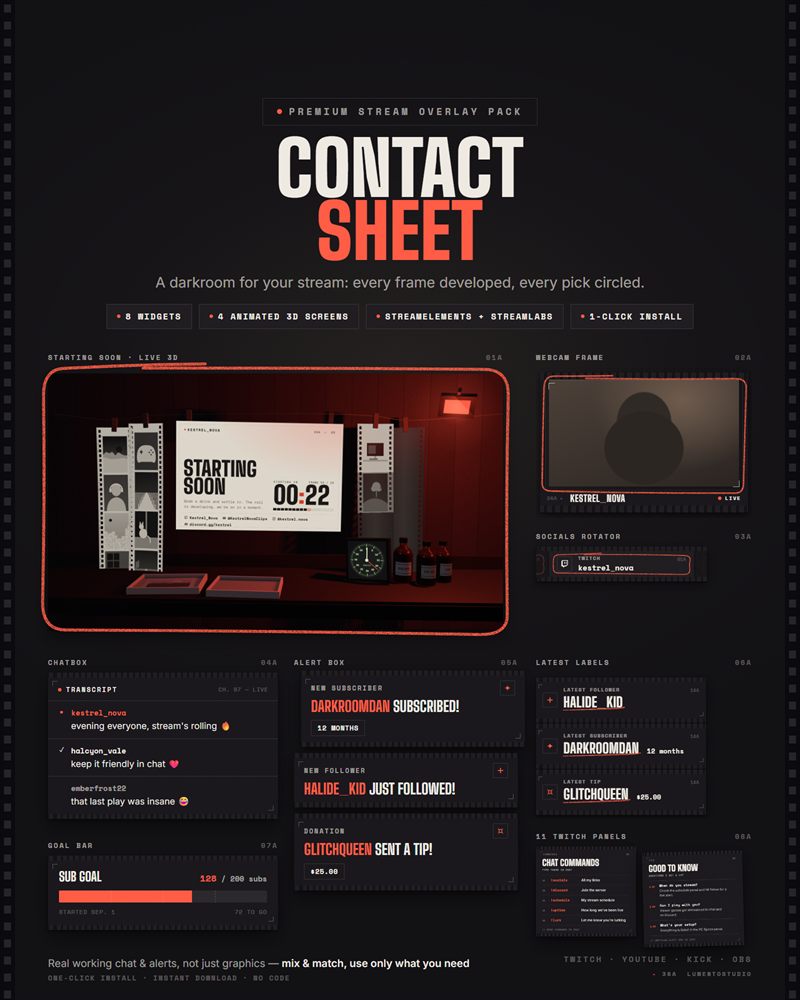
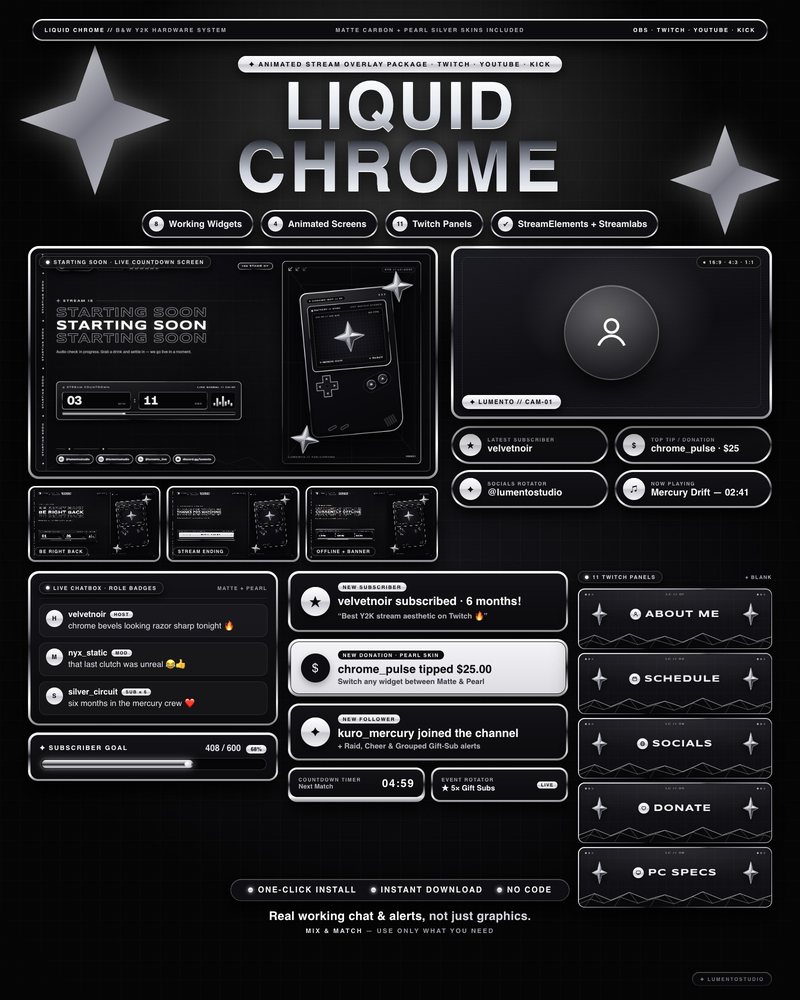
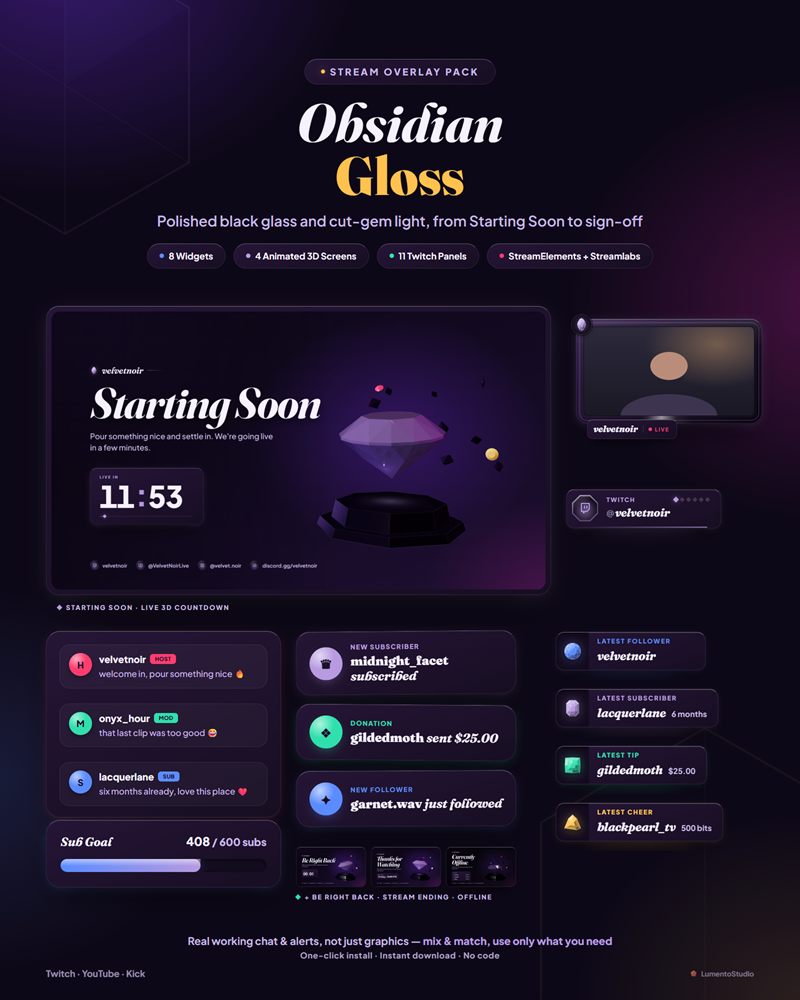
Contour is one widget. The packs below give you matching chat, alerts, goal bar, webcam frame, animated stream screens and Twitch panels in a sleek black look.
Questions
Is it really free?
Yes. Use it on your stream for as long as you like, no account with us and no payment. It's our way of saying hi: if you like it, our full packs are on Etsy.
Can I remove the 'widget by LumentoStudio' credit?
Yes. It's a small line you can switch off in the settings. Leaving it on is a nice way to help us out, but it's up to you.
Does it work on YouTube and Kick?
The StreamElements version runs wherever you can use StreamElements in OBS or Streamlabs Desktop. The no-login Browser Source link reads Twitch chat, so it's for Twitch streams.
Do I need to know code?
No. Click Add to StreamElements, or paste one link into an OBS Browser Source. Nothing to copy into code editors.