stream widget
Marshmallow Stream Bar All-in-One Stream Bar Stream Widget
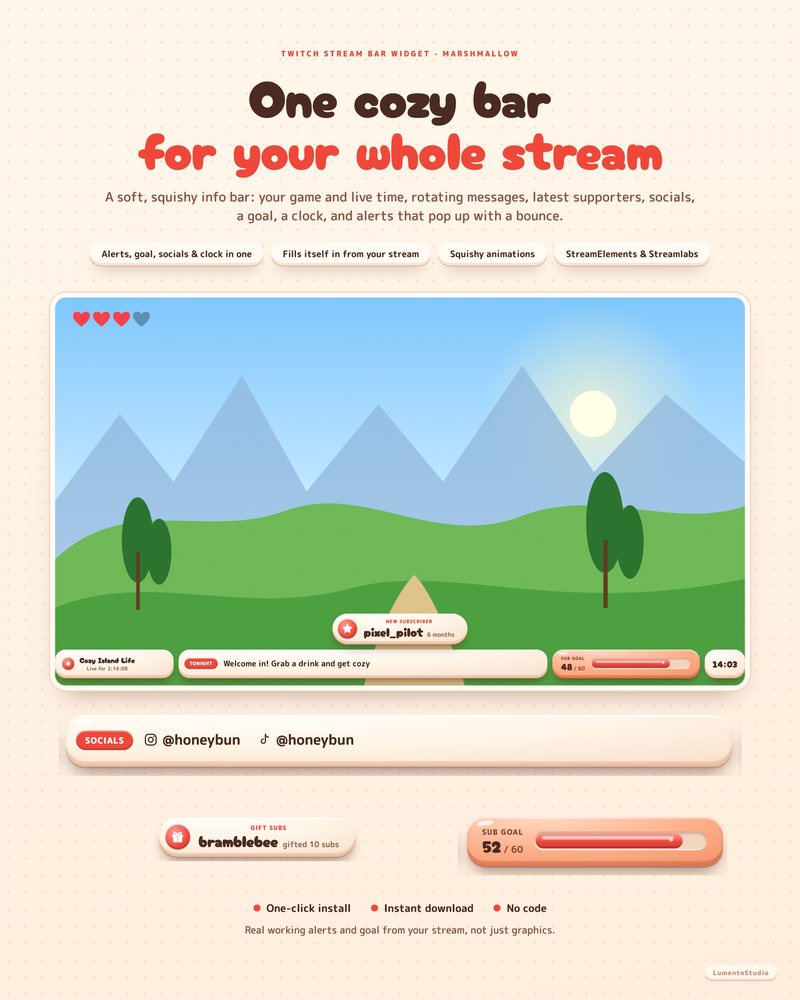
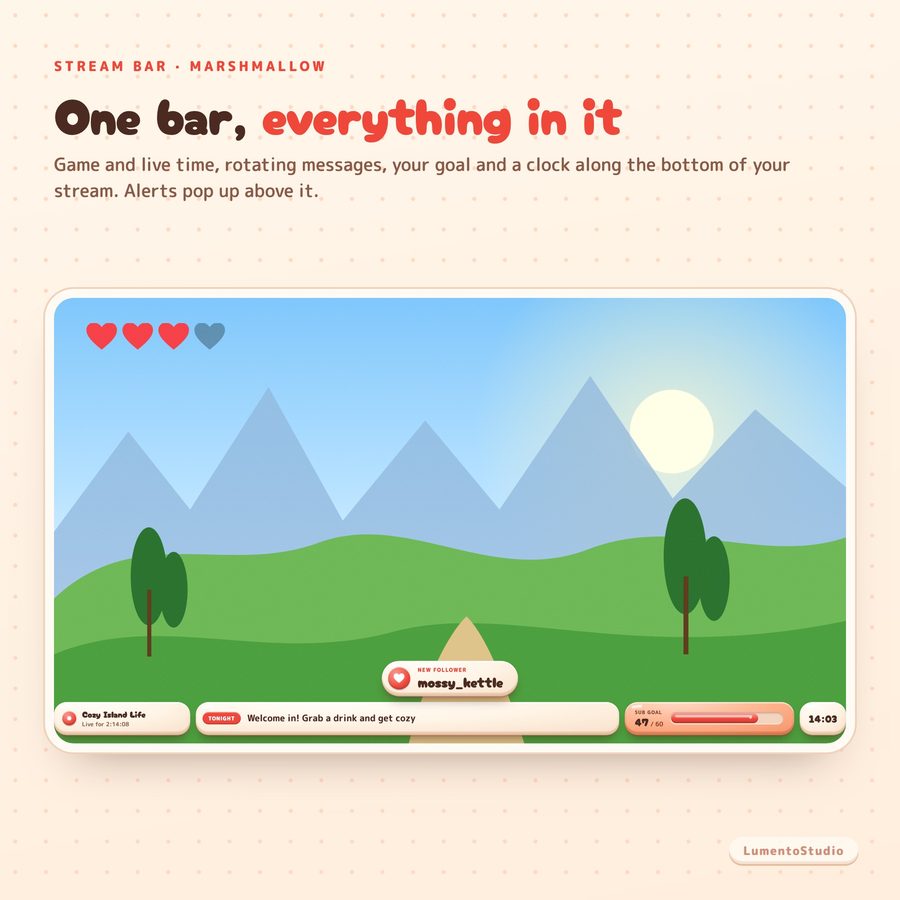
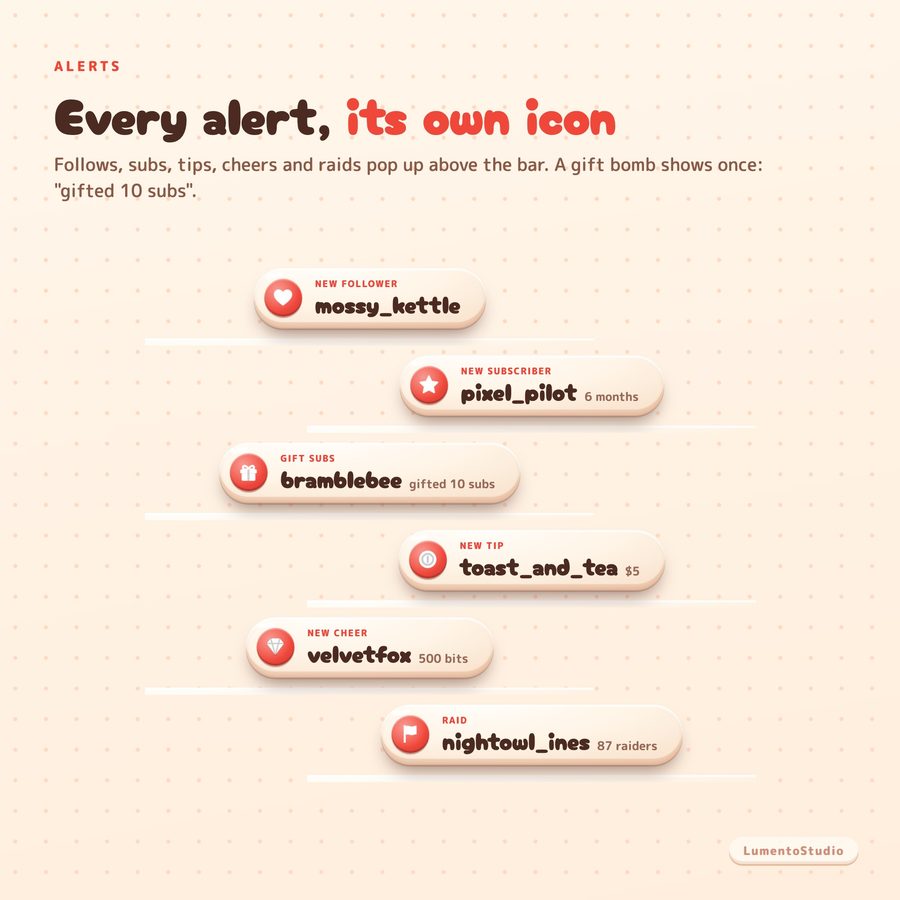
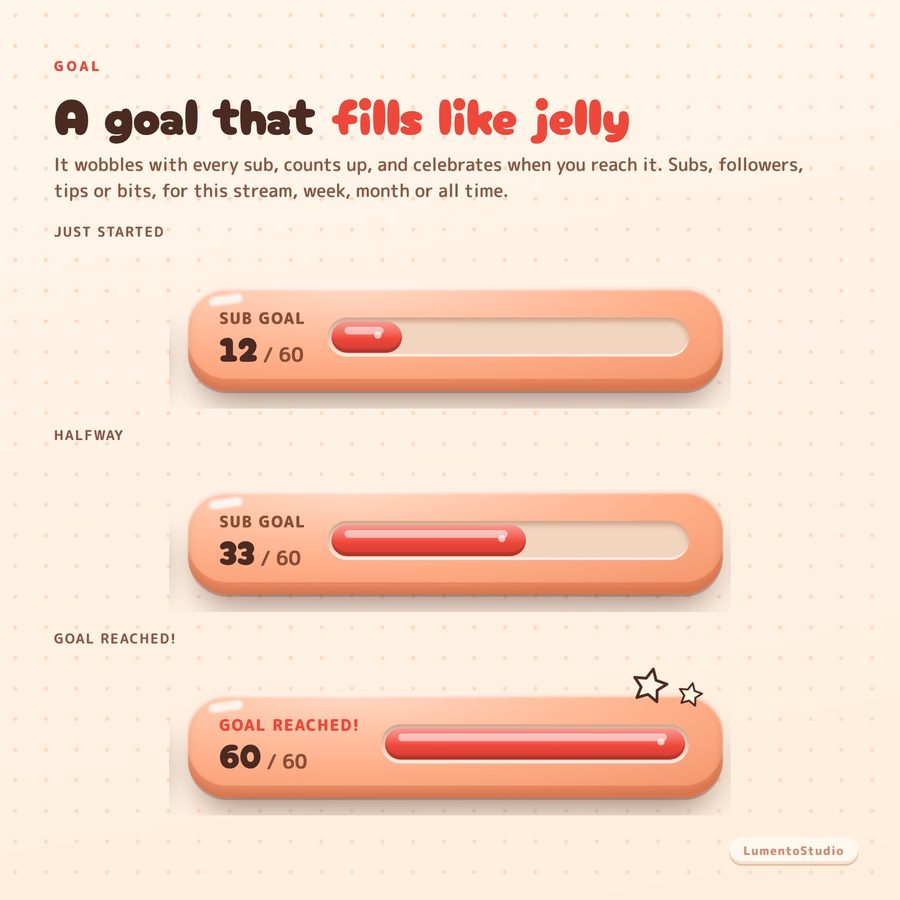
One soft little bar that runs your whole stream. It shows your game and how long you've been live, rotates your messages, latest supporters, socials and schedule, keeps your goal filling like jelly, and pops up a squishy alert for every follow, sub, gift bomb, tip, cheer and raid.
More about this look
It fills itself in from your stream: your game and live time come straight from Twitch, and the goal and latest supporters update as you go.
€5.00 · Instant digital download · One-time purchase
- StreamElements
- Streamlabs
- OBS Studio

Try individual elements together in the stream studio.
Try Marshmallow Stream Bar live ↗
What's included
- Stream bar widget, Marshmallow style (along the bottom of your stream, 1920 × 240)
- StreamElements one-click install link (recommended)
- Streamlabs install link (one widget theme)
- Code files for manual setup (StreamElements and Streamlabs)
- Install Guide (PDF)
Customize it
- Left side: your game + live time (from Twitch) or your own title and line
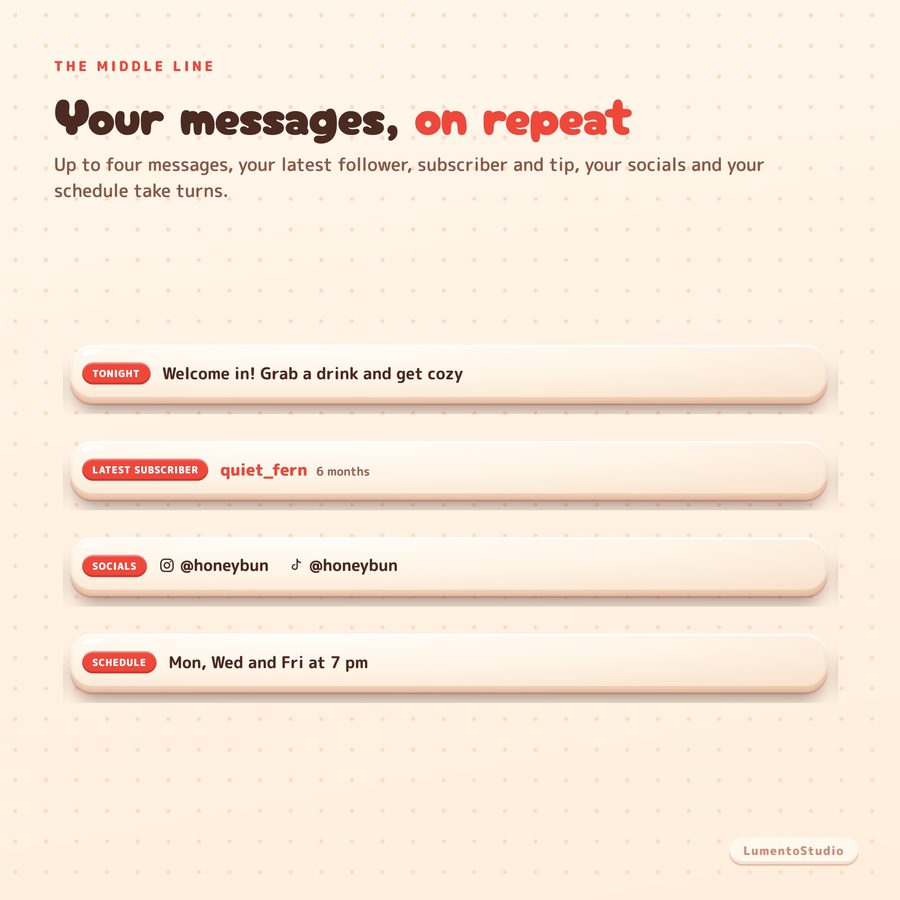
- Up to 4 messages, each with its own label
- Your schedule line
- Up to 4 socials (Twitch, YouTube, Kick, TikTok, Instagram, X, Discord)
- Latest follower, subscriber and tip in the rotation, each on or off
- Seconds per message
- Goal: subscribers, followers, tips or bits; target and label
- Goal counts this stream, this week, this month or all time
- Show or hide the goal
- Alerts on or off for follows, subs and gifts, tips, cheers, raids
- Smallest tip and smallest cheer that alert
- Seconds per alert
- Clock on or off, 24-hour or 12-hour
- Accent colour
- Size (60 to 150%)
Bring Marshmallow Stream Bar to your stream
€5.00 · Instant digital download on Etsy. See the included files and platform support above.