Free widget
Cloud Bunny Chat Free Twitch Chat Box
A soft pastel chat box for your stream. Every message pops up in a little cream cloud, your own messages get bunny ears, and mods, VIPs and subs each get their own icon.
Free to use, forever. It works with StreamElements (one click) or as a plain OBS Browser Source with just your channel name.
- Twitch
- StreamElements
- OBS Studio
- Streamlabs Desktop
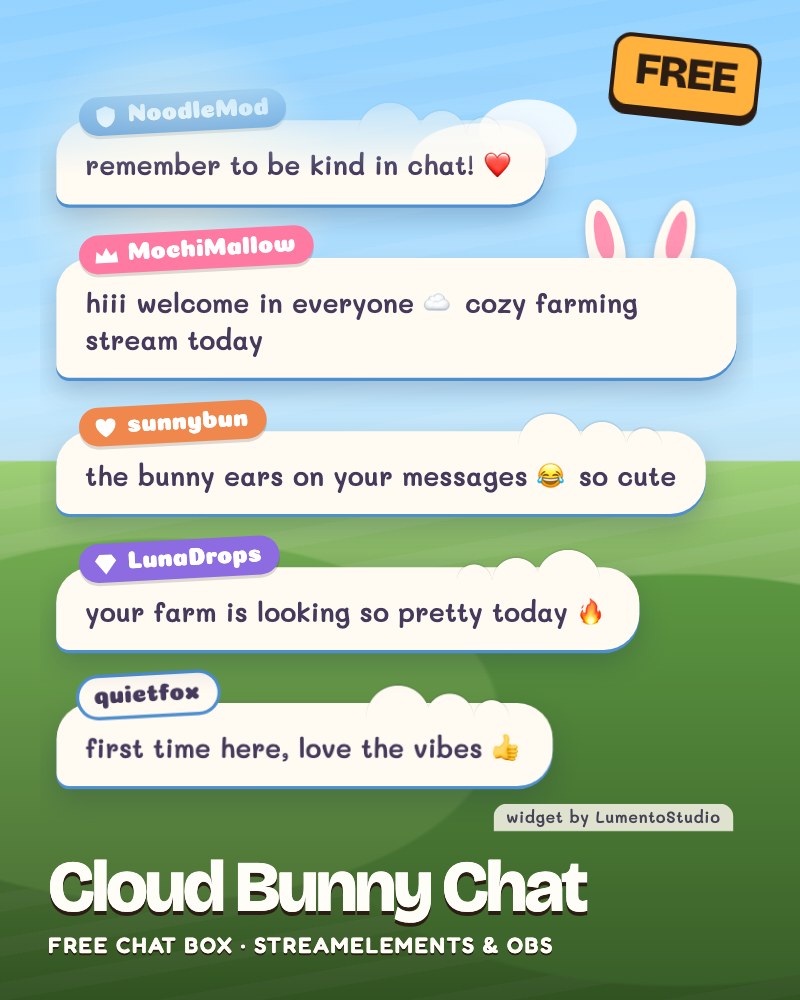
Live demo Sample chat, running exactly like on stream.
What it does
- Live chat with emotes and emoji
- Roles you can spot at a glance: bunny ears and a crown for you, a shield for mods, a gem for VIPs, a heart for subs
- Messages pop in and drift away like clouds
- Removes messages your mods delete
- Hides bots and !commands
Make it yours
- Messages on screen
- Hide messages after a few seconds, or never
- Hide messages starting with !
- Users to hide (bots)
- Role icons on or off
- Bunny ears on or off
- Bubble, text, name tag and your own tag colours
- Size
- The small credit line, on or off
Add it to your stream
Two ways, both free. Pick the one that fits your setup.
Easiest · StreamElements
One click, all settings
- Click the button and sign in with StreamElements.
- Cloud Bunny Chat lands in your overlays, ready to go.
- Copy the overlay link into an OBS or Streamlabs Desktop Browser Source.
Prefer to set it up by hand? Download the StreamElements code.
No login · OBS Browser Source
Just your channel name
Reads your Twitch chat directly. No login needed.
- In OBS: Sources, +, Browser.
- Paste the link as the URL. Width 440, height 620.
Or download the file and add it as a Local file (your settings are at the top; open it in Notepad).
Like it? Get the full pack
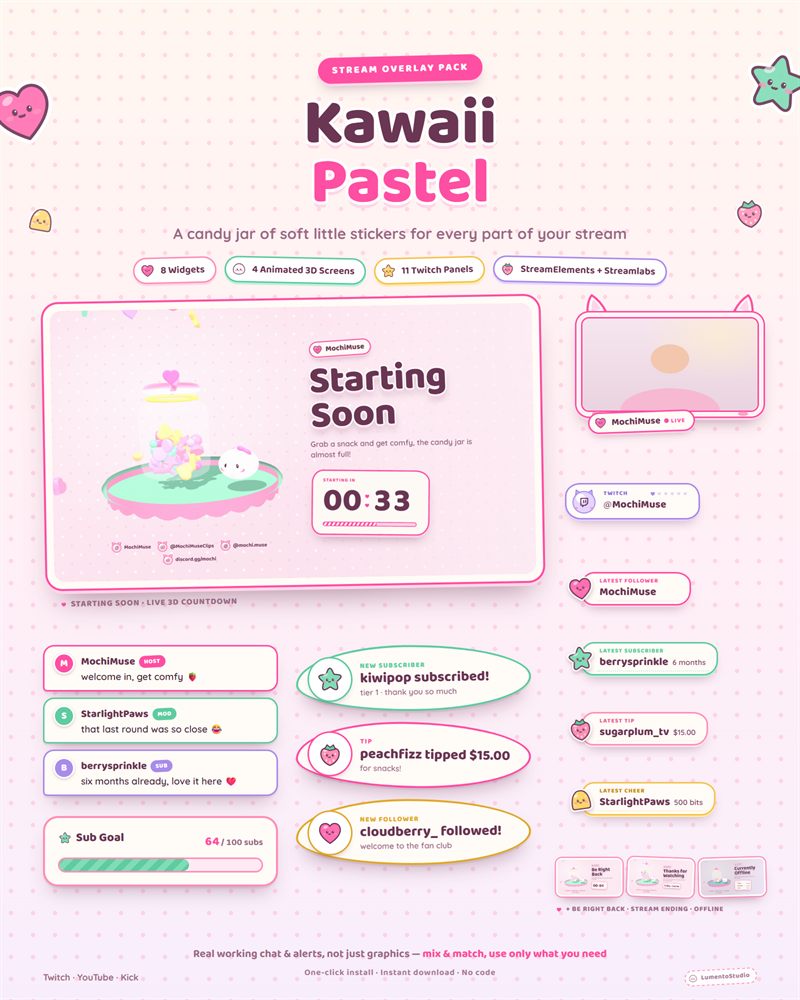
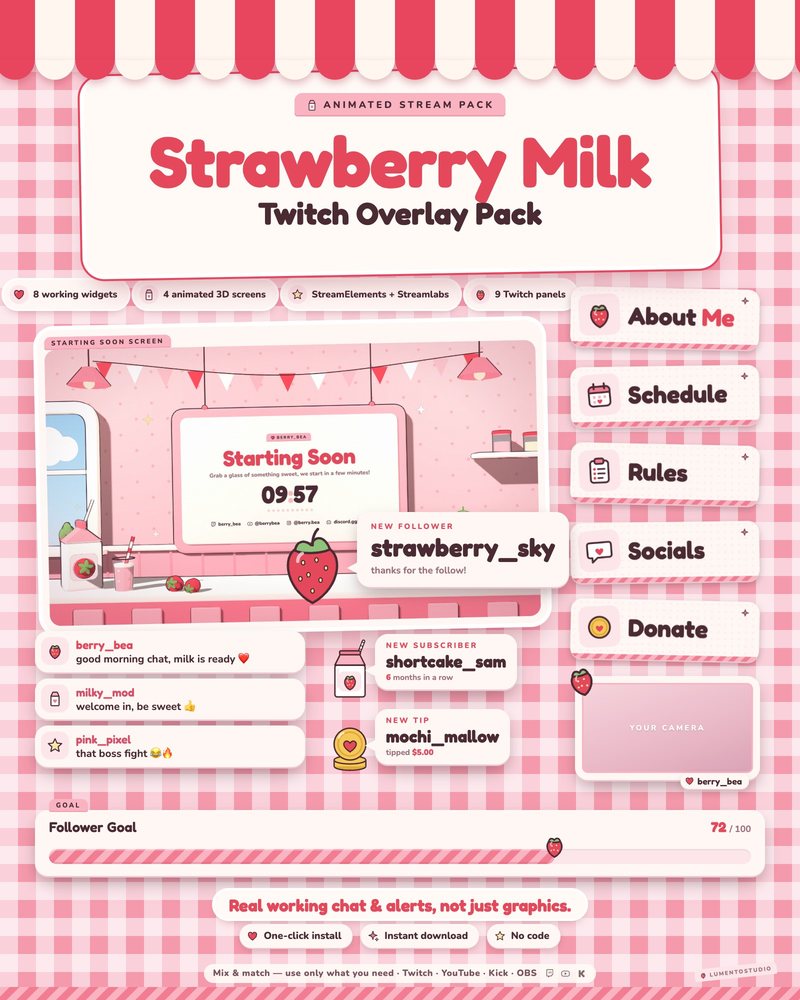
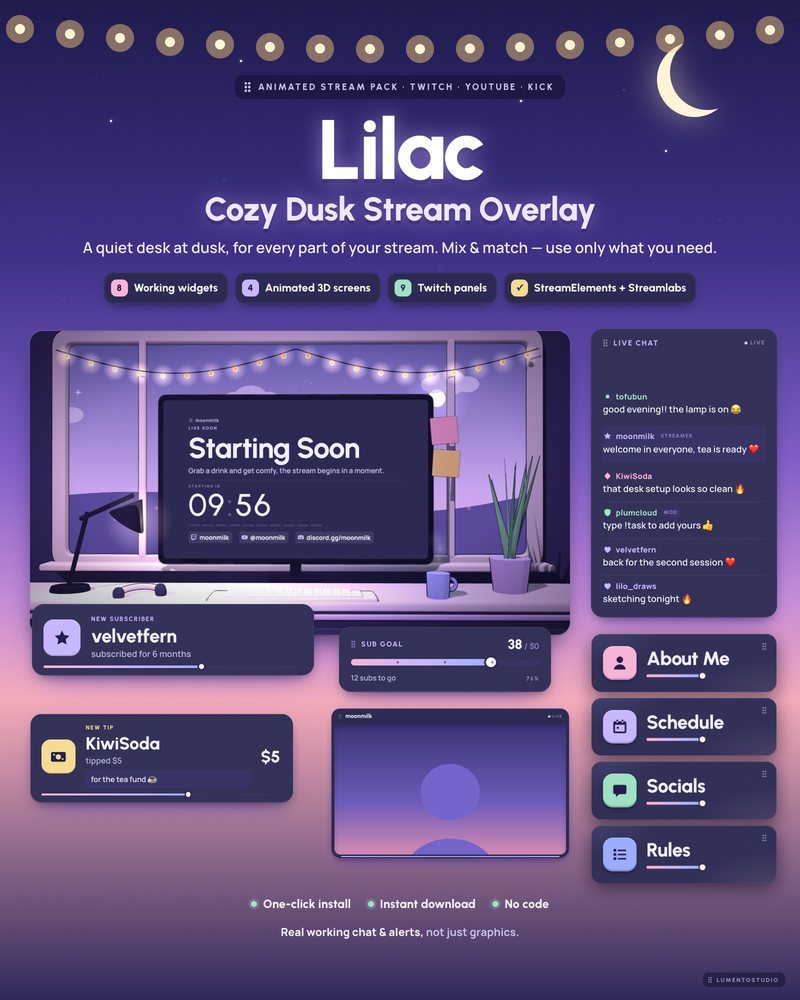
Cloud Bunny is one widget. The pastel packs below give you a matching chat, alerts, goal bar, webcam frame, animated stream screens and Twitch panels, all in one look.
Questions
Is it really free?
Yes. Use it on your stream for as long as you like, no account with us and no payment. It's our way of saying hi: if you like it, our full packs are on Etsy.
Can I remove the 'widget by LumentoStudio' credit?
Yes. It's a small line you can switch off in the settings. Leaving it on is a nice way to help us out, but it's up to you.
Does it work on YouTube and Kick?
The StreamElements version runs wherever you can use StreamElements in OBS or Streamlabs Desktop. The no-login Browser Source link reads Twitch chat, so it's for Twitch streams.
Do I need to know code?
No. Click Add to StreamElements, or paste one link into an OBS Browser Source. Nothing to copy into code editors.