
6 picks
Overlays for Stardew Valley streams
Stardew Valley is pixel art, soft greens and a slow day on the farm, so the overlays that suit it are either pixel art themselves or warm, hand-made and calm. Loud neon or glossy esports plates fight the game's palette; these sit next to it.
The pixel pieces echo the game directly: a farm-sign stream bar that grows a little garden as you reach your goal, a goal list ticked off in pixel checkboxes, and chat as pixel speech bubbles. The cottagecore packs bring the countryside feeling without the pixels, if you would rather the overlay stay softer than the game.
Where the widgets go
Stardew Valley puts the date, time and your gold in the top right, your energy bar in the bottom right, and the toolbar along the bottom center (it jumps to the top when your character walks near the bottom edge). That leaves the left side and the top left mostly free, so chat, goals and alerts go there. A full-width stream bar along the bottom overlaps the toolbar, so scale your game capture to sit just above the bar.
Why these fit
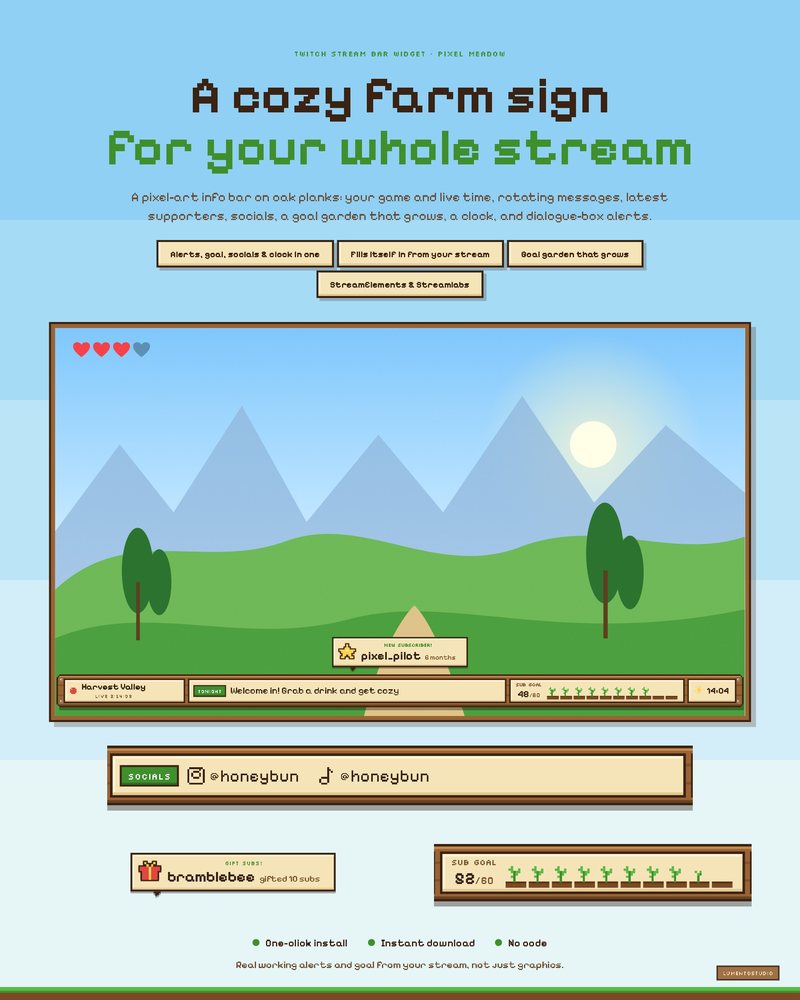
Pixel Meadow Stream Bar
All-in-One Stream Bar
€5.00A cozy pixel farm sign along the bottom of your stream: your game, live time, messages and latest supporters, a little garden that grows toward your goal, and a dialogue box for every alert.
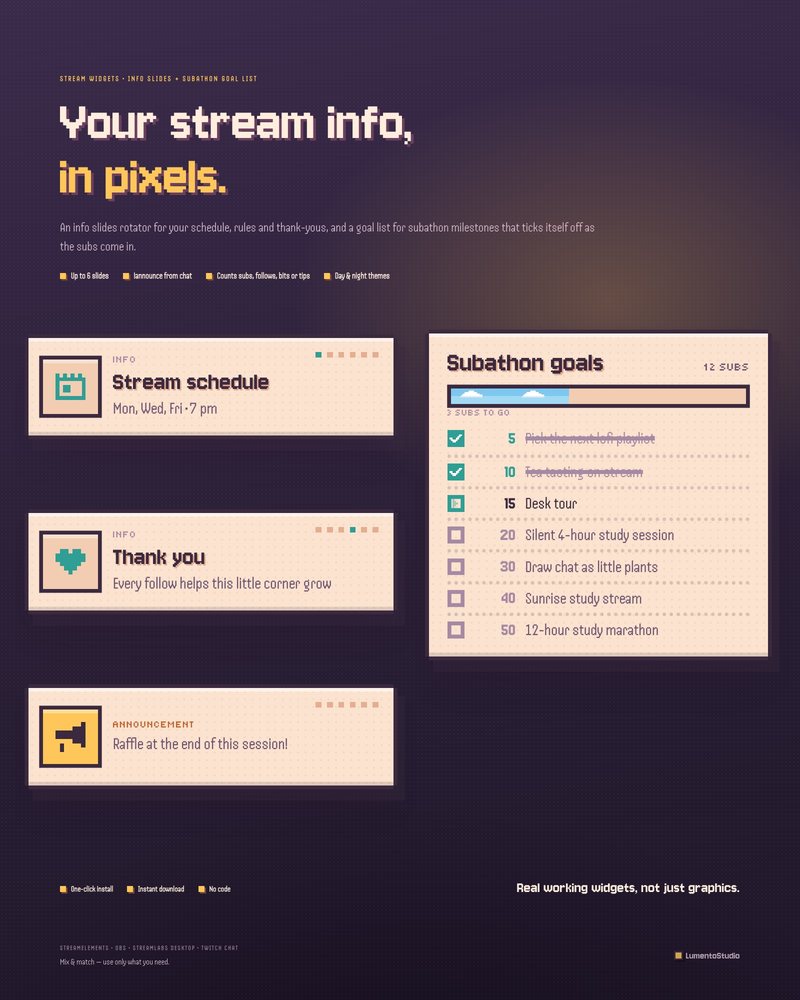
Pixel Cozy Info + Goals
Info Slides + Subathon Goal List
€5.00Info slides in hard game frames and a goal list that ticks off milestones one pixel check at a time, with a strip of sky growing toward the next goal.
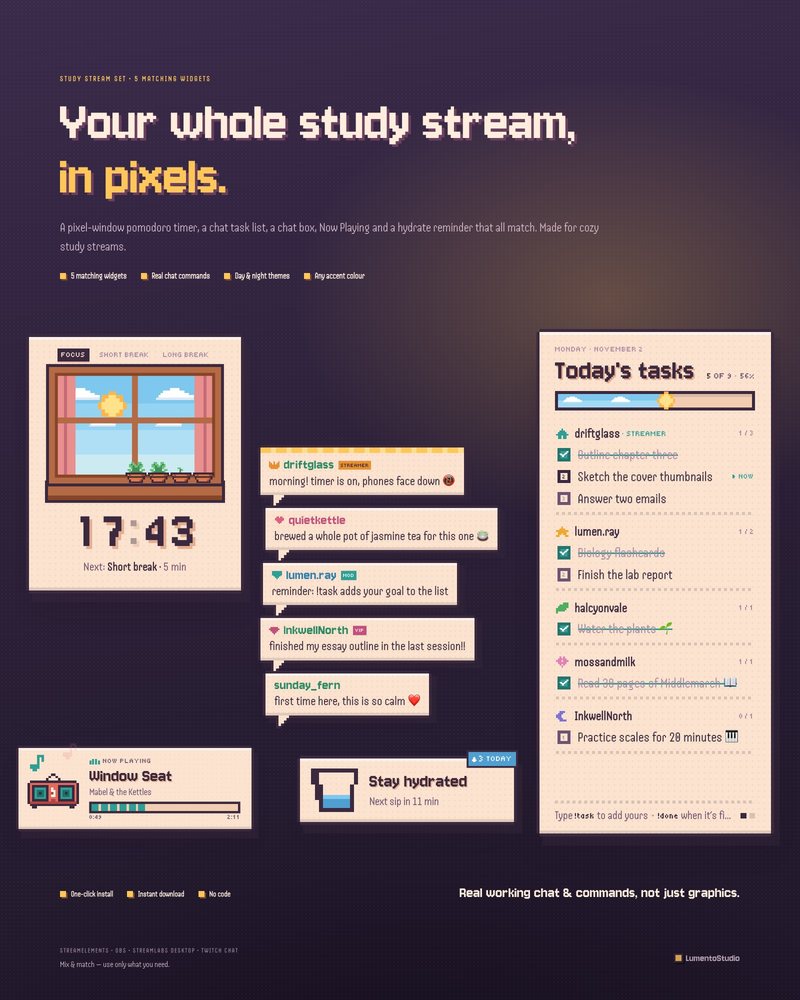
Pixel Cozy Study Set
5 Study Stream Widgets
€8.00Its chat box shows messages as pixel speech bubbles, and the set adds a pixel window timer, a pixel notebook task list, a tiny red radio for Now Playing and a hydrate reminder.
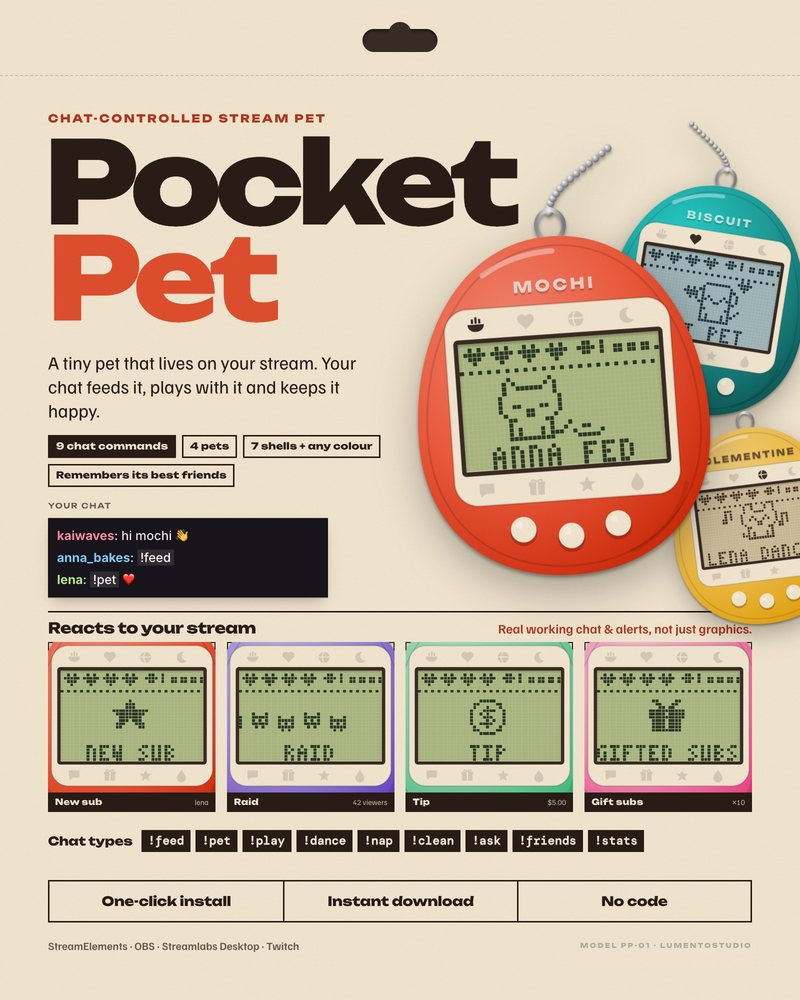
Pocket Pet
Chat-Controlled Stream Pet
€5.00A tiny pet in a 90s keychain handheld that your chat feeds and plays with, which gives viewers something to do during the long, quiet farm days.
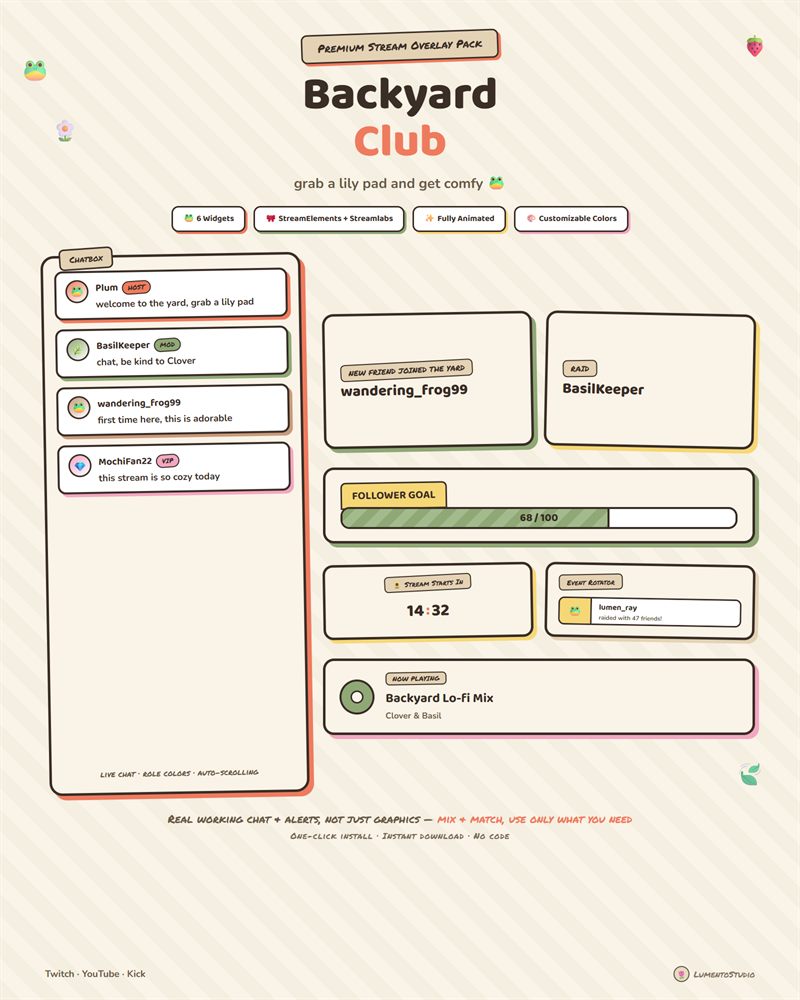
Backyard Club
Cute Cottagecore
€7.00Hand-drawn frogs, wildflowers and sticker-pop animations that feel like a lazy summer afternoon, for a softer look than the pixel pieces.
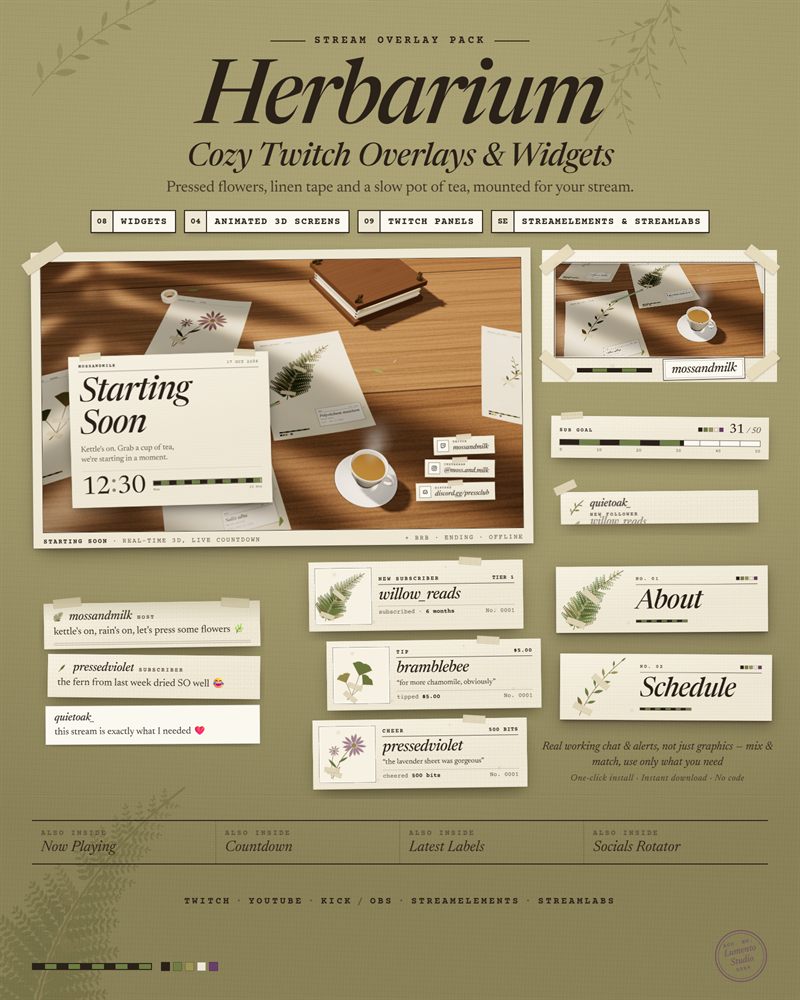
Herbarium
Cozy Pressed Flower
€7.00Pressed ferns, linen tape and typewriter labels on ivory board: a botanist's desk that suits foraging, farming and rainy in-game days.
Stardew Valley is a trademark of its owner. LumentoStudio is not affiliated with or endorsed by its makers; the name is used only to describe which game these overlays suit. No game art is used on this page.
Questions
Will a pixel art overlay clash with the game's own pixel art?
Not if the pixel size and colors stay close, which is why the pixel pieces here use soft greens, creams and sky blues. If you want a clear separation between overlay and game, pick a cottagecore pack instead.
Where should the chat go on a Stardew Valley stream?
On the left side. The game's clock, gold and energy bar are on the right and the toolbar is at the bottom center.
Set it up
Short, plain guides for getting overlays on stream.
How to add a chat overlay to OBS
Create a chat box widget in StreamElements or Streamlabs, copy its URL, and add it to OBS as a Browser source (around…
GuideHow to install a StreamElements overlay from a link
Sign in to StreamElements with the channel you stream on, open the install link, and approve the import. The overlay…
GuideHow to add a follower or sub goal bar to OBS
Create a goal widget in Streamlabs (All Widgets › Follower Goal or Sub Goal) or add a goal widget to a StreamElements…