
4 picks
Overlays for Minecraft streams
Minecraft is blocks, hard pixel edges and a lot of open sky, and the overlays that sit best on it share those chunky edges. A smooth glass card next to a block world looks pasted on; a pixel frame looks like it belongs.
These are the pixel art pieces in the shop. They are drawn in a cozy style, sky blues, grass greens and cream, so they suit survival worlds, building streams and relaxed let's plays more than competitive PvP.
Where the widgets go
Minecraft keeps the crosshair in the center, the hotbar with your health, hunger and experience bars along the bottom center, chat in the bottom left and advancement pop-ups in the top right. Put your overlay chat on the right side so it never sits on top of the game's own chat, keep goals and info slides in the top left, and leave the bottom center clear.
Why these fit
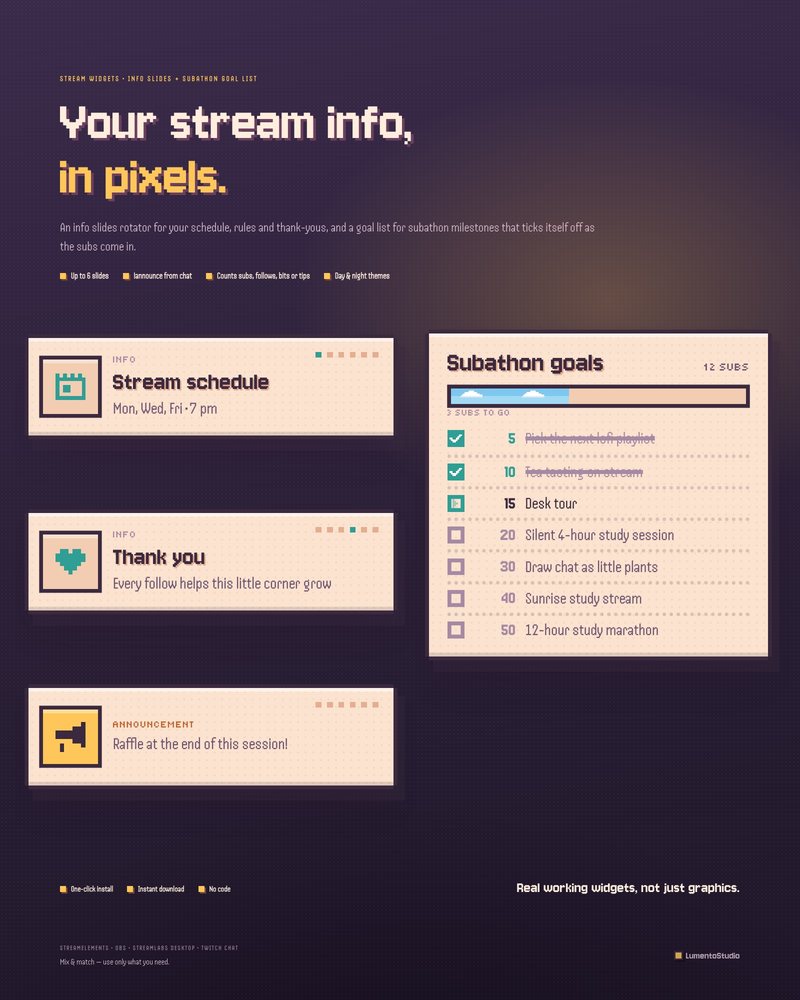
Pixel Cozy Info + Goals
Info Slides + Subathon Goal List
€5.00Info slides in hard game frames for your schedule and rules, and a goal list that ticks off milestones one pixel check at a time.
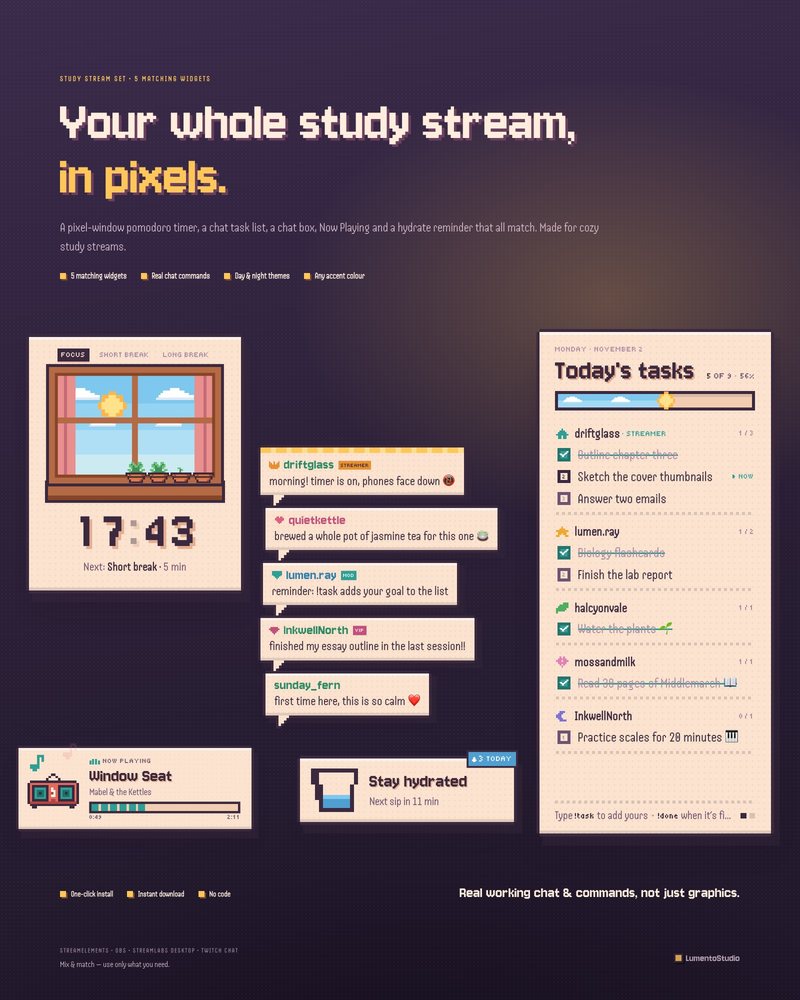
Pixel Cozy Study Set
5 Study Stream Widgets
€8.00Chat as pixel speech bubbles, plus a pixel window timer, a pixel notebook task list your chat fills in, a tiny red radio for Now Playing and a hydrate reminder.
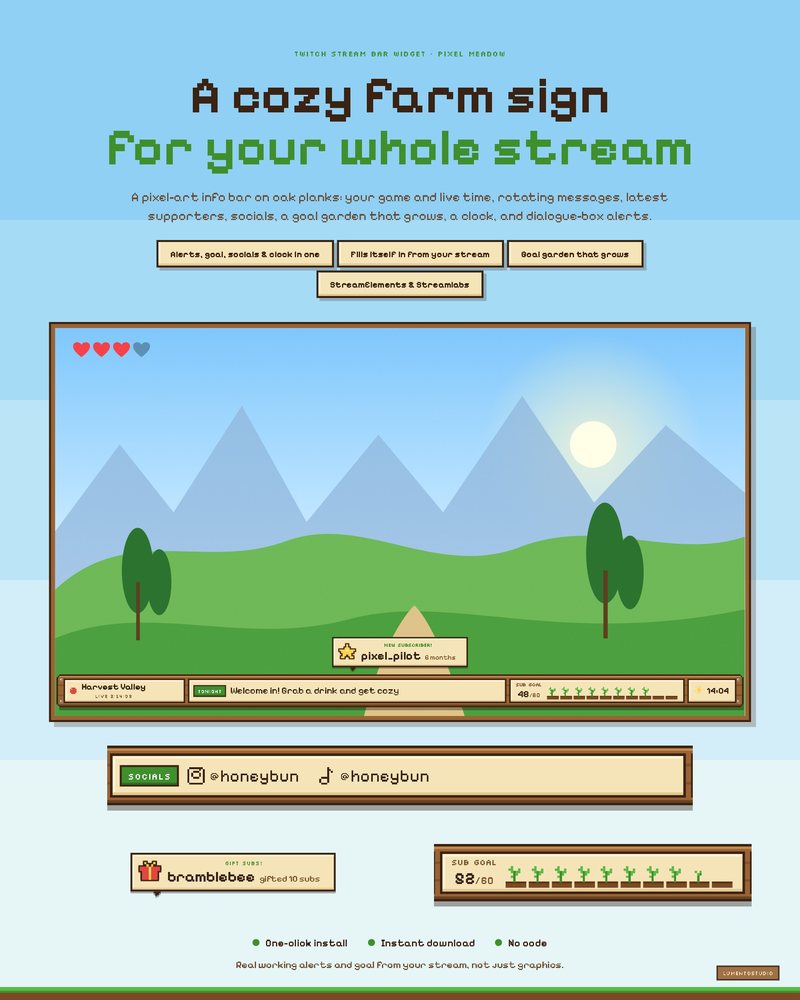
Pixel Meadow Stream Bar
All-in-One Stream Bar
€5.00A pixel farm sign that shows your game and live time, rotates your messages and latest supporters, grows a garden toward your goal and pops up a dialogue box for every alert.
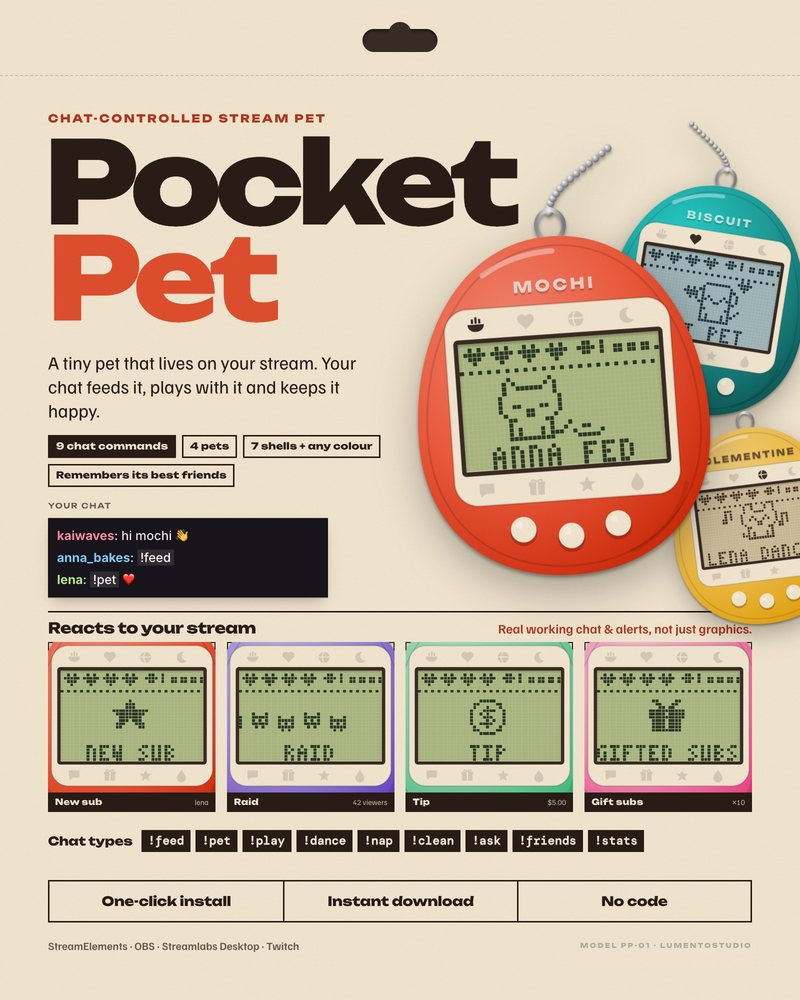
Pocket Pet
Chat-Controlled Stream Pet
€5.00A tiny pet in a 90s keychain handheld that your chat feeds, plays with and cleans up after, and that remembers its best friends from one stream to the next.
Minecraft is a trademark of its owner. LumentoStudio is not affiliated with or endorsed by its makers; the name is used only to describe which game these overlays suit. No game art is used on this page.
Questions
Do these overlays use Minecraft textures or blocks?
No. They are our own pixel art. Nothing from the game is used, so the look matches in spirit rather than copying the game.
Is a full stream bar too much for Minecraft?
It runs along the bottom, where the hotbar is, so scale your game capture to sit just above it. If you want the whole frame for the game, use the goal list and chat on their own instead.
Set it up
Short, plain guides for getting overlays on stream.
How to add a chat overlay to OBS
Create a chat box widget in StreamElements or Streamlabs, copy its URL, and add it to OBS as a Browser source (around…
GuideHow to add a follower or sub goal bar to OBS
Create a goal widget in Streamlabs (All Widgets › Follower Goal or Sub Goal) or add a goal widget to a StreamElements…
GuideHow to install a StreamElements overlay from a link
Sign in to StreamElements with the channel you stream on, open the install link, and approve the import. The overlay…