
5 picks
Overlays for League of Legends streams
A League of Legends match is mostly a bright green and stone map seen from above, with a lot of HUD around it. Dark overlay plates separate cleanly from that map, and a touch of gold or glow sits well next to a fantasy game without looking like an esports broadcast.
The Stream Studio has a League of Legends sample background, so you can put any of these widgets over it and check the fit before you buy.
Where the widgets go
League of Legends puts the minimap in the bottom right, your champion, abilities and items along the bottom center, the score and game time in the top right, and the game's own chat in the bottom left. The left edge above the chat and the top left are the safest spots for your overlay chat and webcam. Keep alerts in the top center and short, so they never cover a team fight.
Why these fit
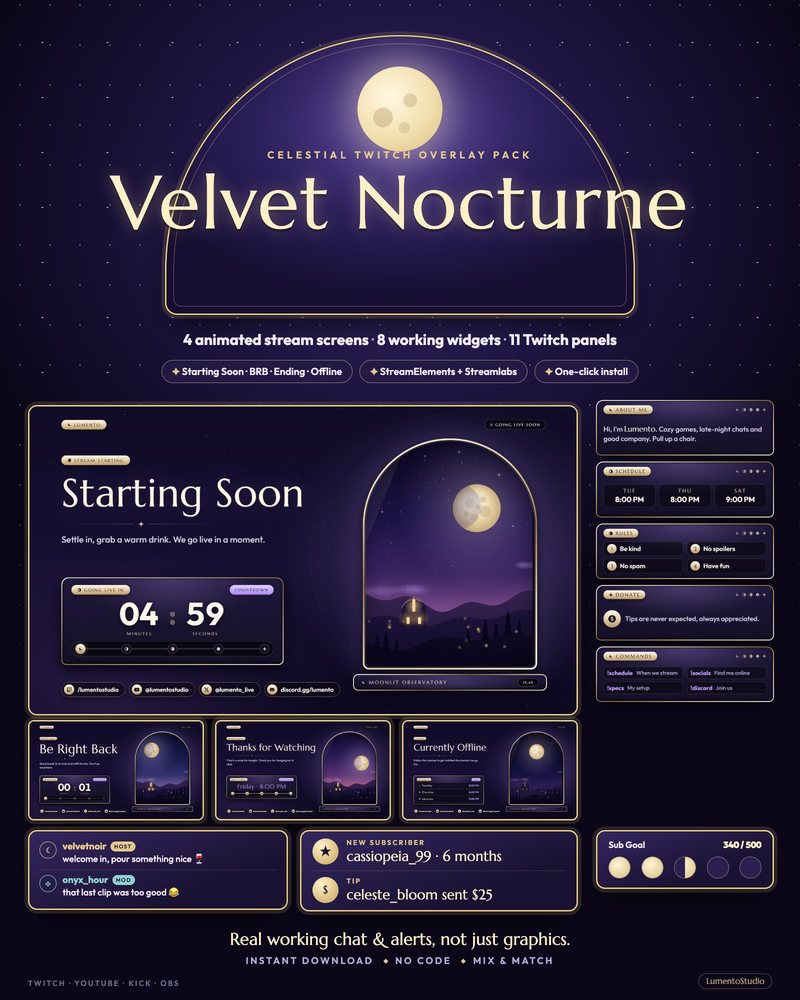
Velvet Nocturne
Celestial Moonlit
€7.00Plum velvet and soft moon-gold on every chat message, alert and goal, with a goal bar that grows through five phases of the moon. The gold rim suits a fantasy game.
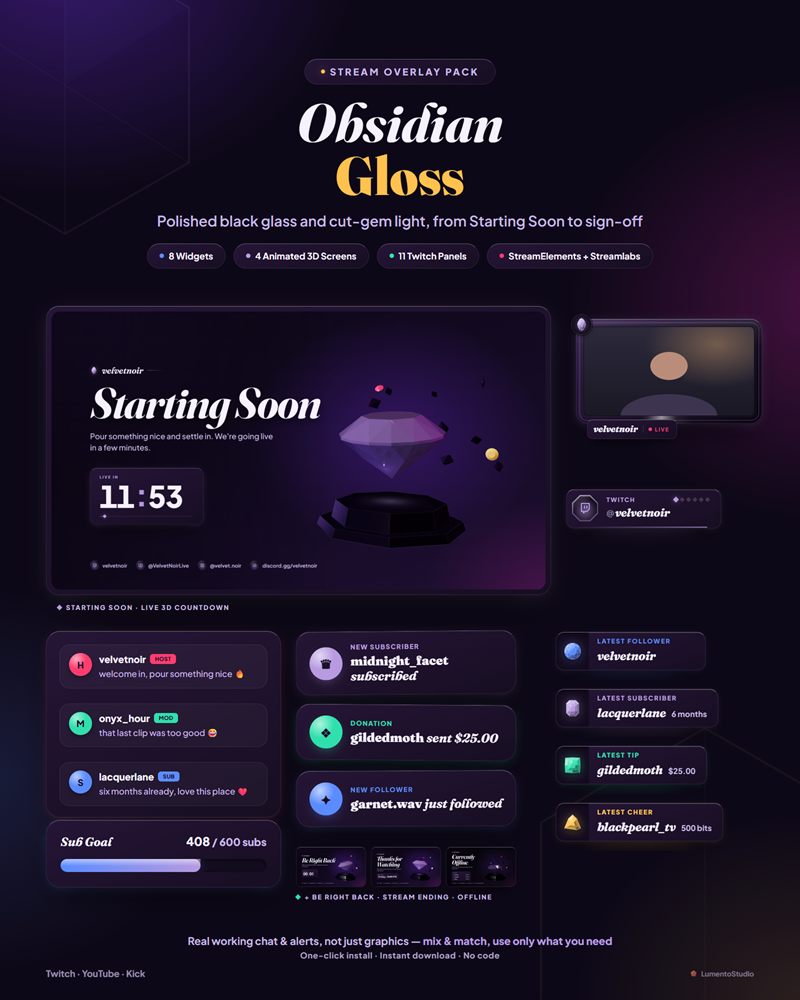
Obsidian Gloss
Dark Glossy
€7.00Polished black glass with cut-gem light, and widgets that glow in five stone colors around your game.
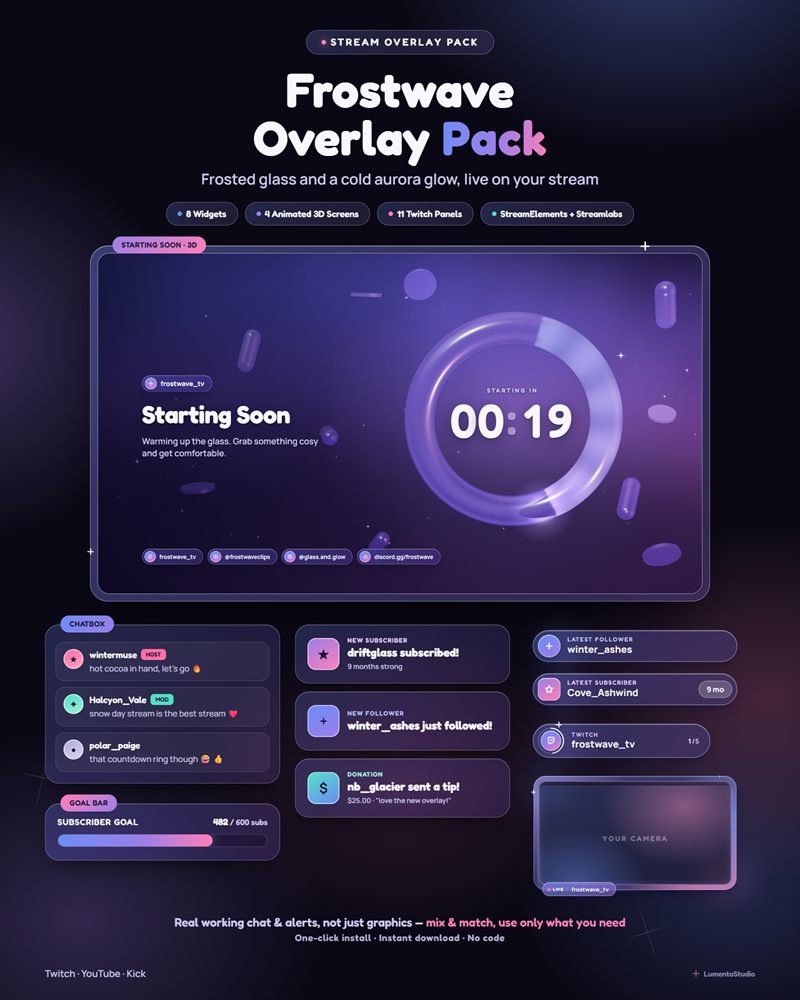
Frostwave
Frosted Glass Aurora
€7.00Frosted glass panels lit by a soft blue-violet-pink glow, for a cool, clean look over the map.
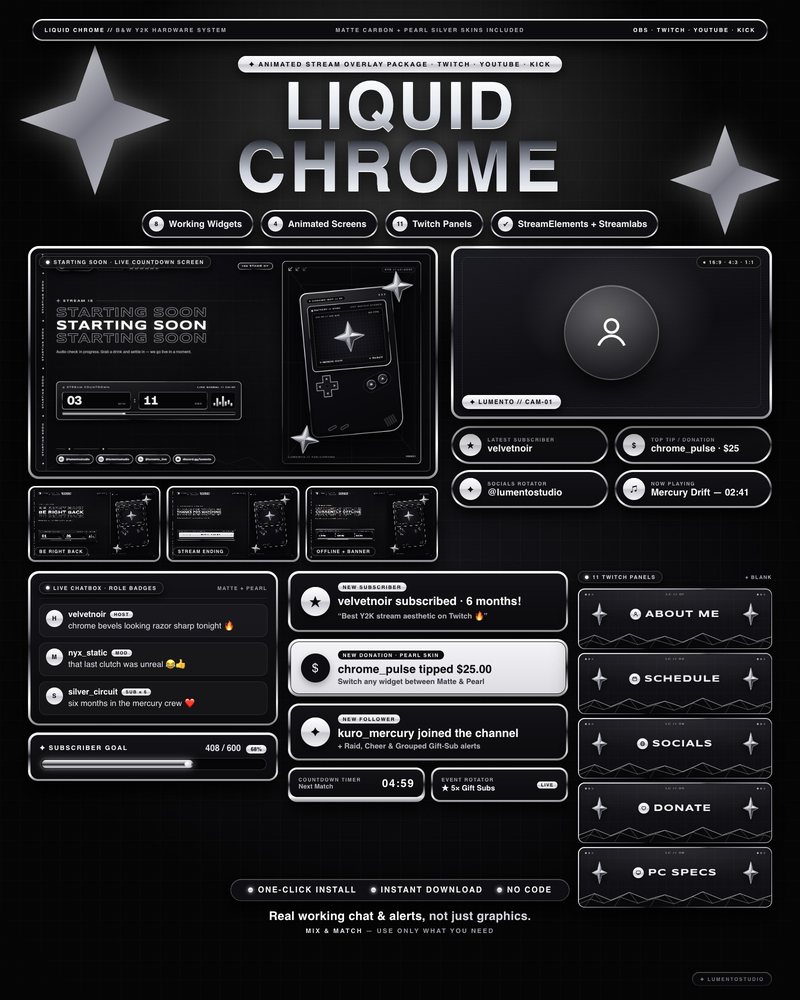
Liquid Chrome
Black and White Y2K Chrome
€7.00A liquid-chrome rim on matte black: the most neutral choice if you change champions and skins often.
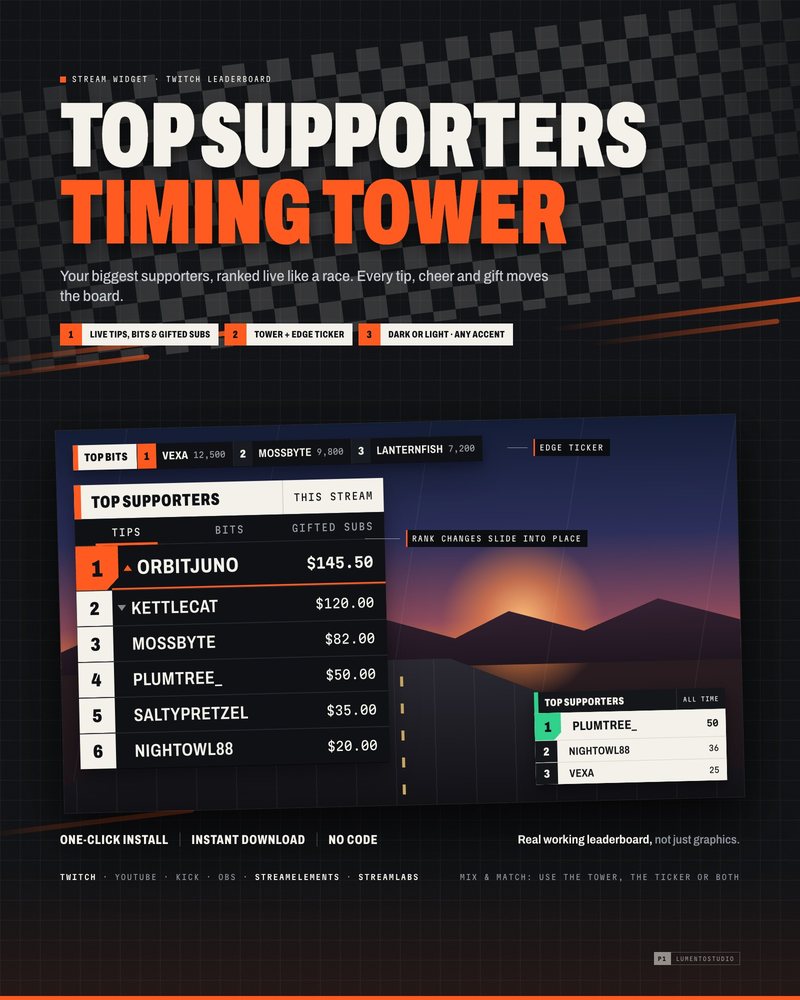
Timing Tower
Top Supporters Leaderboard
€4.00Ranks your top supporters live like a race timing board, on broadcast-style plates that stay readable on any game.
League of Legends is a trademark of its owner. LumentoStudio is not affiliated with or endorsed by its makers; the name is used only to describe which game these overlays suit. No game art is used on this page.
Questions
Can I see these over League of Legends gameplay first?
Yes. Open the Stream Studio, pick the League of Legends sample background and add the chat, alert and goal widgets from any of these packs.
Where should my webcam go?
Top left or the left edge works for most layouts, because the minimap is bottom right and the score is top right.
Set it up
Short, plain guides for getting overlays on stream.
How to add a webcam frame in OBS
Add your camera as a Video Capture Device, add the frame as a Browser or Image source, and drag the frame above the…
GuideHow to add a chat overlay to OBS
Create a chat box widget in StreamElements or Streamlabs, copy its URL, and add it to OBS as a Browser source (around…
GuideTwitch overlay size and OBS canvas resolution
Build your layout on a 1920×1080 canvas (OBS Settings › Video › Base (Canvas) Resolution). If your upload speed or PC…