Studio setup · 2 products
Dark minimal FPS stream setup
Black, white and chrome around the edges of the screen, so the game keeps all the color.
Why these pieces work together
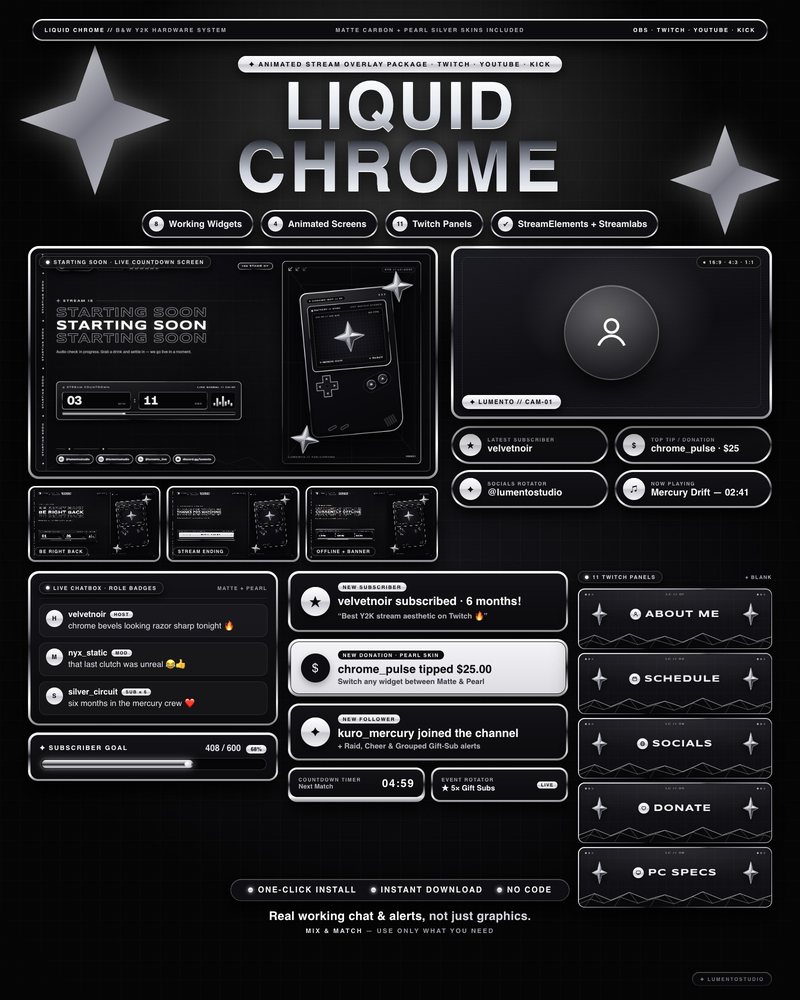
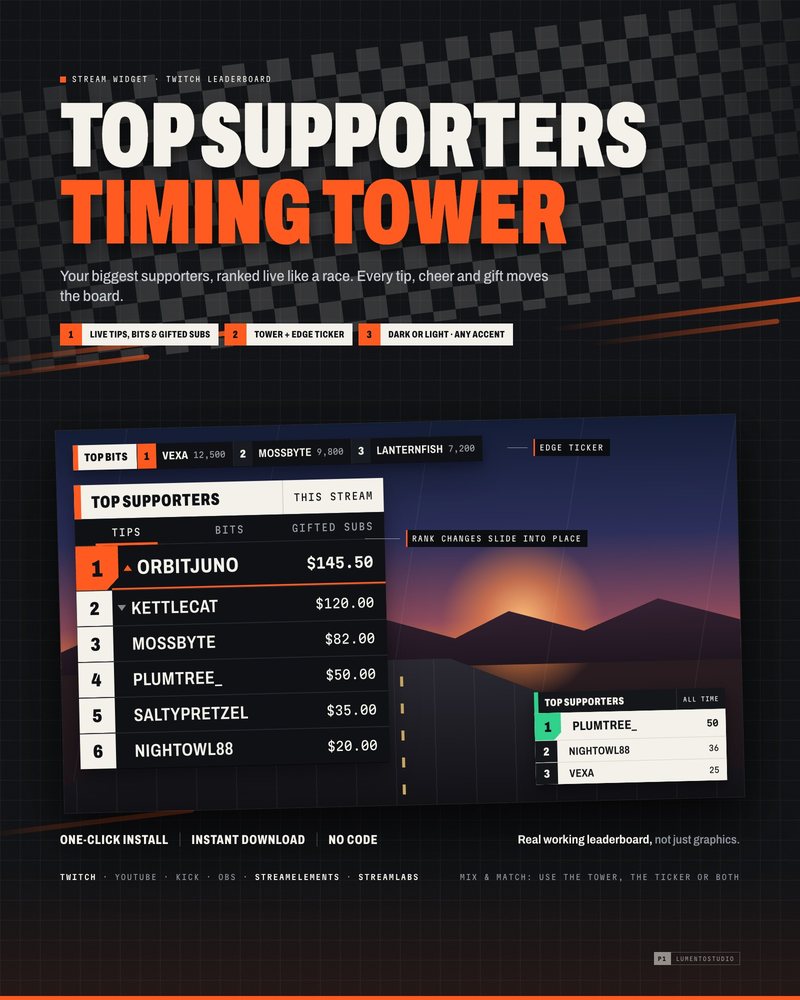
Liquid Chrome sets every chat message, alert and goal in a liquid-chrome rim on matte black, and its goal bar is a mercury-filled tube. Timing Tower ranks your top supporters on clean broadcast-style plates, like a race timing board. Both stay in black and white, and the tower's single orange accent for first place is the only color on the overlay, so nothing competes with the game.
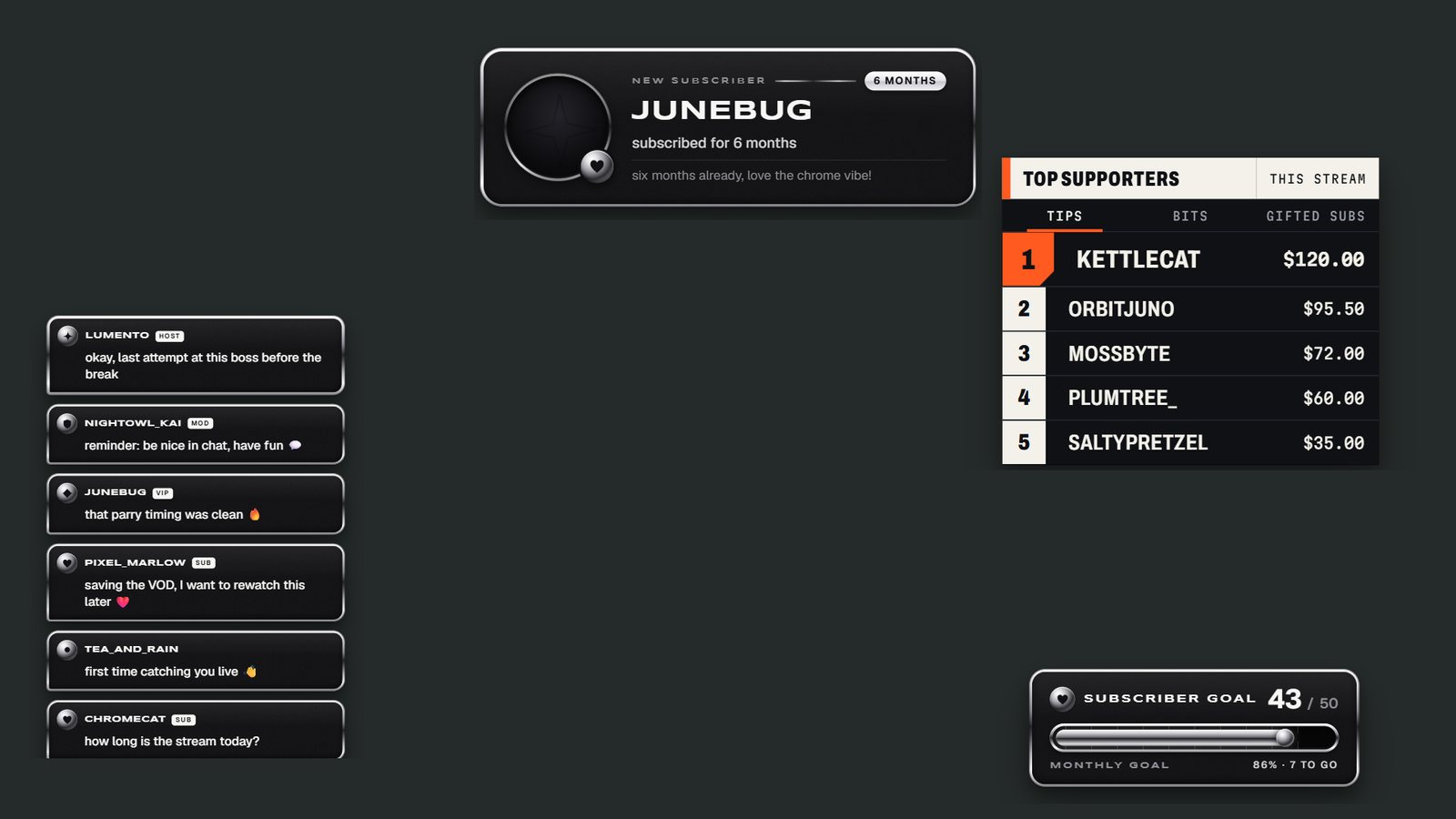
Shooters keep the crosshair in the middle of the screen and most of their HUD in the corners, so this setup keeps the center clear. Chat runs down the left side, alerts appear briefly at the top, and the leaderboard and goal sit on the right. Every game puts its minimap, health and kill feed somewhere slightly different, so open the setup in the Studio and drag the pieces to fit your own HUD.
What's on screen
- Chat box from Liquid Chrome
- Alert box from Liquid Chrome
- Timing Tower from Timing Tower
- Goal from Liquid Chrome
In the Studio you can move, resize, hide or swap any piece, test chat and alerts, and copy your own link. Each product is sold on its own on Etsy.