Short answer
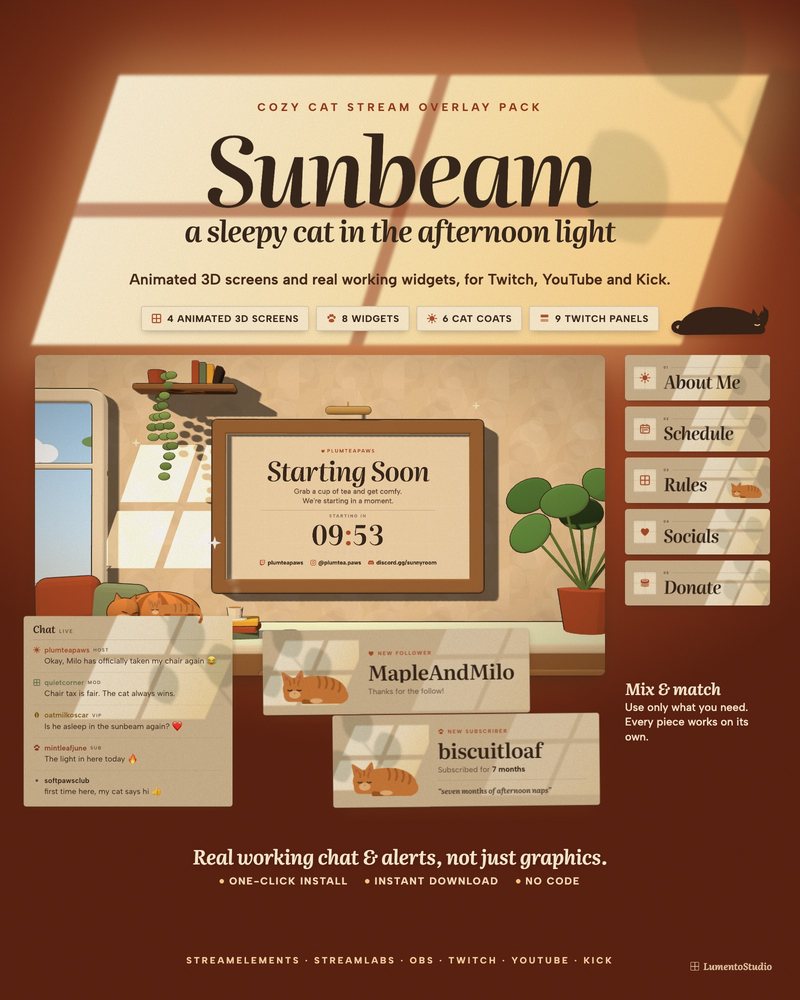
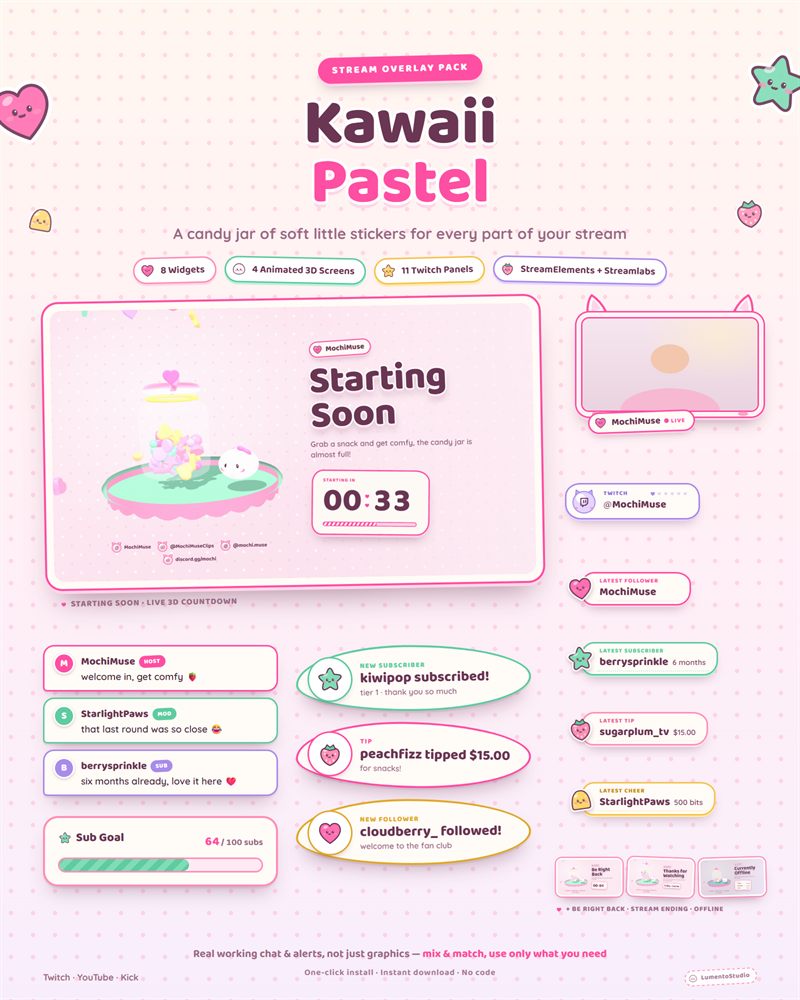
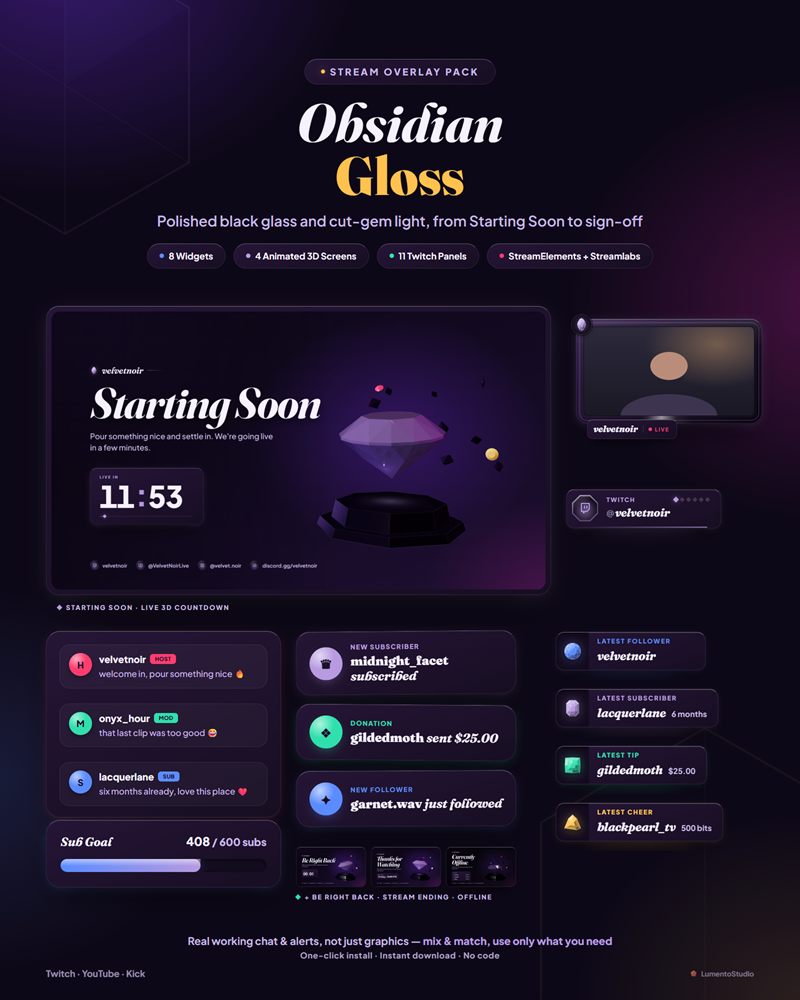
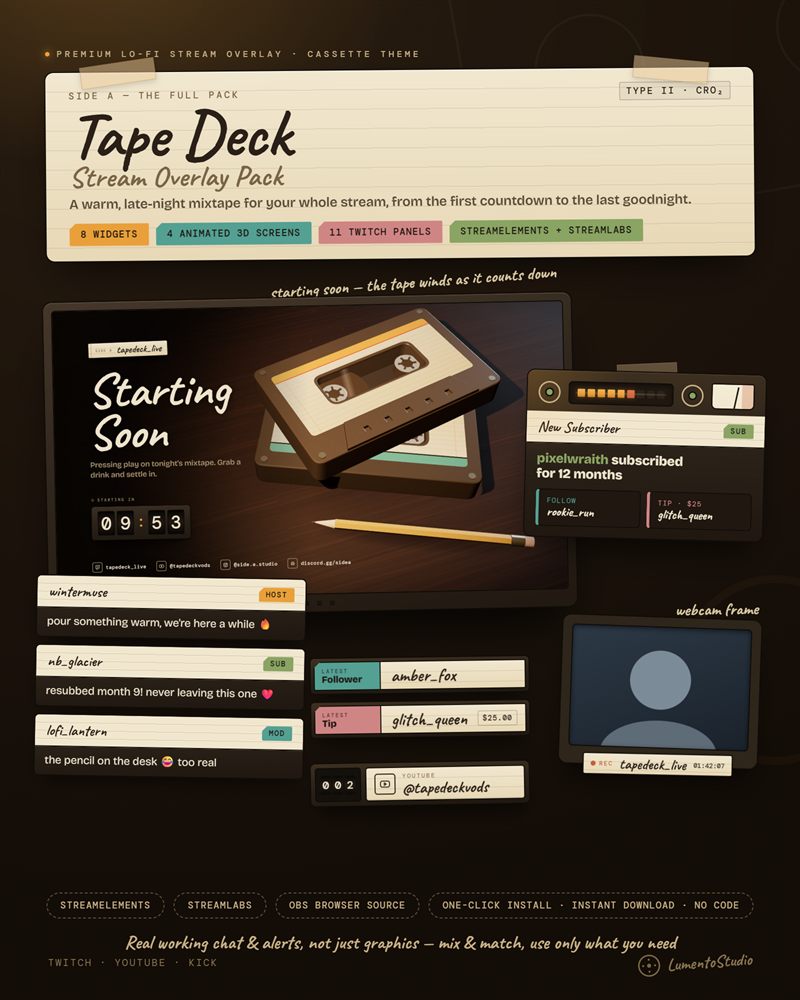
Start with alerts, a chat box, a Starting Soon screen, a Be Right Back screen and a Stream Ending screen, plus Twitch panels and an offline banner for your channel page. A goal bar, webcam frame and labels are worth adding next. Event tickers and extras can wait.
Day one: the essentials
| Piece | Why it matters |
|---|---|
| Alerts | Thanks every follower and subscriber on screen, which encourages the next one |
| Chat box | Shows chat on stream, so clips and VODs keep the conversation |
| Starting Soon screen | Gives early viewers something to watch while you get ready |
| Be Right Back screen | Keeps the stream looking intentional when you step away |
| Stream Ending screen | Gives you a moment to thank people and raid |
| Panels and offline banner | What visitors see on your channel page when you're not live |
Next: worth adding soon
- Goal bar. A follower or sub goal gives viewers a reason to help. See the goal bar guide.
- Webcam frame. Turns a floating camera into part of the layout.
- Latest follower and subscriber labels. Small, quiet recognition that stays on screen.
- Socials rotator. Your handles, one at a time, without a cluttered corner.
Later: nice to have
Event tickers, countdown widgets, Now Playing cards, end credits, viewer counters and channel point icons are all good additions once you know how your stream flows. Add them one at a time and keep only what you'd miss.
Keep it consistent
A small set of pieces in one style looks more professional than many pieces from different places. That's the main reason to start from a matching pack, then add single widgets in a style that fits. You can try combinations together in the stream studio, or start with the free widgets.
Set it up
Each essential has its own guide: alerts, chat, Starting Soon, Be Right Back, panels and the offline banner.