Guide · 5 steps
Twitch sub badge and bit badge size, and how to upload them
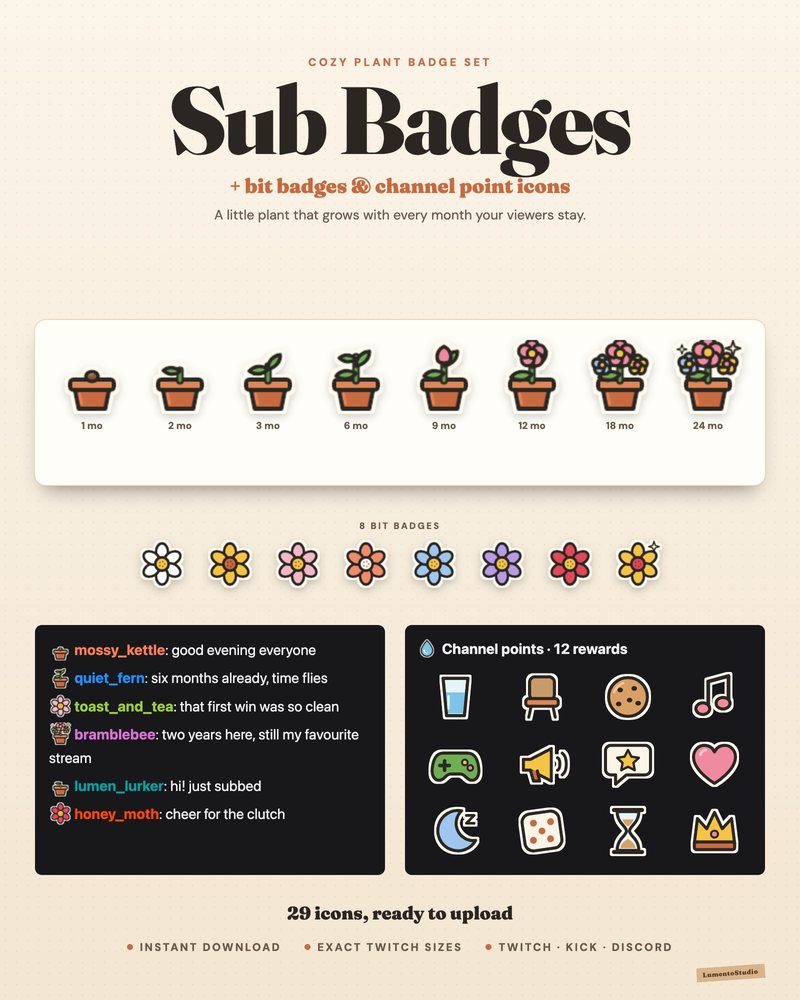
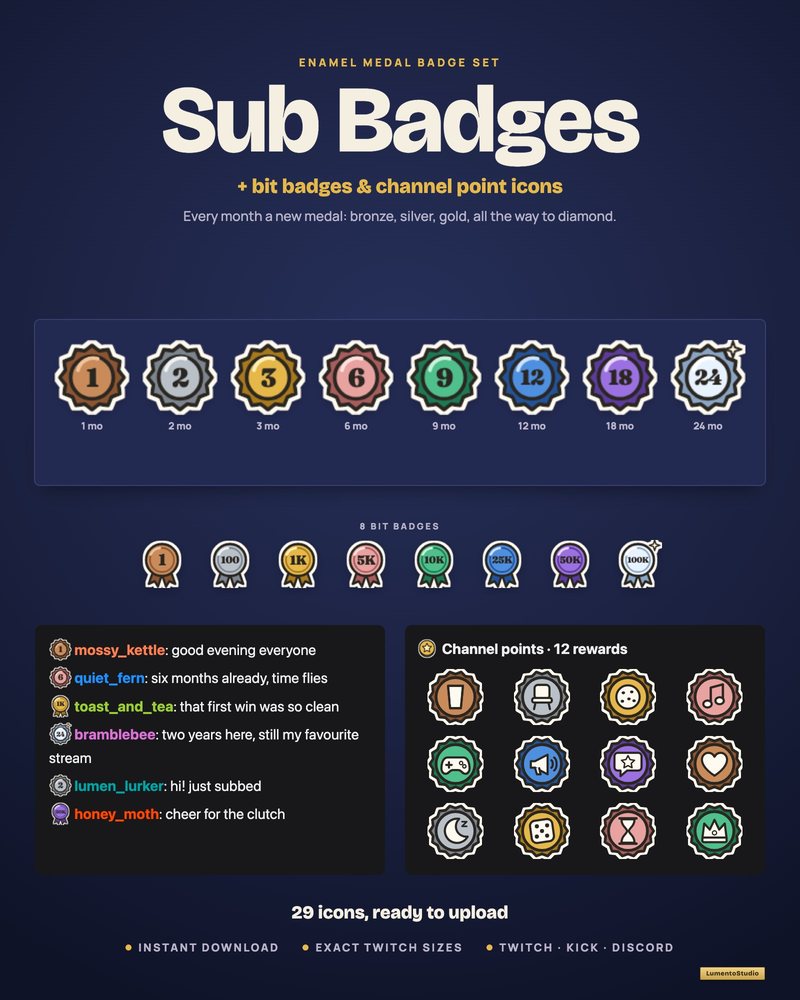
Badges sit next to a viewer's name in every chat message, so they're the most-seen piece of your channel's branding. Twitch is strict about their sizes, so it pays to export them exactly right.
Short answer
Twitch sub badges and bit badges need three square PNG files: 18×18, 36×36 and 72×72 pixels, with a transparent background. Sub badge files can't exceed 25 KB. Upload sub badges under Monetization › Subscriptions › Subscriber Badges, and bit badges under Monetization › Bits & Cheering › Bits Tier Badges.
Badge and icon sizes
| Image | Sizes | Format |
|---|---|---|
| Subscriber badge | 18×18, 36×36, 72×72 px | PNG, transparent, 25 KB max |
| Bits badge | 18×18, 36×36, 72×72 px | PNG, static only |
| Channel point reward icon | 28×28, 56×56, 112×112 px | PNG, transparent |
Design at 72×72 and check the 18×18 version at 100% zoom. At that size, a bold shape and two or three colors read far better than fine detail or text.
Step by step
Open the Creator Dashboard
Click your avatar at the top right of Twitch and choose Creator Dashboard. Custom sub and bit badges need Affiliate or Partner status.
Go to Subscriber Badges
Open Monetization › Subscriptions and select Subscriber Badges.
Pick the badge slot
Under Manage Badges, choose the badge to change from the dropdown, for example the base badge or the 3-month badge.
Upload the three sizes
Click the + on each size and upload the matching file (18, 36 and 72 px), then click Save Changes. Repeat for each month.
Upload bit badges
Open Monetization › Bits & Cheering, then Bits Tier Badges. Click Edit on a tier, optionally rename it, drop the three files into the size boxes and click Save.
Good to know
- Twitch gives you badge slots for the first year of subscriptions and unlocks longer ones as your monetization tenure grows.
- Viewers who already have a bits badge see the new design after they cheer again.
- The Founders badge can't be customized.
- Badges must follow Twitch's guidelines: for example, no single letters unless they represent your channel's brand.
Channel point icons
Rename your channel points and upload a custom points icon under Viewer Rewards › Channel Points. Each reward, default or custom, can also get its own icon and background color.